
Level Maker: Blue Pink Ball 電腦版
Gamikro
用GameLoop模拟器在電腦上玩Level Maker: Blue Pink Ball
Level Maker: Blue Pink Ball 電腦版
來自發行商 Gamikro 的 Level Maker: Blue Pink Ball 能夠在安卓系統上運行。
現在,您可以在電腦上使用 GameLoop 模擬器流暢地玩 Level Maker: Blue Pink Ball。
在 GameLoop 遊戲庫或搜索結果中下載。 不需要再暢玩遊戲時盯著電池電量或被令人懊惱的來電打斷。
只需在電腦大屏幕上免費下載暢玩Level Maker: Blue Pink Ball 電腦版!
Level Maker: Blue Pink Ball 簡介
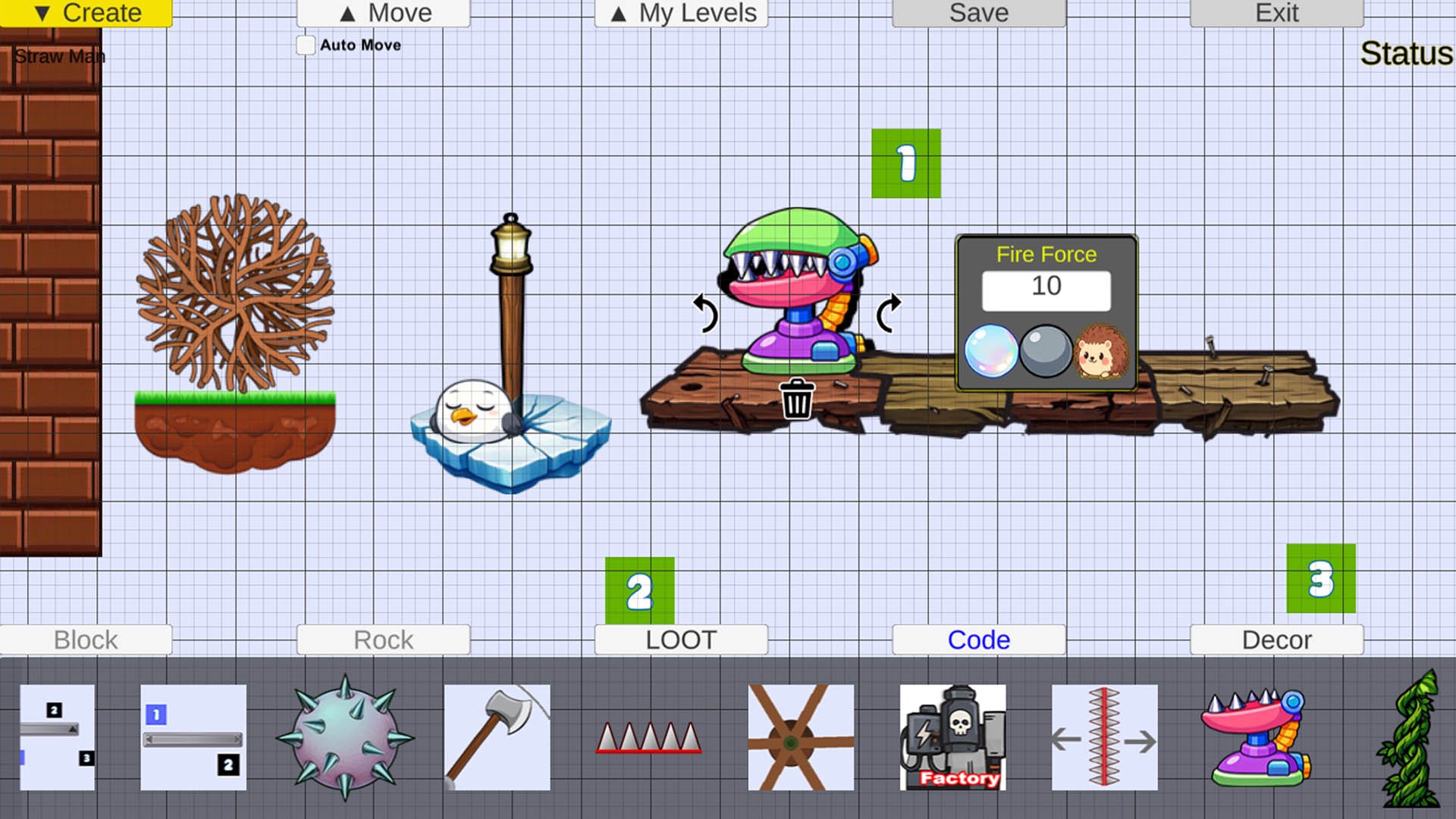
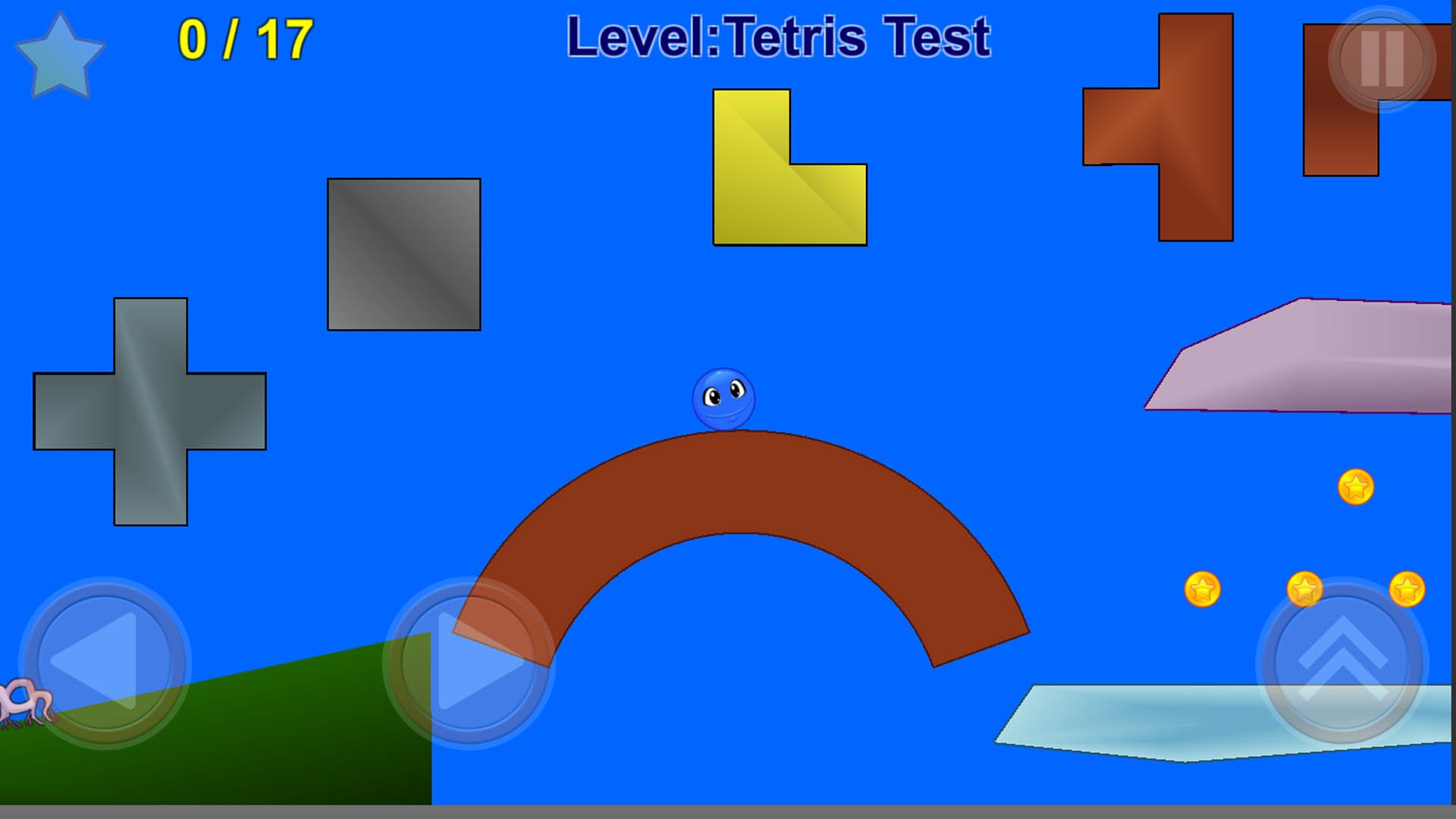
Blue Ball and Pink Ball live in their small, colourful world. In this Level Maker ball game, you can build your own levels and take on exciting platform challenges. One day, the tree in front of their home disappears, and Blue Ball and a friend set off to find it. Explore puzzles, mazes, and fun action-adventure stages in this jumping and gravity puzzle game.
Help Blue Ball track down the bad guy who is destroying forests and turning the world into grey concrete. Collect golden stars to finish each level with three stars. In some stages, you will meet Pink Ball and guide each other forward. At the end of Level 20, face the real villain and stomp on his head with Blue Ball to stop him.
Story of Red Rose: Find joy in small details, like the red rose in Level 1, and follow the tree pieces in Level 5. Blue Ball and Pink Ball stay cheerful throughout the journey, showing that adventure can be fun for everyone. Great for kids and adults who enjoy platform games, offline play, and Level Maker creativity, including players who like Mario Maker-style level design.
Disclaimer: All game images, scripts, and levels are created by the Gamikro team.
預覽
標籤
休閒單人遊戲程式化卡通單機遊戲訊息
開發商
Gamikro
最新版本
44
更新時間
2026-05-17
類別
動作
同時可用
Google Play
更多
如何在電腦上用 GameLoop 玩 Level Maker: Blue Pink Ball
1. 從官網下載GameLoop,然後運行exe文件安裝GameLoop
2. 打開GameLoop,搜索“Level Maker: Blue Pink Ball”,在搜索結果中找到Level Maker: Blue Pink Ball,點擊“安裝”
3. 享受在 GameLoop 上玩 Level Maker: Blue Pink Ball 的樂趣
Minimum requirements
OS
Windows 8.1 64-bit or Windows 10 64-bit
GPU
GTX 1050
CPU
i3-8300
Memory
8GB RAM
Storage
1GB available space
Recommended requirements
OS
Windows 8.1 64-bit or Windows 10 64-bit
GPU
GTX 1050
CPU
i3-9320
Memory
16GB RAM
Storage
1GB available space