
OTGViewer PC
Android in Spain
Download OTGViewer on PC With GameLoop Emulator
OTGViewer on PC
OTGViewer, coming from the developer Android in Spain, is running on Android systerm in the past.
Now, You can play OTGViewer on PC with GameLoop smoothly.
Download it in the GameLoop library or search results. No more eyeing the battery or frustrating calls at the wrong time any more.
Just enjoy OTGViewer PC on the large screen for free!
OTGViewer Introduction
With OTGViewer you can:
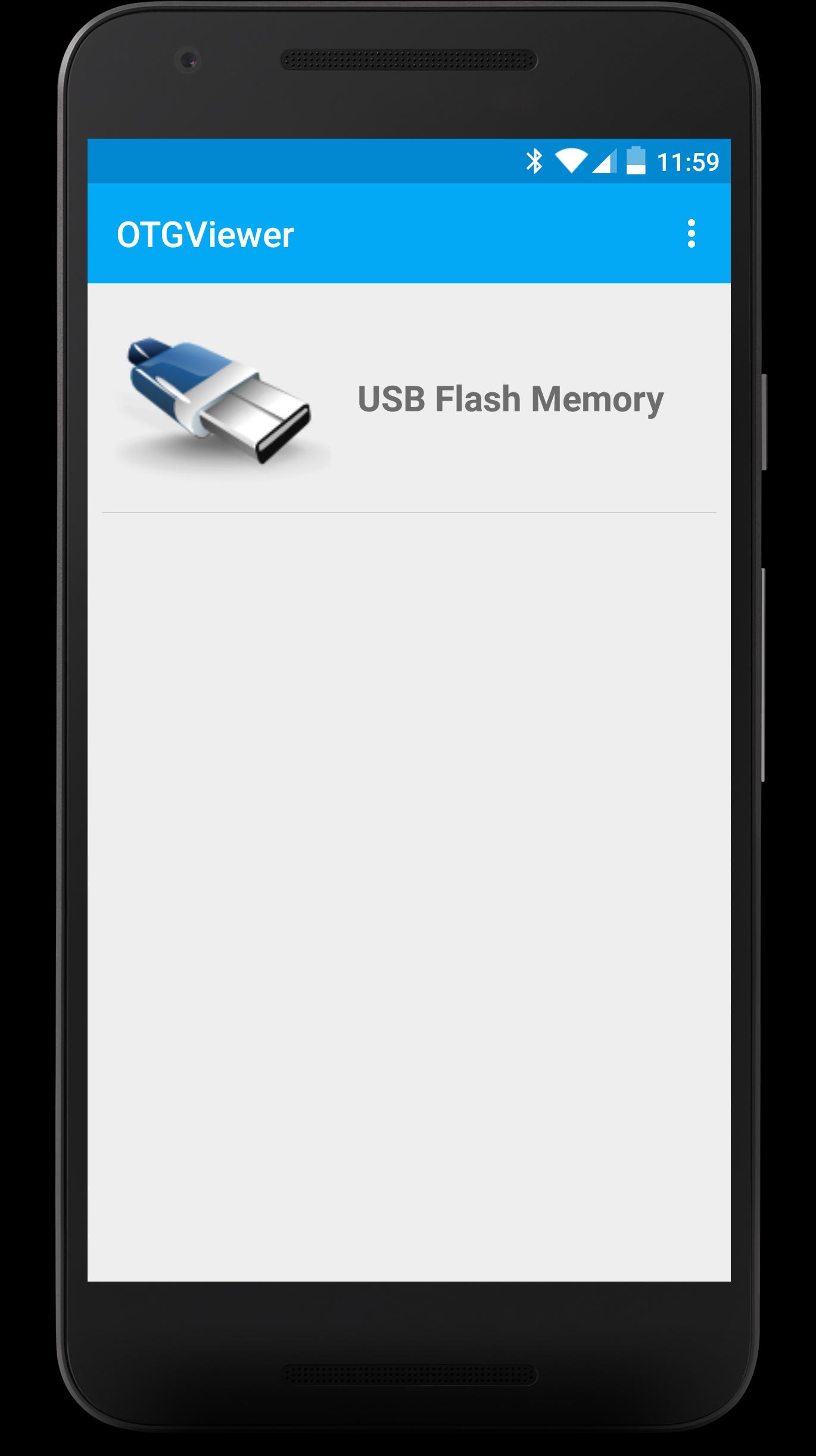
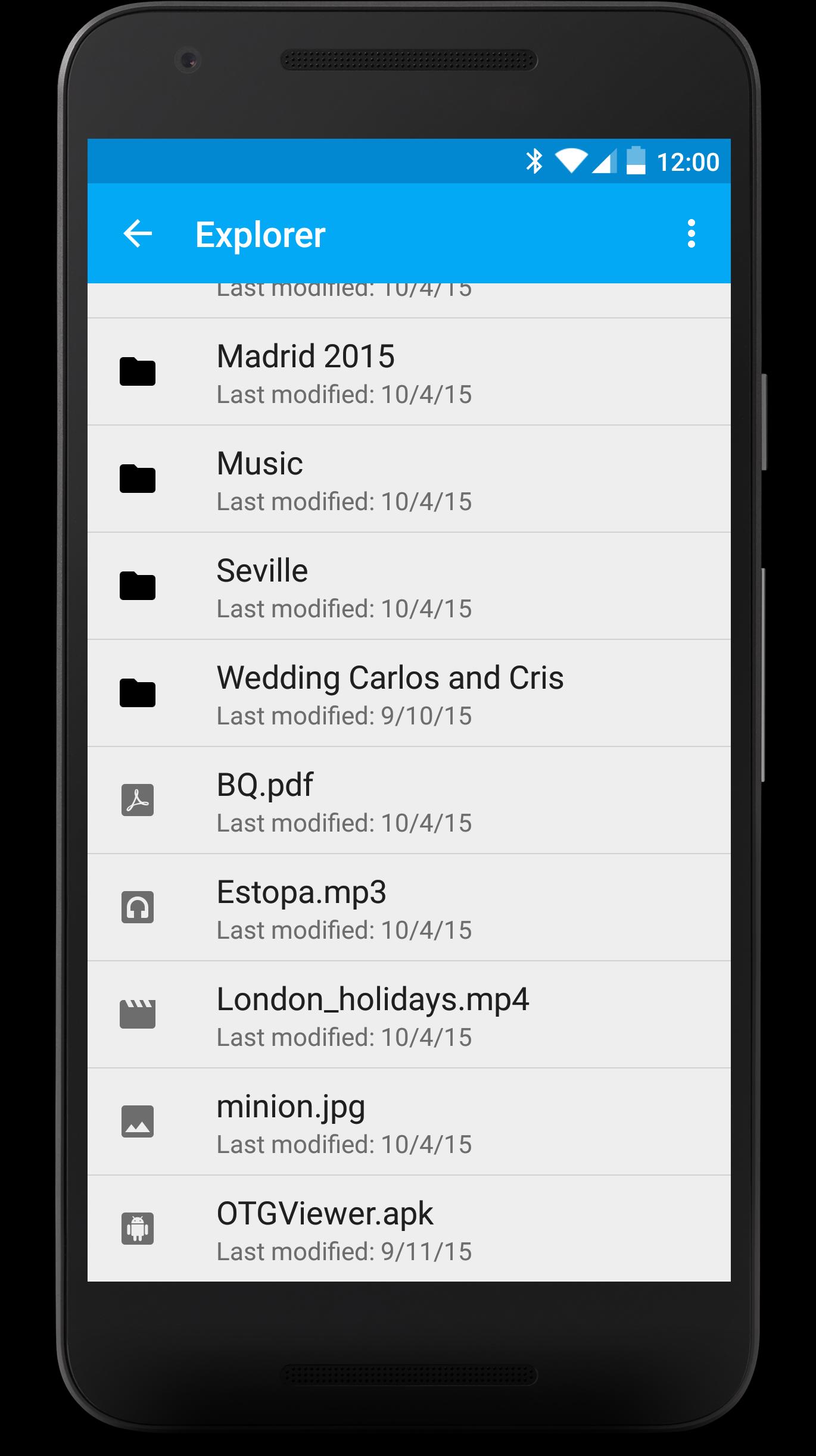
- Browse all the contents from your USB (FAT32). You won't have to worry about anything, each file will be opened with the best app for it.
- Enjoy watching your photos with the embedded photo viewer included in OTGViewer. Thanks to the used algorithms, you won't have to wait for the next photo.
- Slides mode: enjoy the best experience watching photos with your family or friends. You won't have to pass them manually; they will do automatically and the transition speed can be easily regulated with swipe gestures (up or down, respectively).
- Android TV support + remote controllers (Nexus Player, for example). Make the most from your Android TV!
Please, note: we use our own libraries. Therefore, your device doesn't need root nor modified kernels. Only USB OTG support is required.
We really hope you like OTGViewer. We look forward your comments/suggestions in order to improve it. Thank you!
Preview
Tags
Video-PlayersInformation
Developer
Android in Spain
Latest Version
1.1
Last Updated
2018-01-04
Category
Video-players-editors
Available on
Google Play
Show More
How to play OTGViewer with GameLoop on PC
1. Download GameLoop from the official website, then run the exe file to install GameLoop
2. Open GameLoop and search for “OTGViewer” , find OTGViewer in the search results and click “Install”
3. Enjoy playing OTGViewer on GameLoop
Minimum requirements
OS
Windows 8.1 64-bit or Windows 10 64-bit
GPU
GTX 1050
CPU
i3-8300
Memory
8GB RAM
Storage
1GB available space
Recommended requirements
OS
Windows 8.1 64-bit or Windows 10 64-bit
GPU
GTX 1050
CPU
i3-9320
Memory
16GB RAM
Storage
1GB available space