
Light VPN - Unlimited Proxy PC
Unlimited Vpn Apps
Download Light VPN - Unlimited Proxy on PC With GameLoop Emulator
Light VPN - Unlimited Proxy on PC
Light VPN - Unlimited Proxy, coming from the developer Unlimited Vpn Apps, is running on Android systerm in the past.
Now, You can play Light VPN - Unlimited Proxy on PC with GameLoop smoothly.
Download it in the GameLoop library or search results. No more eyeing the battery or frustrating calls at the wrong time any more.
Just enjoy Light VPN - Unlimited Proxy PC on the large screen for free!
Light VPN - Unlimited Proxy Introduction
LIGHT VPN for Android. Install our UNLIMITED VPN and unblocks your favorites websites. Our free proxy servers will help you surf the Internet safely and anonymously wherever you are. Everyone can take full advantages of our vpn app.
💡 LIGHT VPN ADVANTAGES 💡
💸 Free Proxy Servers
VPN CLIENT for Android without registration and paid subscriptions.
🔐 SECURE VPN
SECURE PROXY. Anonymity and security of Internet connections from anywhere in the world. Protect personal and confidential information. Security of your billing information. Secure payment online.
♾️ UNLIMITED VPN
Unlimited proxy Servers. Unlimited traffic volume. UNLIMITED VPN connection time.
⚡ FAST VPN
FAST PROXY. You get maximum connection speed. Your Internet connection speed through our FASTEST VPN depends on the speed of your Internet connection and on the remoteness of the PROXY SERVER. We are constantly working to improve the quality of the connection.
💕 USER CHOICE
94%of users rate our VPN 5 stars (⭐️⭐️⭐️⭐️⭐️)
🌍 WORLD VPN
PROXY VPN worldwide. More than 20 VPN SERVERS are available. We are constantly adding new VPN PROXY SERVERS from different countries. Locations are now available: Bulgaria 🇧🇬, Switzerland 🇨🇭, Singapore 🇸🇬, Russia 🇷🇺, Latvia 🇱🇻, France 🇫🇷, Germany 🇩🇪, Canada 🇨🇦, United States 🇺🇸, United Kingdom 🇬🇧, Poland 🇵🇱, Netherlands 🇳🇱.
🆒 SIMPLE VPN
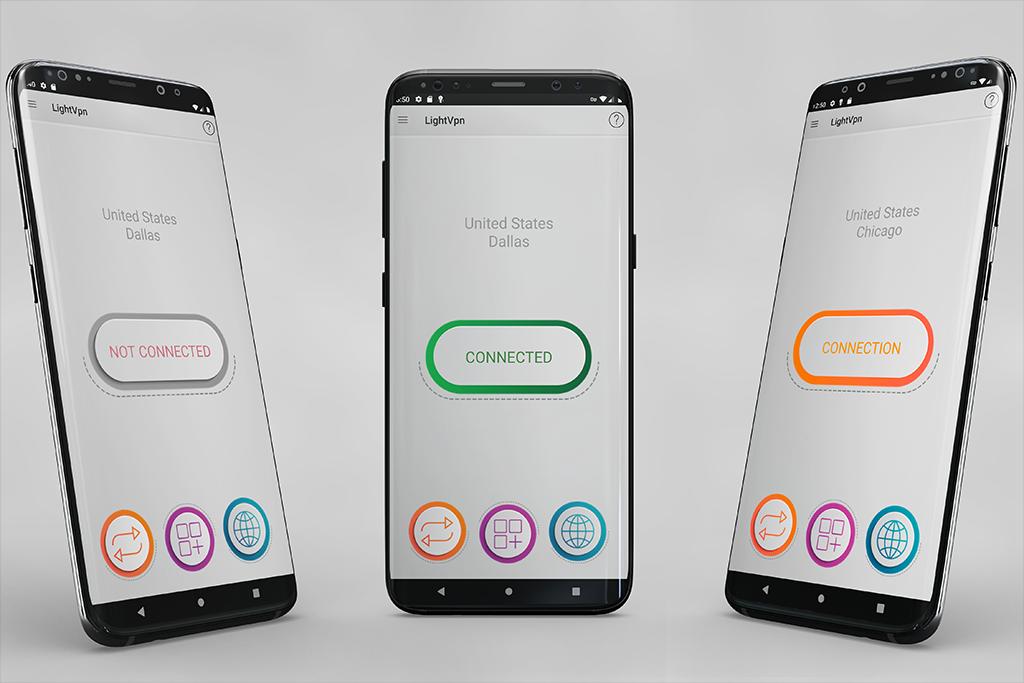
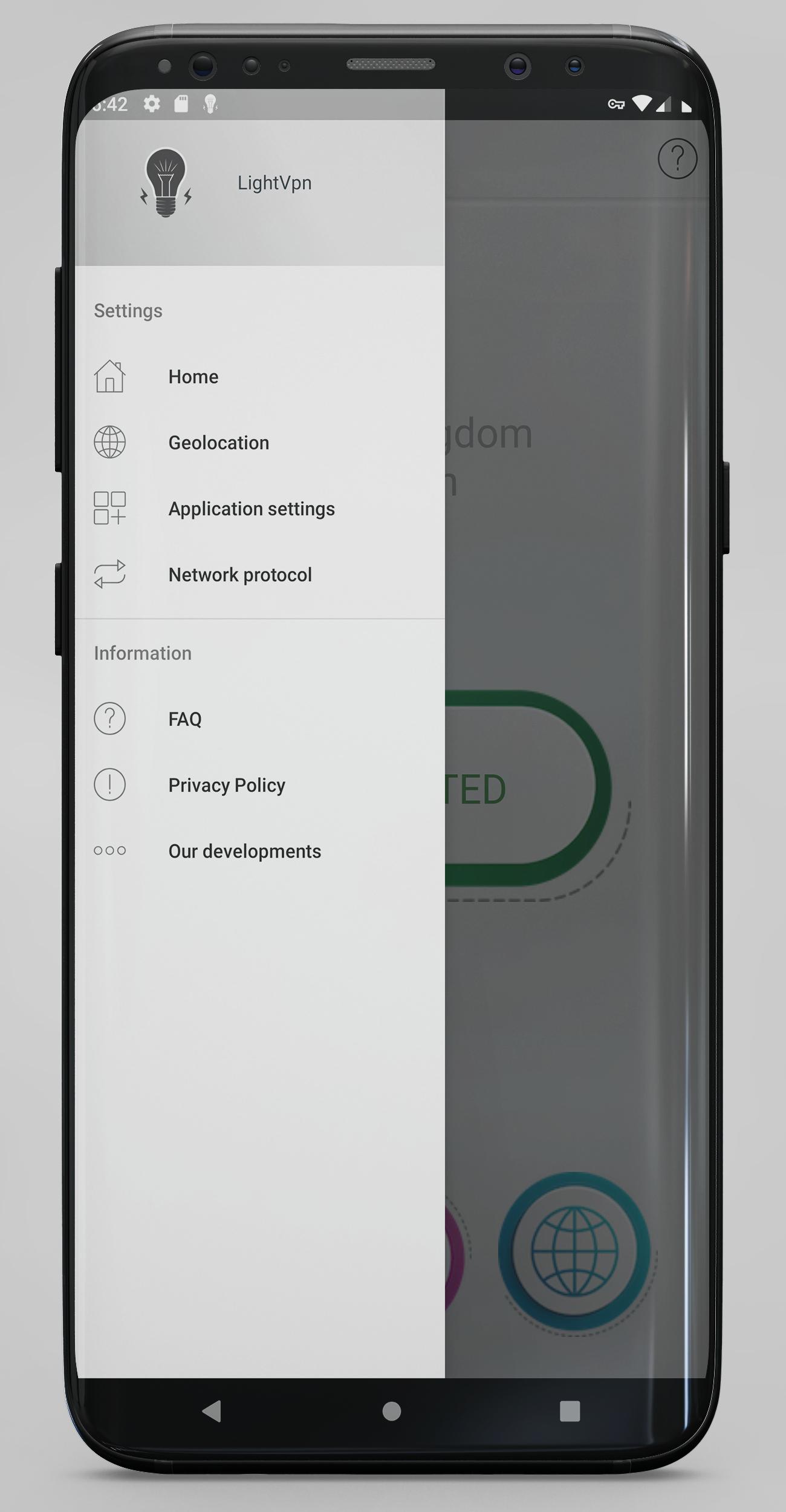
PROXY VPN SERVICE with a simple and intuitive interface. Click on one button and our VPN will select the best server and connect automatically. Choose the connection protocol, after the change, you must manually reconnect. Choose applications for which you want to use VPN (the default for all applications). Choose a server from different countries and get a High-Quality VPN connection.
Preview
Tags
ToolsInformation
Developer
Unlimited Vpn Apps
Latest Version
2.0.3
Last Updated
2022-12-30
Category
Tools
Available on
Google Play
Show More
How to play Light VPN - Unlimited Proxy with GameLoop on PC
1. Download GameLoop from the official website, then run the exe file to install GameLoop
2. Open GameLoop and search for “Light VPN - Unlimited Proxy” , find Light VPN - Unlimited Proxy in the search results and click “Install”
3. Enjoy playing Light VPN - Unlimited Proxy on GameLoop
Minimum requirements
OS
Windows 8.1 64-bit or Windows 10 64-bit
GPU
GTX 1050
CPU
i3-8300
Memory
8GB RAM
Storage
1GB available space
Recommended requirements
OS
Windows 8.1 64-bit or Windows 10 64-bit
GPU
GTX 1050
CPU
i3-9320
Memory
16GB RAM
Storage
1GB available space