
FBOX PC
FUN FORTUNE LIMITED
Download FBOX on PC With GameLoop Emulator
FBOX on PC
FBOX, coming from the developer FUN FORTUNE LIMITED, is running on Android systerm in the past.
Now, You can play FBOX on PC with GameLoop smoothly.
Download it in the GameLoop library or search results. No more eyeing the battery or frustrating calls at the wrong time any more.
Just enjoy FBOX PC on the large screen for free!
FBOX Introduction
FBOX is a professional bitcoin mining integrated hardware equipment provider.
FBOX Intelligent Liquid Cooling Data Center has the following features:
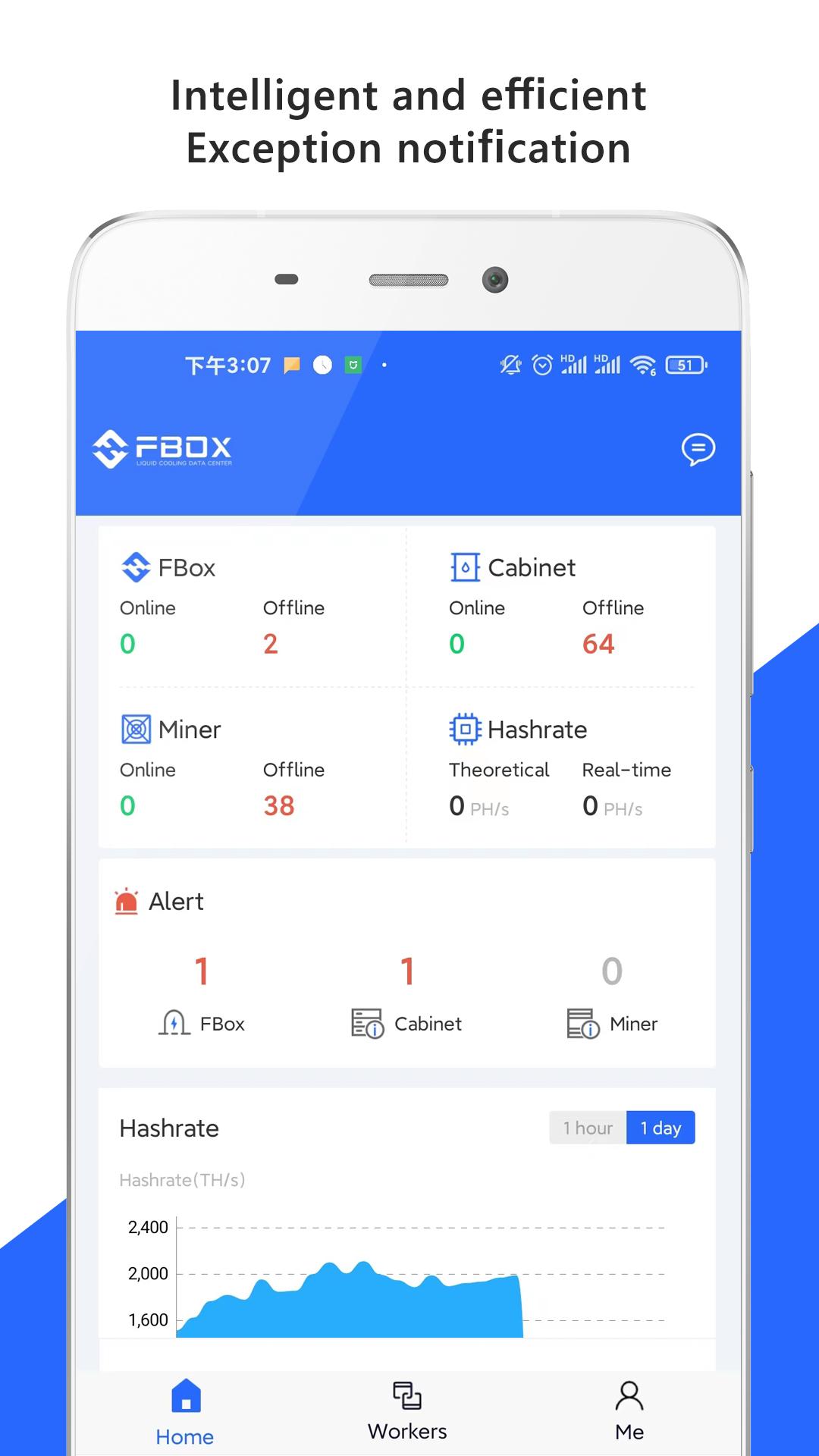
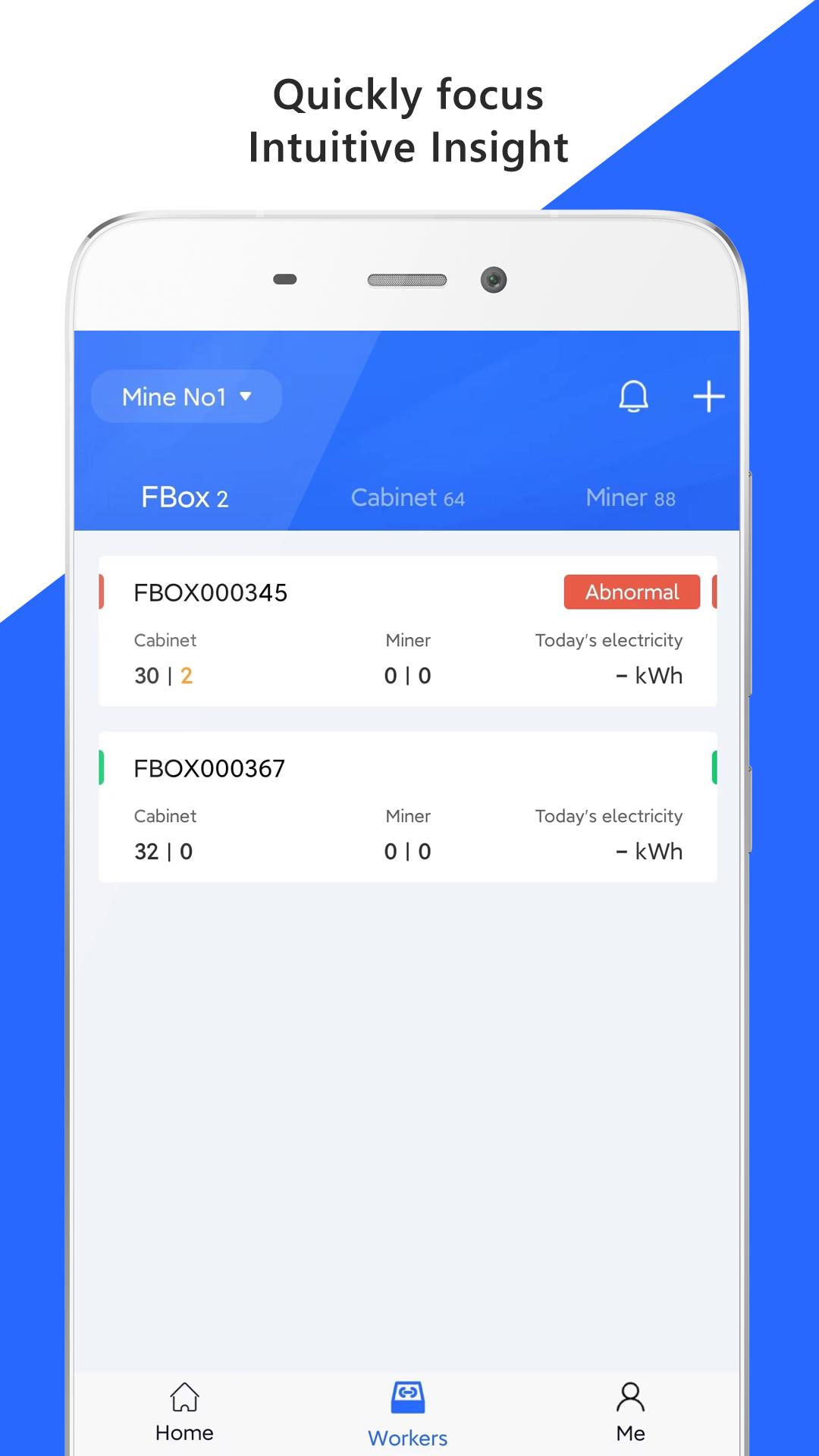
Visual monitoring to locate faults.
Miners running data can be displayed in various types of diagrams, revealing the operation status, hashrates, and fault situation.
Real-time alarm of abnormal conditions.
Real-time monitoring and refreshing of miners running data.
Real-time alarm for various type of abnormal conditions, and the notification frequency and mode can be flexibly configured.
The optimal strategy to achieves the intelligent mining farms, FBOX give you a security, efficient and intelligent mining farm by flexibly configure parameters, automatically restart the abnormal miner and so on.
Contact us
Website: Website: www.fboxdata.com
WhatsApp: +971 2 550 1910
Email: bd@fboxdata.com
Community
Twitter: @fboxdata
YouTube: @fboxdata
Medium: @fboxdata
Reddit: @fboxdata
Preview
Tags
ToolsInformation
Developer
FUN FORTUNE LIMITED
Latest Version
2.1.8
Last Updated
2025-04-17
Category
Tools
Available on
Google Play
Show More
How to play FBOX with GameLoop on PC
1. Download GameLoop from the official website, then run the exe file to install GameLoop
2. Open GameLoop and search for “FBOX” , find FBOX in the search results and click “Install”
3. Enjoy playing FBOX on GameLoop
Minimum requirements
OS
Windows 8.1 64-bit or Windows 10 64-bit
GPU
GTX 1050
CPU
i3-8300
Memory
8GB RAM
Storage
1GB available space
Recommended requirements
OS
Windows 8.1 64-bit or Windows 10 64-bit
GPU
GTX 1050
CPU
i3-9320
Memory
16GB RAM
Storage
1GB available space