GreenLens: Night Vision Camera PC
Universal Apps Center
Download GreenLens: Night Vision Camera on PC With GameLoop Emulator
GreenLens: Night Vision Camera on PC
GreenLens: Night Vision Camera, coming from the developer Universal Apps Center, is running on Android systerm in the past.
Now, You can play GreenLens: Night Vision Camera on PC with GameLoop smoothly.
Download it in the GameLoop library or search results. No more eyeing the battery or frustrating calls at the wrong time any more.
Just enjoy GreenLens: Night Vision Camera PC on the large screen for free!
GreenLens: Night Vision Camera Introduction
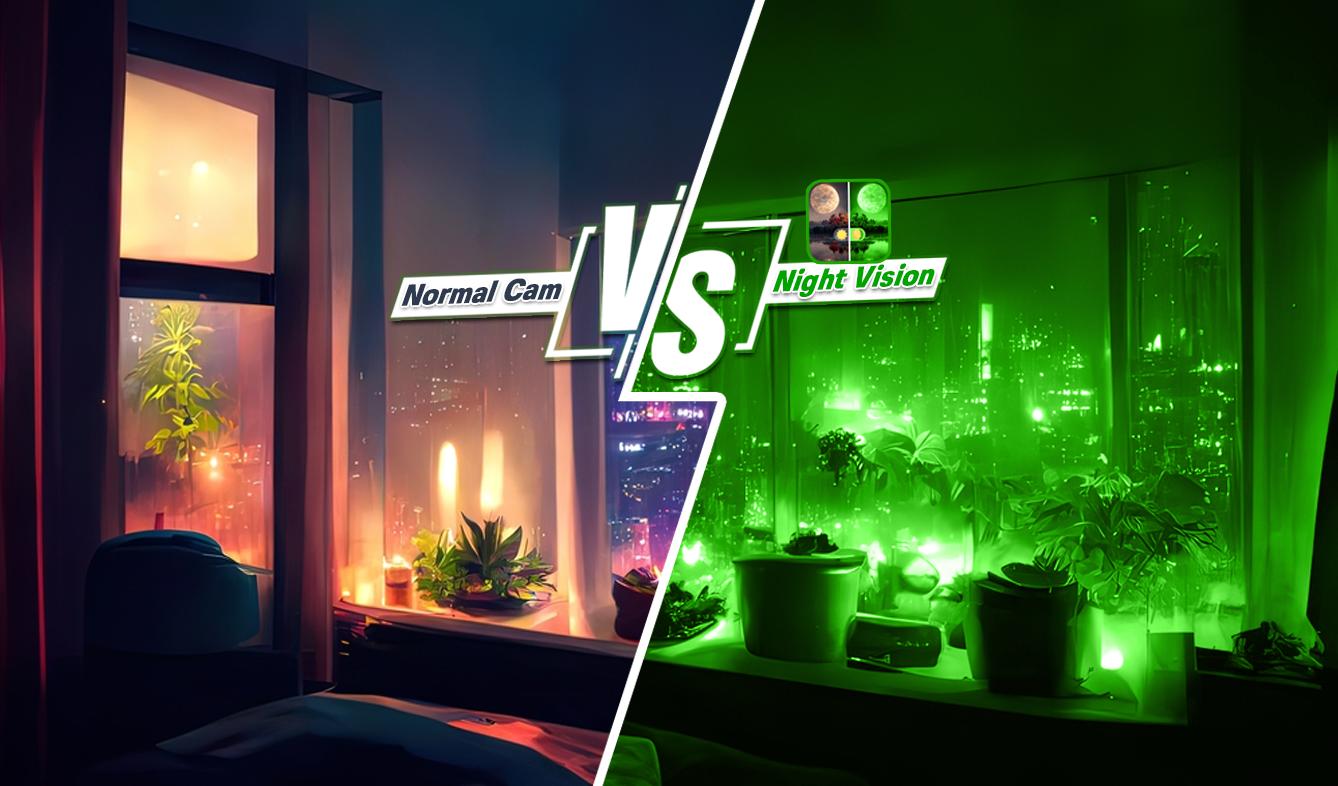
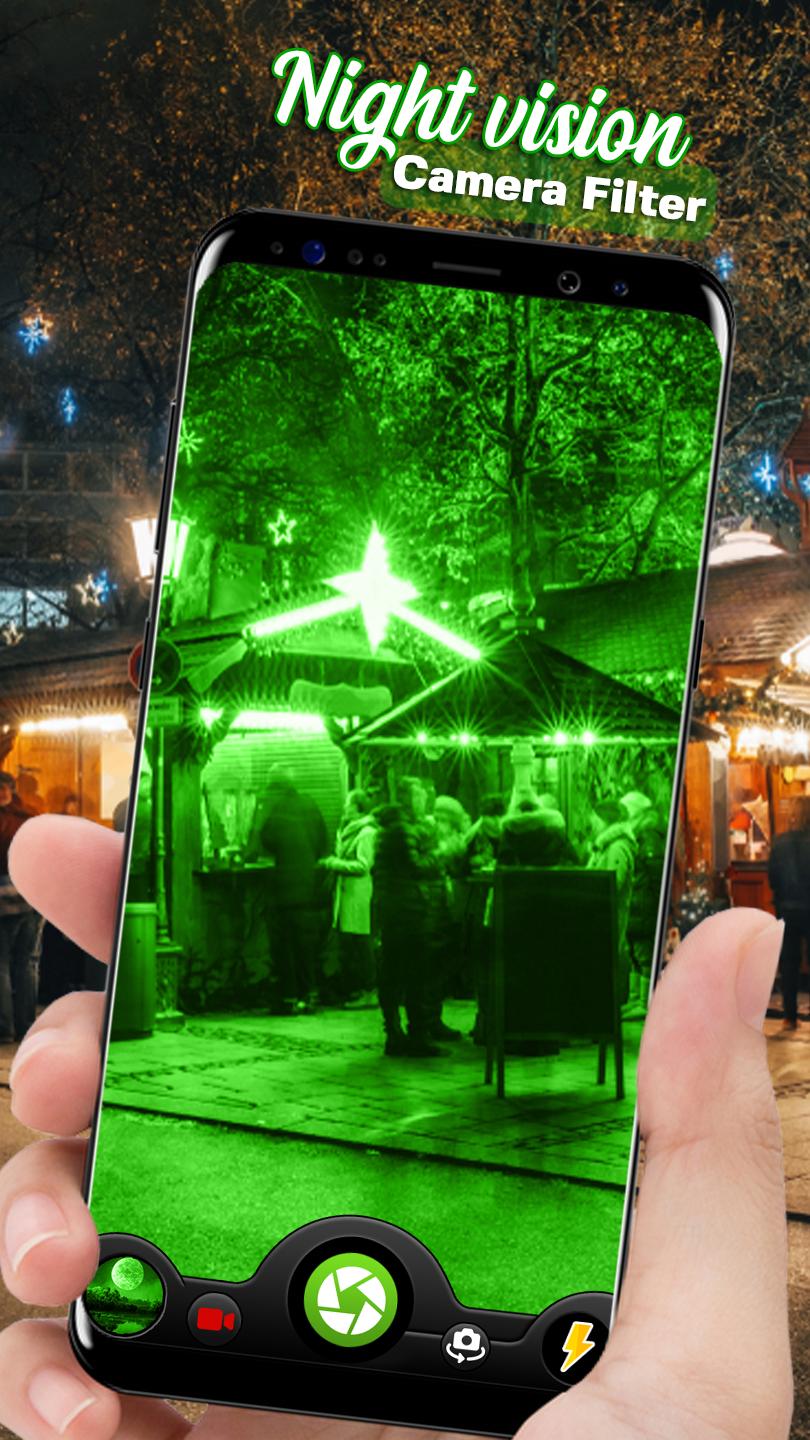
Night vision filter camera is an amazing app to capture your photos and videos on your phone's camera with green filter that gives a night vision look to your photos and videos.
If you want your photos or videos in night mode look just install this cool app and make your photos look like they are captured in night vision filter, just by applying night vision camera filter on them.
Night Mode filter Camera works without any delays and lags. During the photo capturing and video recording process you can switch camera to night filter or can use without night filter just with one click. This Night vision filter camera mode HD Photo & Video app applies a green color gradient to the video stream of your built-in camera based on the color intensity of image.
FEATURES:
• Easy to use
• Simple UI
• Light mode filter
• Night Mode filter
• Photo Camera
• HD Video Camera
• Flashlight
• Front and rear camera
• Share this photos and videos to your friends
* Please note that this is not a true night vision or thermal camera tool. The app functions within the potential and capacity of your phone and phone's camera.
Preview
Tags
PhotographyInformation
Developer
Universal Apps Center
Latest Version
1.0
Last Updated
2023-03-02
Category
Photography
Available on
Google Play
Show More
How to play GreenLens: Night Vision Camera with GameLoop on PC
1. Download GameLoop from the official website, then run the exe file to install GameLoop
2. Open GameLoop and search for “GreenLens: Night Vision Camera” , find GreenLens: Night Vision Camera in the search results and click “Install”
3. Enjoy playing GreenLens: Night Vision Camera on GameLoop
Minimum requirements
OS
Windows 8.1 64-bit or Windows 10 64-bit
GPU
GTX 1050
CPU
i3-8300
Memory
8GB RAM
Storage
1GB available space
Recommended requirements
OS
Windows 8.1 64-bit or Windows 10 64-bit
GPU
GTX 1050
CPU
i3-9320
Memory
16GB RAM
Storage
1GB available space