
School Age Calculator PC
Ezzat Studios LLC
Download School Age Calculator on PC With GameLoop Emulator
School Age Calculator on PC
School Age Calculator, coming from the developer Ezzat Studios LLC, is running on Android systerm in the past.
Now, You can play School Age Calculator on PC with GameLoop smoothly.
Download it in the GameLoop library or search results. No more eyeing the battery or frustrating calls at the wrong time any more.
Just enjoy School Age Calculator PC on the large screen for free!
School Age Calculator Introduction
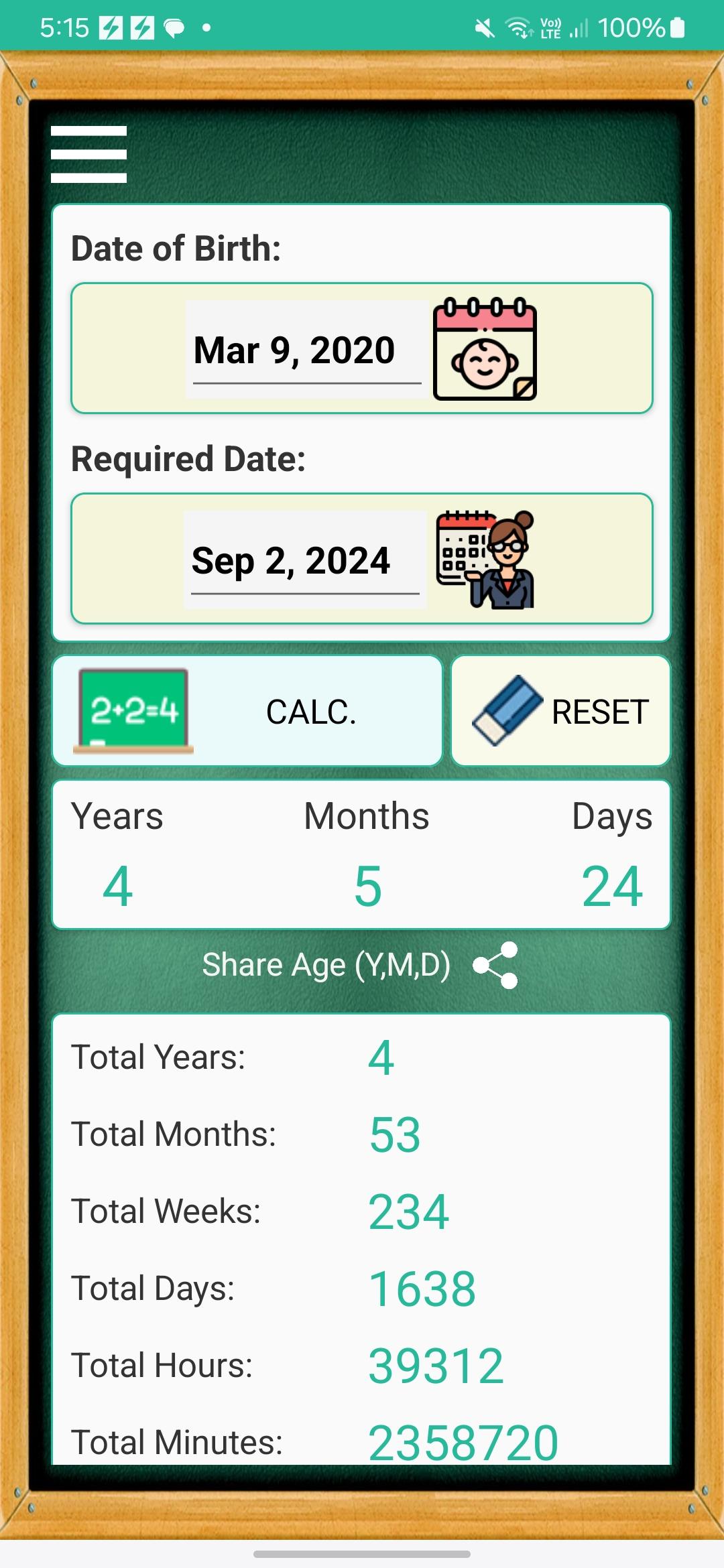
If you are a member of a school staff, this app will help you save a lot of time calculating the child's age for each application form. ;)
For Child's Parents:
Dear Parent,
Yes, it's hard, parenting is very hard, but you are a great hero, and it's my pleasure to give you a little support on your journey.
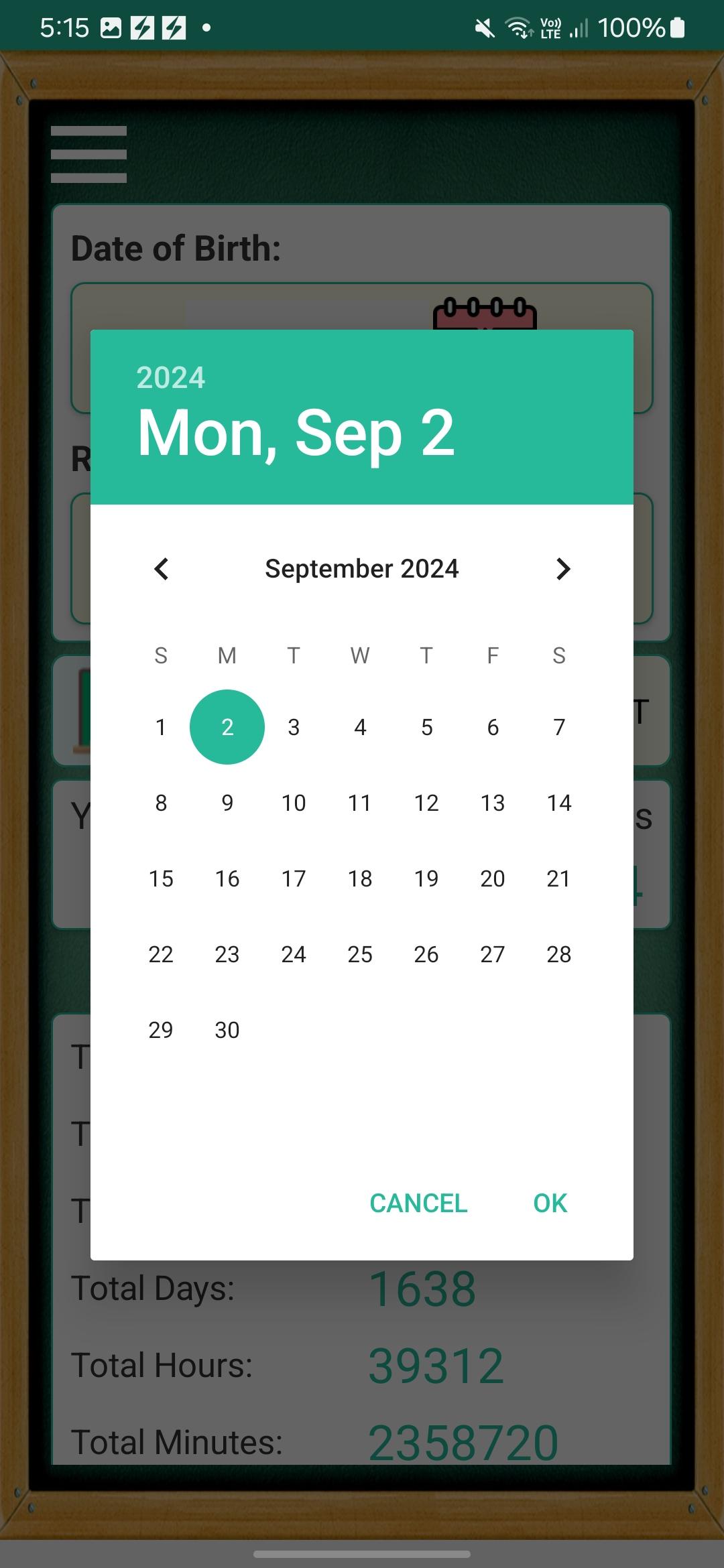
"School Age Calculator" is a useful app to answer the common question in every school application form for admission "What is your child's age on school start date in (Years, Months, Days) ?".
Sure, it's easy to calculate the age with date of birth, but it's not easy to calculate it accurately in (Years, Months, Days). For example some years are leap, while others are not.
Additionally, you can share the calculated age and send it via email, sms, or whats-app.
You really have a lot to do for school admission, so be prepared and let this app help you.
Your kid will be a student now :)
Thank You.
Best Regards,
The App Developer.
Preview
Tags
EducationInformation
Developer
Ezzat Studios LLC
Latest Version
1.0.8
Last Updated
2024-11-24
Category
Education
Available on
Google Play
Show More
How to play School Age Calculator with GameLoop on PC
1. Download GameLoop from the official website, then run the exe file to install GameLoop
2. Open GameLoop and search for “School Age Calculator” , find School Age Calculator in the search results and click “Install”
3. Enjoy playing School Age Calculator on GameLoop
Minimum requirements
OS
Windows 8.1 64-bit or Windows 10 64-bit
GPU
GTX 1050
CPU
i3-8300
Memory
8GB RAM
Storage
1GB available space
Recommended requirements
OS
Windows 8.1 64-bit or Windows 10 64-bit
GPU
GTX 1050
CPU
i3-9320
Memory
16GB RAM
Storage
1GB available space