
Video Mute : Mute Video Maker PC
Photo Tools Maker
قم بتنزيل Video Mute : Mute Video Maker على جهاز الكمبيوتر باستخدام GameLoop Emulator
Video Mute : Mute Video Maker على الكمبيوتر الشخصي
Video Mute : Mute Video Maker ، القادم من المطور Photo Tools Maker ، يعمل على نظام Android في الماضي.
الآن ، يمكنك لعب Video Mute : Mute Video Maker على جهاز الكمبيوتر باستخدام GameLoop بسلاسة.
قم بتنزيله في مكتبة GameLoop أو في نتائج البحث. لا مزيد من الانتباه إلى البطارية أو المكالمات المحبطة في الوقت الخطأ بعد الآن.
ما عليك سوى الاستمتاع بجهاز Video Mute : Mute Video Maker على الشاشة الكبيرة مجانًا!
Video Mute : Mute Video Maker مقدمة
Video Mute : Mute Video Maker
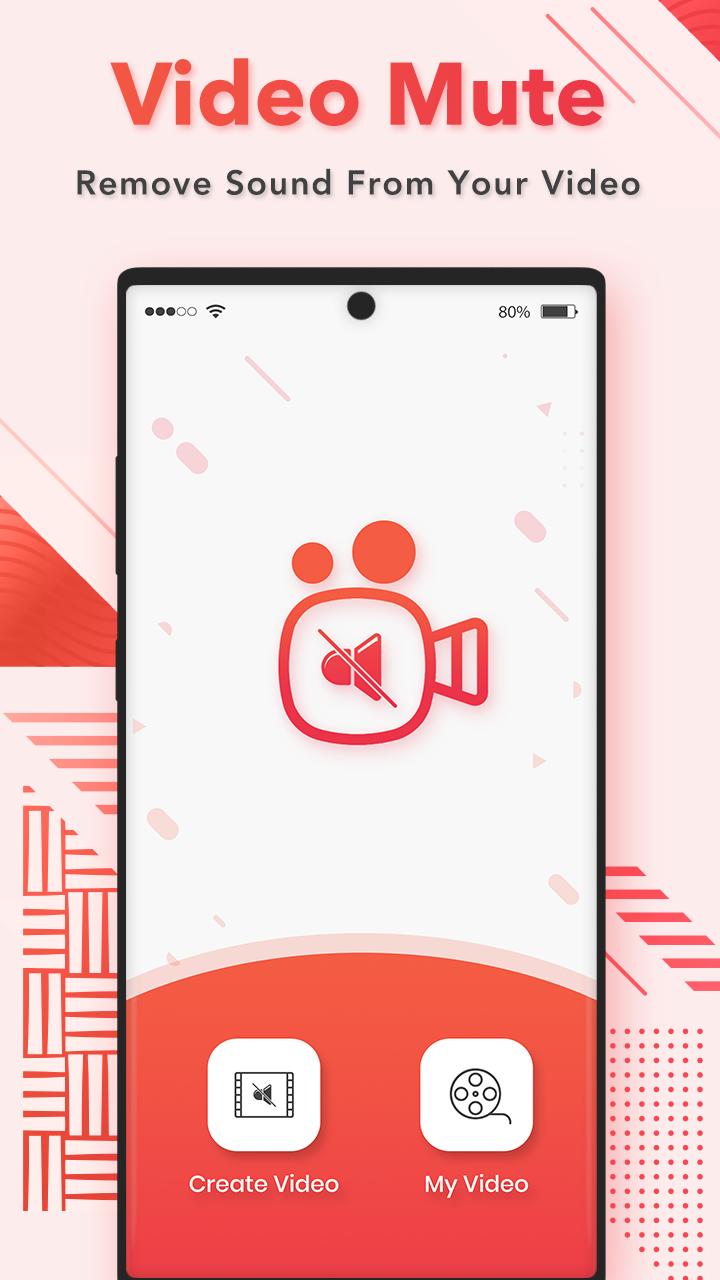
Silent Video Maker is used to mute the volume of a video. Using this Mute Video you can mute the volume of video completely.
Video Mute is a video sound editing app, which enables us to mute a video completely or adjust it for its sound.
Choose a video of your choice and set a video duration for it, edit the video for its sound, and preview it before sharing or saving, using this video sound editor app.
Video Mute is a video editor and organizer for Android. It includes multiple features like trimming, mute, video effects, extract audio and add audio track to video.
Supports all standard video formats including AVI, MOV, WMV, VOB, MP4, FLV, 3GP, FLV and many more.
Amazing Feature :
- Easy to use and Nice User Interface.
- Easily remove audio from video.
- Mute video with selected time intervals as you like with same video and audio quality.
- Mute a video completely or adjust its sound, using this video sound editor.
- Preview the video, before sharing or saving.
- Delete selected Part of Mute Video.
- Rename & Delete Your Clips.
- Easy Save to your SD Card or Phone Storage.
- Share video's with your friends and family on social networks.
We are always in the look out on how to improve our apps. If you have any suggestion or question about this app, Please kindly email us.
Thank you… for your ★★★★★ valuable feedback..
معاينة

العلامات
Video-Playersمعلومة
مطور
Photo Tools Maker
احدث اصدار
1.4
آخر تحديث
2023-01-05
فئة
Video-players-editors
متاح على
Google Play
أظهر المزيد
كيف تلعب Video Mute : Mute Video Maker مع GameLoop على جهاز الكمبيوتر
1. قم بتنزيل GameLoop من الموقع الرسمي ، ثم قم بتشغيل ملف exe لتثبيت GameLoop.
2. افتح GameLoop وابحث عن "Video Mute : Mute Video Maker" ، وابحث عن Video Mute : Mute Video Maker في نتائج البحث وانقر على "تثبيت".
3. استمتع بلعب Video Mute : Mute Video Maker على GameLoop.
Minimum requirements
OS
Windows 8.1 64-bit or Windows 10 64-bit
GPU
GTX 1050
CPU
i3-8300
Memory
8GB RAM
Storage
1GB available space
Recommended requirements
OS
Windows 8.1 64-bit or Windows 10 64-bit
GPU
GTX 1050
CPU
i3-9320
Memory
16GB RAM
Storage
1GB available space