
Square Blur Video Editor - Crop, Cut & Blur Video PC
Photo Editor & Video Maker Zone
قم بتنزيل Square Blur Video Editor - Crop, Cut & Blur Video على جهاز الكمبيوتر باستخدام GameLoop Emulator
Square Blur Video Editor - Crop, Cut & Blur Video على الكمبيوتر الشخصي
Square Blur Video Editor - Crop, Cut & Blur Video ، القادم من المطور Photo Editor & Video Maker Zone ، يعمل على نظام Android في الماضي.
الآن ، يمكنك لعب Square Blur Video Editor - Crop, Cut & Blur Video على جهاز الكمبيوتر باستخدام GameLoop بسلاسة.
قم بتنزيله في مكتبة GameLoop أو في نتائج البحث. لا مزيد من الانتباه إلى البطارية أو المكالمات المحبطة في الوقت الخطأ بعد الآن.
ما عليك سوى الاستمتاع بجهاز Square Blur Video Editor - Crop, Cut & Blur Video على الشاشة الكبيرة مجانًا!
Square Blur Video Editor - Crop, Cut & Blur Video مقدمة
Want to create blurry videos to share on social media application ?
Want to crop & crop specific part from videos ?
Want to create blur video background with customization tools ?
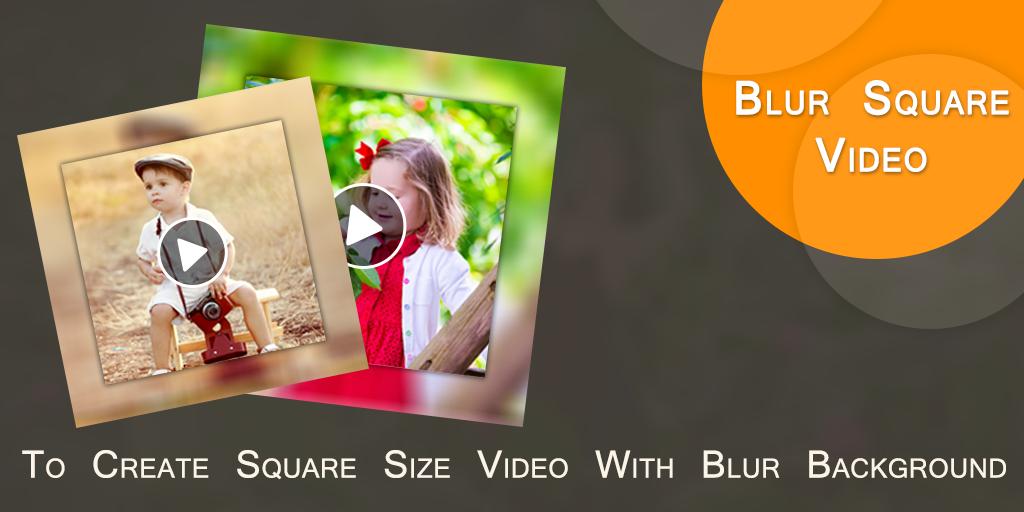
Square Blur Video Editor is an useful application which helps to create square size blur video for you.
Now your background video became totally blur.
Features :-
* Now create square size video with blur background.
* You can also create no crop blur video background also.
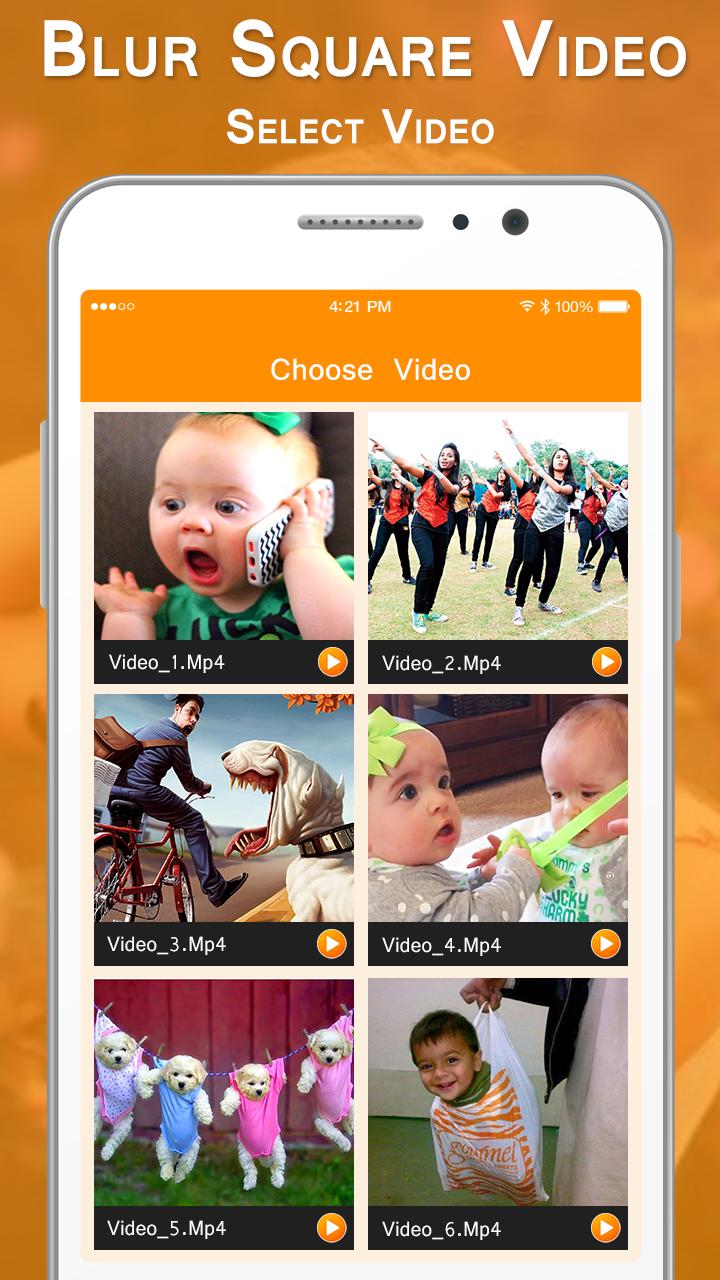
* Select video from custom gallery provided here.
* Easy to cut/ remove unused part from video.
* Easy to crop video for specific part of video.
* You can adjust blur opacity.
* Here you can crop or cut video at the same time.
* Add your own music from your album.
* Remove old music or you can create mute video also.
* Easy preview any time to play here how your Blur Square Video looks like
* One click to save final created Square Blur Video in your phone storage.
* Share blur videos with your friends.
In short you can create Square Blur Video in just a simple steps :-
- Select a video.
- Cut or crop video.
- Set video background's blur ratio.
- Add or remove music.
- Easy preview.
- One click to save & share Square Blur Video.
Square Blur Video Editor - Crop, Cut & Blur Video, is an useful application to create square size video with blur background as well as no crop blur videos.
معاينة
معلومة
مطور
Photo Editor & Video Maker Zone
احدث اصدار
1.3
آخر تحديث
2021-03-11
فئة
Video-players-editors
متاح على
Google Play
أظهر المزيد
كيف تلعب Square Blur Video Editor - Crop, Cut & Blur Video مع GameLoop على جهاز الكمبيوتر
1. قم بتنزيل GameLoop من الموقع الرسمي ، ثم قم بتشغيل ملف exe لتثبيت GameLoop.
2. افتح GameLoop وابحث عن "Square Blur Video Editor - Crop, Cut & Blur Video" ، وابحث عن Square Blur Video Editor - Crop, Cut & Blur Video في نتائج البحث وانقر على "تثبيت".
3. استمتع بلعب Square Blur Video Editor - Crop, Cut & Blur Video على GameLoop.
Minimum requirements
OS
Windows 8.1 64-bit or Windows 10 64-bit
GPU
GTX 1050
CPU
i3-8300
Memory
8GB RAM
Storage
1GB available space
Recommended requirements
OS
Windows 8.1 64-bit or Windows 10 64-bit
GPU
GTX 1050
CPU
i3-9320
Memory
16GB RAM
Storage
1GB available space