
Video Editor - Fast & Easy PC
keytools inc
قم بتنزيل Video Editor - Fast & Easy على جهاز الكمبيوتر باستخدام GameLoop Emulator
Video Editor - Fast & Easy على الكمبيوتر الشخصي
Video Editor - Fast & Easy ، القادم من المطور keytools inc ، يعمل على نظام Android في الماضي.
الآن ، يمكنك لعب Video Editor - Fast & Easy على جهاز الكمبيوتر باستخدام GameLoop بسلاسة.
قم بتنزيله في مكتبة GameLoop أو في نتائج البحث. لا مزيد من الانتباه إلى البطارية أو المكالمات المحبطة في الوقت الخطأ بعد الآن.
ما عليك سوى الاستمتاع بجهاز Video Editor - Fast & Easy على الشاشة الكبيرة مجانًا!
Video Editor - Fast & Easy مقدمة
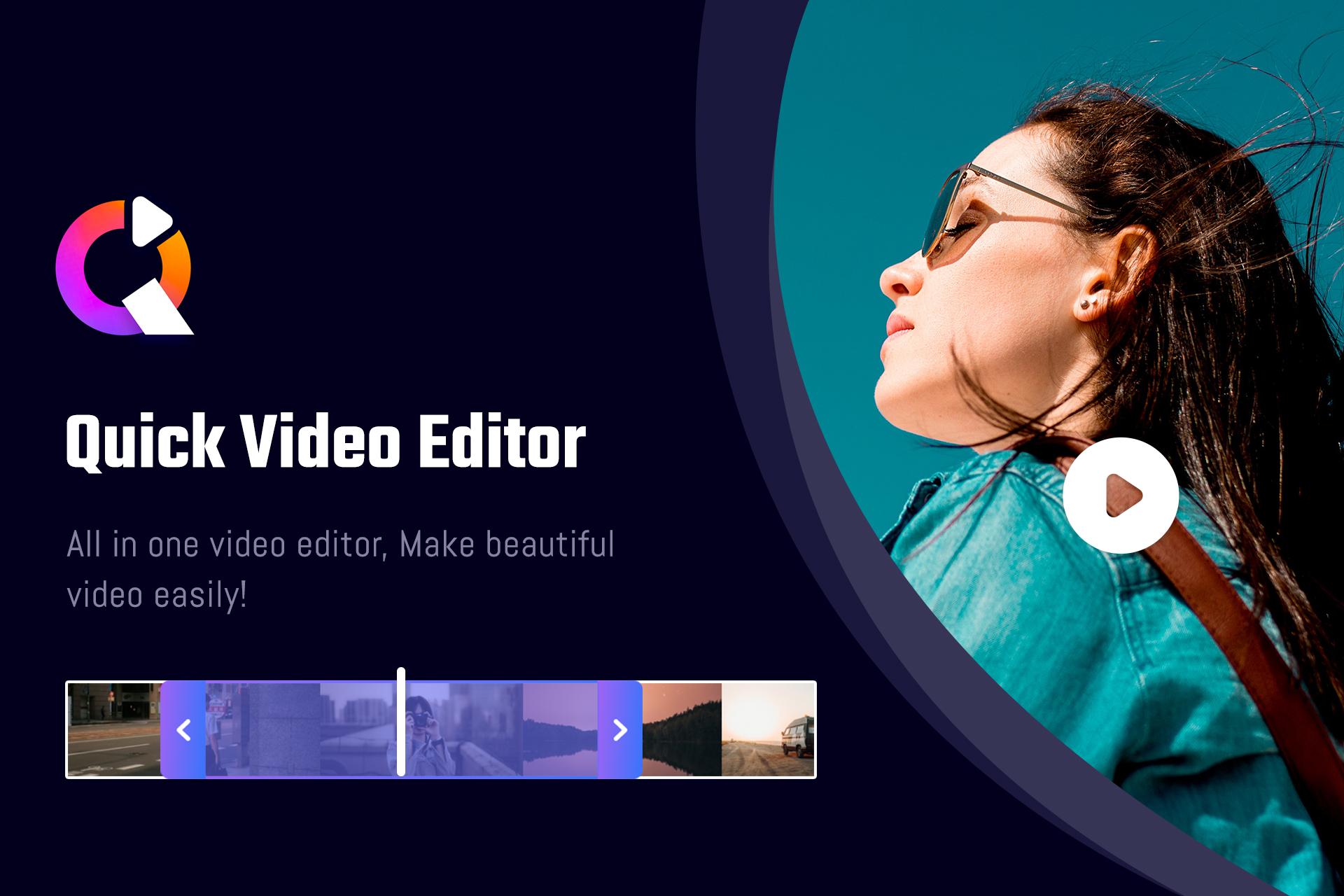
Video Editor - Fast & Easy application is a video editing tool. In this video editor, you will get the editing features like Crop video, Add/Remove watermark, Video compressor, Extract photos from Video, Add/Remove Audio, Video to GIF, Video to MP3, Slow Motion, Fast Motion, Trim Video, and Reverse Video.
Edit Features:
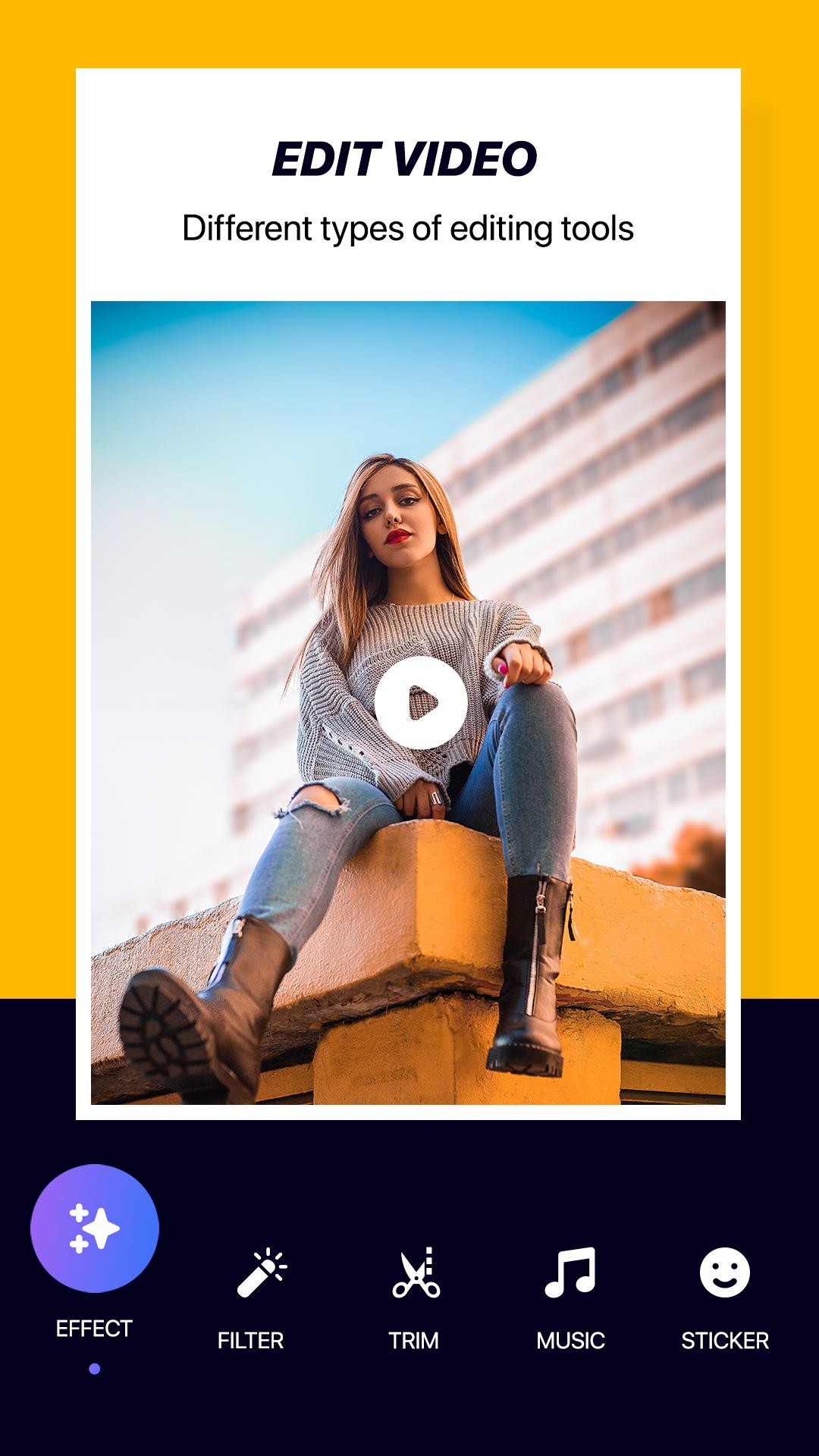
Select your favorite video from the phone's gallery to edit it. Long press to add the effects on the desired part of the video. Select the filters, video ratio, and stickers to the video. Add stickers on the video with amazing font style and attractive colors. Add favorite audio to your video, set the volume, and can trim it. Save all the changes.
Main Features of Video Editor - Fast & Easy:
-> Crop Video:
- Select the video from the video list and trim it as per required.
- There are various crop options like Custom, Square, Portrait, Landscape, 3:2, 5:4, 7:8, and 16:9.
-> Add/Remove Watermark:
- Remove any symbol or watermark from the video by cropping them.
- Can Add Text or Sticker watermark on the video.
- Text watermark can be added with various fonts, colors, and 3d shadow effects and also sticker watermark.
-> Video compressor:
- Any selected video can be compressed in Video Editor - Fast & Easy app.
- Select the Bitrate from low, medium, and high by the user.
- Choose the resolution from the options and save it.
-> Photo Extractor from the video:
- Using this feature, you can extract images from the video just by a single click.
-> Add/Remove audio from video:
- Add favorite or desired phone audio in the video.
- Can remove audio with by single click.
-> Video to GIF:
- Choose the video from the phone's gallery, select quality, and frame rate, and save the video to GIF.
-> Video to MP3:
- In this, the video to audio converter extracts the audio from the selected video and prepares an mp3 file of the extracted audio.
-> Slow motion:
- The slow video maker brings in the slow-motion effect in the video.
- Set the speed of the video transition and save it.
-> Fast motion:
- The fast video maker brings in the fast-motion effect in the video.
- You can set the speed of the video transition and save it.
-> Trim video:
- Select the video from phone storage, trim it as per desired and save.
-> Reverse video
- Select the video gallery and convert it into the revert motion.
Thus, Video Editor - Fast & Easy is a complete package of Video Editor.
معاينة
العلامات
Video-Playersمعلومة
مطور
keytools inc
احدث اصدار
4.1
آخر تحديث
2022-05-09
فئة
Video-players-editors
متاح على
Google Play
أظهر المزيد
كيف تلعب Video Editor - Fast & Easy مع GameLoop على جهاز الكمبيوتر
1. قم بتنزيل GameLoop من الموقع الرسمي ، ثم قم بتشغيل ملف exe لتثبيت GameLoop.
2. افتح GameLoop وابحث عن "Video Editor - Fast & Easy" ، وابحث عن Video Editor - Fast & Easy في نتائج البحث وانقر على "تثبيت".
3. استمتع بلعب Video Editor - Fast & Easy على GameLoop.
Minimum requirements
OS
Windows 8.1 64-bit or Windows 10 64-bit
GPU
GTX 1050
CPU
i3-8300
Memory
8GB RAM
Storage
1GB available space
Recommended requirements
OS
Windows 8.1 64-bit or Windows 10 64-bit
GPU
GTX 1050
CPU
i3-9320
Memory
16GB RAM
Storage
1GB available space