
Lark Video Player: HD Video PC
Lark Player Studio - Video, MP4 & Music Player
قم بتنزيل Lark Video Player: HD Video على جهاز الكمبيوتر باستخدام GameLoop Emulator
Lark Video Player: HD Video على الكمبيوتر الشخصي
Lark Video Player: HD Video ، القادم من المطور Lark Player Studio - Video, MP4 & Music Player ، يعمل على نظام Android في الماضي.
الآن ، يمكنك لعب Lark Video Player: HD Video على جهاز الكمبيوتر باستخدام GameLoop بسلاسة.
قم بتنزيله في مكتبة GameLoop أو في نتائج البحث. لا مزيد من الانتباه إلى البطارية أو المكالمات المحبطة في الوقت الخطأ بعد الآن.
ما عليك سوى الاستمتاع بجهاز Lark Video Player: HD Video على الشاشة الكبيرة مجانًا!
Lark Video Player: HD Video مقدمة
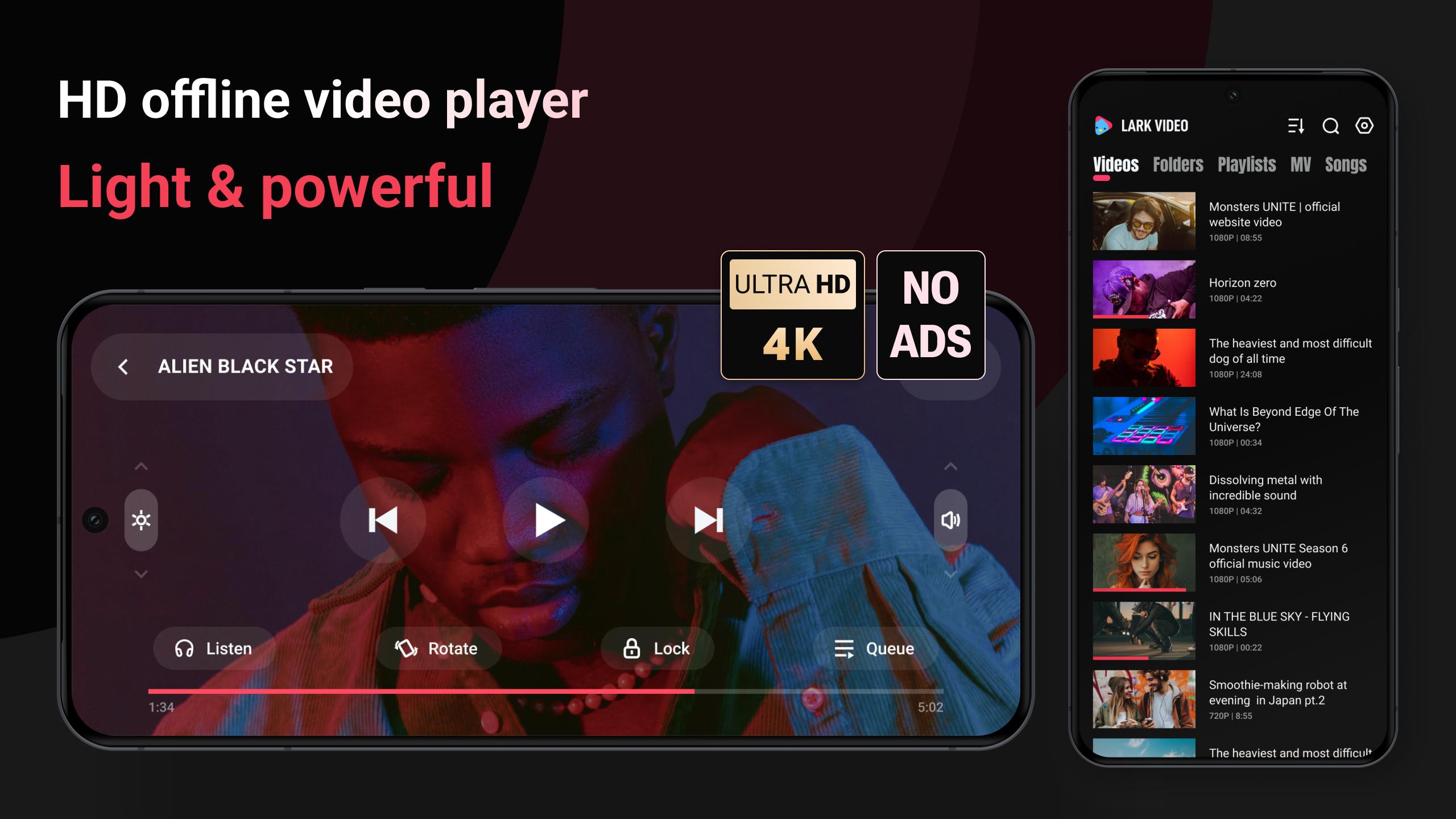
🌟 A light & powerful offline video player, with full HD video & major formats supported.
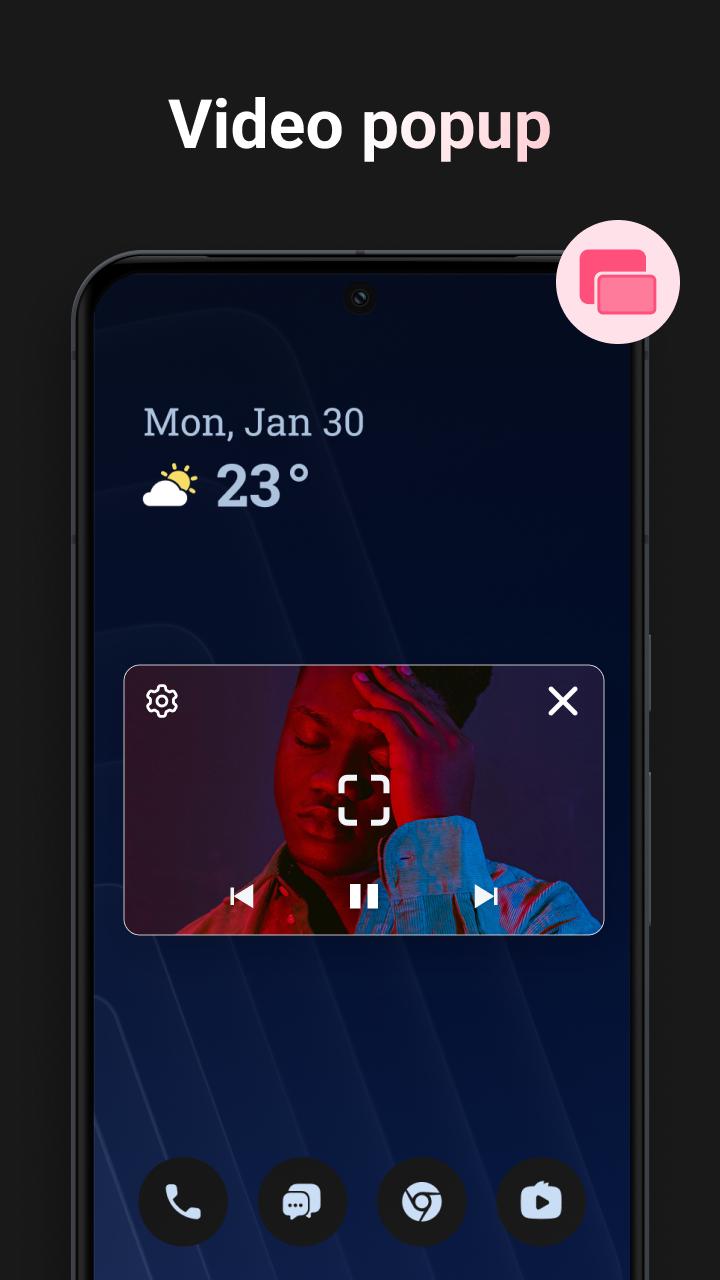
🌟 You can play offline video in a video pop-up, also to play video as MP3.
🌟 It loads video subtitles, and also work as a powerful media file manager.
Key features:
💿 HD, ultra HD video
HD video, Full HD video, Ultra HD video all run smoothly, experience the ultimate in offline video playback with Lark Video Player.
🎥 All formats
It's compatible with major formats, including mkv, mp4, m4v, mov, 3gp, 3gp2, mpg2, ts, webm etc.
📲 Video popup
Tired of interruptions while watching videos? Lark Video Player covers video popup feature. Enjoy stable floating video playback even while multitasking or using other apps on your device.
🔒Keep videos in the private folder
Hide your videos in a private folder to protect your privacy, set password for the private folder.
🎧 Play offline video as MP3
When you're occupied, you can listen to the video by playing video as audio in the background.
📁 Manage media files
Organizing video files has never been easier. The HD video player allows you to search, manage your video files & other media files effortlessly, with auto sorting by folders and by categories.
👆🏻 Gestures & one click to control
Adjust progress, brightness, video volume, speed, auto-rotate, items to be played, etc with gestures or one click.
🕶️ Light & stylish video player
Play your videos with this lightweight and stylish offline video player, takes less space in your device.
🎵 offline player for HQ music
Manage and listen to offline music files, with cool sound effect. The offline player make it one-stop for music & video play when there is no network.
It's a feature-packed, high-quality offline video player for Android. Start to play video, experience the smooth & clean HD video playback with this offline video player now.
If any suggestions please contact with Lark Video Player dev team in 'Setting' - 'Feedback'.
معاينة
العلامات
Video-Playersمعلومة
مطور
Lark Player Studio - Video, MP4 & Music Player
احدث اصدار
1.19.7
آخر تحديث
2025-01-06
فئة
Video-players-editors
متاح على
Google Play
أظهر المزيد
كيف تلعب Lark Video Player: HD Video مع GameLoop على جهاز الكمبيوتر
1. قم بتنزيل GameLoop من الموقع الرسمي ، ثم قم بتشغيل ملف exe لتثبيت GameLoop.
2. افتح GameLoop وابحث عن "Lark Video Player: HD Video" ، وابحث عن Lark Video Player: HD Video في نتائج البحث وانقر على "تثبيت".
3. استمتع بلعب Lark Video Player: HD Video على GameLoop.
Minimum requirements
OS
Windows 8.1 64-bit or Windows 10 64-bit
GPU
GTX 1050
CPU
i3-8300
Memory
8GB RAM
Storage
1GB available space
Recommended requirements
OS
Windows 8.1 64-bit or Windows 10 64-bit
GPU
GTX 1050
CPU
i3-9320
Memory
16GB RAM
Storage
1GB available space