Glitch Video Effects – Editor PC
Photo Video Maker with Song
قم بتنزيل Glitch Video Effects – Editor على جهاز الكمبيوتر باستخدام GameLoop Emulator
Glitch Video Effects – Editor على الكمبيوتر الشخصي
Glitch Video Effects – Editor ، القادم من المطور Photo Video Maker with Song ، يعمل على نظام Android في الماضي.
الآن ، يمكنك لعب Glitch Video Effects – Editor على جهاز الكمبيوتر باستخدام GameLoop بسلاسة.
قم بتنزيله في مكتبة GameLoop أو في نتائج البحث. لا مزيد من الانتباه إلى البطارية أو المكالمات المحبطة في الوقت الخطأ بعد الآن.
ما عليك سوى الاستمتاع بجهاز Glitch Video Effects – Editor على الشاشة الكبيرة مجانًا!
Glitch Video Effects – Editor مقدمة
Turn your videos into cool, eye-catching creations with Glitch Video Effects - Editor!
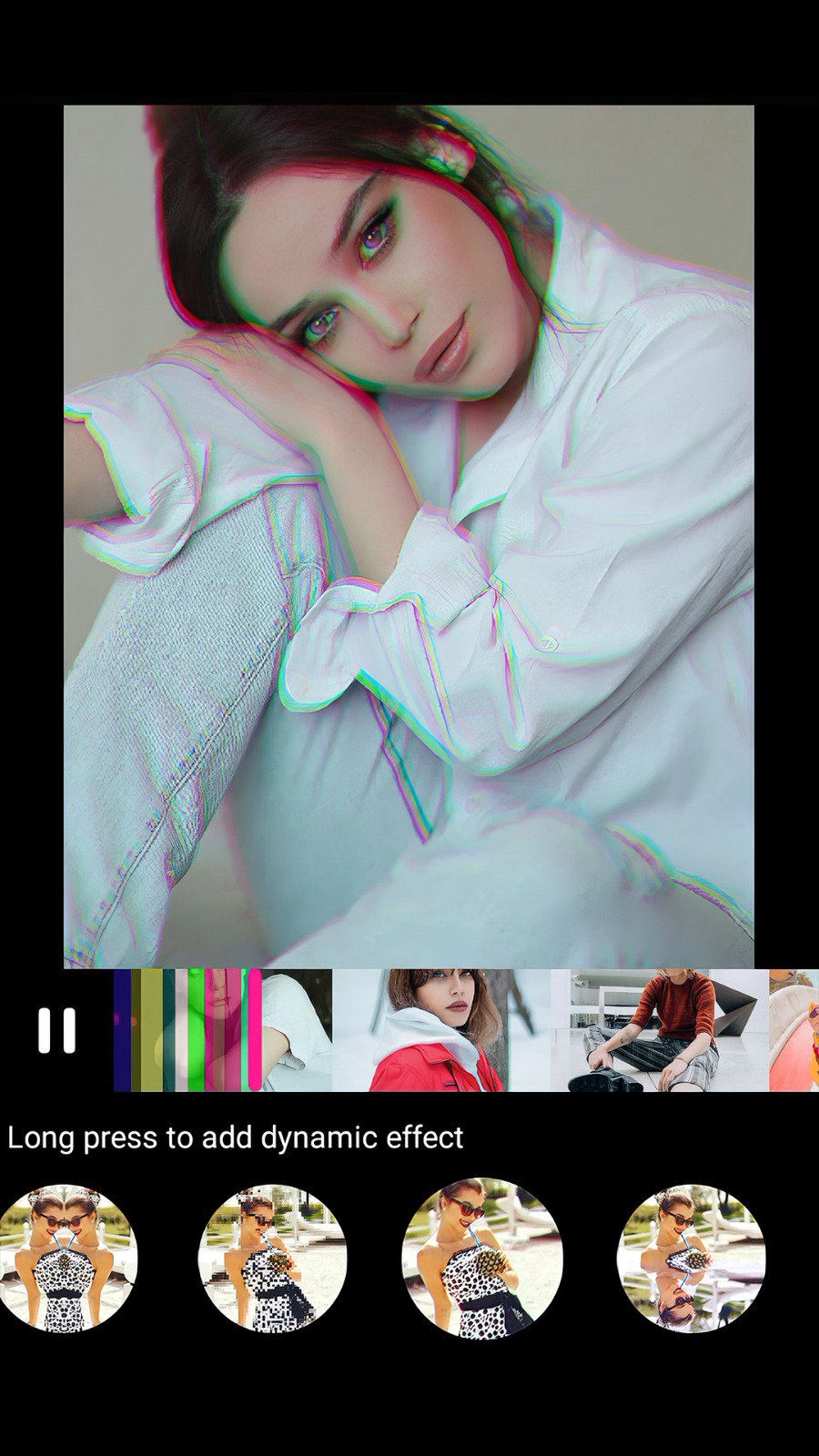
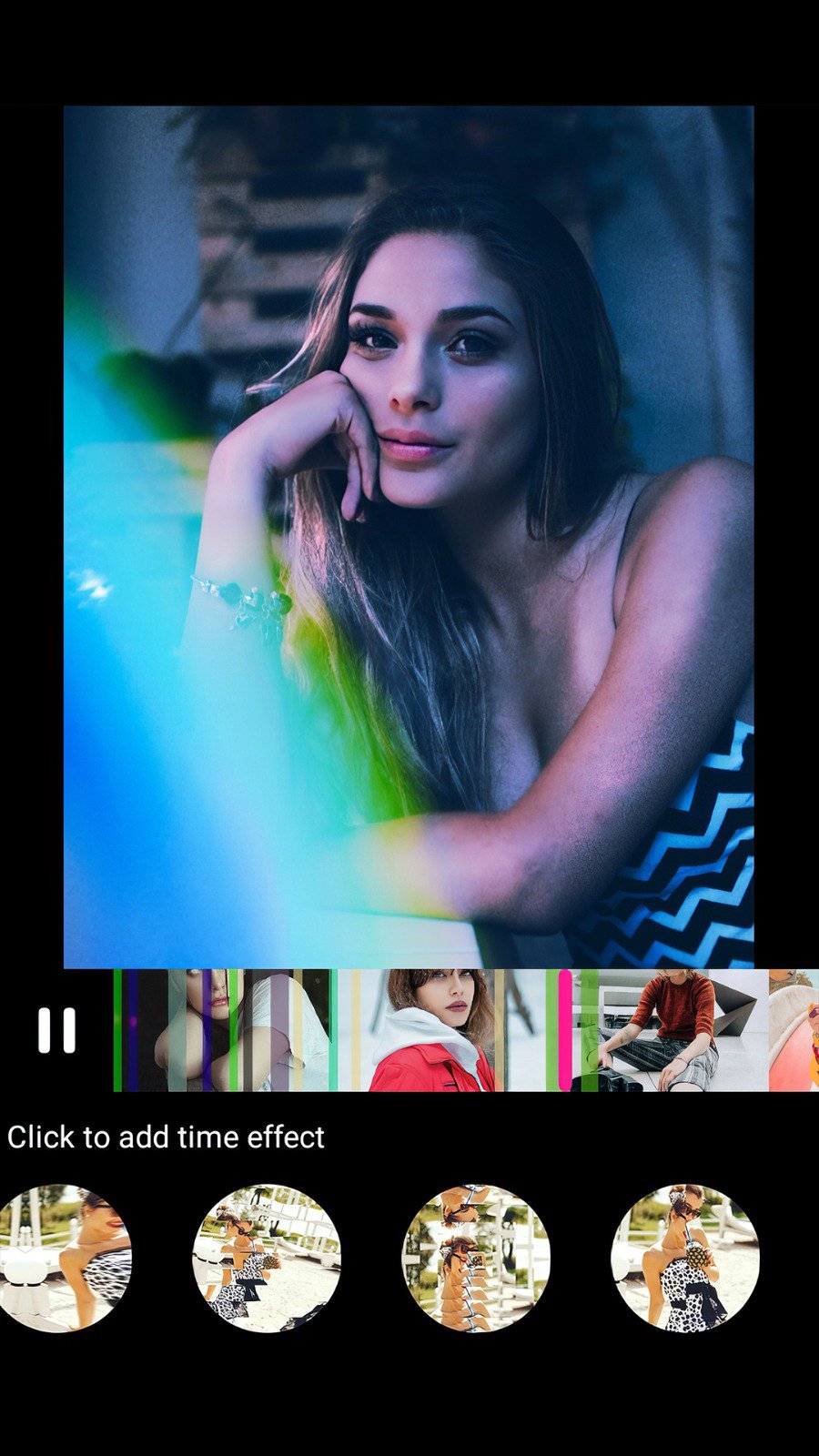
Glitch Video Editor app offers the best VHS and glitch effects for your videos. With this app, you can add unique glitches, VHS, and retro effects, giving your videos a creative and professional look.
Simply select a video from your gallery and apply glitch effects and transitions from a wide range of over 25+ video effects and editing styles.
Glitch video effects, vaporwave effects & VHS effects in real time!
Key Features:
Glitch Video Editor
Edit videos with perfect glitch effects, and transitions and easily save your eye-catching creative videos effortlessly.
Glitch Video Maker
Quickly create videos with glitch and retro effects, perfect for social media or creative collection.
Glitch Video Effects
Choose from a variety of glitch, pixel, and VHS effects to give your videos a trendy look. Add cool glitch effects to create an amazing video with 25+ unique video effects.
Glitch video editor allows you to easily add awesome effects to your videos. With a user-friendly app design and quick sharing options, you can edit videos like a pro in minutes!
Download Glitch Video Effects & Glitch Video Editor now and start making videos that stand out!
Thanks for using this app.
معاينة
العلامات
Video-Playersمعلومة
مطور
Photo Video Maker with Song
احدث اصدار
1.16
آخر تحديث
2025-11-26
فئة
Video-players-editors
متاح على
Google Play
أظهر المزيد
كيف تلعب Glitch Video Effects – Editor مع GameLoop على جهاز الكمبيوتر
1. قم بتنزيل GameLoop من الموقع الرسمي ، ثم قم بتشغيل ملف exe لتثبيت GameLoop.
2. افتح GameLoop وابحث عن "Glitch Video Effects – Editor" ، وابحث عن Glitch Video Effects – Editor في نتائج البحث وانقر على "تثبيت".
3. استمتع بلعب Glitch Video Effects – Editor على GameLoop.
Minimum requirements
OS
Windows 8.1 64-bit or Windows 10 64-bit
GPU
GTX 1050
CPU
i3-8300
Memory
8GB RAM
Storage
1GB available space
Recommended requirements
OS
Windows 8.1 64-bit or Windows 10 64-bit
GPU
GTX 1050
CPU
i3-9320
Memory
16GB RAM
Storage
1GB available space