Easycap & UVC Player(FPViewer) PC
Labsp
قم بتنزيل Easycap & UVC Player(FPViewer) على جهاز الكمبيوتر باستخدام GameLoop Emulator
Easycap & UVC Player(FPViewer) على الكمبيوتر الشخصي
Easycap & UVC Player(FPViewer) ، القادم من المطور Labsp ، يعمل على نظام Android في الماضي.
الآن ، يمكنك لعب Easycap & UVC Player(FPViewer) على جهاز الكمبيوتر باستخدام GameLoop بسلاسة.
قم بتنزيله في مكتبة GameLoop أو في نتائج البحث. لا مزيد من الانتباه إلى البطارية أو المكالمات المحبطة في الوقت الخطأ بعد الآن.
ما عليك سوى الاستمتاع بجهاز Easycap & UVC Player(FPViewer) على الشاشة الكبيرة مجانًا!
Easycap & UVC Player(FPViewer) مقدمة
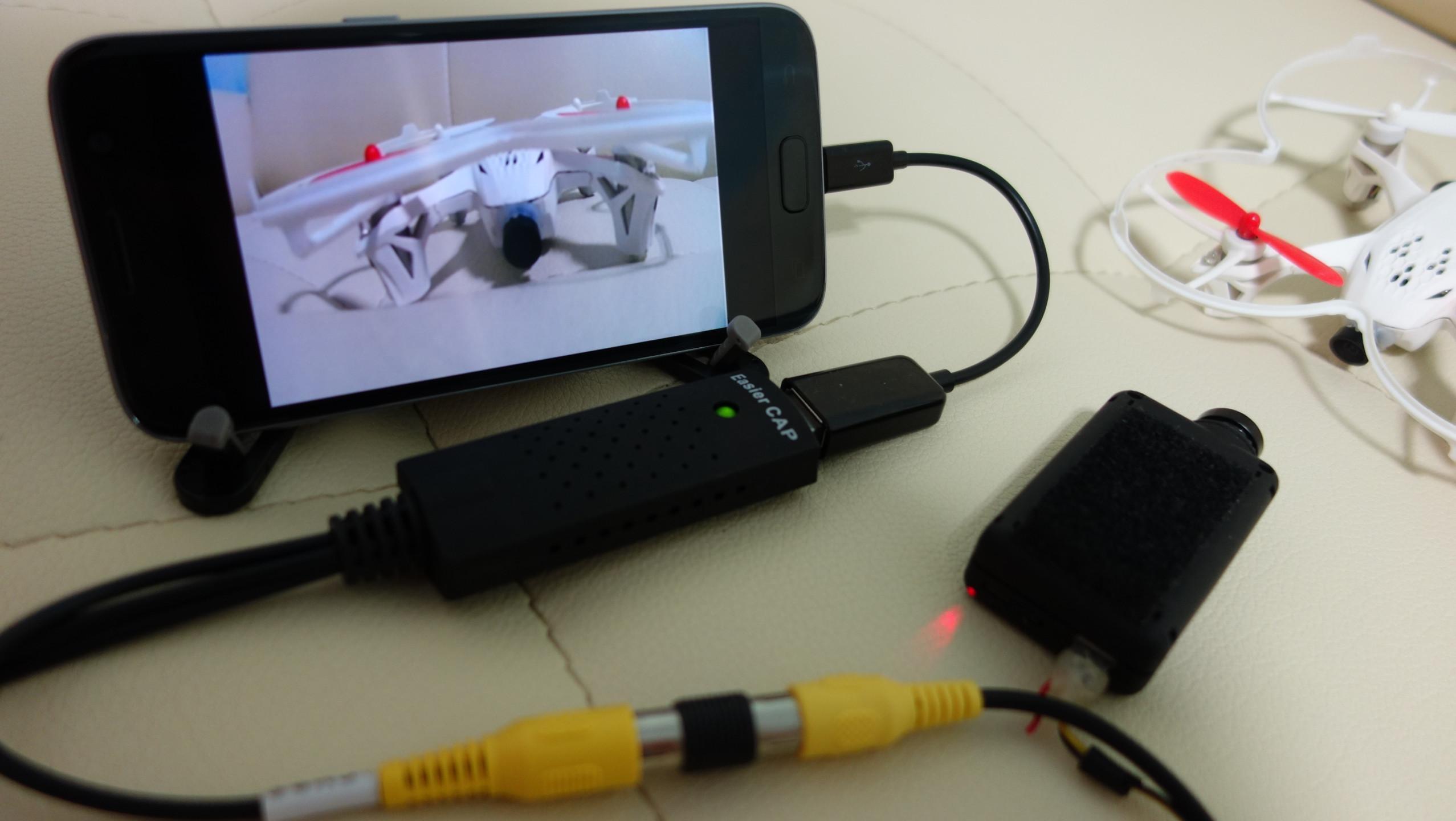
FPViewer is an application to display analog video using Easycap & UVC video grabber device connected via OTG cable to android device.(no root)
Also, FPViewer offers an optimized feature allows you to use the Android devices as FPV monitor.
■ Features
Easycap Viewer
Display analog video using Easycap video grabber device on android device.(only support UTV007, HTV600, HTV800 version Easycap and not support audio input)
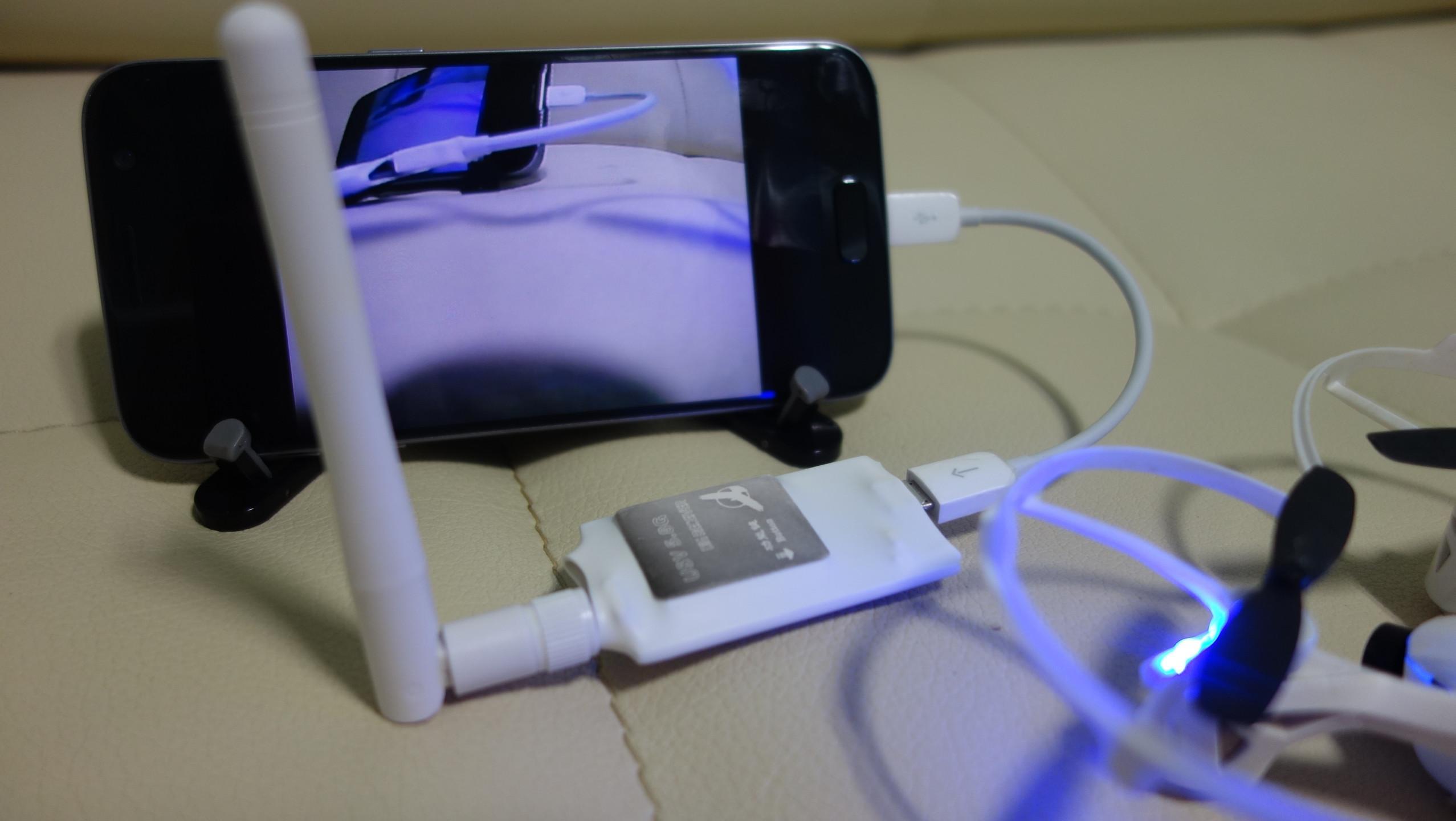
FPV 5.8G Receiver OTG Viewer
Display a FPV 5.8G Receiver device.(Eachine ROTG01, ROTG02, ATX03, R051 and more)
UVC Video Grabber or UVC Webcam Viewer
Display analog video using UVC video grabber device on android device.(this device's function is same with Easycap) Also, If your USB camera is UVC type then, you can use the camera with this app.(only support 640x480 resolution)
Video Recording
Save display video as a MP4 file.(Android 4.3 or higher)
Side by Side(VR)
Support Side by Side(VR) mode, so you can use android device as fpv goggle.
Always On Top
Set the viewer screen to the top of the phone screen. so viewer screen never disappear even if you get a phone call or text notification.
معاينة
العلامات
Video-Playersمعلومة
مطور
Labsp
احدث اصدار
1.4.0
آخر تحديث
2021-10-20
فئة
Video-players-editors
متاح على
Google Play
أظهر المزيد
كيف تلعب Easycap & UVC Player(FPViewer) مع GameLoop على جهاز الكمبيوتر
1. قم بتنزيل GameLoop من الموقع الرسمي ، ثم قم بتشغيل ملف exe لتثبيت GameLoop.
2. افتح GameLoop وابحث عن "Easycap & UVC Player(FPViewer)" ، وابحث عن Easycap & UVC Player(FPViewer) في نتائج البحث وانقر على "تثبيت".
3. استمتع بلعب Easycap & UVC Player(FPViewer) على GameLoop.
Minimum requirements
OS
Windows 8.1 64-bit or Windows 10 64-bit
GPU
GTX 1050
CPU
i3-8300
Memory
8GB RAM
Storage
1GB available space
Recommended requirements
OS
Windows 8.1 64-bit or Windows 10 64-bit
GPU
GTX 1050
CPU
i3-9320
Memory
16GB RAM
Storage
1GB available space