
Dual Video-Split Screen Player PC
narusat
قم بتنزيل Dual Video-Split Screen Player على جهاز الكمبيوتر باستخدام GameLoop Emulator
Dual Video-Split Screen Player على الكمبيوتر الشخصي
Dual Video-Split Screen Player ، القادم من المطور narusat ، يعمل على نظام Android في الماضي.
الآن ، يمكنك لعب Dual Video-Split Screen Player على جهاز الكمبيوتر باستخدام GameLoop بسلاسة.
قم بتنزيله في مكتبة GameLoop أو في نتائج البحث. لا مزيد من الانتباه إلى البطارية أو المكالمات المحبطة في الوقت الخطأ بعد الآن.
ما عليك سوى الاستمتاع بجهاز Dual Video-Split Screen Player على الشاشة الكبيرة مجانًا!
Dual Video-Split Screen Player مقدمة
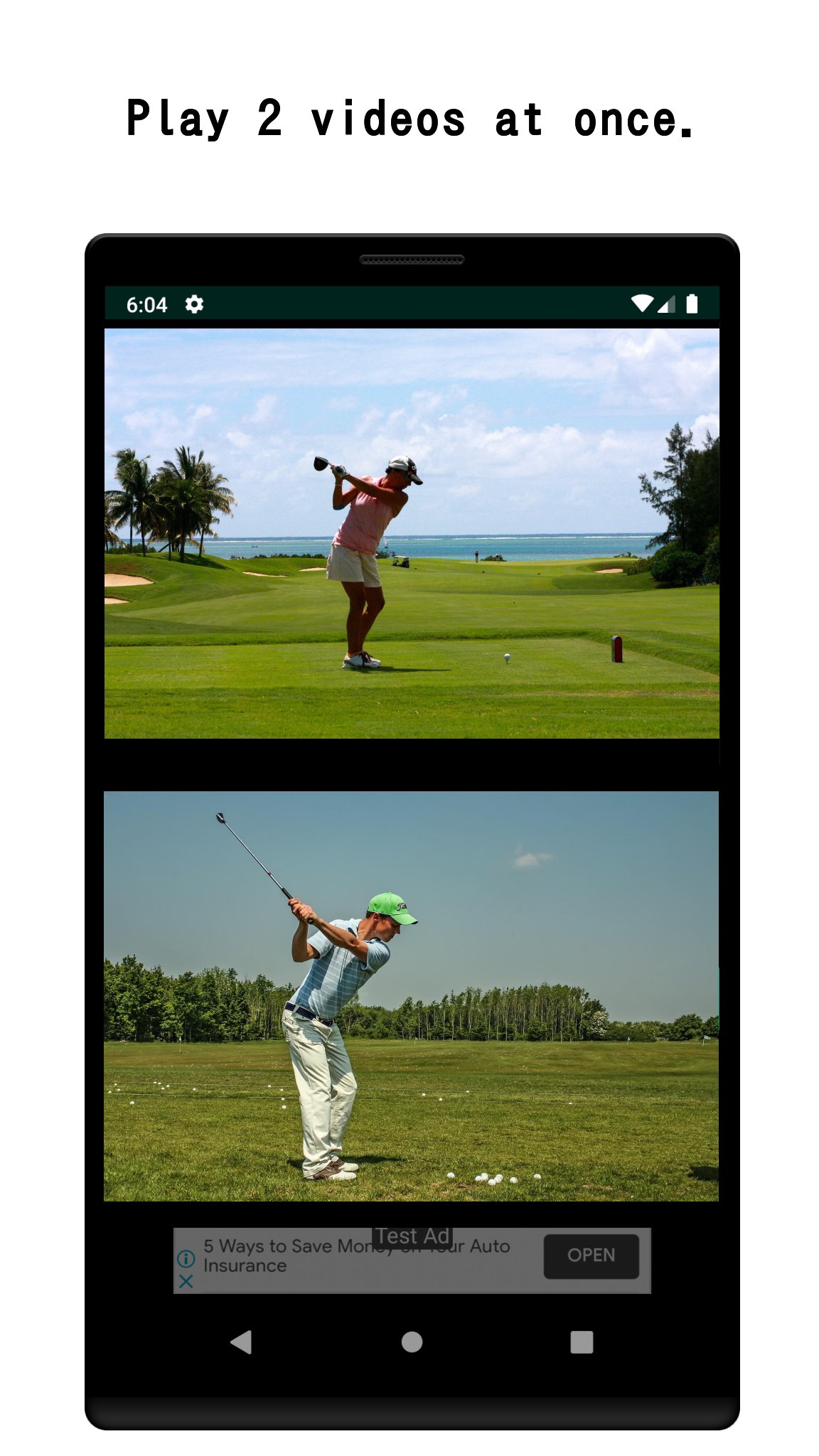
Play two videos simultaneously — side by side, on one screen.
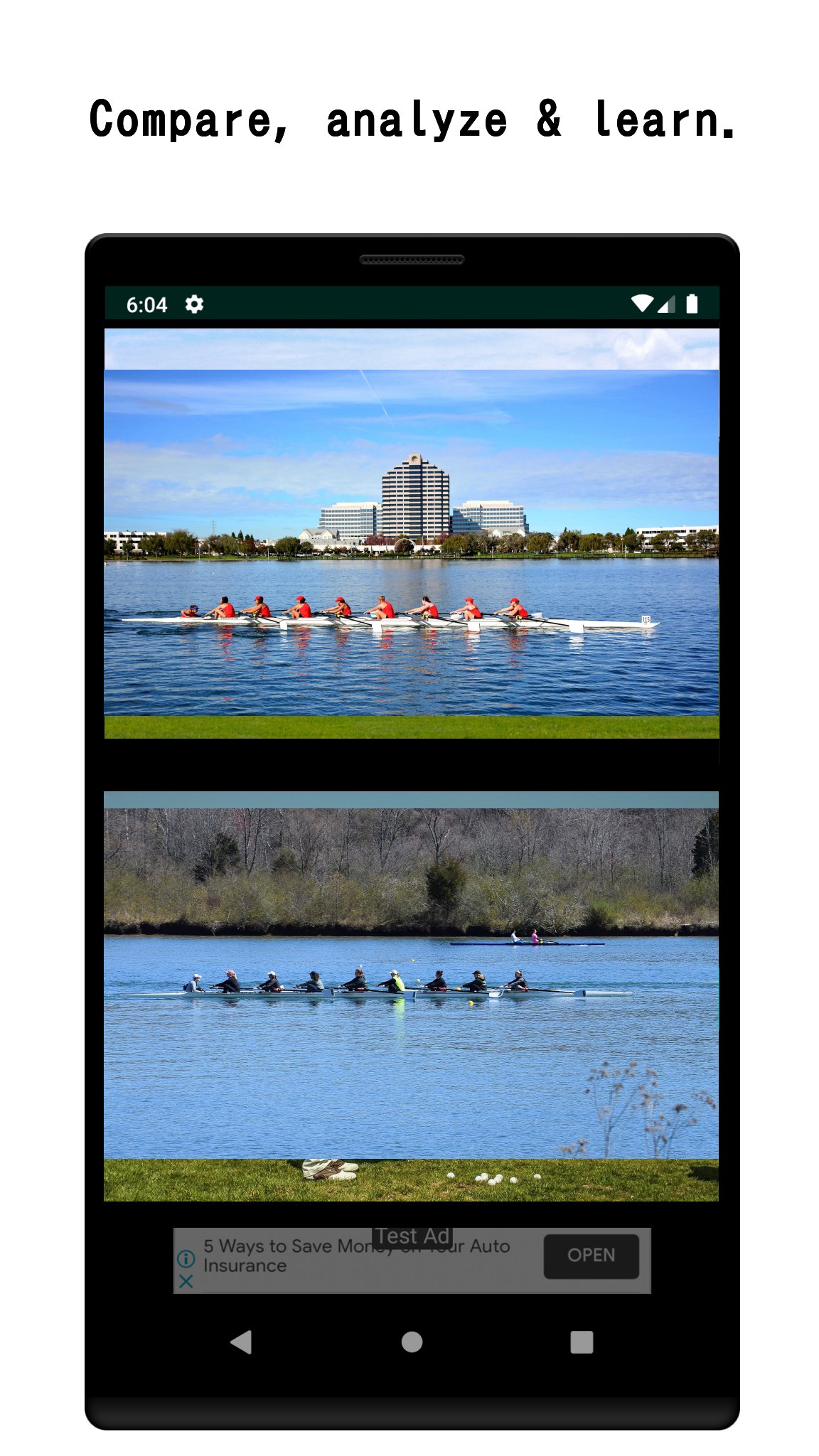
Whether you're analyzing your golf swing, comparing language learning videos, or reviewing before-and-after footage, Dual Video gives you the split-screen control you need.
WHY DUAL VIDEO?
• Watch a website video and a local video at the same time
• Compare two saved videos on your device
• Record with the in-app camera while another video plays
• Trim and cut video clips for precise comparison
PERFECT FOR:
🏌️ Sports coaches & athletes — compare technique frame by frame
📚 Language learners — watch the original and dubbed version together
🎬 Video creators — review edits side by side
🔬 Researchers — analyze two clips in parallel
Supported format: MP4. AVCHD (MTS/M2TS) can be converted using the in-app MTS tool.
Simple to use: tap a video panel, choose a source (web or device), and press play.
PRO VERSION (one-time purchase)
Unlock the full power of dual video playback with a one-time purchase!
Pro features include:
• Ad-free experience - No banner ads, ever.
• Synchronized control panel - Play, pause, rewind, and skip both videos at the same time with a single tap.
• Skip - Jump forward or back on both videos simultaneously. Choose your skip interval: 1s ~ 60s.
• Playback speed control - Set both videos to 0.5× ~ 2.0× at once.
• Unlimited bookmarks - Save as many video sources as you need (free version is limited to 10).
• Full screen recording.
• Advanced video edit - 1) Merge videos. 2) Flip horizontally.
معاينة
العلامات
Video-Playersمعلومة
مطور
narusat
احدث اصدار
16.5
آخر تحديث
2026-08-30
فئة
Video-players-editors
متاح على
Google Play
أظهر المزيد
كيف تلعب Dual Video-Split Screen Player مع GameLoop على جهاز الكمبيوتر
1. قم بتنزيل GameLoop من الموقع الرسمي ، ثم قم بتشغيل ملف exe لتثبيت GameLoop.
2. افتح GameLoop وابحث عن "Dual Video-Split Screen Player" ، وابحث عن Dual Video-Split Screen Player في نتائج البحث وانقر على "تثبيت".
3. استمتع بلعب Dual Video-Split Screen Player على GameLoop.
Minimum requirements
OS
Windows 8.1 64-bit or Windows 10 64-bit
GPU
GTX 1050
CPU
i3-8300
Memory
8GB RAM
Storage
1GB available space
Recommended requirements
OS
Windows 8.1 64-bit or Windows 10 64-bit
GPU
GTX 1050
CPU
i3-9320
Memory
16GB RAM
Storage
1GB available space