
Downloader for Kw(Kshou) PC
TH74Dev
قم بتنزيل Downloader for Kw(Kshou) على جهاز الكمبيوتر باستخدام GameLoop Emulator
Downloader for Kw(Kshou) على الكمبيوتر الشخصي
Downloader for Kw(Kshou) ، القادم من المطور TH74Dev ، يعمل على نظام Android في الماضي.
الآن ، يمكنك لعب Downloader for Kw(Kshou) على جهاز الكمبيوتر باستخدام GameLoop بسلاسة.
قم بتنزيله في مكتبة GameLoop أو في نتائج البحث. لا مزيد من الانتباه إلى البطارية أو المكالمات المحبطة في الوقت الخطأ بعد الآن.
ما عليك سوى الاستمتاع بجهاز Downloader for Kw(Kshou) على الشاشة الكبيرة مجانًا!
Downloader for Kw(Kshou) مقدمة
Kshou or Kw domestic version of China is the 2nd largest video sharing social network in this country, after TickTok.
Depending on each country, app has different versions such as: SnackVideo, Kshou or Kw ,....
And like TikTok, video content on Kshou is also very rich and interesting. If you are looking to download a favorite video from Kw to your phone without the Kshou logo, then this Kshou (Kw) no watermark video downloader app is for you.
Videos shared on Kshou or TiCKTok have always attracted a lot of users' attention, and the need to download videos without watermark is probably not too strange for anyone. However, to do this, especially with the Kw social network, is not an easy task for most Android users. Want to know how to download videos from Kw app?
This app is an extremely powerful free tool that not only supports downloading videos without logo from Kw, but its other versions are also supported including: Kshou , SnackVideo,...
Usage is very simple:
Step 1: Open the Kshou (Kw) or SnackVideo app and find the video you want to download.
Step 2: Then click on the share icon on the main screen interface.
In the menu that appears, click the "Copy link" or "More" icon and select the "Kw Video Downloader" app from list.
Step 3: Open app "Download video Kw without Watermark"
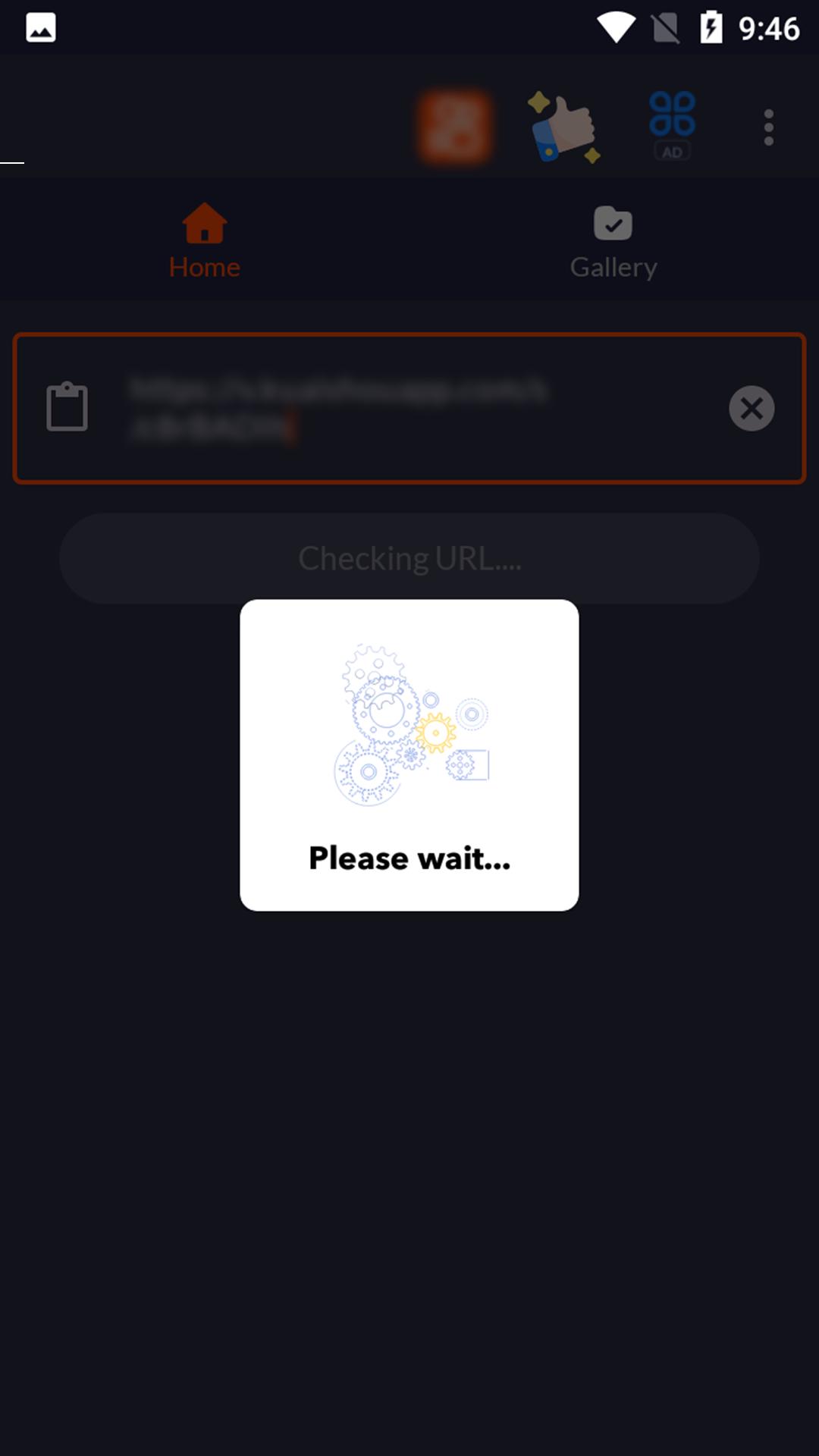
Step 4: Paste the copied video link into the URL box.
Step 5: Next, select the download icon to download the video to your phone.
Thus, you can easily save your favorite videos on Kshou or Kw to your phone without the appearance of the Kshou logo in that video anymore. Have you done it successfully? If you have any questions or suggestions, please do not hesitate to email us suggestions to improve further in the next version of app.
معاينة
العلامات
Video-Playersمعلومة
مطور
TH74Dev
احدث اصدار
15
آخر تحديث
2023-12-06
فئة
Video-players-editors
متاح على
Google Play
أظهر المزيد
كيف تلعب Downloader for Kw(Kshou) مع GameLoop على جهاز الكمبيوتر
1. قم بتنزيل GameLoop من الموقع الرسمي ، ثم قم بتشغيل ملف exe لتثبيت GameLoop.
2. افتح GameLoop وابحث عن "Downloader for Kw(Kshou)" ، وابحث عن Downloader for Kw(Kshou) في نتائج البحث وانقر على "تثبيت".
3. استمتع بلعب Downloader for Kw(Kshou) على GameLoop.
Minimum requirements
OS
Windows 8.1 64-bit or Windows 10 64-bit
GPU
GTX 1050
CPU
i3-8300
Memory
8GB RAM
Storage
1GB available space
Recommended requirements
OS
Windows 8.1 64-bit or Windows 10 64-bit
GPU
GTX 1050
CPU
i3-9320
Memory
16GB RAM
Storage
1GB available space