Reverse Video PC
Cloud Independently
قم بتنزيل Reverse Video على جهاز الكمبيوتر باستخدام GameLoop Emulator
Reverse Video على الكمبيوتر الشخصي
Reverse Video ، القادم من المطور Cloud Independently ، يعمل على نظام Android في الماضي.
الآن ، يمكنك لعب Reverse Video على جهاز الكمبيوتر باستخدام GameLoop بسلاسة.
قم بتنزيله في مكتبة GameLoop أو في نتائج البحث. لا مزيد من الانتباه إلى البطارية أو المكالمات المحبطة في الوقت الخطأ بعد الآن.
ما عليك سوى الاستمتاع بجهاز Reverse Video على الشاشة الكبيرة مجانًا!
Reverse Video مقدمة
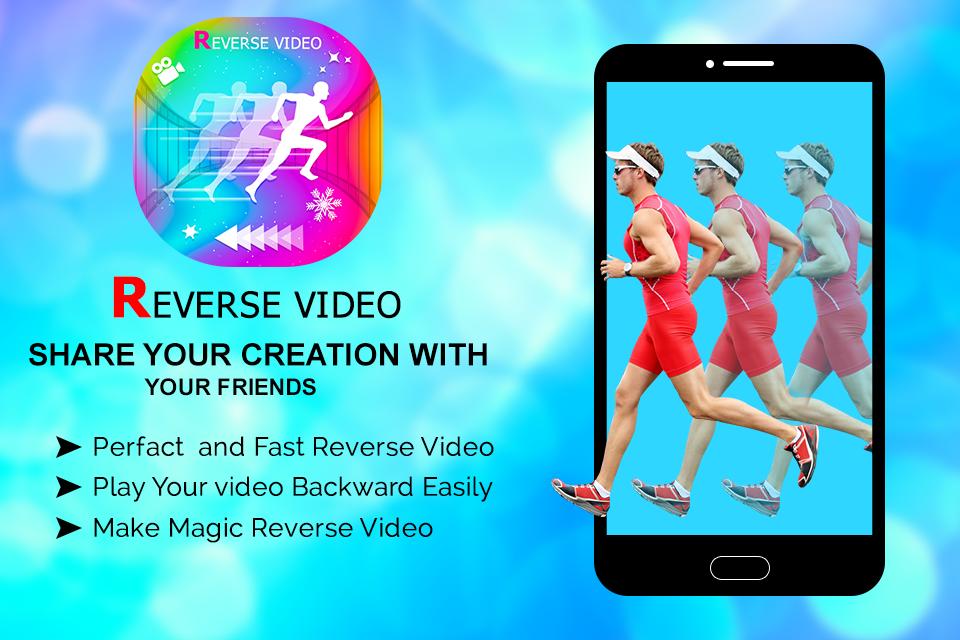
Reverse Video Master is an app which allows users edit their videos for FREE with extremely interesting and live Reverse video effect.
You can record a new video or choose a video from your library, then cut and reverse video app
Reverse Video Maker makes your videos, which are shared on social network such as Youtube, Facebook, Instagram, Twitter, etc. become more funny and attract more viewers
Here are some recommends for you to create a Reverse Video Master
- Throw and move objects
- Eat/Drink
- Jump/Walk
- Tear/Burn a paper
Main features of Reverse Video App
- Create Reverse video fast and easy with friendly design
- High quality export videos
- Choose and cut any part of the video you want
- Lightweight
- Share your reverse vid on social networks in a blink of an eye
All you need to do is to open reverse video app then one click to create viral video. What an amazing application, isnt it?
Let's download Reverse Master - Reverse Video and make all your dream with magic come true!
معاينة
العلامات
Video-Playersمعلومة
مطور
Cloud Independently
احدث اصدار
1.1
آخر تحديث
2020-09-18
فئة
Video-players-editors
متاح على
Google Play
أظهر المزيد
كيف تلعب Reverse Video مع GameLoop على جهاز الكمبيوتر
1. قم بتنزيل GameLoop من الموقع الرسمي ، ثم قم بتشغيل ملف exe لتثبيت GameLoop.
2. افتح GameLoop وابحث عن "Reverse Video" ، وابحث عن Reverse Video في نتائج البحث وانقر على "تثبيت".
3. استمتع بلعب Reverse Video على GameLoop.
Minimum requirements
OS
Windows 8.1 64-bit or Windows 10 64-bit
GPU
GTX 1050
CPU
i3-8300
Memory
8GB RAM
Storage
1GB available space
Recommended requirements
OS
Windows 8.1 64-bit or Windows 10 64-bit
GPU
GTX 1050
CPU
i3-9320
Memory
16GB RAM
Storage
1GB available space