
XN VPN - Secure & Unlimited PC
Devaya Developer
قم بتنزيل XN VPN - Secure & Unlimited على جهاز الكمبيوتر باستخدام GameLoop Emulator
XN VPN - Secure & Unlimited على الكمبيوتر الشخصي
XN VPN - Secure & Unlimited ، القادم من المطور Devaya Developer ، يعمل على نظام Android في الماضي.
الآن ، يمكنك لعب XN VPN - Secure & Unlimited على جهاز الكمبيوتر باستخدام GameLoop بسلاسة.
قم بتنزيله في مكتبة GameLoop أو في نتائج البحث. لا مزيد من الانتباه إلى البطارية أو المكالمات المحبطة في الوقت الخطأ بعد الآن.
ما عليك سوى الاستمتاع بجهاز XN VPN - Secure & Unlimited على الشاشة الكبيرة مجانًا!
XN VPN - Secure & Unlimited مقدمة
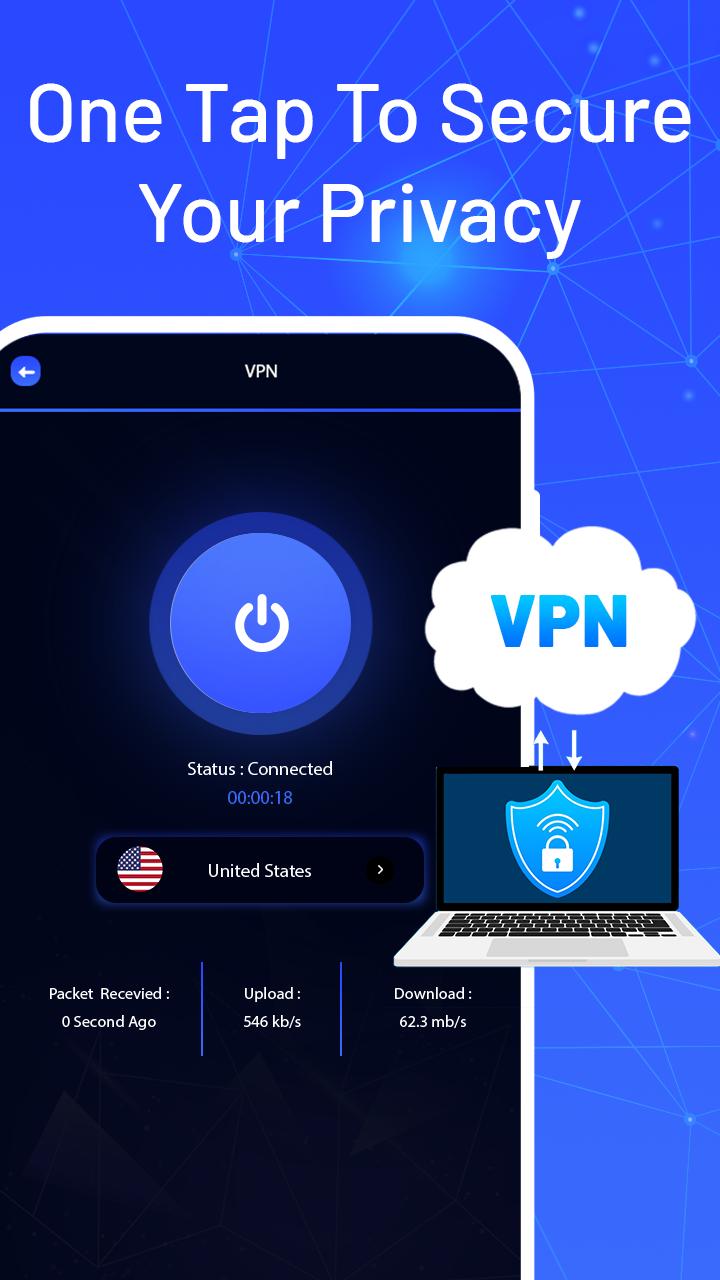
XN VPN - Secure & Unlimited for android with hotspot shield and proxy server that helps to do private browser and unblock websites. This fast XN VPN - Secure & Unlimited works as unlimited VPN for privacy protection and keeps all your private browsers safe and secure.
XN VPN - Secure & Unlimited hides your IP address, identity and location from trackers. It provides you a secure and encrypted network so no one will be able to access your personal data. You can enjoy maximum privacy and keep your browsing history to yourself.
You can enjoy a complete vpn experience with XN VPN - Secure & Unlimited Truly unlimited, No session, speed or bandwidth limitations. Fast VPN connection makes it easier for you to fully access any popular content.
No registration needed, XN VPN - Secure & Unlimited networks, and all mobile data carriers. Just install XN VPN - Secure & Unlimited and tap the connect button, the entire internet will be at your fingertips.
💥FEATURES:
➡ Fast VPN Servers
➡ Hide your IP and location
➡ keep you safe on public Wi-Fi
➡ Access any sites and apps
➡ Unlimited connections
➡ No traffic limits.
➡ VPN without registration
➡ Compatibility with any connections type
➡ Easy to use
معاينة

معلومة
مطور
Devaya Developer
احدث اصدار
2.0
آخر تحديث
2021-12-15
فئة
أدوات
متاح على
Google Play
أظهر المزيد
كيف تلعب XN VPN - Secure & Unlimited مع GameLoop على جهاز الكمبيوتر
1. قم بتنزيل GameLoop من الموقع الرسمي ، ثم قم بتشغيل ملف exe لتثبيت GameLoop.
2. افتح GameLoop وابحث عن "XN VPN - Secure & Unlimited" ، وابحث عن XN VPN - Secure & Unlimited في نتائج البحث وانقر على "تثبيت".
3. استمتع بلعب XN VPN - Secure & Unlimited على GameLoop.
Minimum requirements
OS
Windows 8.1 64-bit or Windows 10 64-bit
GPU
GTX 1050
CPU
i3-8300
Memory
8GB RAM
Storage
1GB available space
Recommended requirements
OS
Windows 8.1 64-bit or Windows 10 64-bit
GPU
GTX 1050
CPU
i3-9320
Memory
16GB RAM
Storage
1GB available space