Text to Speech TTS Reader PC
Innovative World
قم بتنزيل Text to Speech TTS Reader على جهاز الكمبيوتر باستخدام GameLoop Emulator
Text to Speech TTS Reader على الكمبيوتر الشخصي
Text to Speech TTS Reader ، القادم من المطور Innovative World ، يعمل على نظام Android في الماضي.
الآن ، يمكنك لعب Text to Speech TTS Reader على جهاز الكمبيوتر باستخدام GameLoop بسلاسة.
قم بتنزيله في مكتبة GameLoop أو في نتائج البحث. لا مزيد من الانتباه إلى البطارية أو المكالمات المحبطة في الوقت الخطأ بعد الآن.
ما عليك سوى الاستمتاع بجهاز Text to Speech TTS Reader على الشاشة الكبيرة مجانًا!
Text to Speech TTS Reader مقدمة
Real Voice Text to Speech App - Listen To Written Text With Simple Controls!
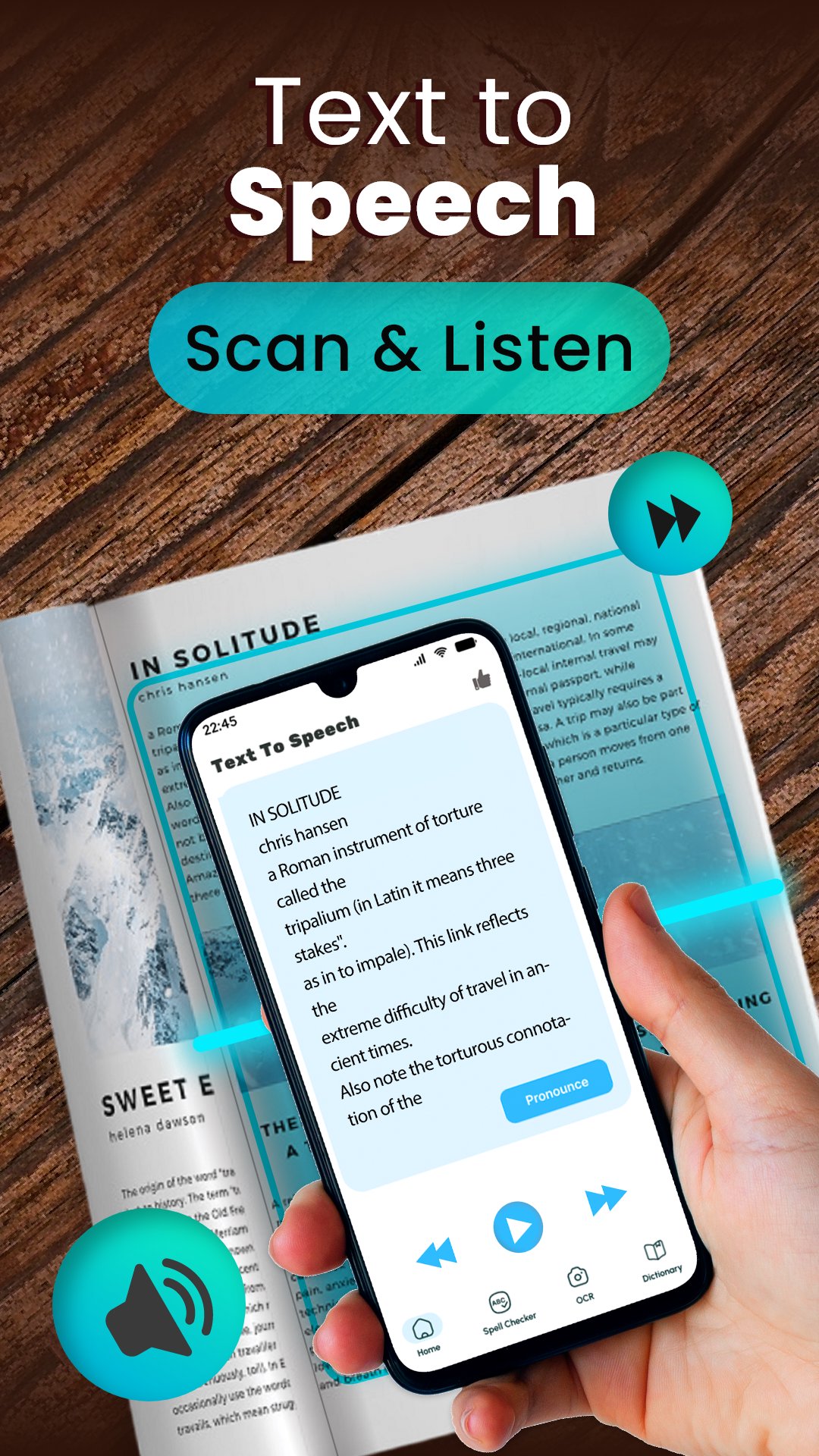
Real Voice Text to Speech App helps you turn typed, pasted, or copied text into spoken audio. It is useful when long paragraphs, books, notes, messages, or scripts feel tiring and you prefer to listen.Speech To Text Reader gives you an easy place to type text, choose a language, and hear it through the speaker button. Voice Aloud Reader App also helps you save generated audio for voiceovers, study use, or later listening.
Main Text And Voice Features:
🔊Speak To Text Reader - Type or paste text and listen to it instantly;
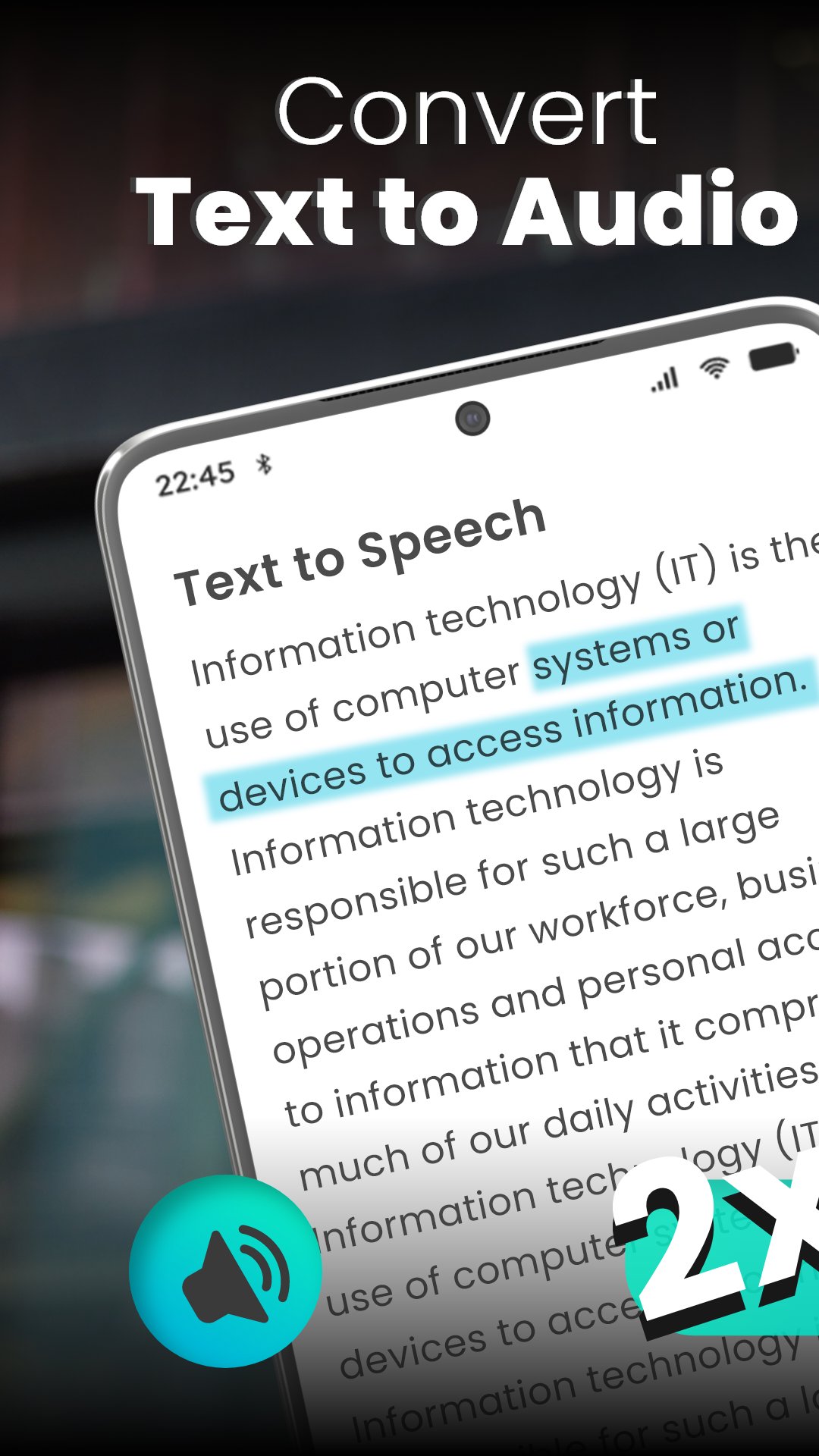
🎧TTS Reader App - Convert text into audio in supported languages;
📄Read Aloud Text Voice Reader - Listen to articles, notes, books, and paragraphs;
🔁TTS STT Text Speak App - Use text input, voice playback, copy, clear, save, and share tools;
🌍Real Voice Text to Speech App - Select from 11 language options;
🎚️Speech To Text Reader - Change pitch, speed, and volume;
💾Voice Aloud Reader App - Save spoken output as an audio file;
📤Share Tools - Send text or generated audio for personal use;
Type text, adjust the voice, and save audio when needed!
Speak To Text Reader is helpful when you want a fast way to hear what you have written. You can type directly, paste copied text, or import text files when supported.TTS Reader App lets you control how the voice sounds before saving or sharing. Adjust speed if reading feels too fast, change pitch for a lighter or heavier voice, and set volume for listening.
Simple Use Flow:
📲Open Read Aloud Text Voice Reader and choose your language;
⌨️Enter text manually or paste copied content;
🔊Tap the speaker button to hear the result;
🎚️Use Speech To Text Reader controls for pitch, speed, and volume;
💾Save the audio after playback is finished;
📋Copy the written text if you want to use it again;
📤Share text or audio through supported options;
🎧Text To Speech For Reading Comfort:
Voice Aloud Reader App is useful for users who do not want to read long text on a small screen. It can help with books, paragraphs, study notes, scripts, and written content that is easier to understand by listening. The app focuses on clear pronunciation and simple playback.
💾Audio Saving And Voiceover Support:
TTS Reader App can generate audio from written text and let you save the result as a .wav file. This is helpful for voiceover projects, personal reminders, learning materials, or listening later. The save button becomes available after the app finishes reading.
🎚️Pitch, Speed, And Volume Control:
Read Aloud Text Voice Reader includes customization for the listening experience. Increase pitch for a sharper voice, lower pitch for a deeper sound, speed up reading for quick playback, or slow it down for careful listening. Volume control helps make audio louder or quieter.
📄Copy, Clear, Import, And Share:
TTS STT Text Speak App includes practical tools for daily text handling. You can copy what you wrote, clear the text box, import text files when available, and share generated content through supported options. Speak To Text Reader keeps these controls easy to find on the main screen.
Make Written Text Easier To Hear!
TTS STT Text Speak App gives you a simple way to convert text into spoken audio with language selection and voice controls. Whether you are studying, preparing a voiceover, or resting your eyes, this tool makes listening to text more convenient.معاينة
العلامات
أدواتمعلومة
مطور
Innovative World
احدث اصدار
2.1.0
آخر تحديث
2026-08-05
فئة
أدوات
متاح على
Google Play
أظهر المزيد
كيف تلعب Text to Speech TTS Reader مع GameLoop على جهاز الكمبيوتر
1. قم بتنزيل GameLoop من الموقع الرسمي ، ثم قم بتشغيل ملف exe لتثبيت GameLoop.
2. افتح GameLoop وابحث عن "Text to Speech TTS Reader" ، وابحث عن Text to Speech TTS Reader في نتائج البحث وانقر على "تثبيت".
3. استمتع بلعب Text to Speech TTS Reader على GameLoop.
Minimum requirements
OS
Windows 8.1 64-bit or Windows 10 64-bit
GPU
GTX 1050
CPU
i3-8300
Memory
8GB RAM
Storage
1GB available space
Recommended requirements
OS
Windows 8.1 64-bit or Windows 10 64-bit
GPU
GTX 1050
CPU
i3-9320
Memory
16GB RAM
Storage
1GB available space