
Text Reader: Text to Speech PC
Perfect tools
قم بتنزيل Text Reader: Text to Speech على جهاز الكمبيوتر باستخدام GameLoop Emulator
Text Reader: Text to Speech على الكمبيوتر الشخصي
Text Reader: Text to Speech ، القادم من المطور Perfect tools ، يعمل على نظام Android في الماضي.
الآن ، يمكنك لعب Text Reader: Text to Speech على جهاز الكمبيوتر باستخدام GameLoop بسلاسة.
قم بتنزيله في مكتبة GameLoop أو في نتائج البحث. لا مزيد من الانتباه إلى البطارية أو المكالمات المحبطة في الوقت الخطأ بعد الآن.
ما عليك سوى الاستمتاع بجهاز Text Reader: Text to Speech على الشاشة الكبيرة مجانًا!
Text Reader: Text to Speech مقدمة
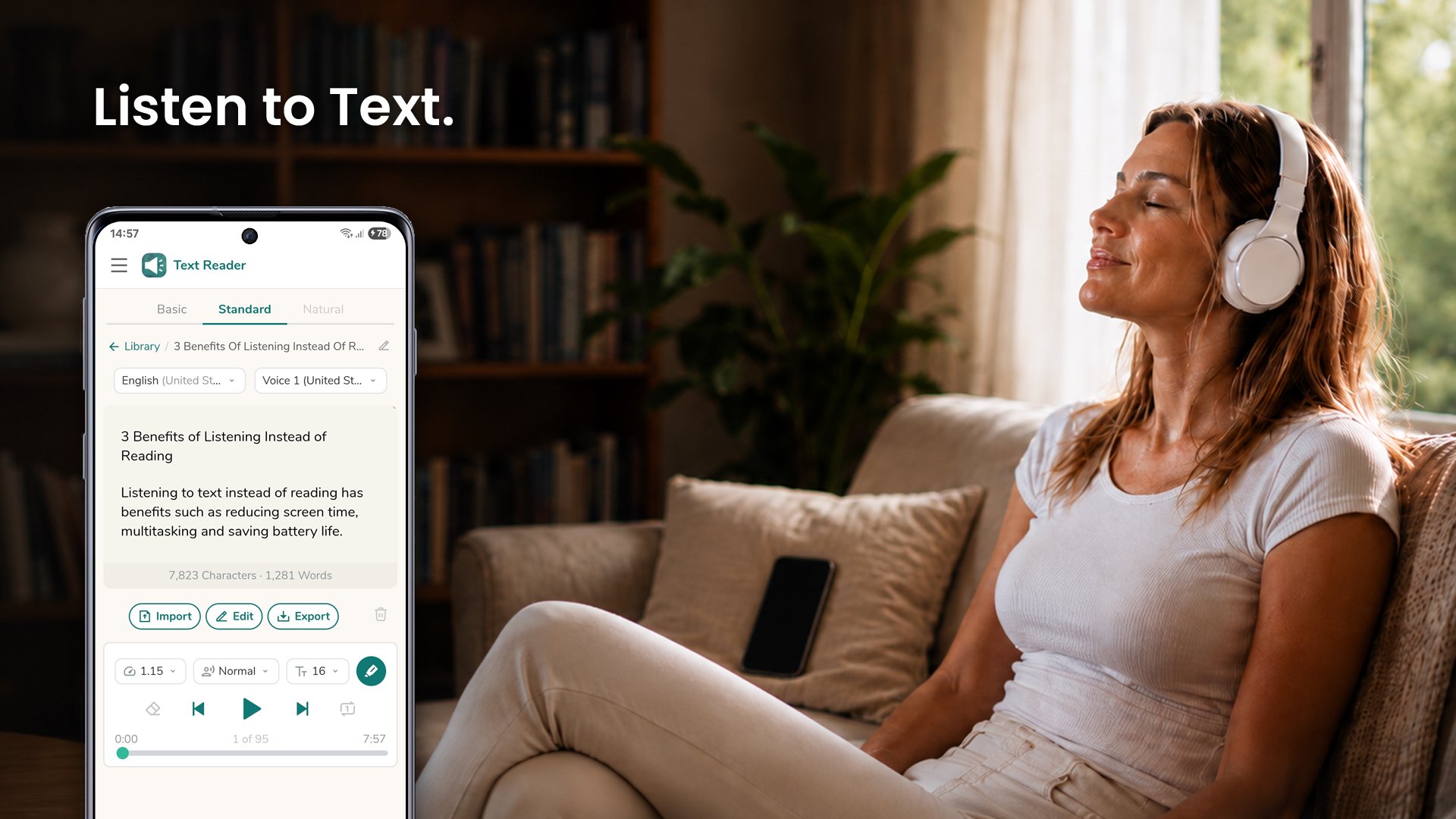
Text Reader is a text to speech app that reads your articles, documents, ebooks, and messages out loud, word for word, in 70+ languages - so you can listen instead of read.
Why listen instead of read
- Rest your eyes and reduce screen time.
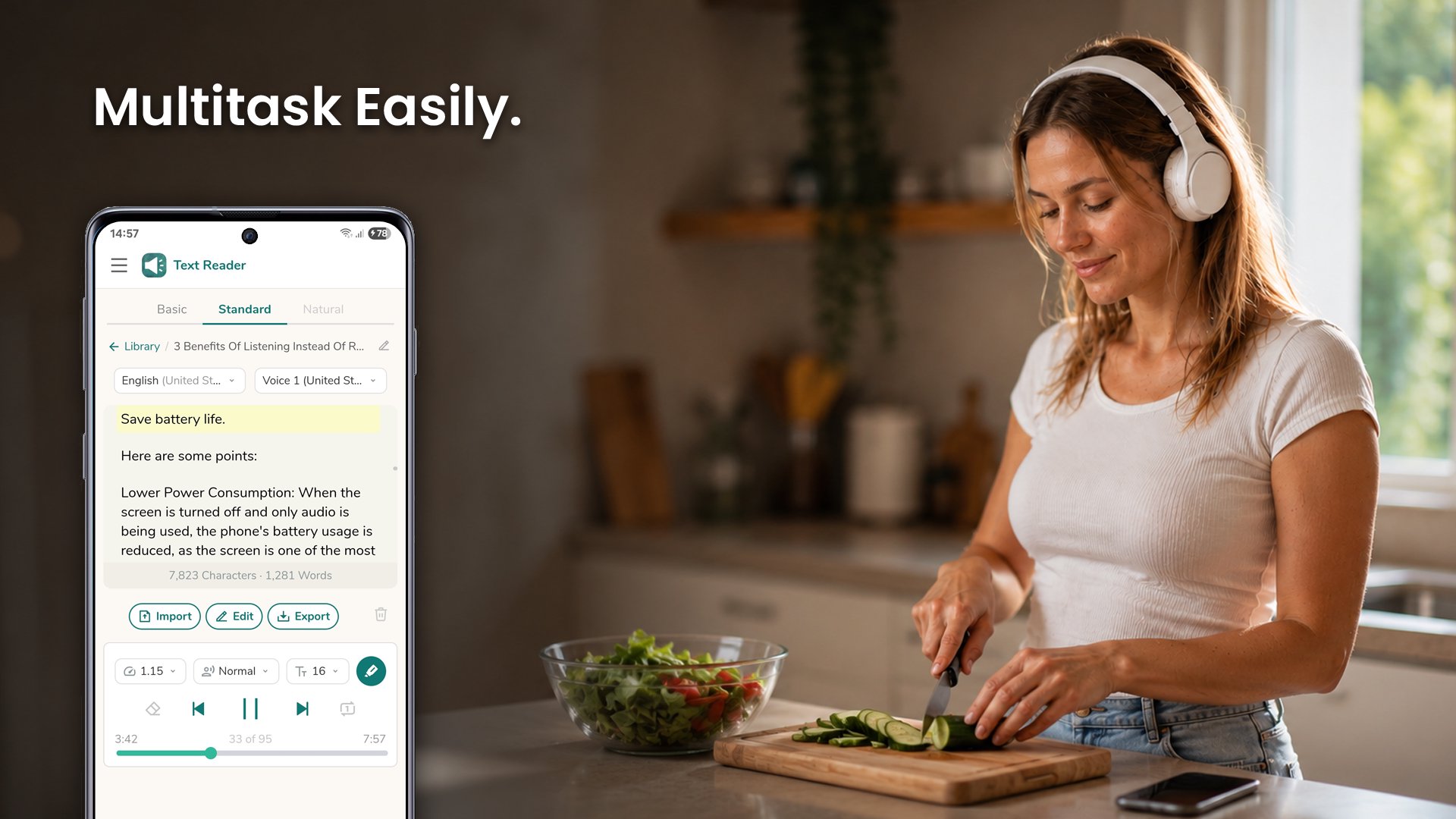
- Save battery by listening with the screen off.
- Learn and stay productive while commuting, exercising, cooking, or working with your hands.
Listening
- Listen with the screen locked - control playback from the lock screen, notification, and Bluetooth.
- Adjustable speed - from slow up to 3x for skimming or careful listening.
- Male and female voices, with pitch control to raise or lower the voice.
- Follow-along highlighting - see each word as it is spoken.
- Repeat mode - loop the current text to listen again.
- Resume where you left off - the app remembers your place.
Your texts
- Import PDF, Word, EPUB, and text files, or share text from any app to start listening instantly.
- Open with Text Reader - tap a document in any app and have it read to you right away.
- Save a library of texts and search it anytime, even offline.
- Clean Symbols - skip stray characters like asterisks so they are not spoken.
- Handles long texts - uninterrupted playback for articles, chapters, and reports.
- Generate audio from text - save it as an audio file and listen in any music app.
- Export to PDF or a text file - keep a copy of your text on your device.
More
- Dark mode that follows your device theme.
- Right-to-left support for Hebrew, Arabic, and more.
- Works on phones and tablets - smooth performance across devices.
Whether you want to read books and novels on the road, catch up on articles, or get through work documents hands-free, Text Reader reads every word so you never miss a thing.
معاينة
العلامات
أدواتمعلومة
مطور
Perfect tools
احدث اصدار
1.0.48
آخر تحديث
2026-07-13
فئة
أدوات
متاح على
Google Play
أظهر المزيد
كيف تلعب Text Reader: Text to Speech مع GameLoop على جهاز الكمبيوتر
1. قم بتنزيل GameLoop من الموقع الرسمي ، ثم قم بتشغيل ملف exe لتثبيت GameLoop.
2. افتح GameLoop وابحث عن "Text Reader: Text to Speech" ، وابحث عن Text Reader: Text to Speech في نتائج البحث وانقر على "تثبيت".
3. استمتع بلعب Text Reader: Text to Speech على GameLoop.
Minimum requirements
OS
Windows 8.1 64-bit or Windows 10 64-bit
GPU
GTX 1050
CPU
i3-8300
Memory
8GB RAM
Storage
1GB available space
Recommended requirements
OS
Windows 8.1 64-bit or Windows 10 64-bit
GPU
GTX 1050
CPU
i3-9320
Memory
16GB RAM
Storage
1GB available space