
Repair Android System PC
AY.G STUDIO
قم بتنزيل Repair Android System على جهاز الكمبيوتر باستخدام GameLoop Emulator
Repair Android System على الكمبيوتر الشخصي
Repair Android System ، القادم من المطور AY.G STUDIO ، يعمل على نظام Android في الماضي.
الآن ، يمكنك لعب Repair Android System على جهاز الكمبيوتر باستخدام GameLoop بسلاسة.
قم بتنزيله في مكتبة GameLoop أو في نتائج البحث. لا مزيد من الانتباه إلى البطارية أو المكالمات المحبطة في الوقت الخطأ بعد الآن.
ما عليك سوى الاستمتاع بجهاز Repair Android System على الشاشة الكبيرة مجانًا!
Repair Android System مقدمة
Your mobile phone started to work very slowly?
The memory is completely full and the applications don’t want to work properly?
Your device temperature is going up dramatically?
You started to think about whether you may be needed for the new device, but you can't buy a new one?! You can solve these problems easily and absolutely for free.
With the help of a new mobile repair system, You will get Eight functions in one app:
★ Junk Files Cleaner
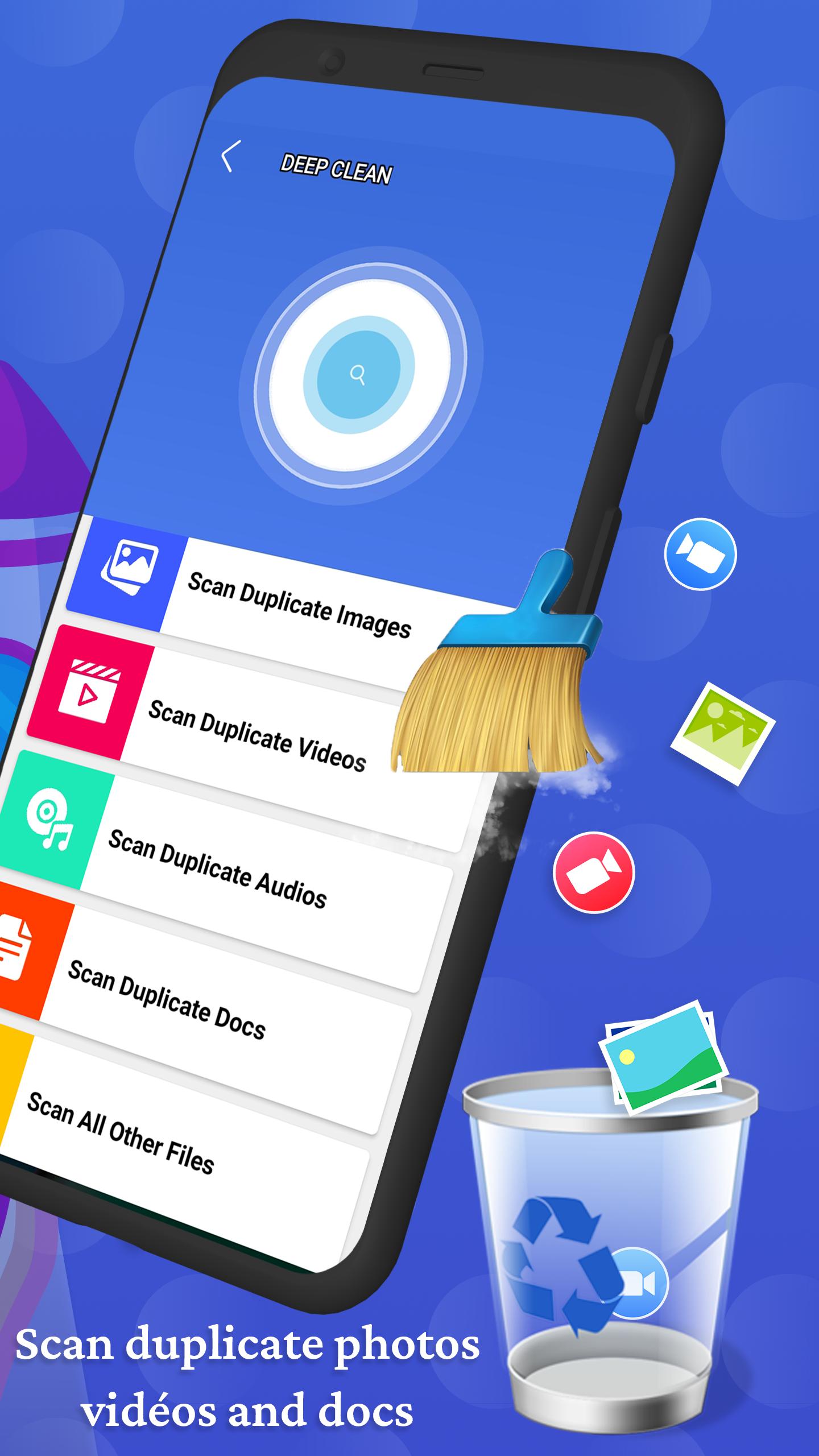
Analyze and safely remove the junk files that take up your memory and storage space. Clean with only 1-tap, free up space and boost phone speed.
★ Optimize Phone & Booster RAM
you can instantly optimize the performance of your phone, and free up RAM to make your phone run faster! With this lite tool, you can speed up your android phone, and boost effectiveness.
★ CPU Cooler
CPU Cooler can cool down your android phone CPU temperature with one tap.
★ Clear Cache
Clean useless cache files, it can free up your phone space and speed up your phone.
★ Battery Saver (Optimize Battery)
battery saving function that helps extend your battery life up to 50% by finding apps and settings that drain power on your device.
It also provides you with detailed battery information, and uses our unique Two Stage Charging System to keep your battery healthy, and never worry about your phone battery again!
★ Empty Folders
With just one click all the empty folders and sub empty folders will be deleted.
★ Manage Apps (Uninstall App)
uninstall tool for android, remove apps, And Clean up storage and free up more spaces.
★ Repair System
the smart function will help you by checking your entire system and fix any problem, so you can have a stable system and fast.
repair system – speed booster (fix problems android)
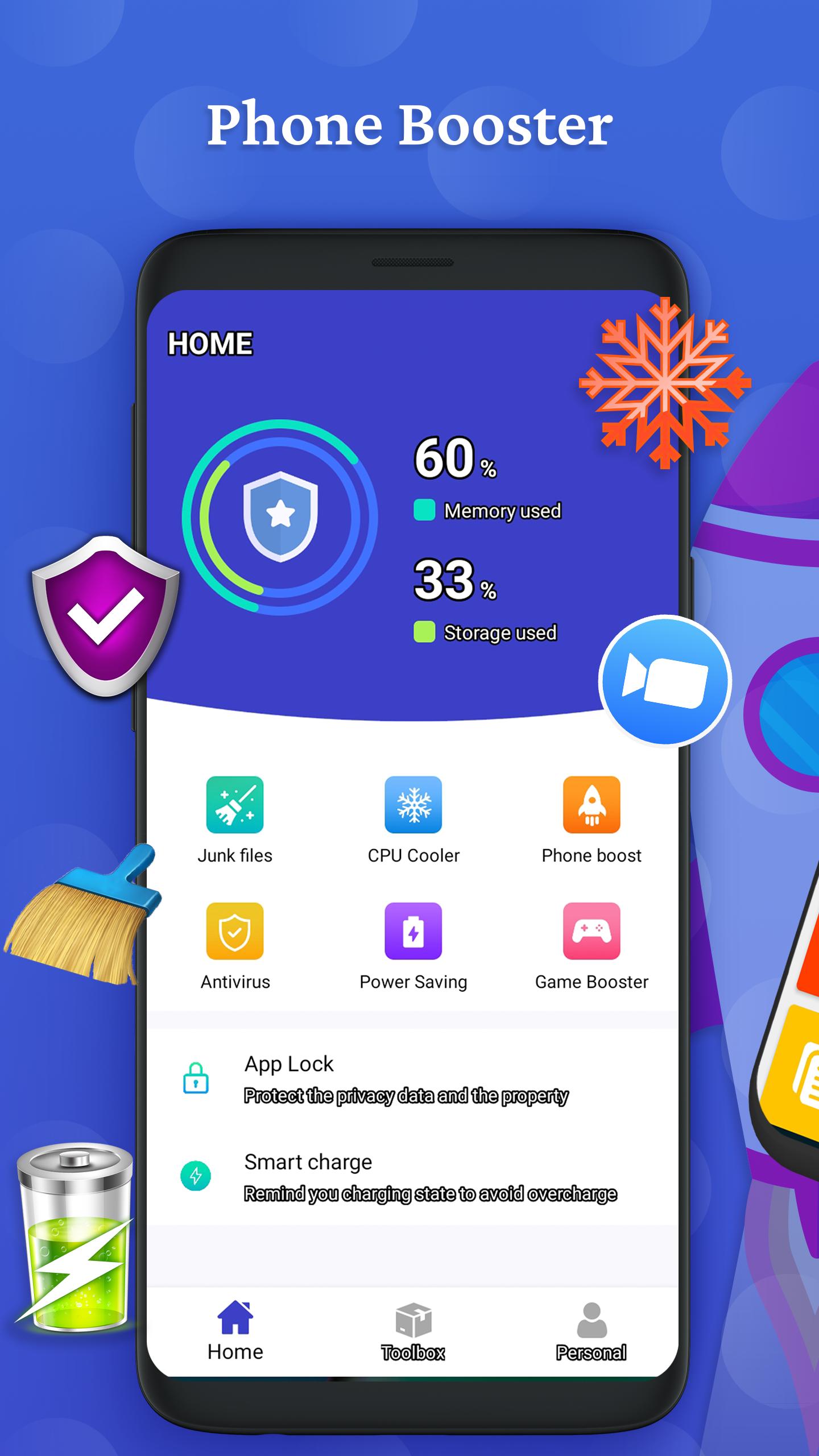
The home menu of the repair system – speed booster (fix problems android) has the next options:
★ Optimize Phone, Full Boost, and Boost RAM.
★ Start repair, which suggests the system, boot and file system repair.
★ Battery Saver is able to control the battery charge and gives you an opportunity to optimize and saver battery it quickly.
★ Remove all empty folders, subfolders empty with one click.
★ CPU Coole cool down CPU temperature with one click.
★ Junk Cleaner Analyze and safely remove the junk files that take up your memory and storage space.
★ Manage Apps (Uninstall App).
★ Display information phone For example Network and info mobile phone also Storage info & RAM.
★ Android repair
★ Phone repair
★ Fix Android phone
★ Android phone repair
★ Repair Android Phone
★ Mobile repair
★ Phone maintenance
★ Fix phone
★ Android repair app
★ Phone repair app
All the options on the main menu are available absolutely for free.
Use them all to increase the performance of your device and enjoy its perfect work!
Tip: in Menu left, you have a special instrument is support team, you can contact At any time, your message will be answered as soon as possible, in order to be assisted if you encounter any problem in the application, or inquire.
معاينة
العلامات
أدواتمعلومة
مطور
AY.G STUDIO
احدث اصدار
2.2.23
آخر تحديث
2023-02-02
فئة
أدوات
متاح على
Google Play
أظهر المزيد
كيف تلعب Repair Android System مع GameLoop على جهاز الكمبيوتر
1. قم بتنزيل GameLoop من الموقع الرسمي ، ثم قم بتشغيل ملف exe لتثبيت GameLoop.
2. افتح GameLoop وابحث عن "Repair Android System" ، وابحث عن Repair Android System في نتائج البحث وانقر على "تثبيت".
3. استمتع بلعب Repair Android System على GameLoop.
Minimum requirements
OS
Windows 8.1 64-bit or Windows 10 64-bit
GPU
GTX 1050
CPU
i3-8300
Memory
8GB RAM
Storage
1GB available space
Recommended requirements
OS
Windows 8.1 64-bit or Windows 10 64-bit
GPU
GTX 1050
CPU
i3-9320
Memory
16GB RAM
Storage
1GB available space