Sound Meter HQ PC
Just4Fun
قم بتنزيل Sound Meter HQ على جهاز الكمبيوتر باستخدام GameLoop Emulator
Sound Meter HQ على الكمبيوتر الشخصي
Sound Meter HQ ، القادم من المطور Just4Fun ، يعمل على نظام Android في الماضي.
الآن ، يمكنك لعب Sound Meter HQ على جهاز الكمبيوتر باستخدام GameLoop بسلاسة.
قم بتنزيله في مكتبة GameLoop أو في نتائج البحث. لا مزيد من الانتباه إلى البطارية أو المكالمات المحبطة في الوقت الخطأ بعد الآن.
ما عليك سوى الاستمتاع بجهاز Sound Meter HQ على الشاشة الكبيرة مجانًا!
Sound Meter HQ مقدمة
Application "Sound Meter HQ" calculates sound level (noise level) of surroundings with the help of built-in microphone. Result of the measurements are displayed in decibels on the screen of you phone.
IMPORTANT:
This tool is not a professional device to measure decibels. It uses built-in microphone, which was created to capture human's voice. Such a microphone isn't able to capture sounds above ~ 90-100 dB.
Maximum value differs depending on kind of microphone you have. Additionally some devices are equipped with AGC (Automatic Gain Control). This system can additionally disturb correct sound pressure level measurement.
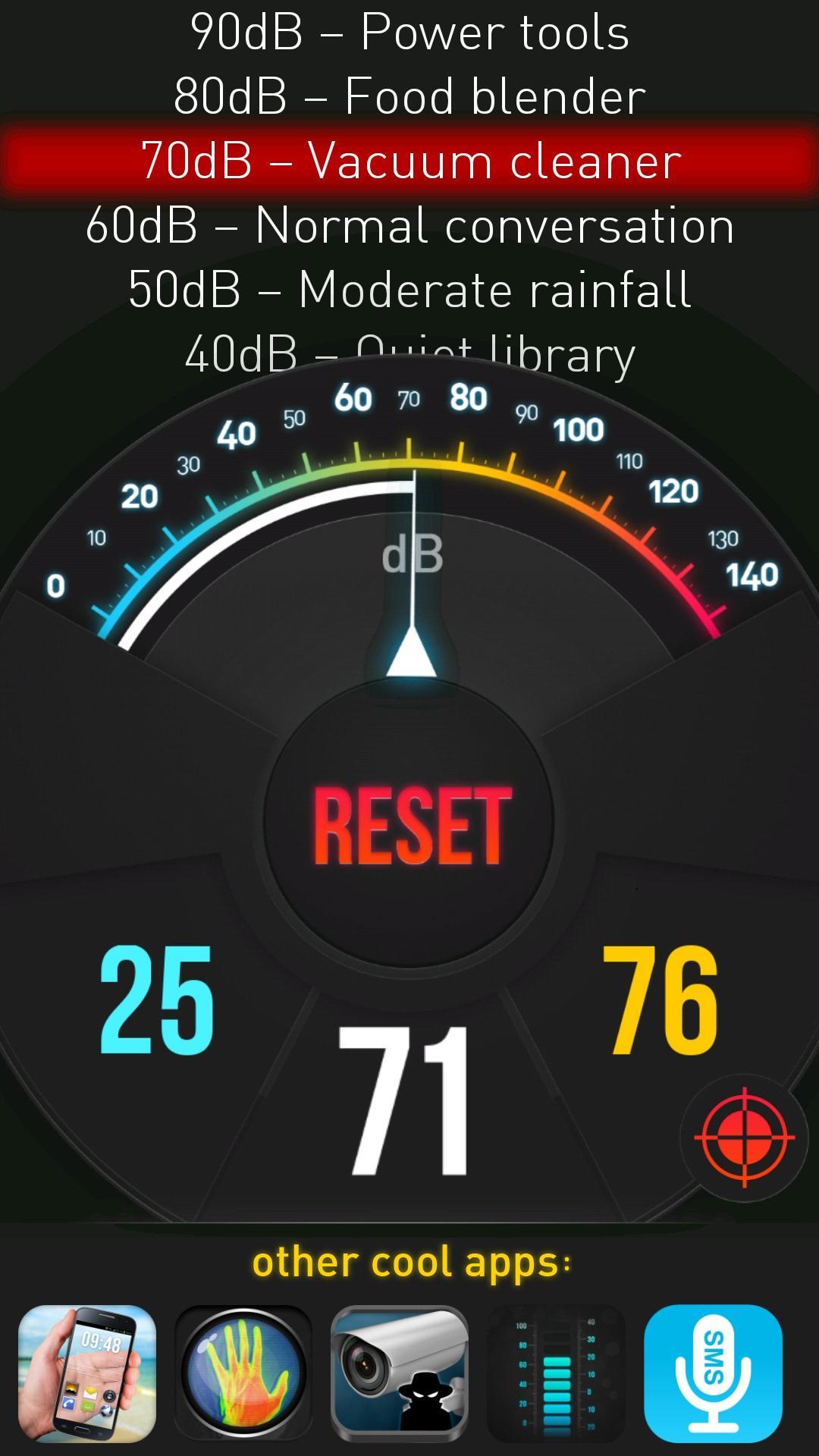
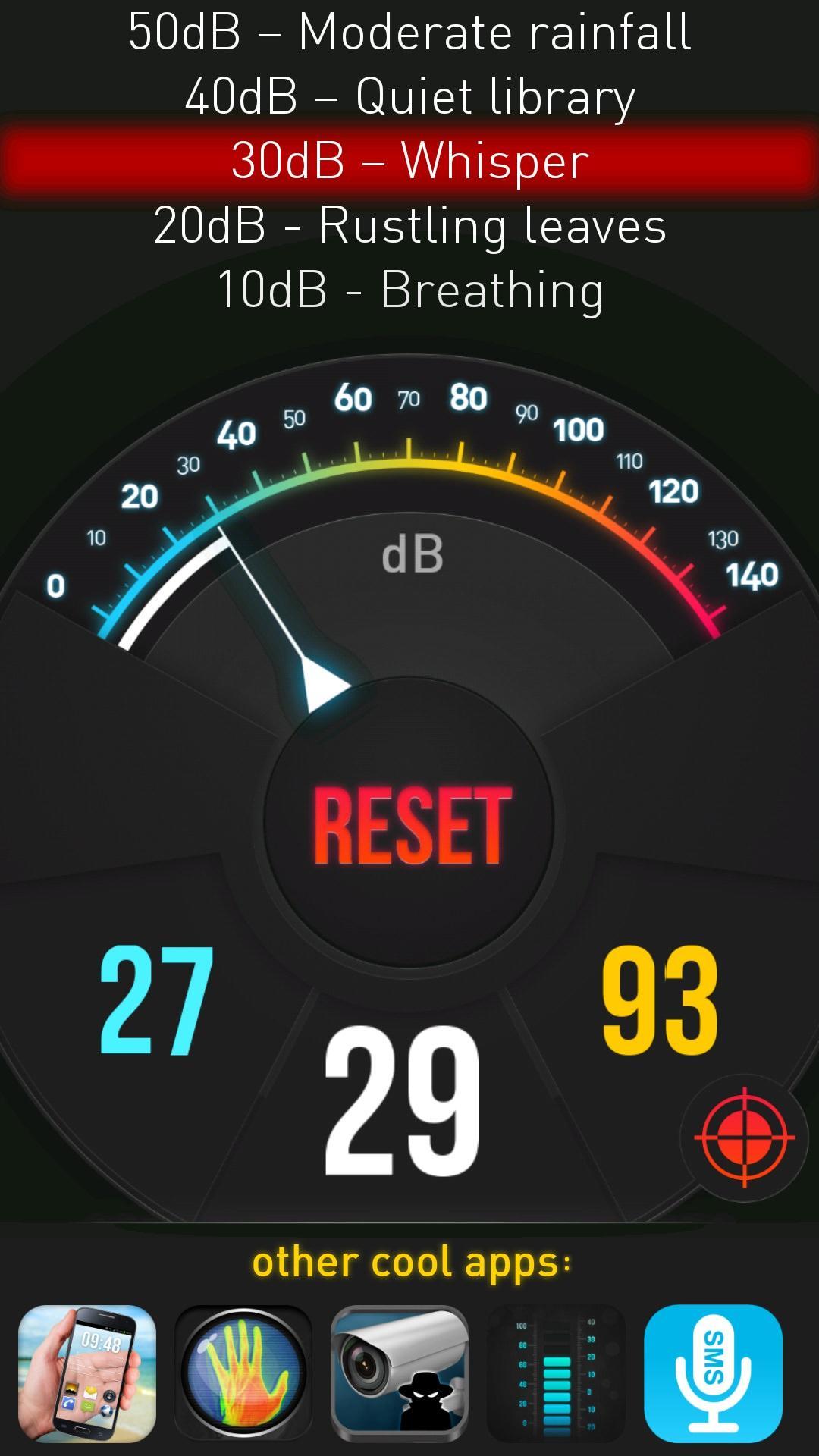
Calculated value of noise level is displayed with the help of indicator on the gauge. Range of measurements from environment is between 0-140 dB. Besides current measurement the application displays also minimum and maximum level of the sound.
You can clear minimum and maximum measurements any time by using "Reset" button.
Additionally the application displays noise power in descriptive way. Available descriptive sound thresholds:
10 dB - Breathing
20 dB - Rustling leaves
30 dB – Whisper
40 dB – Quiet library
50 dB – Moderate rainfall
60 dB – Normal conversation
70 dB – Vacuum cleaner
80 dB – Food blender
90 dB – Power tools
100 dB – Motorcycle
110 dB – Rock concert
120 dB – Chain saw
130 dB – Jet takeoff (100 m. away)
140 dB – Shotgun
Program calibration:
If you have an access to professional sound pressure level (SPL) measurements device you can use it for calibrating the application. Check current dB reading on scientific measurement device and with the help of calibration menu (calibration icon under MAX value) set the same value using +,- buttons.
Features of application:
- dB level presented on the gauge and in the descriptive way
- quick reaction on sound level change
- possibility of calibration the result according to professional device.
- minimum and maximum measurements levels.
WearOS: this app is also available for Wear OS devices. Wear OS app is not a standalone app. To work correctly it needs phone app. WearOS app displays sound level detected and calculated by the phone app.
معاينة
معلومة
مطور
Just4Fun
احدث اصدار
2.1
آخر تحديث
2018-08-22
فئة
أدوات
متاح على
Google Play
أظهر المزيد
كيف تلعب Sound Meter HQ مع GameLoop على جهاز الكمبيوتر
1. قم بتنزيل GameLoop من الموقع الرسمي ، ثم قم بتشغيل ملف exe لتثبيت GameLoop.
2. افتح GameLoop وابحث عن "Sound Meter HQ" ، وابحث عن Sound Meter HQ في نتائج البحث وانقر على "تثبيت".
3. استمتع بلعب Sound Meter HQ على GameLoop.
Minimum requirements
OS
Windows 8.1 64-bit or Windows 10 64-bit
GPU
GTX 1050
CPU
i3-8300
Memory
8GB RAM
Storage
1GB available space
Recommended requirements
OS
Windows 8.1 64-bit or Windows 10 64-bit
GPU
GTX 1050
CPU
i3-9320
Memory
16GB RAM
Storage
1GB available space