Smart Screen Lock : PIN Lock PC
OkraApps
قم بتنزيل Smart Screen Lock : PIN Lock على جهاز الكمبيوتر باستخدام GameLoop Emulator
Smart Screen Lock : PIN Lock على الكمبيوتر الشخصي
Smart Screen Lock : PIN Lock ، القادم من المطور OkraApps ، يعمل على نظام Android في الماضي.
الآن ، يمكنك لعب Smart Screen Lock : PIN Lock على جهاز الكمبيوتر باستخدام GameLoop بسلاسة.
قم بتنزيله في مكتبة GameLoop أو في نتائج البحث. لا مزيد من الانتباه إلى البطارية أو المكالمات المحبطة في الوقت الخطأ بعد الآن.
ما عليك سوى الاستمتاع بجهاز Smart Screen Lock : PIN Lock على الشاشة الكبيرة مجانًا!
Smart Screen Lock : PIN Lock مقدمة
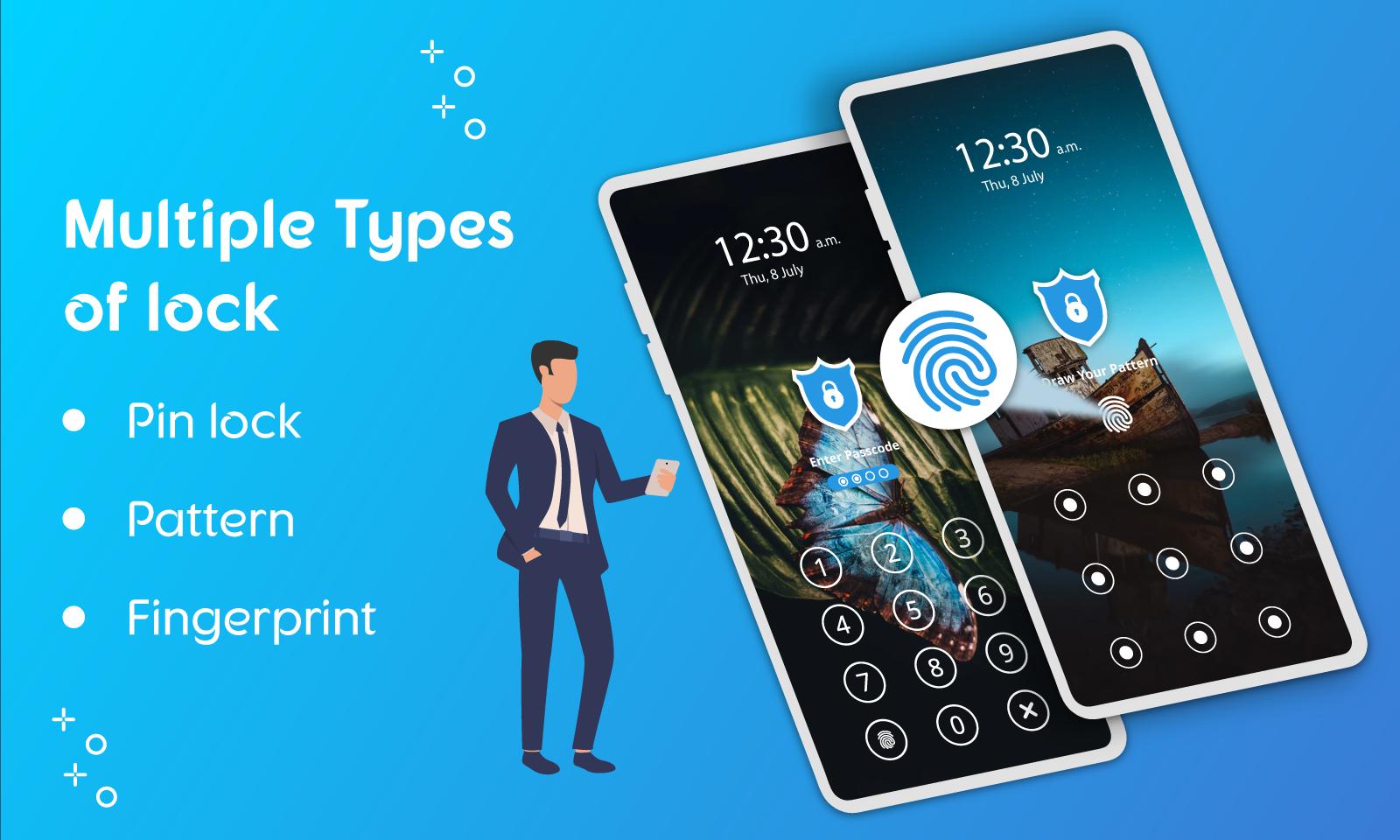
Smart Screen Lock App is a tool to lock your phone's screen that no one could open the screen. With Smart Screen Locker for Android App you can try 3 types of the lock. Locker for Screen is an appropriate app that helps you to seal your phone's screen easily without having you press the hard Power button.
Using the power button to lock the screen may cause to damage button so we created this screen locker app to off the screen and open with a pin code, draw pattern, and finger lock. So get the benefit of the is a useful app and save your phone’s buttons.
Create pattern Lock to protect your phone from Curios eyes. Produce a pin Lock to save your phone from those who want to use your phone behind you. Setup your finger lock for the safeguard of your Android Mobile Phone and save your important data and privacy from others.
It becomes a tiredly work lock screen with a hard power button of the phone, right away you will find this password locker very useful when you want to lock screen instantly. Pattern Screen locker is a perfect app on the play store to lock the screen of android phones.
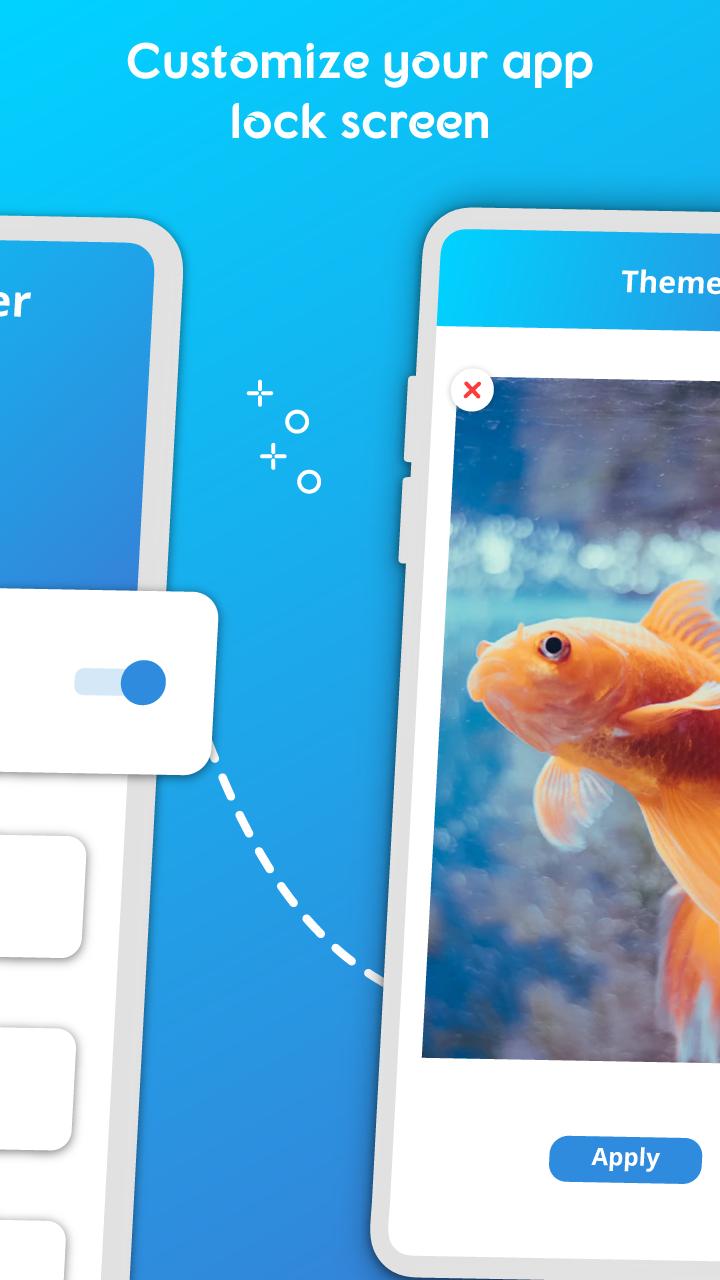
With this new lock screen app, you have the option to choose your wallpaper for the locker screen. With a Smart lock screen, you can more customize the locker. Click on the settings tab to for more settings. You can choose whether you want to hear the sound and the vibration. The locker screen can display the Date, Time, and battery level so you will never worry about it.
A unique Specialty of the finger screen locker is that when the screen is gone off and you want to open the phone screen it will automatically lock by the screen locker app and it will ask you for a passcode or pattern or fingerprint. Phone screen lock is a safe application it takes care of your privacy and it does not use your data like phone storage, contacts, etc.
Features:
★Supportable to three types of lock, (Password, Pattern, Fingerprint)
★Supportable to all android cell phones and tablets.
★Enable Simple 4 Digit Lock.
★Beautiful HD Themes of wallpaper for the Locker screen.
★Option to lock Screen with Fingerprint Lock.
★More types of the locks like Pattern/Pin.
★Pin code or Pattern can be changed at any time.
★Default Lock can be disabled anytime if you want just fingerprint lock.
★Change Wallpaper of the Lock Screen
★Clock and Clock format styles.
★Display of the real-time clock and time.
★Extremely simple and easy to use.
★it is a less memory space covering and Consumes a very low battery charge.
★It is safe and protective.
Permissions:
Read Phone State:
Screen Locker App needs to allow the Read Phone State to unlock the screen when there is an incoming call and you need to attend this call, if not, then you will not be able to attend the call.
Draw Over Other Apps:
Draw Over Other Apps helps you to use Screen-Lock for work properly.
How to Use:
Download the Phone Lock App and install it then run it.
Click the START App,
Enable the Default Lock,
Set a Fingerprint Lock by going to Settings,
Or set a pattern Lock or set a 4digit Password.
This locker for screen is developed for you specially with special features, kindly do install it and enjoy using this beautiful useful app, and also share your best experience of this app with us.
معاينة
العلامات
أدواتمعلومة
مطور
OkraApps
احدث اصدار
1.1.6
آخر تحديث
2023-04-20
فئة
أدوات
متاح على
Google Play
أظهر المزيد
كيف تلعب Smart Screen Lock : PIN Lock مع GameLoop على جهاز الكمبيوتر
1. قم بتنزيل GameLoop من الموقع الرسمي ، ثم قم بتشغيل ملف exe لتثبيت GameLoop.
2. افتح GameLoop وابحث عن "Smart Screen Lock : PIN Lock" ، وابحث عن Smart Screen Lock : PIN Lock في نتائج البحث وانقر على "تثبيت".
3. استمتع بلعب Smart Screen Lock : PIN Lock على GameLoop.
Minimum requirements
OS
Windows 8.1 64-bit or Windows 10 64-bit
GPU
GTX 1050
CPU
i3-8300
Memory
8GB RAM
Storage
1GB available space
Recommended requirements
OS
Windows 8.1 64-bit or Windows 10 64-bit
GPU
GTX 1050
CPU
i3-9320
Memory
16GB RAM
Storage
1GB available space