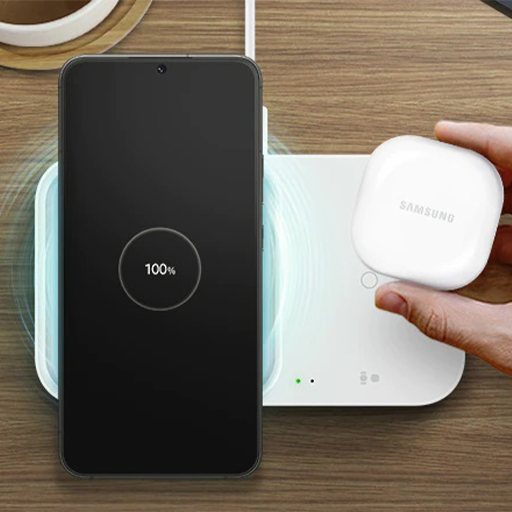
Samsung Wireless Charger guide PC
Jehad ha
قم بتنزيل Samsung Wireless Charger guide على جهاز الكمبيوتر باستخدام GameLoop Emulator
Samsung Wireless Charger guide على الكمبيوتر الشخصي
Samsung Wireless Charger guide ، القادم من المطور Jehad ha ، يعمل على نظام Android في الماضي.
الآن ، يمكنك لعب Samsung Wireless Charger guide على جهاز الكمبيوتر باستخدام GameLoop بسلاسة.
قم بتنزيله في مكتبة GameLoop أو في نتائج البحث. لا مزيد من الانتباه إلى البطارية أو المكالمات المحبطة في الوقت الخطأ بعد الآن.
ما عليك سوى الاستمتاع بجهاز Samsung Wireless Charger guide على الشاشة الكبيرة مجانًا!
Samsung Wireless Charger guide مقدمة
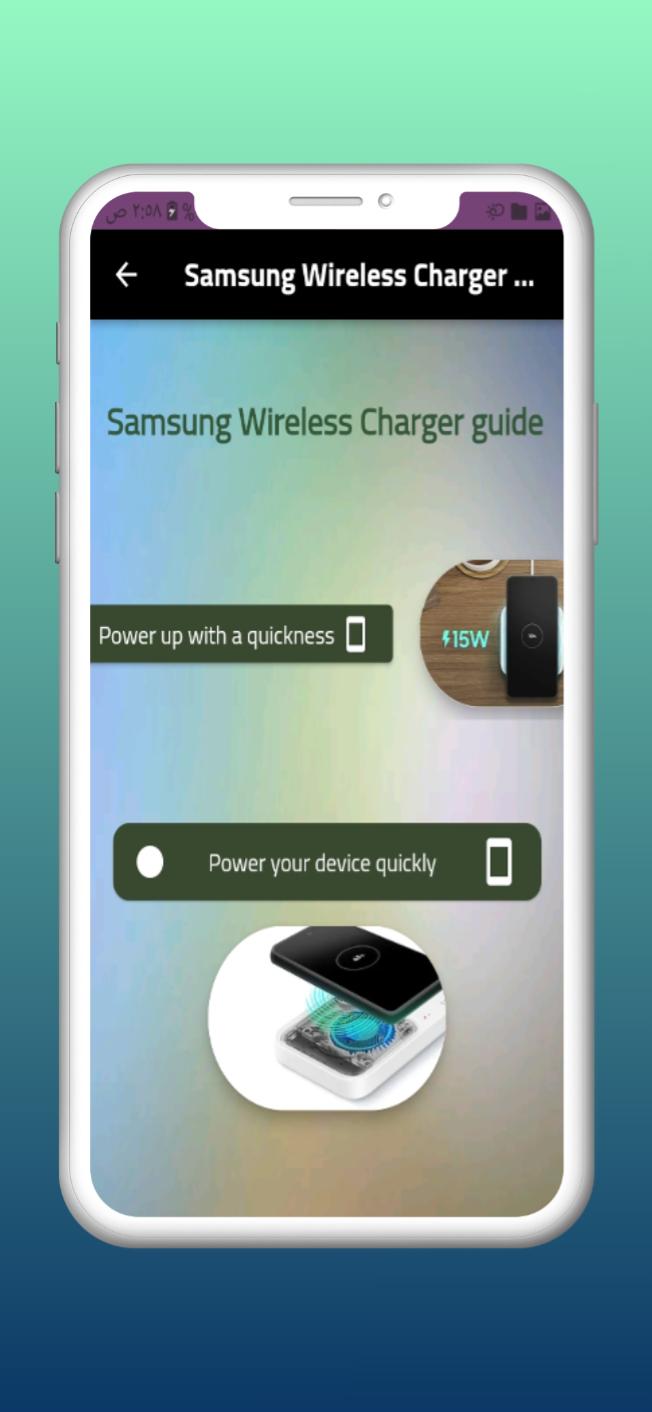
Samsung Wireless charger features, Welcome to our application where we provide you with information about Samsung Wireless charger features.
Type C Power input:
The wireless charger comes with a reversible C-type power input that allows users to easily connect the charging pad’s wire without having to twist and turn into the right position.
Pros and cons:
Pros:
Convenient, thin and portable
No clutter of wires
Charges multiple devices at once
Comes with reversible C-type power input
Great price point
Cons:
Only two colours available
Compatibility limited to Samsung.
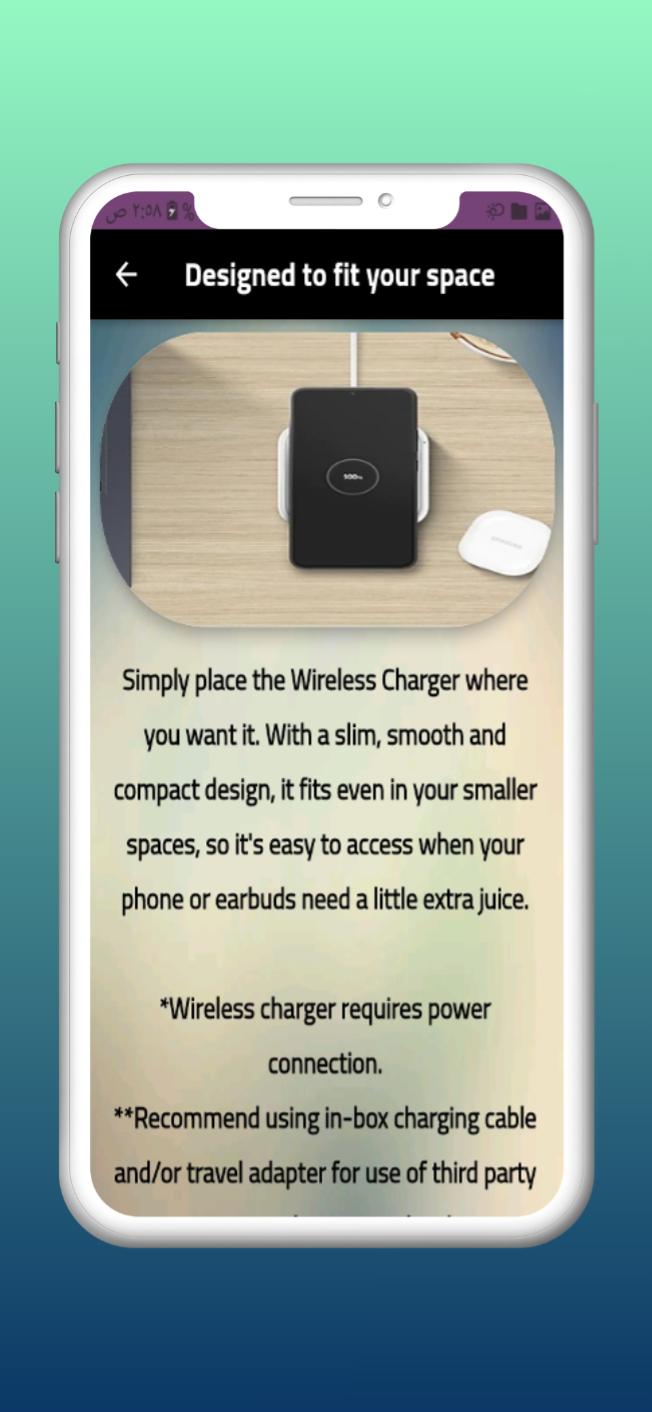
Compact desgin:
Whether you’re headed to work or for a weekend away, this Samsung charger easily tucks into your bag. Its compact and sleek design makes it even more convenient and it’s pretty easy on the eyes, too. Available in ‘Black Sapphire’ and ‘White’, its colour selection is somewhat limited, but we like that Samsung has given shoppers a light and dark option to fit most aesthetics.
Samsung compatibility:
Gone are the days of wondering if a phone cord will fit your dying phone. One of the most exciting features about this charge is the sheer number of phones and devices it’s compatible with. The Samsung original wireless charger is compatible with all Qi devices like S9, S9+, Galaxy S6, S6 Edge, Note8, S8, S8+, Edge, S7 Edge, S7, S6 Edge+ and many others.
Ease of use:
The Daily Mail Best Buys team loves that this device is really easy to use. All you have to do is connect the charging pad to its cable before placing your phone or device onto the pad. Then, just let it charge!
How will you find out if your phone is in the correct position? The LED light indicator will flicker to alert you that your phone isn't in the optimal place. It will also blink with specific models, like the Galaxy Note, to indicate that your phone's battery is fully charged.
Download the application now on your phone to enjoy all this information and more with an online update without the need to update your application first!
The entire content of our applications is automatically updated to suit developments to keep you informed of the latest information and details
Disclaimer :
This application was created to take advantage of the information it contains from the public, and the images and data entered in the application were collected from public sources without violating any property rights of any of the authors and were shared because of its beauty and distinction.
If there are any rights you have on any of the pages, do not hesitate to write to us, and we will be very happy to satisfy you and remove any content that we may have violated the terms of your ownership!
We are always happy and proud of what you offer, and we offer you our content with love.
معاينة
العلامات
أدواتمعلومة
مطور
Jehad ha
احدث اصدار
2
آخر تحديث
2022-11-13
فئة
أدوات
متاح على
Google Play
أظهر المزيد
كيف تلعب Samsung Wireless Charger guide مع GameLoop على جهاز الكمبيوتر
1. قم بتنزيل GameLoop من الموقع الرسمي ، ثم قم بتشغيل ملف exe لتثبيت GameLoop.
2. افتح GameLoop وابحث عن "Samsung Wireless Charger guide" ، وابحث عن Samsung Wireless Charger guide في نتائج البحث وانقر على "تثبيت".
3. استمتع بلعب Samsung Wireless Charger guide على GameLoop.
Minimum requirements
OS
Windows 8.1 64-bit or Windows 10 64-bit
GPU
GTX 1050
CPU
i3-8300
Memory
8GB RAM
Storage
1GB available space
Recommended requirements
OS
Windows 8.1 64-bit or Windows 10 64-bit
GPU
GTX 1050
CPU
i3-9320
Memory
16GB RAM
Storage
1GB available space