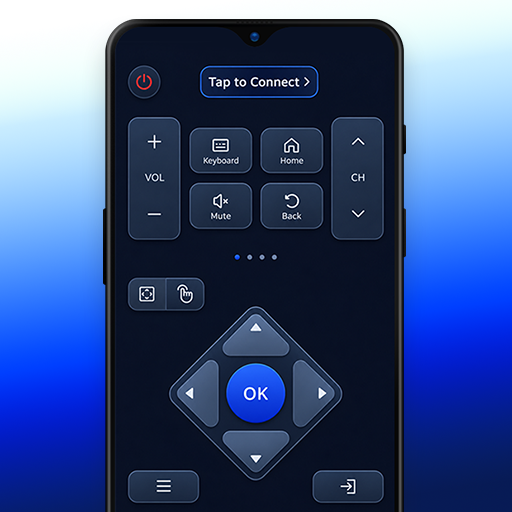
Smart TV Remote & TV Cast PC
SoulApps Studio
قم بتنزيل Smart TV Remote & TV Cast على جهاز الكمبيوتر باستخدام GameLoop Emulator
Smart TV Remote & TV Cast على الكمبيوتر الشخصي
Smart TV Remote & TV Cast ، القادم من المطور SoulApps Studio ، يعمل على نظام Android في الماضي.
الآن ، يمكنك لعب Smart TV Remote & TV Cast على جهاز الكمبيوتر باستخدام GameLoop بسلاسة.
قم بتنزيله في مكتبة GameLoop أو في نتائج البحث. لا مزيد من الانتباه إلى البطارية أو المكالمات المحبطة في الوقت الخطأ بعد الآن.
ما عليك سوى الاستمتاع بجهاز Smart TV Remote & TV Cast على الشاشة الكبيرة مجانًا!
Smart TV Remote & TV Cast مقدمة
Say goodbye to lost remotes and dead batteries! With just a local Wi-Fi connection, you can easily control your Smart TV directly from your Android phone or tablet.
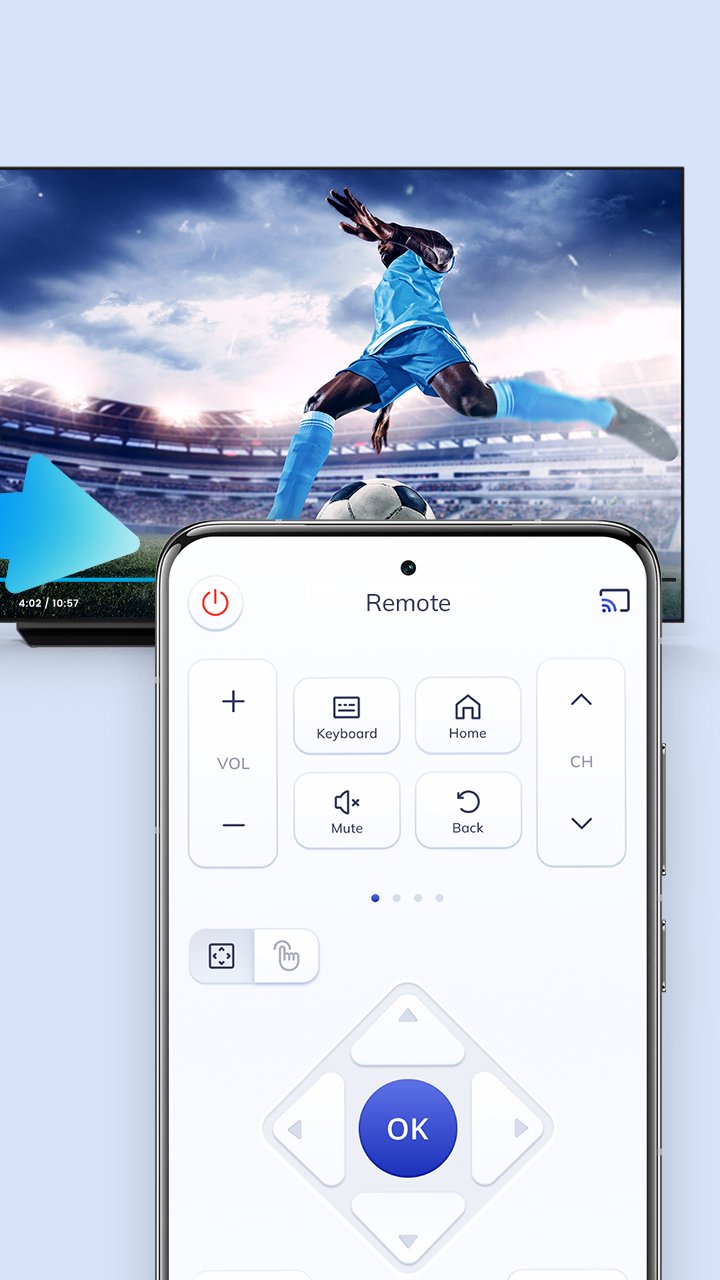
This Universal Smart TV Remote Control app turns your smartphone into an all-in-one wireless controller. Manage channels, volume, navigation, screen mirroring, and text input effortlessly.
Key Features:
- No Infrared (IR) Hardware Needed: Connects smoothly through your home Wi-Fi network.
- Responsive Touchpad: Navigate menus, browsers, and smart hubs with smooth touch gestures.
- Quick Controls: Fast channel switching, volume adjustment, and mute options.
- Built-in Keyboard: Easily type search queries, account passwords, and URLs without tedious remote typing.
- Modern & Clean UI: Intuitive interface with easy setup guides.
- Broad Compatibility: Works with popular Smart TV models and streaming displays connected to the same Wi-Fi network.
- Screen Mirroring & Cast: Share photos, videos, and media from your phone to the big screen.
Designed for convenience and accessibility, this lightweight smart remote app provides smooth daily navigation for all family members.
How to Use:
1. Connect both your smartphone and Smart TV to the same Wi-Fi network.
2. Launch the app and scan for your TV device.
3. Select your TV from the list and grant connection access on your TV screen if prompted.
4. Enjoy wireless smart TV control!
Disclaimer:
This application is an independently developed universal TV remote control utility. It is not an official product and is not affiliated with, sponsored by, or endorsed by any television manufacturer or trademark owner. All brand names and logos referenced are used strictly for compatibility identification and remain the property of their respective holders.
معاينة
العلامات
أدواتمعلومة
مطور
SoulApps Studio
احدث اصدار
2.15
آخر تحديث
2026-11-11
فئة
أدوات
متاح على
Google Play
أظهر المزيد
كيف تلعب Smart TV Remote & TV Cast مع GameLoop على جهاز الكمبيوتر
1. قم بتنزيل GameLoop من الموقع الرسمي ، ثم قم بتشغيل ملف exe لتثبيت GameLoop.
2. افتح GameLoop وابحث عن "Smart TV Remote & TV Cast" ، وابحث عن Smart TV Remote & TV Cast في نتائج البحث وانقر على "تثبيت".
3. استمتع بلعب Smart TV Remote & TV Cast على GameLoop.
Minimum requirements
OS
Windows 8.1 64-bit or Windows 10 64-bit
GPU
GTX 1050
CPU
i3-8300
Memory
8GB RAM
Storage
1GB available space
Recommended requirements
OS
Windows 8.1 64-bit or Windows 10 64-bit
GPU
GTX 1050
CPU
i3-9320
Memory
16GB RAM
Storage
1GB available space