RD Map PC
Radiodetection LTD
قم بتنزيل RD Map على جهاز الكمبيوتر باستخدام GameLoop Emulator
RD Map على الكمبيوتر الشخصي
RD Map ، القادم من المطور Radiodetection LTD ، يعمل على نظام Android في الماضي.
الآن ، يمكنك لعب RD Map على جهاز الكمبيوتر باستخدام GameLoop بسلاسة.
قم بتنزيله في مكتبة GameLoop أو في نتائج البحث. لا مزيد من الانتباه إلى البطارية أو المكالمات المحبطة في الوقت الخطأ بعد الآن.
ما عليك سوى الاستمتاع بجهاز RD Map على الشاشة الكبيرة مجانًا!
RD Map مقدمة
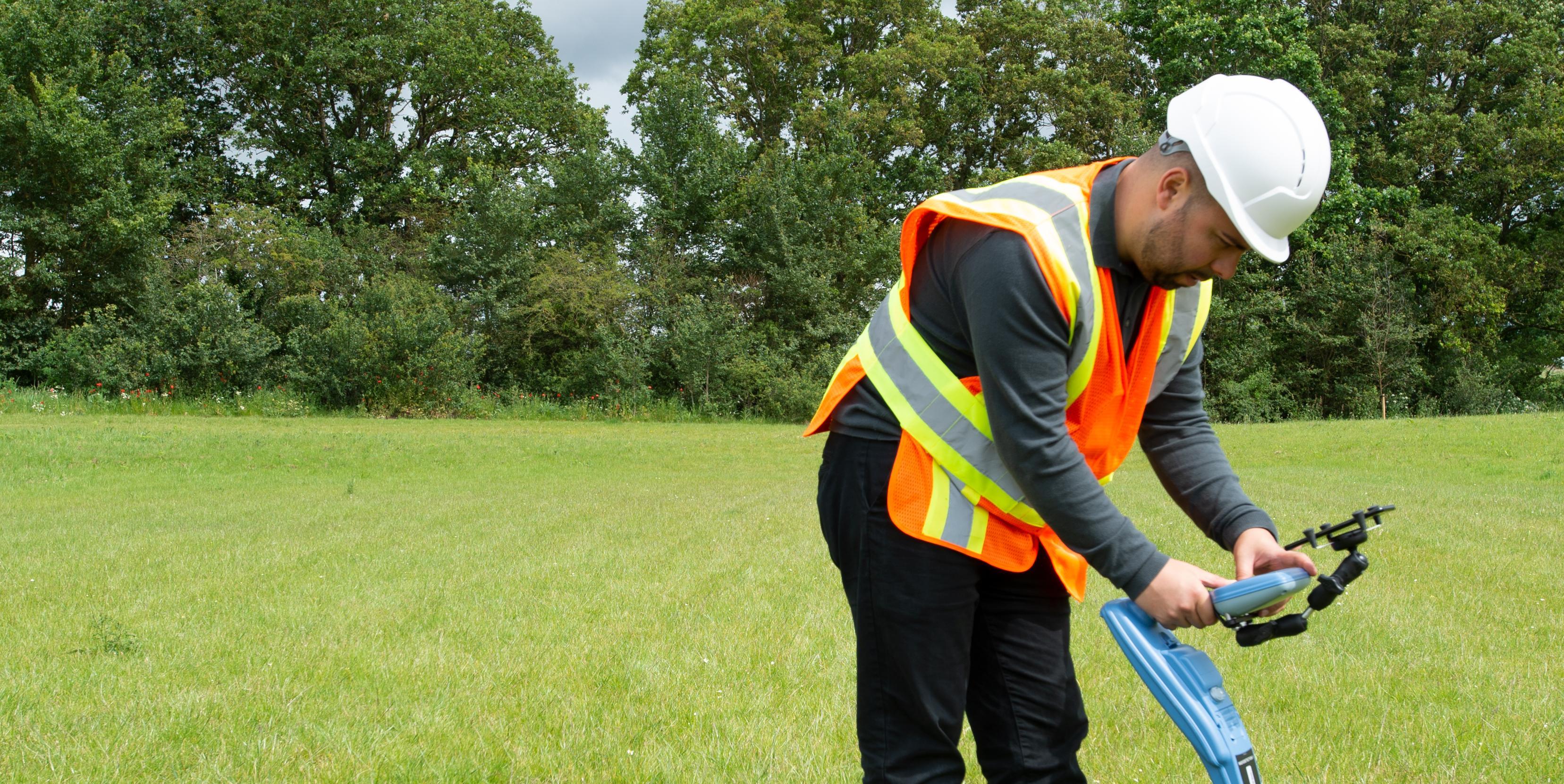
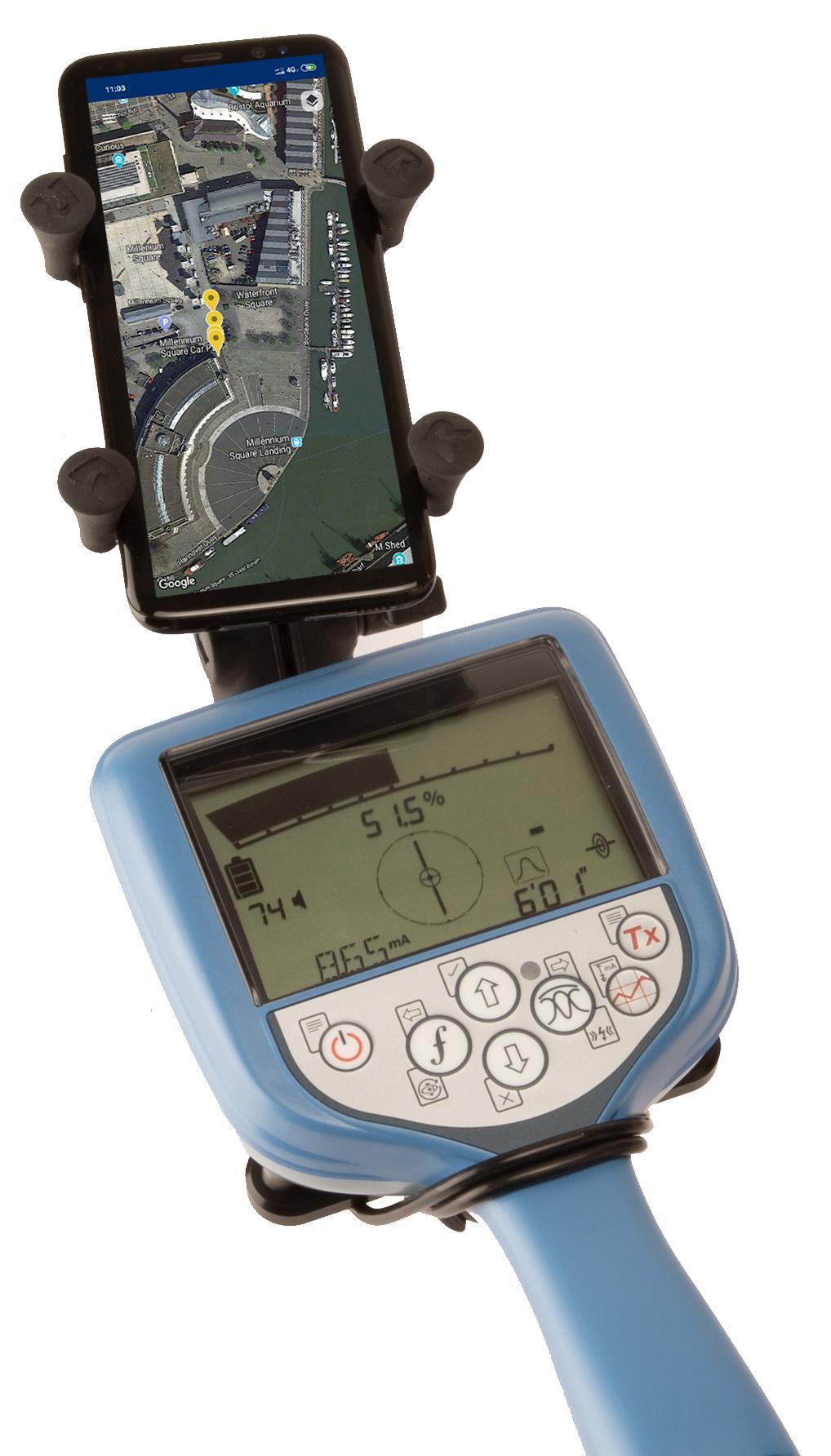
RD Map is the Map&Share app which gathers survey measurements automatically to create maps of buried utility maps in real time*.
Designed to work with all of Radiodetection’s current Bluetooth Precision locators (all RD7100 RF marker and all RD8100 models) this simple to use app enables the creation of detailed maps of the utility being located:
Every time a survey measurement is taken using a paired locator, it is automatically added to a Google Maps map. Utility paths and icons are color coded, using standard utility colors, compliant with American Public Works Association
RD Map is powered by Google Maps mapping technology, allowing common gestures to change map type, pan, rotate or zoom the map. Distance measure and radius tools provide an easy way to validate the accuracy of the measurements’ position and enables manual correction of any position offset.
Utility maps can be shared as kml or csv files, using any compatible application.
Access to Support, FAQs, Operation Manuals, How To videos and much more is available on the Radiodetection Support Portal: support.radiodetection.com.
* Requires Android 5.1 or higher, data connectivity and Google Maps
معاينة
العلامات
أدواتمعلومة
مطور
Radiodetection LTD
احدث اصدار
1.1.0
آخر تحديث
2019-07-11
فئة
أدوات
متاح على
Google Play
أظهر المزيد
كيف تلعب RD Map مع GameLoop على جهاز الكمبيوتر
1. قم بتنزيل GameLoop من الموقع الرسمي ، ثم قم بتشغيل ملف exe لتثبيت GameLoop.
2. افتح GameLoop وابحث عن "RD Map" ، وابحث عن RD Map في نتائج البحث وانقر على "تثبيت".
3. استمتع بلعب RD Map على GameLoop.
Minimum requirements
OS
Windows 8.1 64-bit or Windows 10 64-bit
GPU
GTX 1050
CPU
i3-8300
Memory
8GB RAM
Storage
1GB available space
Recommended requirements
OS
Windows 8.1 64-bit or Windows 10 64-bit
GPU
GTX 1050
CPU
i3-9320
Memory
16GB RAM
Storage
1GB available space