
QR & Barcode Scanner - Generat PC
SuriDevs
قم بتنزيل QR & Barcode Scanner - Generat على جهاز الكمبيوتر باستخدام GameLoop Emulator
QR & Barcode Scanner - Generat على الكمبيوتر الشخصي
QR & Barcode Scanner - Generat ، القادم من المطور SuriDevs ، يعمل على نظام Android في الماضي.
الآن ، يمكنك لعب QR & Barcode Scanner - Generat على جهاز الكمبيوتر باستخدام GameLoop بسلاسة.
قم بتنزيله في مكتبة GameLoop أو في نتائج البحث. لا مزيد من الانتباه إلى البطارية أو المكالمات المحبطة في الوقت الخطأ بعد الآن.
ما عليك سوى الاستمتاع بجهاز QR & Barcode Scanner - Generat على الشاشة الكبيرة مجانًا!
QR & Barcode Scanner - Generat مقدمة
QR & Bar code scanner - Generator is one of the app which provide simple,robust and easy UI for users. It also provides fastest detection of QR and bar codes using device camera. It supports all major formats of QR & bar codes.
Features:
1. Scan code from camera and gallery.
2. Generate QR code for multiple types.
3. Scan major different types of codes.
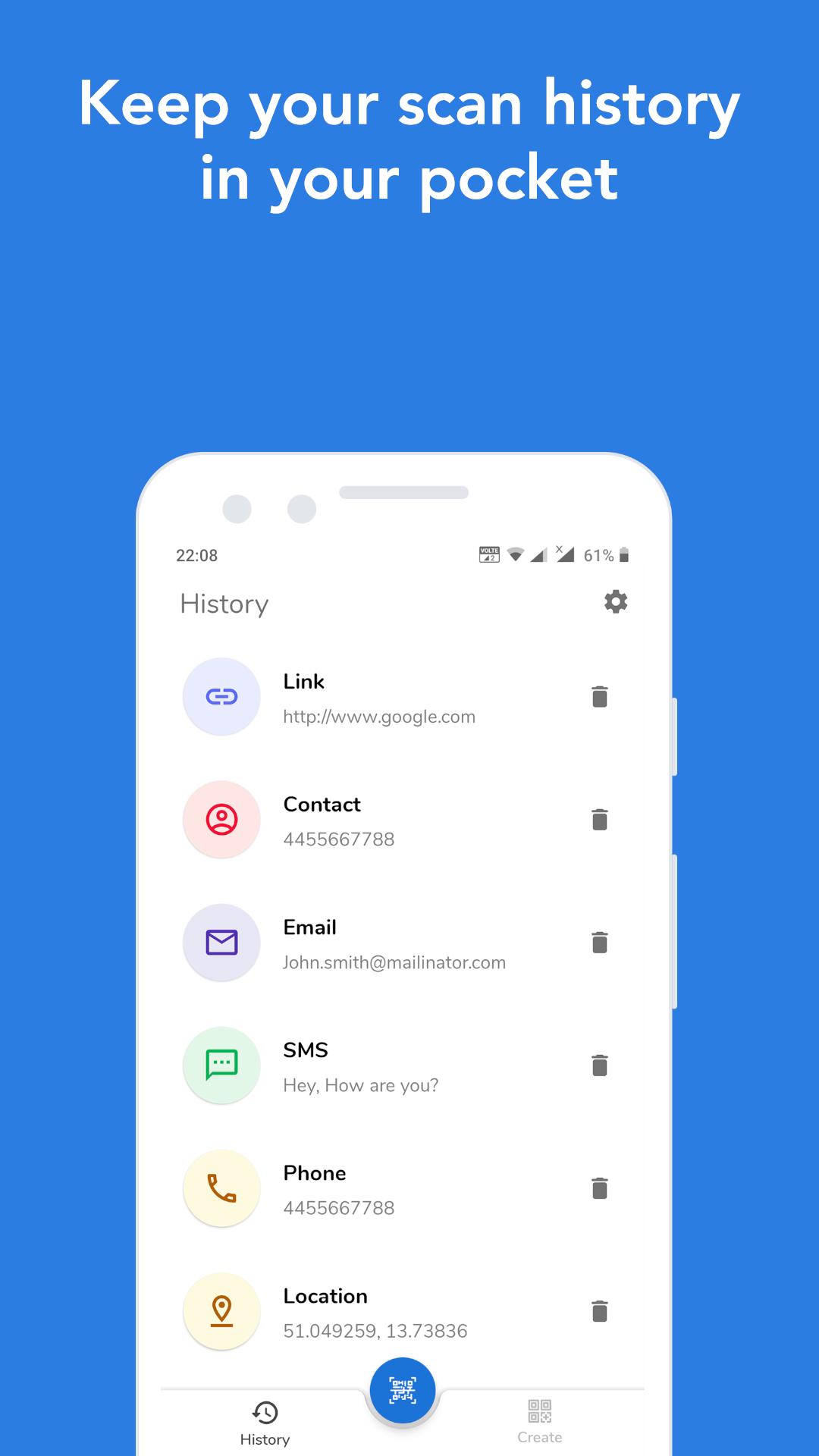
4. See your scanned codes in history.
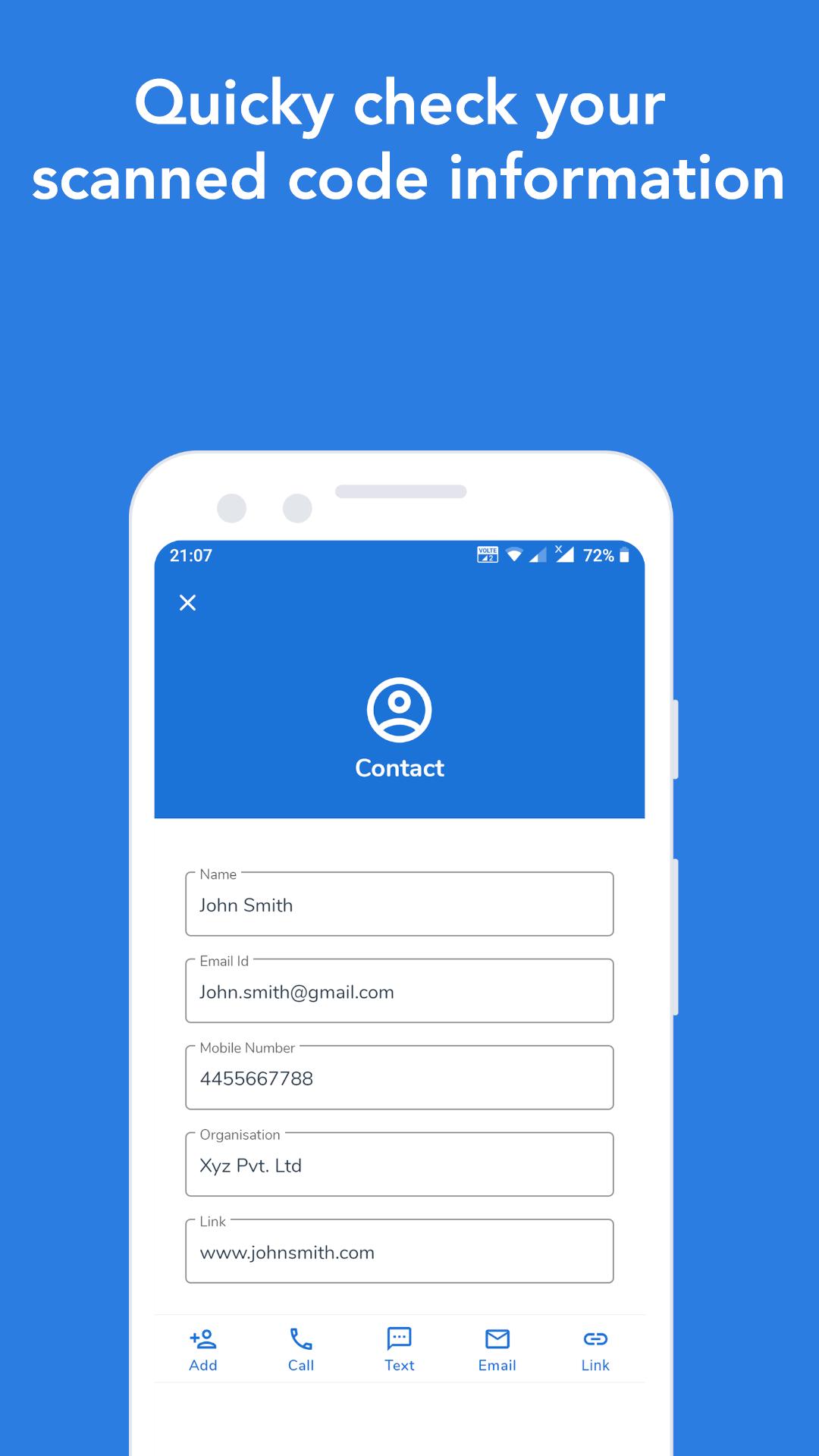
5. You can directly redirect to add contact in list, call and message on number, add event
in calendar, open link on browser, mail on address etc.
6. Flashlight supported for low-lighting area.
7. Save your created codes in device storage.
8. Share your create codes with others.
Supports different types for scan:
✓ Contact data (MeCard, vCard, vcf)
✓ SMS
✓ Calendar event
✓ Driving licence
✓ Geo location
✓ WiFi hotspot access information
✓ Phone number
✓ website links (URL)
✓ ISBN
✓ Product
✓ Text
Supports different types for generate code:
✓ Contact data (MeCard, vCard, vcf)
✓ SMS
✓ Calendar event
✓ Geo location
✓ WiFi hotspot access information
✓ Phone number
✓ website links (URL)
✓ Text
Supports major formats:
✓ QR Code
✓ Code 128
✓ Code 39
✓ Code 93
✓ Codabar
✓ EAN-13
✓ EAN-8
✓ ITF
✓ UPC-A
✓ UPC-E
✓ PDF417
✓ Aztec
✓ Data Matrix
Permissions we require:
Camera: For scanning QR and bar codes
Storage: For storing generated codes into device storage.
معاينة
العلامات
أدواتمعلومة
مطور
SuriDevs
احدث اصدار
1.6.4
آخر تحديث
2023-04-08
فئة
أدوات
متاح على
Google Play
أظهر المزيد
كيف تلعب QR & Barcode Scanner - Generat مع GameLoop على جهاز الكمبيوتر
1. قم بتنزيل GameLoop من الموقع الرسمي ، ثم قم بتشغيل ملف exe لتثبيت GameLoop.
2. افتح GameLoop وابحث عن "QR & Barcode Scanner - Generat" ، وابحث عن QR & Barcode Scanner - Generat في نتائج البحث وانقر على "تثبيت".
3. استمتع بلعب QR & Barcode Scanner - Generat على GameLoop.
Minimum requirements
OS
Windows 8.1 64-bit or Windows 10 64-bit
GPU
GTX 1050
CPU
i3-8300
Memory
8GB RAM
Storage
1GB available space
Recommended requirements
OS
Windows 8.1 64-bit or Windows 10 64-bit
GPU
GTX 1050
CPU
i3-9320
Memory
16GB RAM
Storage
1GB available space