
Purple Applock & Fast Internet PC
Amazing Apps Team
قم بتنزيل Purple Applock & Fast Internet على جهاز الكمبيوتر باستخدام GameLoop Emulator
Purple Applock & Fast Internet على الكمبيوتر الشخصي
Purple Applock & Fast Internet ، القادم من المطور Amazing Apps Team ، يعمل على نظام Android في الماضي.
الآن ، يمكنك لعب Purple Applock & Fast Internet على جهاز الكمبيوتر باستخدام GameLoop بسلاسة.
قم بتنزيله في مكتبة GameLoop أو في نتائج البحث. لا مزيد من الانتباه إلى البطارية أو المكالمات المحبطة في الوقت الخطأ بعد الآن.
ما عليك سوى الاستمتاع بجهاز Purple Applock & Fast Internet على الشاشة الكبيرة مجانًا!
Purple Applock & Fast Internet مقدمة
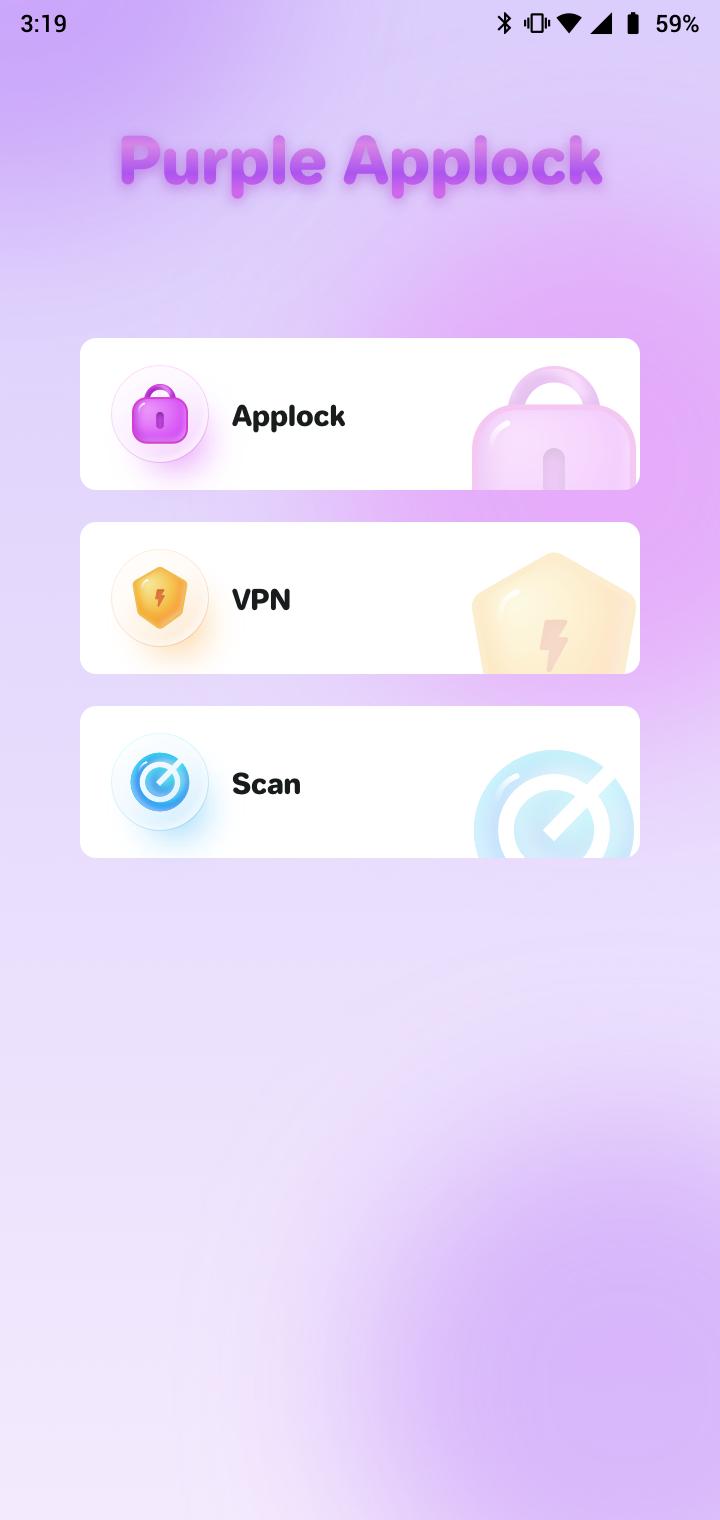
Purple Applock - Keep Your Apps & Privacy Safe
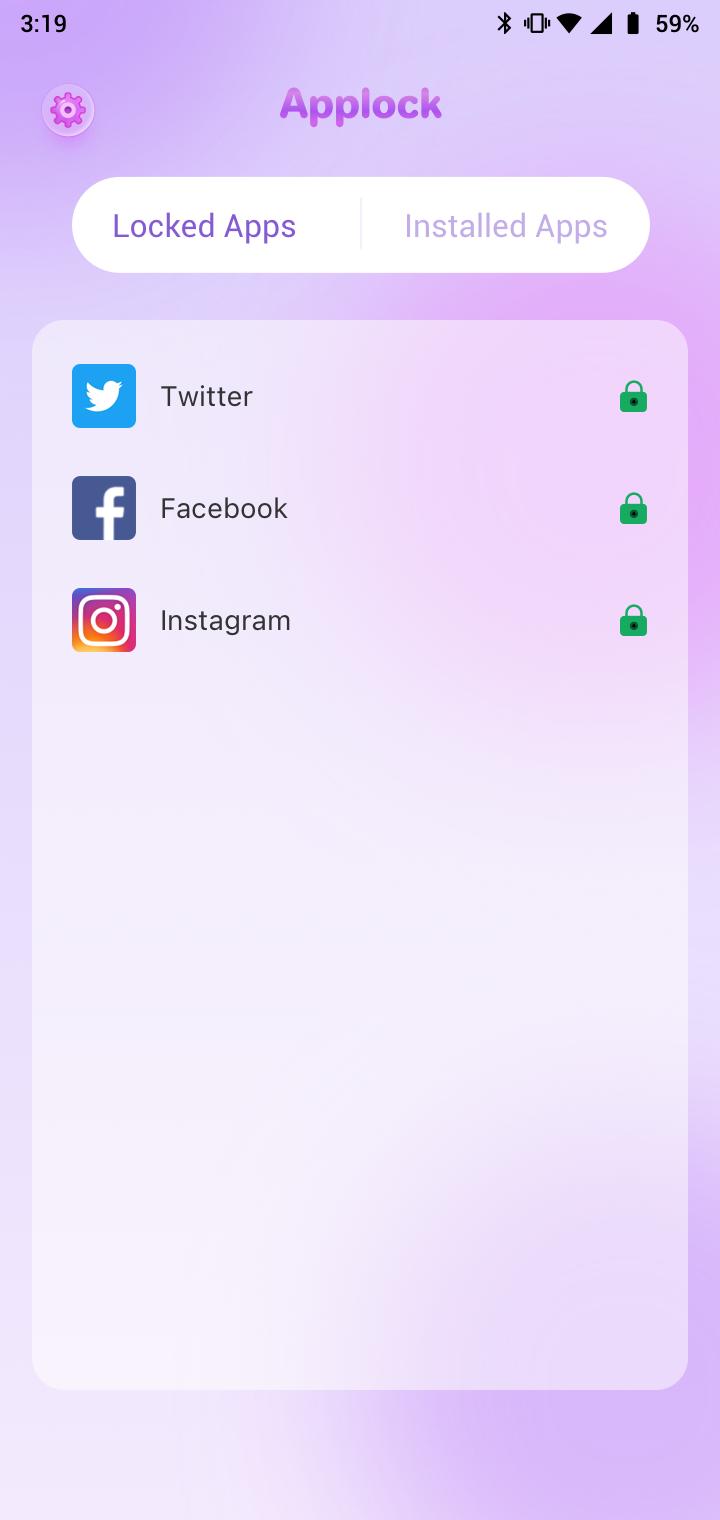
Add an app lock to your apps and set a password that only you know
One-click connection to a fast VPN to help you protect your privacy and security
Free App Locker for Android
Features of Purple Applock:
Free VPN service with servers in many countries around the world
Strict no-logs policy
When entering for the first time, set the app to unlock the universal gesture password
Lock contacts and pictures
Keep any app you want private
Hand over your phone to anyone with confidence
Keep your files and text messages private
Purple Applock - Just select the apps you want to keep private, no one can access your selected apps.
معاينة
العلامات
أدواتمعلومة
مطور
Amazing Apps Team
احدث اصدار
1.1.1
آخر تحديث
2023-03-17
فئة
أدوات
متاح على
Google Play
أظهر المزيد
كيف تلعب Purple Applock & Fast Internet مع GameLoop على جهاز الكمبيوتر
1. قم بتنزيل GameLoop من الموقع الرسمي ، ثم قم بتشغيل ملف exe لتثبيت GameLoop.
2. افتح GameLoop وابحث عن "Purple Applock & Fast Internet" ، وابحث عن Purple Applock & Fast Internet في نتائج البحث وانقر على "تثبيت".
3. استمتع بلعب Purple Applock & Fast Internet على GameLoop.
Minimum requirements
OS
Windows 8.1 64-bit or Windows 10 64-bit
GPU
GTX 1050
CPU
i3-8300
Memory
8GB RAM
Storage
1GB available space
Recommended requirements
OS
Windows 8.1 64-bit or Windows 10 64-bit
GPU
GTX 1050
CPU
i3-9320
Memory
16GB RAM
Storage
1GB available space