
Printer PC
Team2swift
قم بتنزيل Printer على جهاز الكمبيوتر باستخدام GameLoop Emulator
Printer على الكمبيوتر الشخصي
Printer ، القادم من المطور Team2swift ، يعمل على نظام Android في الماضي.
الآن ، يمكنك لعب Printer على جهاز الكمبيوتر باستخدام GameLoop بسلاسة.
قم بتنزيله في مكتبة GameLoop أو في نتائج البحث. لا مزيد من الانتباه إلى البطارية أو المكالمات المحبطة في الوقت الخطأ بعد الآن.
ما عليك سوى الاستمتاع بجهاز Printer على الشاشة الكبيرة مجانًا!
Printer مقدمة
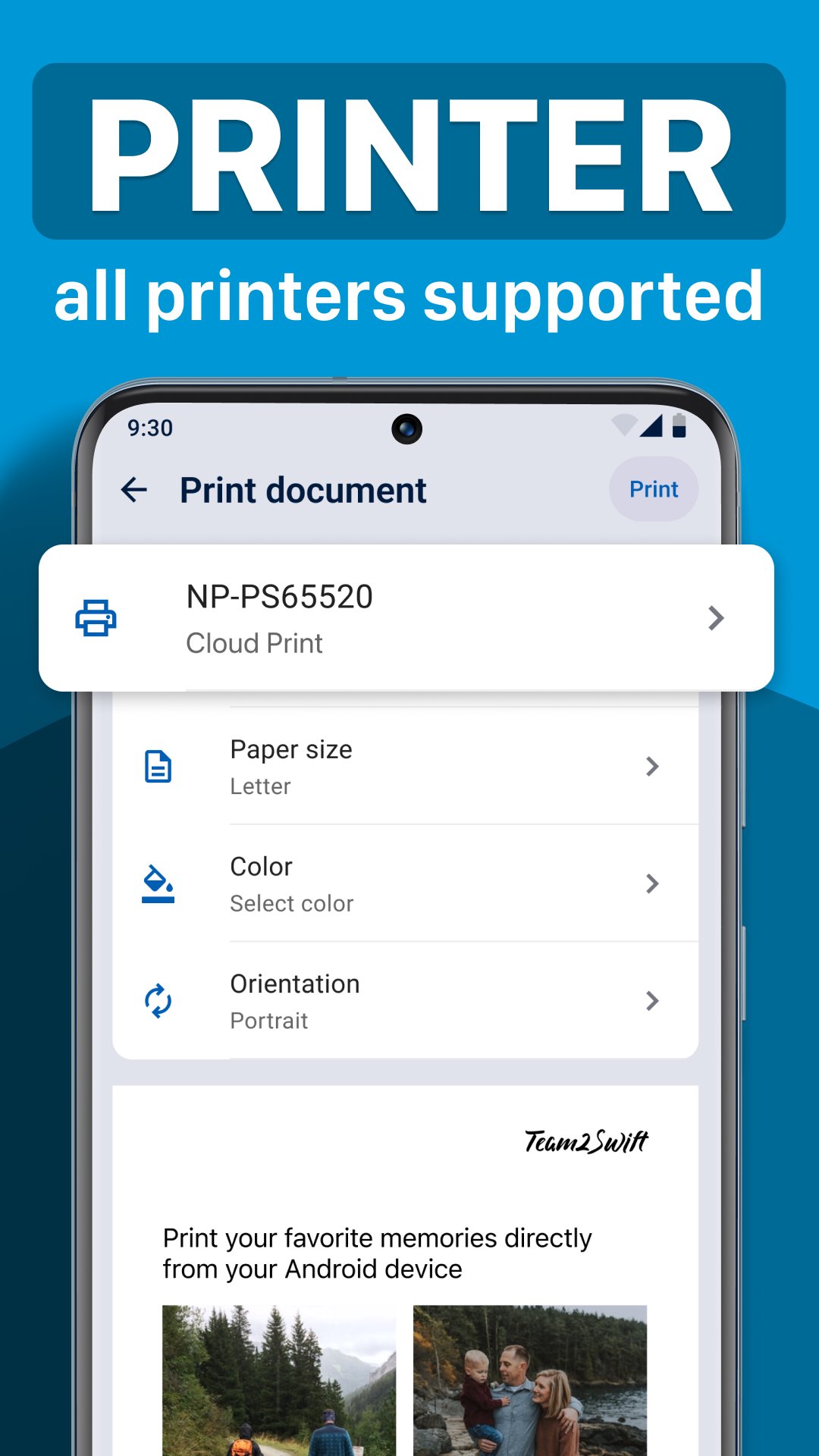
Print documents and photos quickly and easily with Printer App — your all-in-one mobile printing solution for Android. Scan new documents with your camera, edit or annotate them, then select your AirPrint-compatible printer and print in seconds. Supporting over 5000 AirPrint printers, this app makes printing from your Android device effortless.
Key Features:
Fast & Easy Printing from Any Android Device
Print documents, photos, and images with just one tap. Select files from your storage or scan them instantly, then connect to your Wi-Fi, Bluetooth, or wireless AirPrint-enabled printer — no complicated setups required. Supports PDFs, Word documents, images, and more.
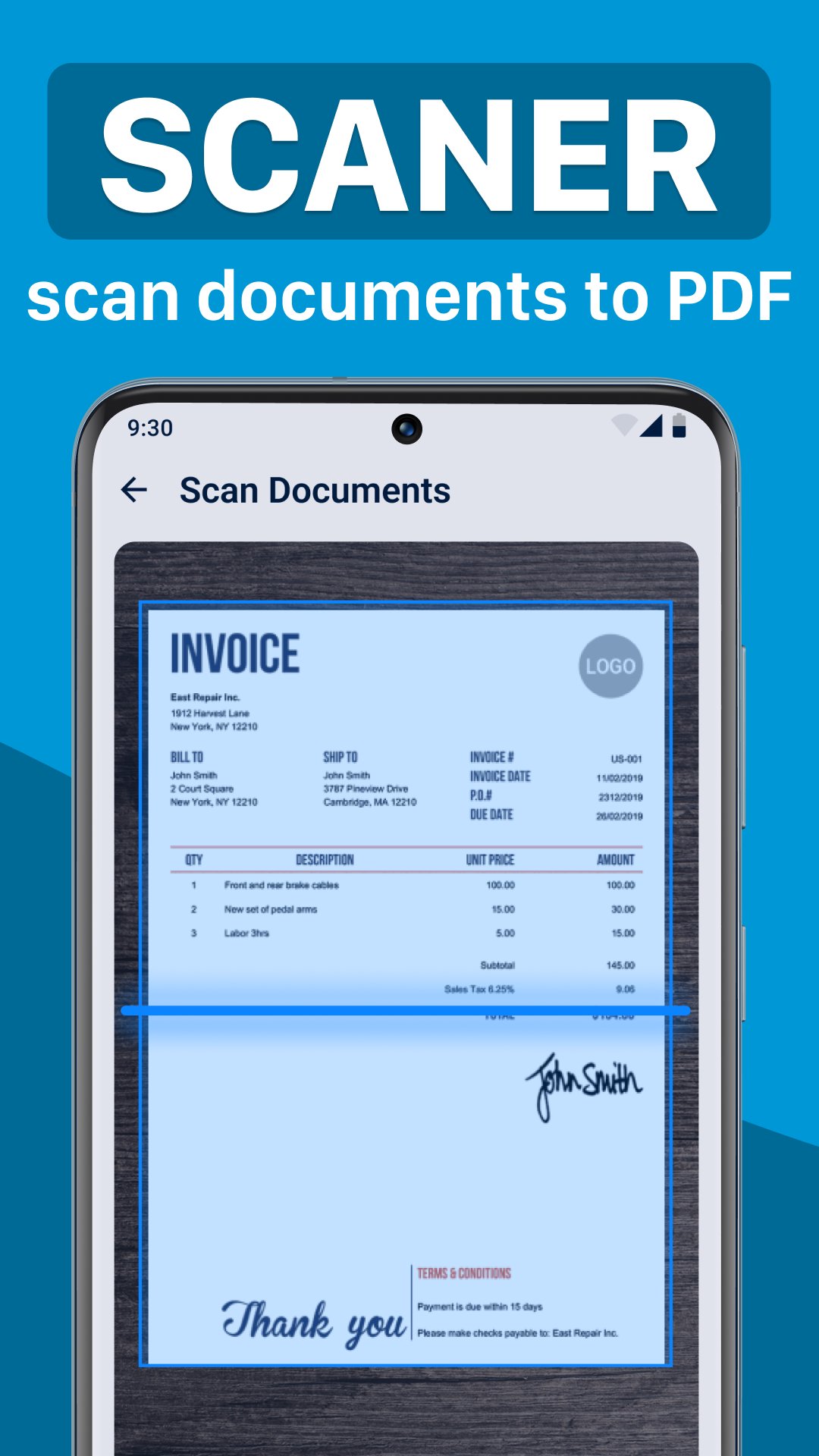
Powerful Document & Photo Scanning
Turn your device into a professional scanner. Our instant scanning automatically crops and adjusts colors for clear, high-quality scans, perfect for home, office, or school use.
Edit, Annotate & E-sign Documents
Edit text, add notes, or sign important documents directly within the app, eliminating the need for additional tools.
Advanced Photo Editing Tools
Enhance photos before printing — add notes, adjust colors, or design custom layouts to print your images as canvases or photos.
Cloud Service Integration
Print directly from popular cloud services like Google Drive, Dropbox, and OneDrive for ultimate convenience.
Secure & Private
Your documents stay private — we do not store or share your files.
Versatile Printer Compatibility
Works seamlessly with over 5000 AirPrint-enabled printers including HP, Epson, Canon, Brother, Samsung, Ricoh, Lexmark, Kyocera, Xerox, Dell, Panasonic, and more.
Supported printers (but not affiliated with):
HP - Sprocket, Hewlett Packard - Deskjet, Officejet, LaserJet, Envy, Inkjet, Samsung Ink Printer, Epson - EcoTank, ET series, Expression, Canon - Pixma, Selphy, imageCLASS, Brother - Laser, Inkjet, Lexmark, Ricoh, Kyocera, Xerox, Dell, Panasonic, Konica Minolta, Sharp, Oki, Fuji Xerox, Toshiba, and all other printers with AirPrint.
Additional functions:
Eprint, plug in utilities, share & finder plugin utility, pic maker & envelope, eprintit portable software remote driver, smartphone printen, fotoprinter, photoprinter, imprint, طابعة, drukker, imprimante, drucker, 印 表 機, stampante, プリンター, 프린터, drukarka, impressora, impresora, принтер, máy in
Download now and enjoy seamless, secure printing from your Android device!
Privacy policy: https://www.team2swift.com/privacy-printerapp/
Terms of service: https://www.team2swift.com/terms-printer/
For questions or support, please visit: https://www.team2swift.com/
معاينة
العلامات
أدواتمعلومة
مطور
Team2swift
احدث اصدار
1.4.8
آخر تحديث
2025-12-15
فئة
أدوات
متاح على
Google Play
أظهر المزيد
كيف تلعب Printer مع GameLoop على جهاز الكمبيوتر
1. قم بتنزيل GameLoop من الموقع الرسمي ، ثم قم بتشغيل ملف exe لتثبيت GameLoop.
2. افتح GameLoop وابحث عن "Printer" ، وابحث عن Printer في نتائج البحث وانقر على "تثبيت".
3. استمتع بلعب Printer على GameLoop.
Minimum requirements
OS
Windows 8.1 64-bit or Windows 10 64-bit
GPU
GTX 1050
CPU
i3-8300
Memory
8GB RAM
Storage
1GB available space
Recommended requirements
OS
Windows 8.1 64-bit or Windows 10 64-bit
GPU
GTX 1050
CPU
i3-9320
Memory
16GB RAM
Storage
1GB available space