
Polaris - Super Privacy Proxy PC
DanielParkApp
قم بتنزيل Polaris - Super Privacy Proxy على جهاز الكمبيوتر باستخدام GameLoop Emulator
Polaris - Super Privacy Proxy على الكمبيوتر الشخصي
Polaris - Super Privacy Proxy ، القادم من المطور DanielParkApp ، يعمل على نظام Android في الماضي.
الآن ، يمكنك لعب Polaris - Super Privacy Proxy على جهاز الكمبيوتر باستخدام GameLoop بسلاسة.
قم بتنزيله في مكتبة GameLoop أو في نتائج البحث. لا مزيد من الانتباه إلى البطارية أو المكالمات المحبطة في الوقت الخطأ بعد الآن.
ما عليك سوى الاستمتاع بجهاز Polaris - Super Privacy Proxy على الشاشة الكبيرة مجانًا!
Polaris - Super Privacy Proxy مقدمة
✅Security and Privacy
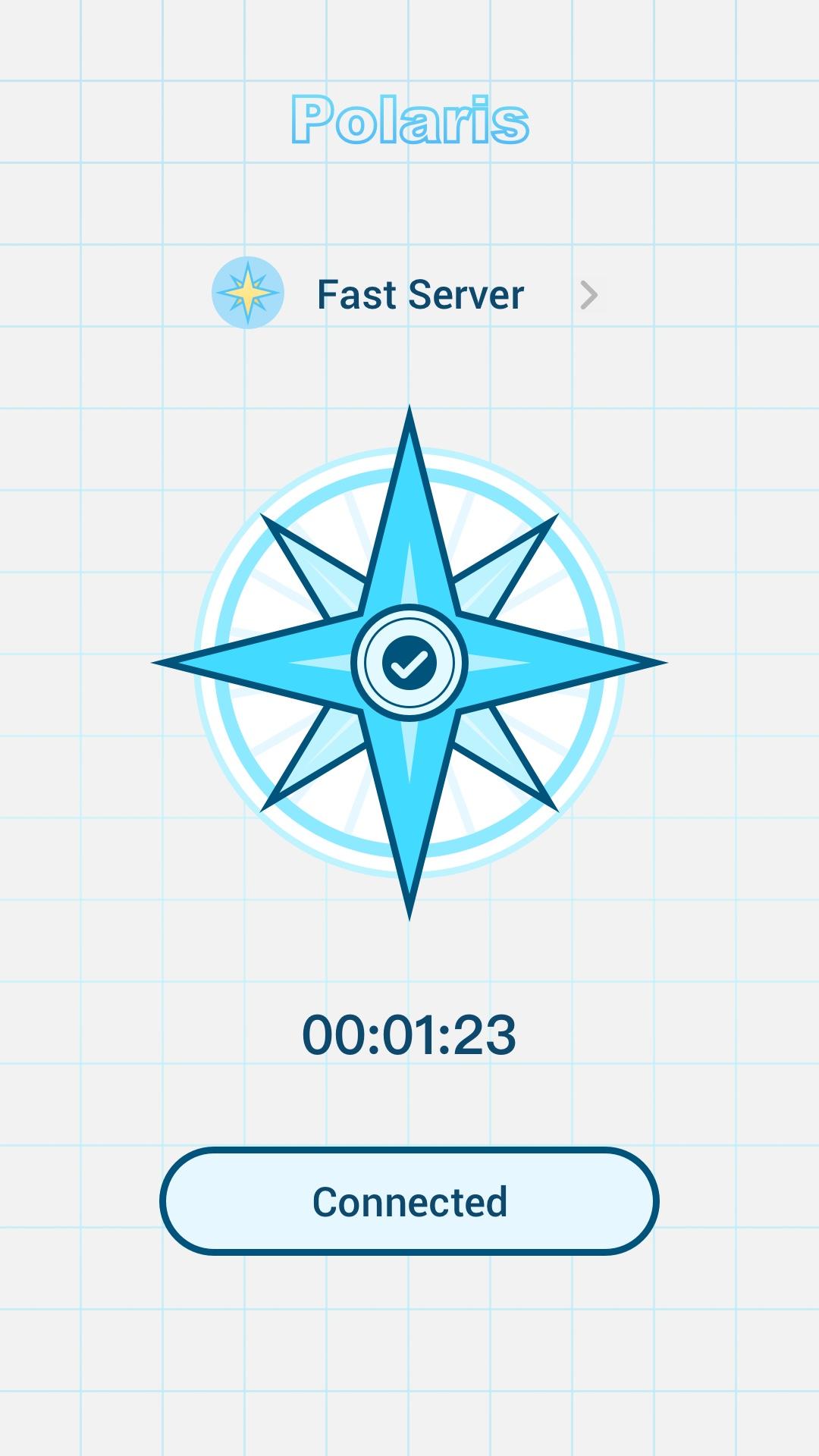
The Polaris runs in the background and encrypts the data transmitted by all your apps, so you can stay safe whether you're browsing, shopping, or streaming.
✅no log
Polaris not only provides protection from the outside, we also respect your privacy. We do not record the IP addresses of websites you visit or the content of data sent or received through our services.
✅Free Internet access with multiple fast proxy servers
Bypass blocking restrictions and firewalls to unblock websites, apps, and other streaming services. Intelligently choose the best free server for you. Quickly and anonymously browse Tiktok, Twitter, YouTube.
Feature:
Simple interface. Just click to connect
Multiple stable and fast servers around the world
Hide your IP address and location
Unblocked blocked websites such as: Netflix, YouTube, Twitter, Facebook
Strict no-logs policy. You are completely anonymous and protected.
Unlimited free service
Individual Internet users can use it to protect transactions, circumvent geographic restrictions and censorship, and connect to proxy servers to protect personal identities and locations. However, some Internet sites block access to known proxy technologies to avoid geographic restrictions.
معاينة

العلامات
أدواتمعلومة
مطور
DanielParkApp
احدث اصدار
1.0.0
آخر تحديث
2022-06-24
فئة
أدوات
متاح على
Google Play
أظهر المزيد
كيف تلعب Polaris - Super Privacy Proxy مع GameLoop على جهاز الكمبيوتر
1. قم بتنزيل GameLoop من الموقع الرسمي ، ثم قم بتشغيل ملف exe لتثبيت GameLoop.
2. افتح GameLoop وابحث عن "Polaris - Super Privacy Proxy" ، وابحث عن Polaris - Super Privacy Proxy في نتائج البحث وانقر على "تثبيت".
3. استمتع بلعب Polaris - Super Privacy Proxy على GameLoop.
Minimum requirements
OS
Windows 8.1 64-bit or Windows 10 64-bit
GPU
GTX 1050
CPU
i3-8300
Memory
8GB RAM
Storage
1GB available space
Recommended requirements
OS
Windows 8.1 64-bit or Windows 10 64-bit
GPU
GTX 1050
CPU
i3-9320
Memory
16GB RAM
Storage
1GB available space