
Parallel Multi Accounts-Multiple Space Clone PC
SUGER SUGER
قم بتنزيل Parallel Multi Accounts-Multiple Space Clone على جهاز الكمبيوتر باستخدام GameLoop Emulator
Parallel Multi Accounts-Multiple Space Clone على الكمبيوتر الشخصي
Parallel Multi Accounts-Multiple Space Clone ، القادم من المطور SUGER SUGER ، يعمل على نظام Android في الماضي.
الآن ، يمكنك لعب Parallel Multi Accounts-Multiple Space Clone على جهاز الكمبيوتر باستخدام GameLoop بسلاسة.
قم بتنزيله في مكتبة GameLoop أو في نتائج البحث. لا مزيد من الانتباه إلى البطارية أو المكالمات المحبطة في الوقت الخطأ بعد الآن.
ما عليك سوى الاستمتاع بجهاز Parallel Multi Accounts-Multiple Space Clone على الشاشة الكبيرة مجانًا!
Parallel Multi Accounts-Multiple Space Clone مقدمة
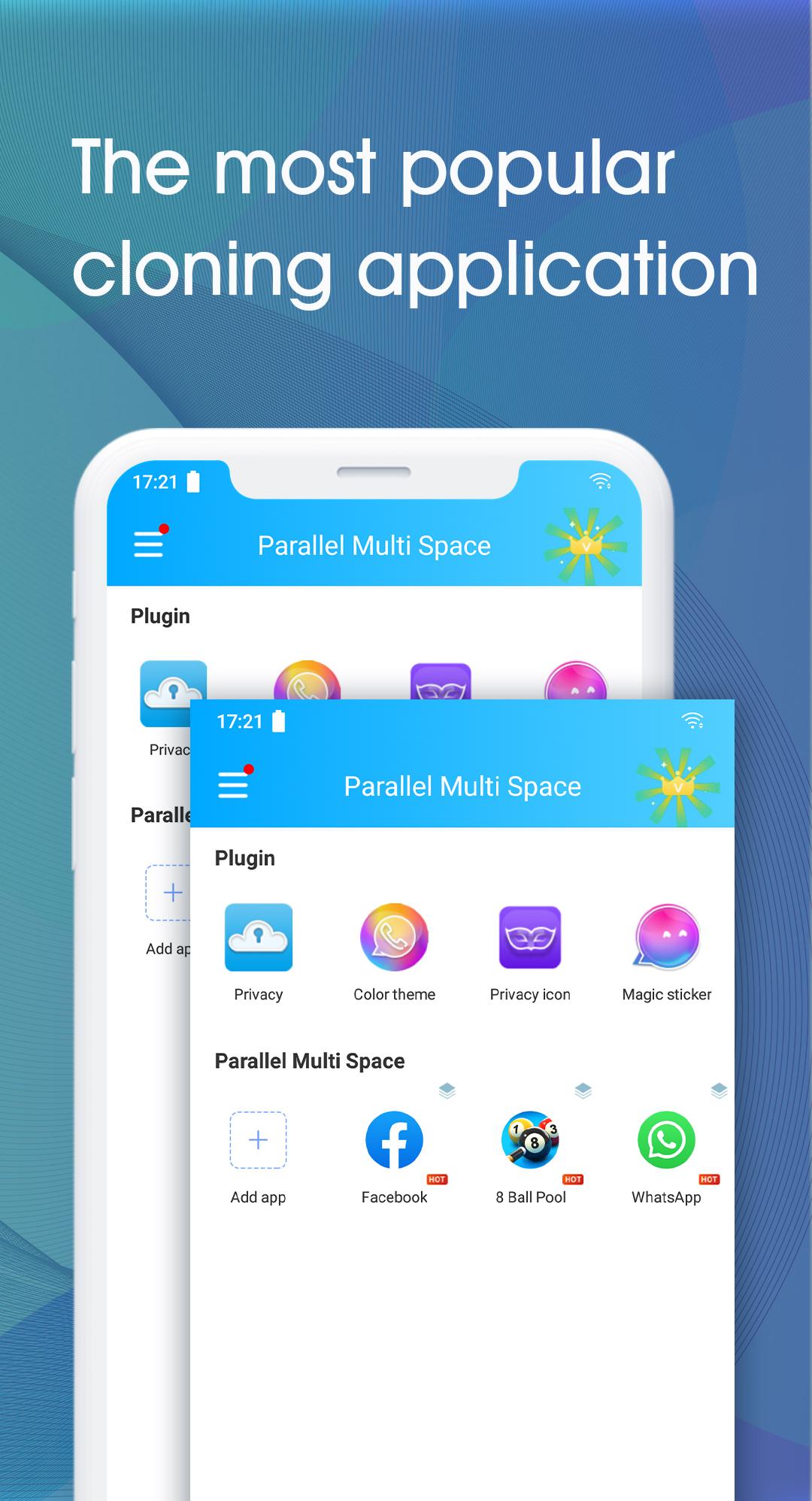
Clone and run multiple accounts of the same app at the same time and use themes to shape your unique space.
Only have one device but want to open a small one for more experience when playing games - Want to log in multiple Facebook accounts - Want to log in WeChat but it's troublesome?
We can help you solve these problems. You only need one device to run all accounts of the same app at the same time under one app space.
It's a good way to receive information from all accounts, big and small, with different data for different accounts.
⭐ Sign in to multiple accounts of social networking apps or gaming apps on one device at the same time.
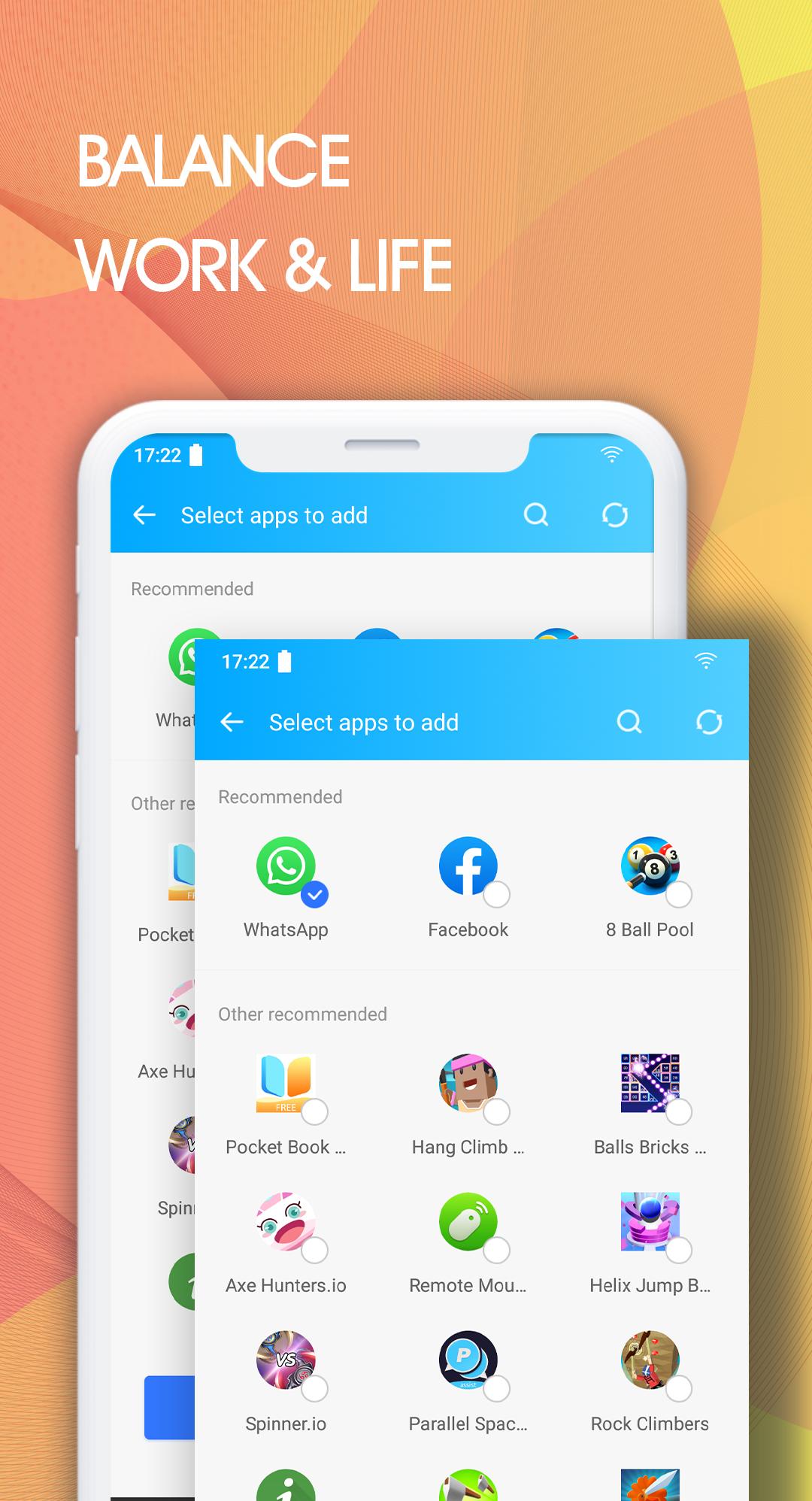
- Easily balance the user's life and work.
- Double the user's online gaming experience and have more fun.
- Almost all apps in Parallel Multi Space support a second account. Data from both accounts will not interfere with each other.
⭐ Protect user privacy and make apps invisible on your device with incognito installation.
- Hide users' secret apps and save apps only in the secret space without worrying about prying eyes.
- Protect user privacy with Security Lock.
⭐ Quickly switch between accounts with just one click.
- Run two accounts at the same time and quickly switch between them with one click to effectively manage different accounts.
Highlights
- Powerful, stable and easy to use.
- Unique. Parallel Multi Space is based on multiDroid, the first app virtualization engine on Android.
Cautions
- Permissions. Parallel Multi Space needs to request the permissions required by the apps added in Parallel Multi Space to work properly. For example, if Parallel Multi Space doesn't allow access to your location, you won't be able to send your location to your friends in some of the apps running in Parallel Multi Space. Parallel Multi Space does not collect your personal information for privacy purposes.
- Consumption. Parallel Multi Space itself doesn't take up much memory, battery, or data that is consumed by the apps running in it. Details can be found in Storage and Task Manager, which can be found in Parallel Multi Space's Settings.
- Notice. Please add Parallel Multi Space to the whitelist or special list of some "boosted apps" to ensure that some social networking apps have good notifications.
- Conflicts. You cannot use the same phone number to run two accounts for some social networking apps. You should run a second account for these apps in Parallel Multi Space using a different phone number, and make sure that phone number is active when you first sign in, as a verification message will be sent to that number.
How does it work?
- Click the "+" button in the Parallel Multi Space app, add the app you want to clone, and then click the app's icon to run it.
- You can long press the app icon to add it to your desktop, save the tedious steps and run it directly on your desktop with one click.
You can leave five stars and comments or suggestions in the comments section of the app, which we will read carefully as it will help us to improve the app.
You can also contact us directly via email at tangqq520@gmail.com.
معاينة
معلومة
مطور
SUGER SUGER
احدث اصدار
1.0.5
آخر تحديث
2021-05-27
فئة
أدوات
متاح على
Google Play
أظهر المزيد
كيف تلعب Parallel Multi Accounts-Multiple Space Clone مع GameLoop على جهاز الكمبيوتر
1. قم بتنزيل GameLoop من الموقع الرسمي ، ثم قم بتشغيل ملف exe لتثبيت GameLoop.
2. افتح GameLoop وابحث عن "Parallel Multi Accounts-Multiple Space Clone" ، وابحث عن Parallel Multi Accounts-Multiple Space Clone في نتائج البحث وانقر على "تثبيت".
3. استمتع بلعب Parallel Multi Accounts-Multiple Space Clone على GameLoop.
Minimum requirements
OS
Windows 8.1 64-bit or Windows 10 64-bit
GPU
GTX 1050
CPU
i3-8300
Memory
8GB RAM
Storage
1GB available space
Recommended requirements
OS
Windows 8.1 64-bit or Windows 10 64-bit
GPU
GTX 1050
CPU
i3-9320
Memory
16GB RAM
Storage
1GB available space