
MVS - Inspect PC
AIS Technologies Group Inc.
قم بتنزيل MVS - Inspect على جهاز الكمبيوتر باستخدام GameLoop Emulator
MVS - Inspect على الكمبيوتر الشخصي
MVS - Inspect ، القادم من المطور AIS Technologies Group Inc. ، يعمل على نظام Android في الماضي.
الآن ، يمكنك لعب MVS - Inspect على جهاز الكمبيوتر باستخدام GameLoop بسلاسة.
قم بتنزيله في مكتبة GameLoop أو في نتائج البحث. لا مزيد من الانتباه إلى البطارية أو المكالمات المحبطة في الوقت الخطأ بعد الآن.
ما عليك سوى الاستمتاع بجهاز MVS - Inspect على الشاشة الكبيرة مجانًا!
MVS - Inspect مقدمة
MVS - Inspect is an application that allows users to perform inspections using an AI based server system.
This Application works in two modes, Audit and PLC mode.
It combines the power of AI image processing and robust machine vision algorithms to process inspection images obtained as part of quality control manufacturing processes. It can be used as automated inspection tool or as part of a repair process.
This is an offline process which occurs via wifi to Local Area Network and does not require a connection to the internet.
In order to register an account, please contact mvssupport@aistechgroup.com
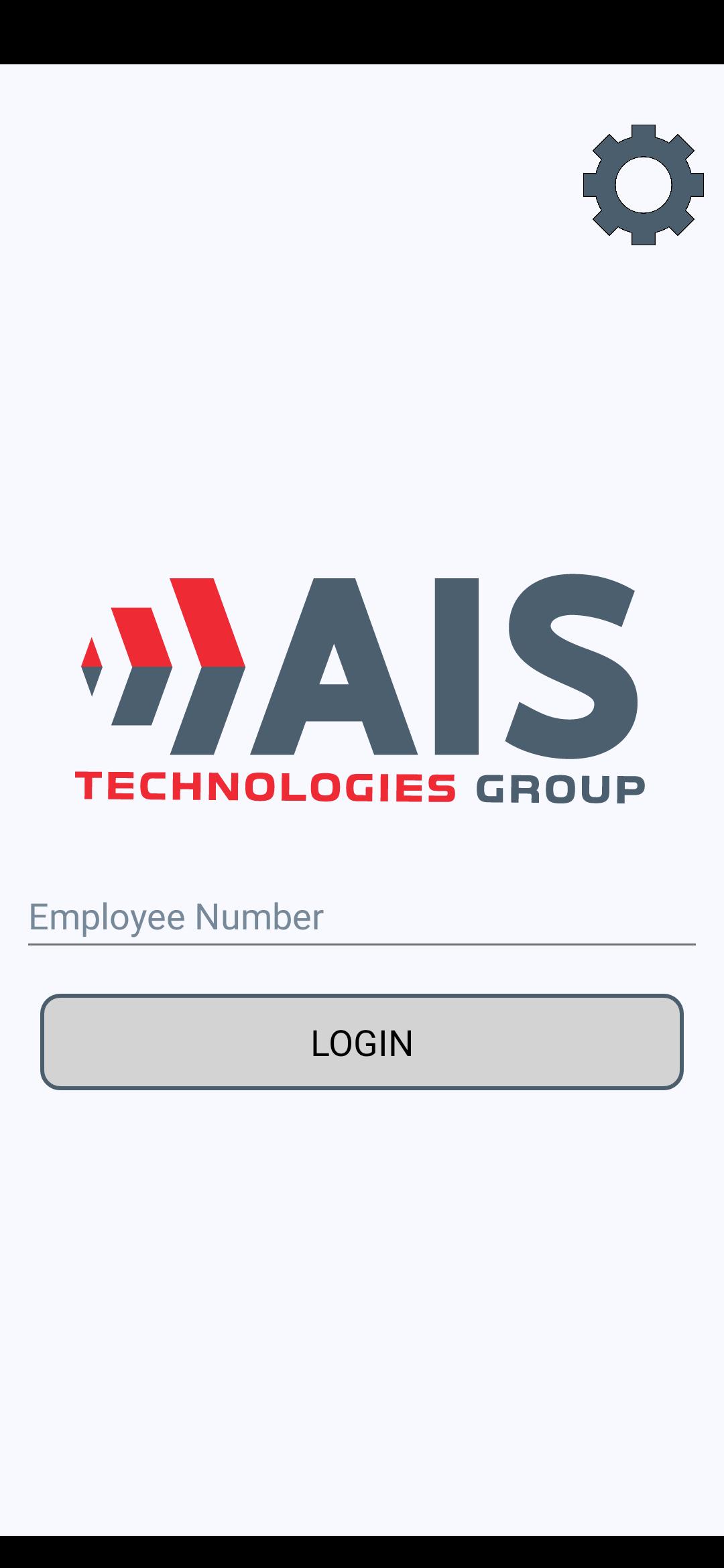
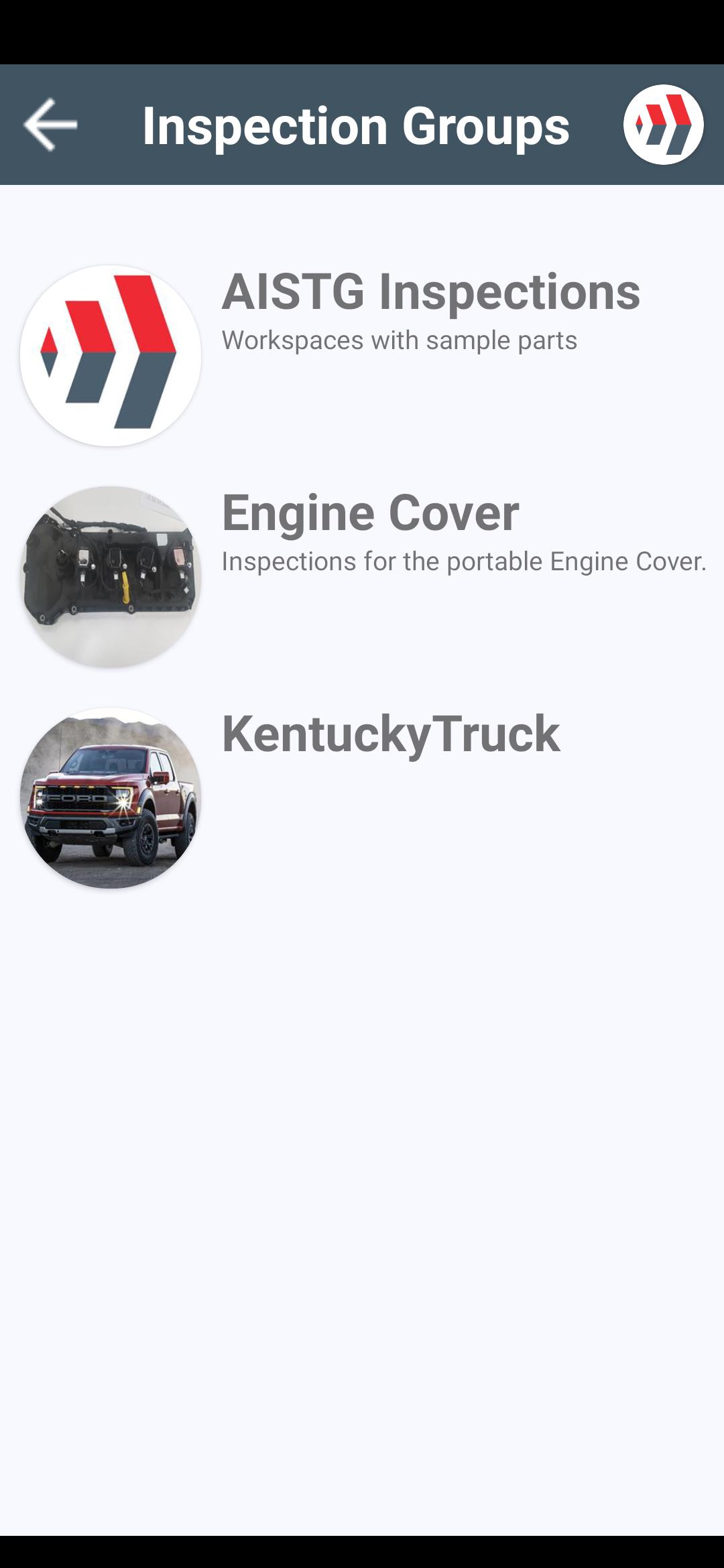
The screenshots represent how your inspections can look. Depending on a server, you will see different inspection groups and inspection points assigned to a server.
معاينة
العلامات
أدواتمعلومة
مطور
AIS Technologies Group Inc.
احدث اصدار
1.6.1
آخر تحديث
2023-10-26
فئة
أدوات
متاح على
Google Play
أظهر المزيد
كيف تلعب MVS - Inspect مع GameLoop على جهاز الكمبيوتر
1. قم بتنزيل GameLoop من الموقع الرسمي ، ثم قم بتشغيل ملف exe لتثبيت GameLoop.
2. افتح GameLoop وابحث عن "MVS - Inspect" ، وابحث عن MVS - Inspect في نتائج البحث وانقر على "تثبيت".
3. استمتع بلعب MVS - Inspect على GameLoop.
Minimum requirements
OS
Windows 8.1 64-bit or Windows 10 64-bit
GPU
GTX 1050
CPU
i3-8300
Memory
8GB RAM
Storage
1GB available space
Recommended requirements
OS
Windows 8.1 64-bit or Windows 10 64-bit
GPU
GTX 1050
CPU
i3-9320
Memory
16GB RAM
Storage
1GB available space