
ML Manager: APK Extractor PC
Javier Santos V.
قم بتنزيل ML Manager: APK Extractor على جهاز الكمبيوتر باستخدام GameLoop Emulator
ML Manager: APK Extractor على الكمبيوتر الشخصي
ML Manager: APK Extractor ، القادم من المطور Javier Santos V. ، يعمل على نظام Android في الماضي.
الآن ، يمكنك لعب ML Manager: APK Extractor على جهاز الكمبيوتر باستخدام GameLoop بسلاسة.
قم بتنزيله في مكتبة GameLoop أو في نتائج البحث. لا مزيد من الانتباه إلى البطارية أو المكالمات المحبطة في الوقت الخطأ بعد الآن.
ما عليك سوى الاستمتاع بجهاز ML Manager: APK Extractor على الشاشة الكبيرة مجانًا!
ML Manager: APK Extractor مقدمة
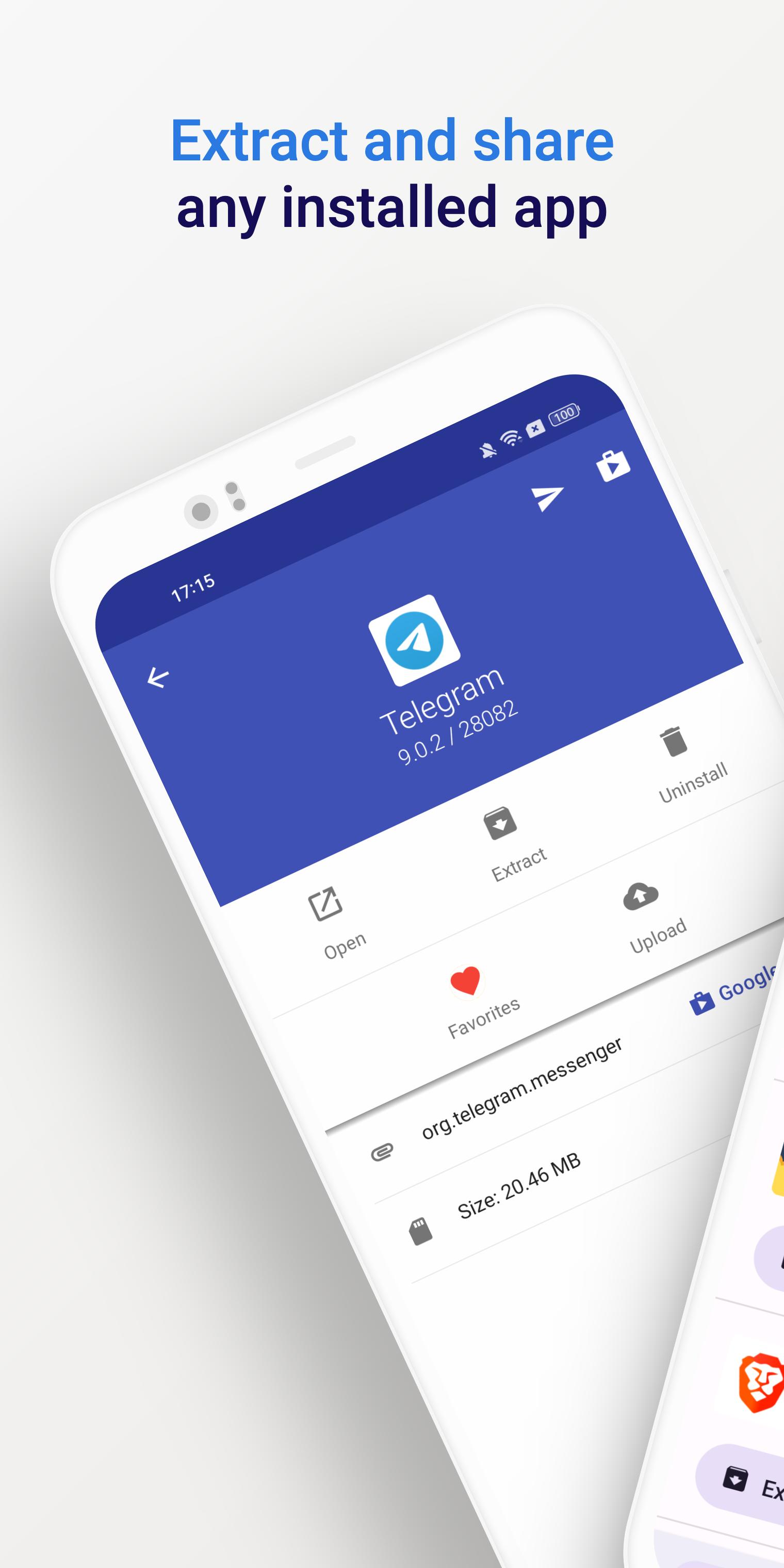
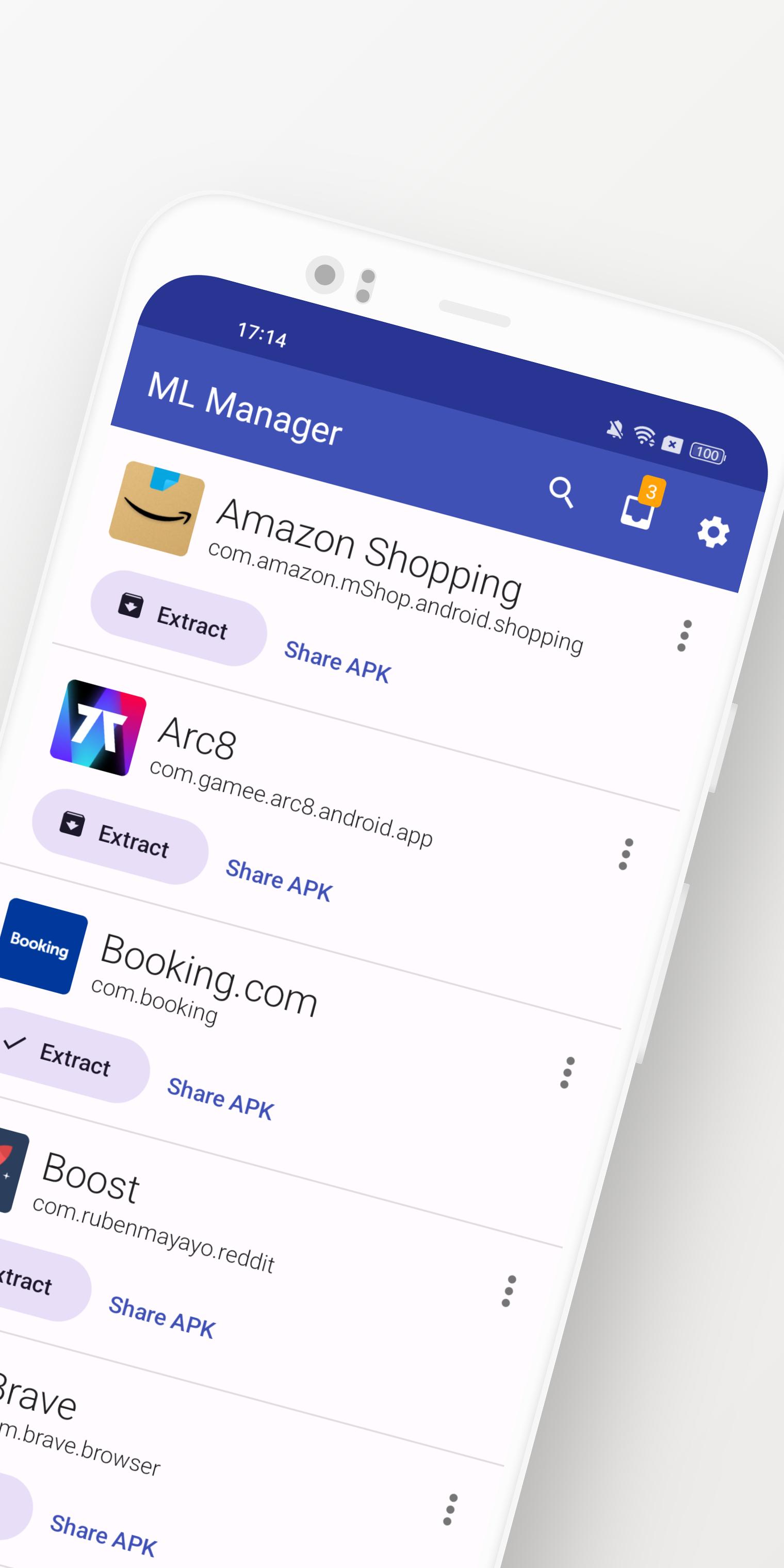
ML Manager is a customizable APK manager for Android: extract any installed app, mark them as favorites, easily share .apk files and much more.
Meet the easiest app manager and extractor with Material Design on Android.
Features:
• Extract any installed & system apps and save them as APK.
• Batch mode to extract multiple APKs at the same time.
• Share any APK with other apps: Telegram, Dropbox, Email, etc.
• Organize your apps by marking them as favorites for easier access.
• Upload your latest APKs to APKMirror.
• Uninstall any installed app.
• Customizations available in settings, including a dark mode, custom main colors and more.
• No root access required.
Need more features? Check out the Pro version with root access:
• Uninstall system apps. - Requires Root -
• Hide apps from the device launcher so only you can see them. - Requires Root -
• Clear cache & data for any app. - Requires Root -
• Enable the new and elegant compact mode.
• Always extract APKs in the background while you continue to extract other apps.
What is the media saying about ML Manager?
• AndroidPolice (EN): "ML Manager makes extracting APKs from your device easy."
• PhoneArena (EN): "With a combination of basic, essential features and a Material-inspired user interface, the app is definitely something to look out for."
• Xataka Android (ES): "ML Manager is the easiest way to extract and share APKs."
• HDBlog (IT): "If you need a simple, beautiful and optimized application, without losing basic and essential features, ML Manager is a good choice."
معاينة
العلامات
أدواتمعلومة
مطور
Javier Santos V.
احدث اصدار
5.0
آخر تحديث
2025-01-10
فئة
أدوات
متاح على
Google Play
أظهر المزيد
كيف تلعب ML Manager: APK Extractor مع GameLoop على جهاز الكمبيوتر
1. قم بتنزيل GameLoop من الموقع الرسمي ، ثم قم بتشغيل ملف exe لتثبيت GameLoop.
2. افتح GameLoop وابحث عن "ML Manager: APK Extractor" ، وابحث عن ML Manager: APK Extractor في نتائج البحث وانقر على "تثبيت".
3. استمتع بلعب ML Manager: APK Extractor على GameLoop.
Minimum requirements
OS
Windows 8.1 64-bit or Windows 10 64-bit
GPU
GTX 1050
CPU
i3-8300
Memory
8GB RAM
Storage
1GB available space
Recommended requirements
OS
Windows 8.1 64-bit or Windows 10 64-bit
GPU
GTX 1050
CPU
i3-9320
Memory
16GB RAM
Storage
1GB available space