
Video Cut & Merge - Fast LVC PC
Panecraft, Inc.
قم بتنزيل Video Cut & Merge - Fast LVC على جهاز الكمبيوتر باستخدام GameLoop Emulator
Video Cut & Merge - Fast LVC على الكمبيوتر الشخصي
Video Cut & Merge - Fast LVC ، القادم من المطور Panecraft, Inc. ، يعمل على نظام Android في الماضي.
الآن ، يمكنك لعب Video Cut & Merge - Fast LVC على جهاز الكمبيوتر باستخدام GameLoop بسلاسة.
قم بتنزيله في مكتبة GameLoop أو في نتائج البحث. لا مزيد من الانتباه إلى البطارية أو المكالمات المحبطة في الوقت الخطأ بعد الآن.
ما عليك سوى الاستمتاع بجهاز Video Cut & Merge - Fast LVC على الشاشة الكبيرة مجانًا!
Video Cut & Merge - Fast LVC مقدمة
What is Lossless Video Cutter (LVC)?
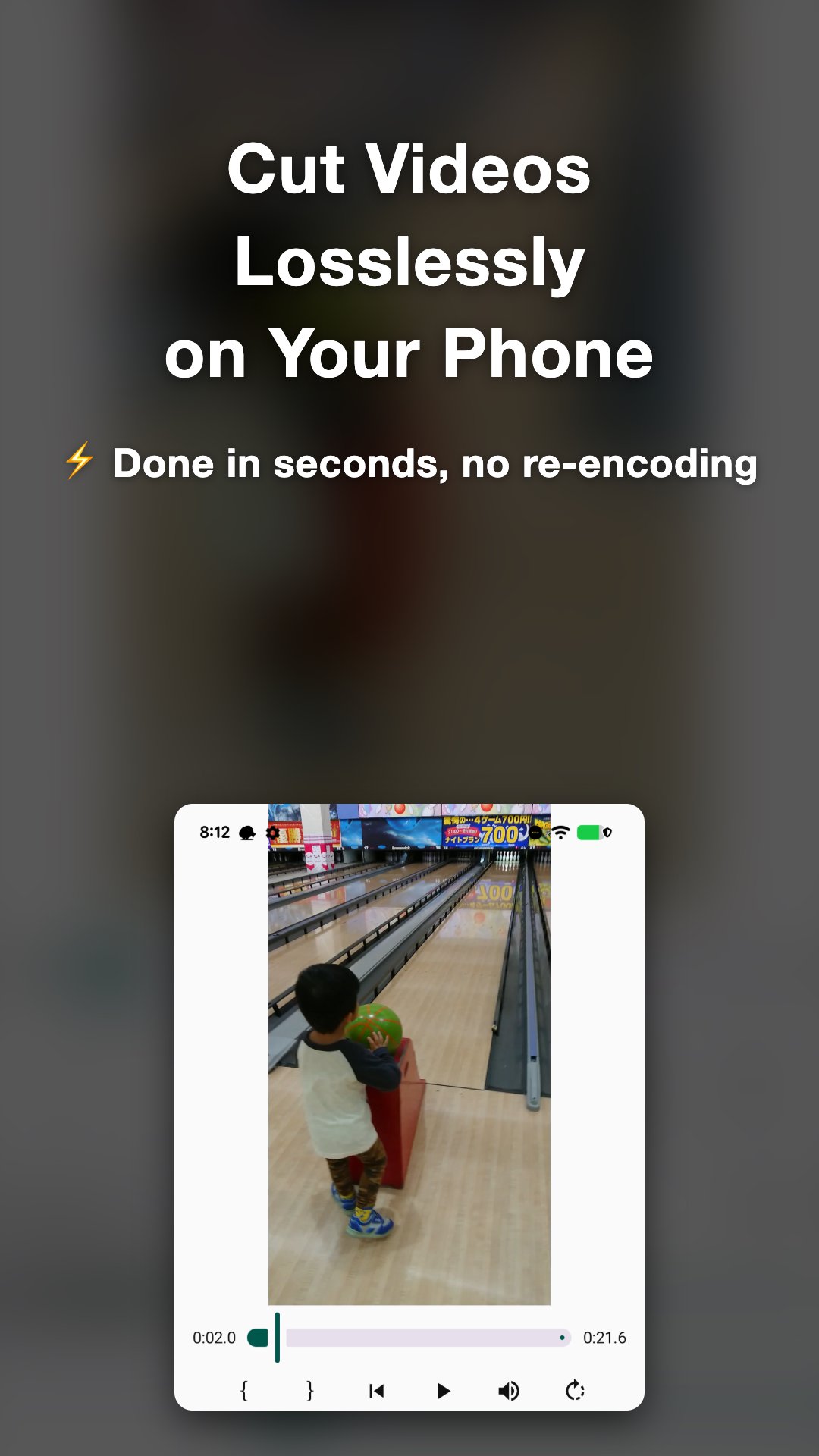
Lossless Video Cutter (LVC) is an app that lets you
cut, trim, and merge videos quickly without quality loss.
Perfect for removing unwanted parts, extracting clips, or joining multiple videos into one
— all without re-encoding.
Main Features
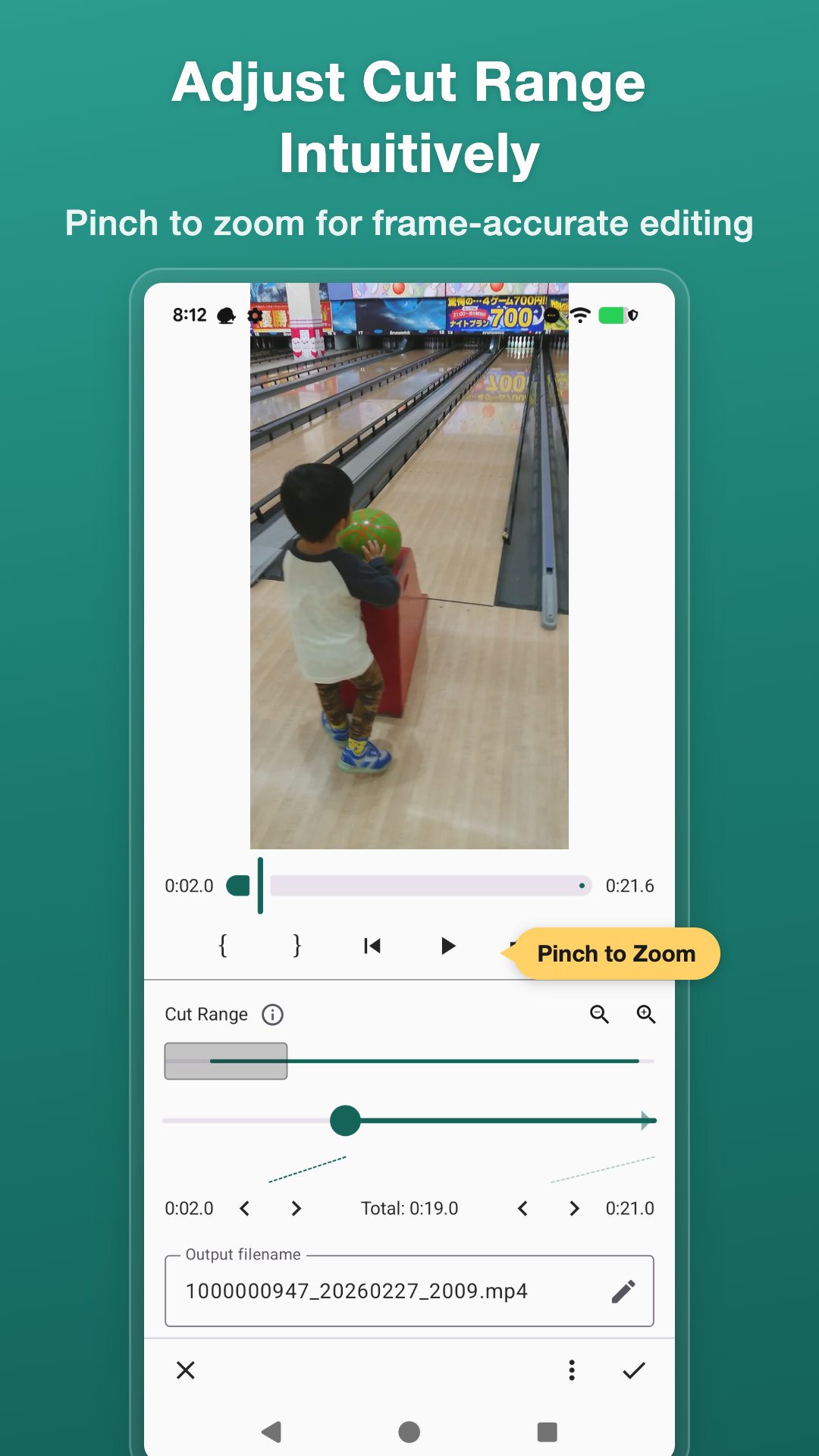
- Lossless cutting: Trim or split videos while keeping the original quality
- Multi-Cut mode: Remove multiple unwanted segments and join the rest into one video
- Lossless merging: Join multiple videos into one without quality loss
- Ultra-fast processing: No re-encoding, minimal waiting time
- Video rotation: Rotate videos in 90-degree increments while editing
- Simple operation: Just select the range and cut, with progress display for peace of mind
- Custom file names: Choose your preferred output file name pattern
- Easy sharing: Instantly share to X (formerly Twitter), LINE, Instagram, and more
Why is it so fast?
The app processes videos based on keyframes (typically every 0.5–1 second),
allowing precise, lossless cutting and merging without re-compression.
This makes it much faster than typical video editors.
Recommended Workflow
- Use LVC to remove unwanted parts → Then add music or text with another editing app
- Quickly cut videos after shooting and share them directly on social media
- Combine separately recorded clips into a single video
- Merge multiple scenes to create a highlight reel
Supported Formats
Supports common video formats such as MP4 recorded on smartphones.
* Video merging works with videos of the same format (codec, resolution, frame rate).
Lossless = No quality loss.
Recommended for anyone who wants to edit videos quickly while keeping them clean and sharp.
معاينة
العلامات
أدواتمعلومة
مطور
Panecraft, Inc.
احدث اصدار
7.5.0
آخر تحديث
Yesterday
فئة
أدوات
متاح على
Google Play
أظهر المزيد
كيف تلعب Video Cut & Merge - Fast LVC مع GameLoop على جهاز الكمبيوتر
1. قم بتنزيل GameLoop من الموقع الرسمي ، ثم قم بتشغيل ملف exe لتثبيت GameLoop.
2. افتح GameLoop وابحث عن "Video Cut & Merge - Fast LVC" ، وابحث عن Video Cut & Merge - Fast LVC في نتائج البحث وانقر على "تثبيت".
3. استمتع بلعب Video Cut & Merge - Fast LVC على GameLoop.
Minimum requirements
OS
Windows 8.1 64-bit or Windows 10 64-bit
GPU
GTX 1050
CPU
i3-8300
Memory
8GB RAM
Storage
1GB available space
Recommended requirements
OS
Windows 8.1 64-bit or Windows 10 64-bit
GPU
GTX 1050
CPU
i3-9320
Memory
16GB RAM
Storage
1GB available space