Linear MQTT Dashboard PC
ravendmaster
قم بتنزيل Linear MQTT Dashboard على جهاز الكمبيوتر باستخدام GameLoop Emulator
Linear MQTT Dashboard على الكمبيوتر الشخصي
Linear MQTT Dashboard ، القادم من المطور ravendmaster ، يعمل على نظام Android في الماضي.
الآن ، يمكنك لعب Linear MQTT Dashboard على جهاز الكمبيوتر باستخدام GameLoop بسلاسة.
قم بتنزيله في مكتبة GameLoop أو في نتائج البحث. لا مزيد من الانتباه إلى البطارية أو المكالمات المحبطة في الوقت الخطأ بعد الآن.
ما عليك سوى الاستمتاع بجهاز Linear MQTT Dashboard على الشاشة الكبيرة مجانًا!
Linear MQTT Dashboard مقدمة
Easy, customizable control panel - MQTT-client.
The solution for your IoT, DIY devices.
Source codes - https://github.com/ravendmaster/linear-mqtt-dashboard-kotlin
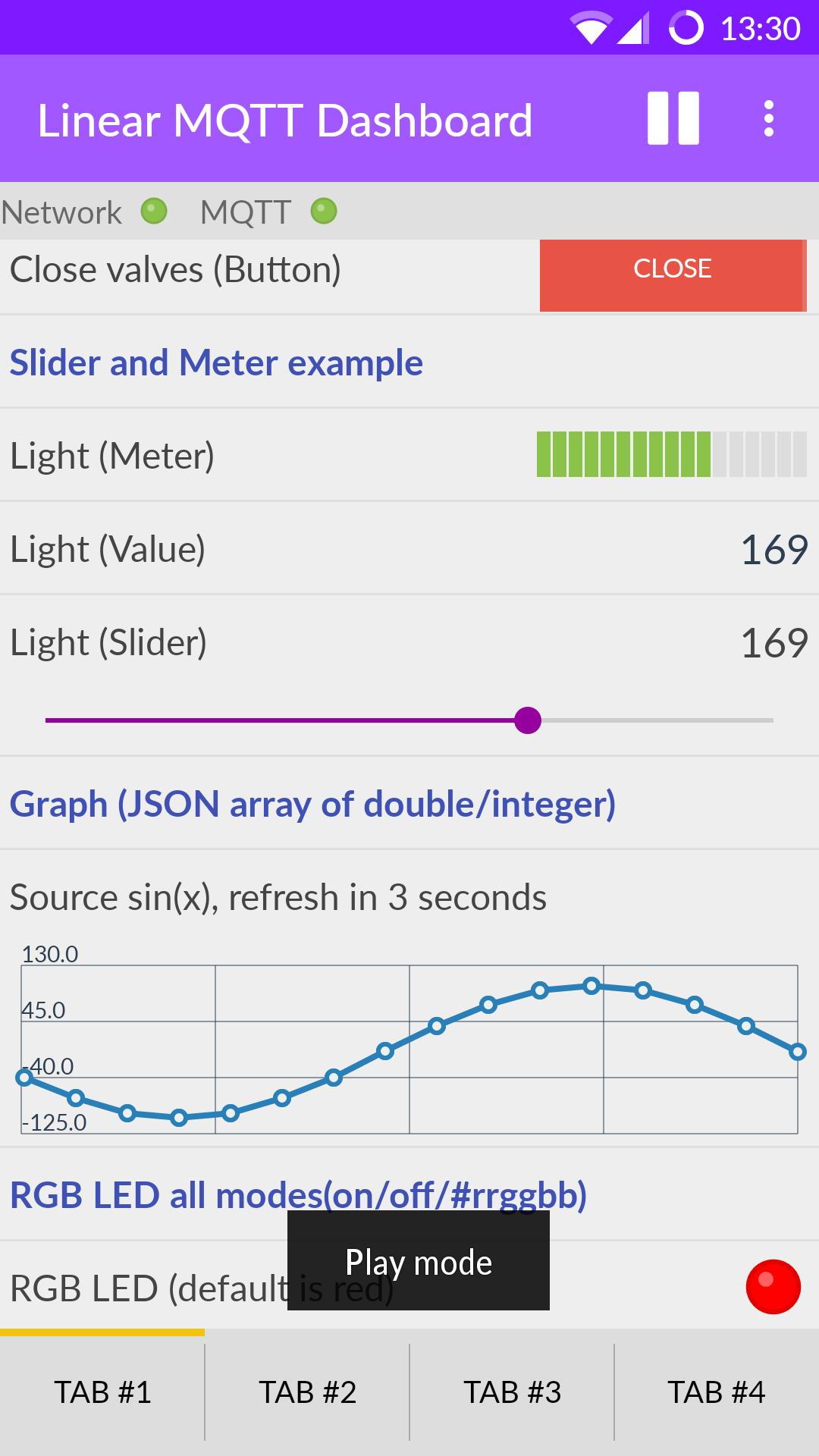
Available widgets:
- Header
- Slider
- Value
- Switch
- Button
- RGB LED
- Meter
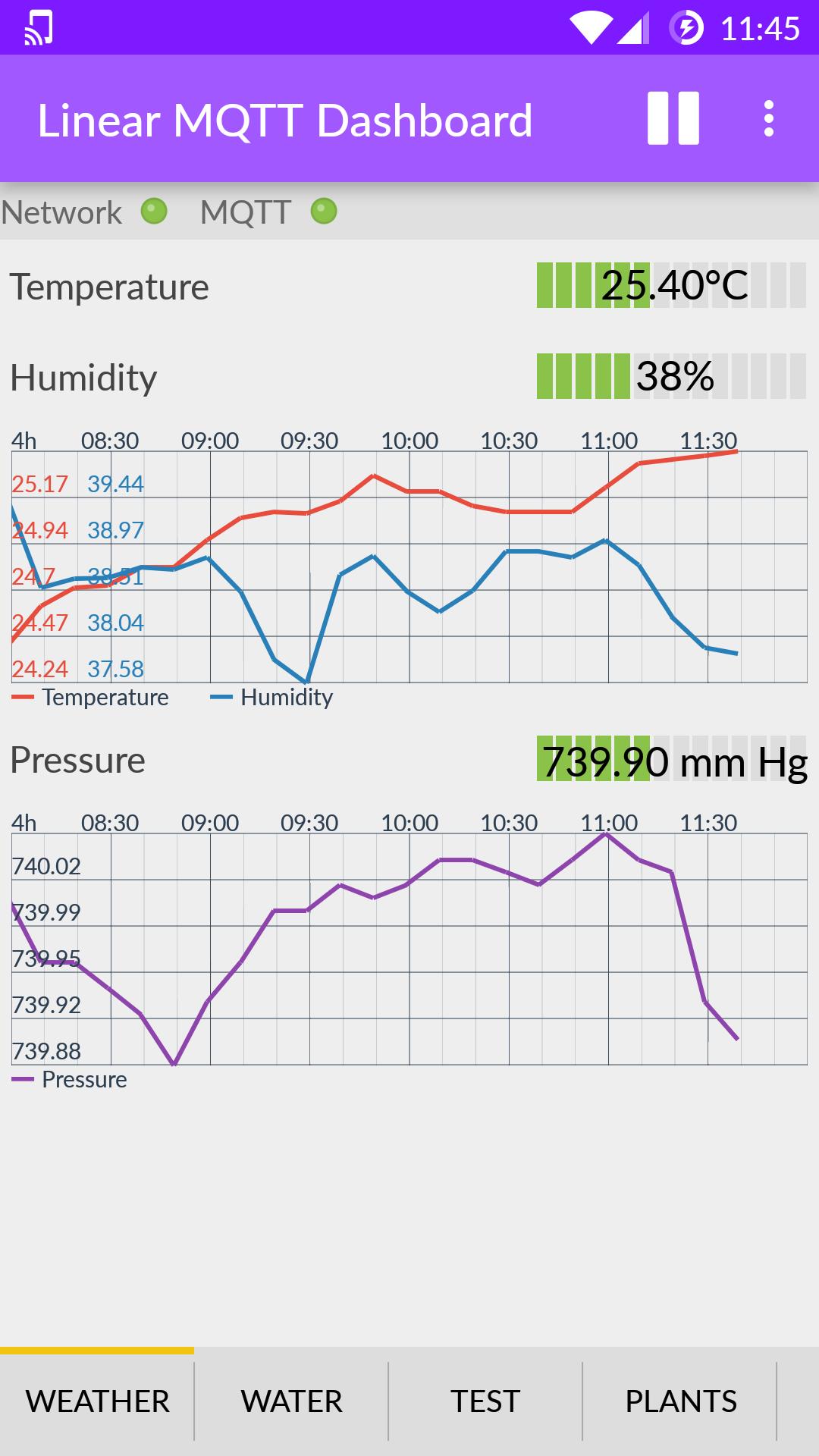
- Graph
- Buttons set
- Combo box
Features:
★ Tabs
★ Order of widgets can be changed. Number of widgets is not limited to the size of the screen - the list can be scrolled.
★ Status of network connection and MQTT broker displayed RGB LED.
★ Ability to receive push notifications even when the app is closed.
★ Corrective message from the widget "Value" by long press on the value (in the widget settings, you must specify the topic of publication of the new value).
★ Two meanings of the text messages and the two labels are available for the widget "Button" - for the states "pressed" / "not pressed" respectively. You can also specify a "retained" for messages.
★ Widget "Meter" can display the value of by a different color (alarm zone, yellow and red), if value approaches the limits of measurement. Thresholds limit values can be specified separately for the lower and upper boundaries.
★ Widgets Slider and Meter can handle decimals
★ Share settings
★ JavaScript to represent the value of some widgets
★ Graph widget displays the value of an array of double and integer types in JSON format, payload for example of payload: [1,2,100.88] or [100.5, 200, 0, 0, 0, -10]
★ Graph widget in live mode
★ Graph widget in 'historical' mode (1h, 4h etc.), see "Application server mode" in application serttings
★ "Buttons set" widget allows place several buttons in one place
★ Widget Combo box to work with a predefined list of values
★ "Application server mode" - the ability to handle incoming MQTT messages using JavaScript even when the app is in the background. See OnReceive().
معاينة
العلامات
أدواتمعلومة
مطور
ravendmaster
احدث اصدار
2.5.8
آخر تحديث
2020-05-10
فئة
أدوات
متاح على
Google Play
أظهر المزيد
كيف تلعب Linear MQTT Dashboard مع GameLoop على جهاز الكمبيوتر
1. قم بتنزيل GameLoop من الموقع الرسمي ، ثم قم بتشغيل ملف exe لتثبيت GameLoop.
2. افتح GameLoop وابحث عن "Linear MQTT Dashboard" ، وابحث عن Linear MQTT Dashboard في نتائج البحث وانقر على "تثبيت".
3. استمتع بلعب Linear MQTT Dashboard على GameLoop.
Minimum requirements
OS
Windows 8.1 64-bit or Windows 10 64-bit
GPU
GTX 1050
CPU
i3-8300
Memory
8GB RAM
Storage
1GB available space
Recommended requirements
OS
Windows 8.1 64-bit or Windows 10 64-bit
GPU
GTX 1050
CPU
i3-9320
Memory
16GB RAM
Storage
1GB available space