
JF Connect PC
Junkfood Arcades
قم بتنزيل JF Connect على جهاز الكمبيوتر باستخدام GameLoop Emulator
JF Connect على الكمبيوتر الشخصي
JF Connect ، القادم من المطور Junkfood Arcades ، يعمل على نظام Android في الماضي.
الآن ، يمكنك لعب JF Connect على جهاز الكمبيوتر باستخدام GameLoop بسلاسة.
قم بتنزيله في مكتبة GameLoop أو في نتائج البحث. لا مزيد من الانتباه إلى البطارية أو المكالمات المحبطة في الوقت الخطأ بعد الآن.
ما عليك سوى الاستمتاع بجهاز JF Connect على الشاشة الكبيرة مجانًا!
JF Connect مقدمة
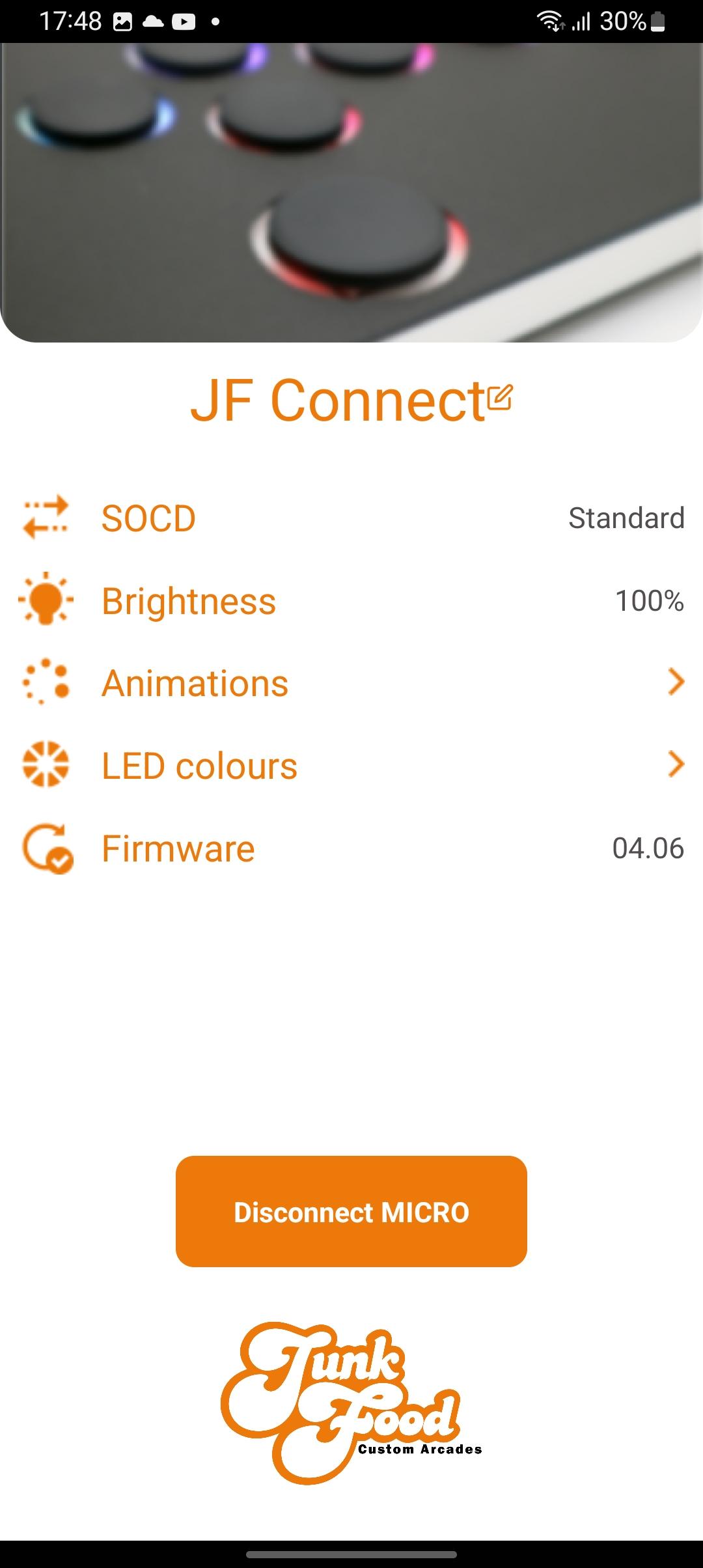
The JF Connect app helps make the MICRO your own! Take control of the features on your Snack Box Micro.
Works with the second generation of the Snack Box MICRO PCB (the white “M2” series PCB). This app gives you control over important features
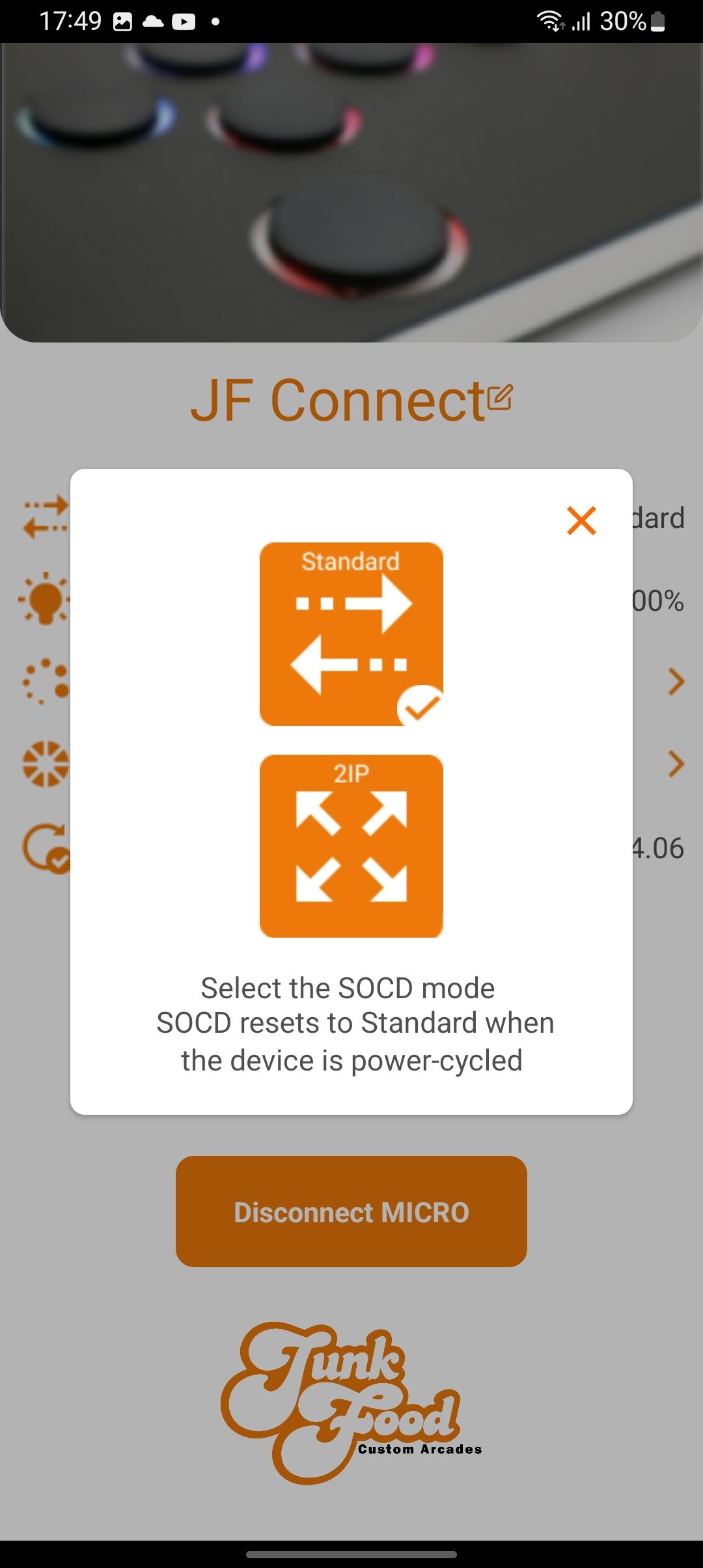
• Toggle between SOCD modes
• Adjust LED brightness
• Pick a primary/secondary LED colors
• Choose your favorite LED animation
• Update the Micro’s JFA firmware
Additional info:
The MICRO must be in edit mode to allow the app to change settings. This ensures that no one can change settings remotely without physical access to the device. To enter hold the edit mode button down while plugging in the USBC cable. Afterwards you can start the JF Connect app.
A video explaining the features of the app can be found on the JunkFood Arcades YouTube channel.
More features are planned for future updates! Stay tuned!
معاينة
العلامات
أدواتمعلومة
مطور
Junkfood Arcades
احدث اصدار
3.33
آخر تحديث
2023-10-06
فئة
أدوات
متاح على
Google Play
أظهر المزيد
كيف تلعب JF Connect مع GameLoop على جهاز الكمبيوتر
1. قم بتنزيل GameLoop من الموقع الرسمي ، ثم قم بتشغيل ملف exe لتثبيت GameLoop.
2. افتح GameLoop وابحث عن "JF Connect" ، وابحث عن JF Connect في نتائج البحث وانقر على "تثبيت".
3. استمتع بلعب JF Connect على GameLoop.
Minimum requirements
OS
Windows 8.1 64-bit or Windows 10 64-bit
GPU
GTX 1050
CPU
i3-8300
Memory
8GB RAM
Storage
1GB available space
Recommended requirements
OS
Windows 8.1 64-bit or Windows 10 64-bit
GPU
GTX 1050
CPU
i3-9320
Memory
16GB RAM
Storage
1GB available space