
Internet Speed Monitor PC
Lufesu Inc.
قم بتنزيل Internet Speed Monitor على جهاز الكمبيوتر باستخدام GameLoop Emulator
Internet Speed Monitor على الكمبيوتر الشخصي
Internet Speed Monitor ، القادم من المطور Lufesu Inc. ، يعمل على نظام Android في الماضي.
الآن ، يمكنك لعب Internet Speed Monitor على جهاز الكمبيوتر باستخدام GameLoop بسلاسة.
قم بتنزيله في مكتبة GameLoop أو في نتائج البحث. لا مزيد من الانتباه إلى البطارية أو المكالمات المحبطة في الوقت الخطأ بعد الآن.
ما عليك سوى الاستمتاع بجهاز Internet Speed Monitor على الشاشة الكبيرة مجانًا!
Internet Speed Monitor مقدمة
Real-Time Internet Speed Monitor with Overlay Display
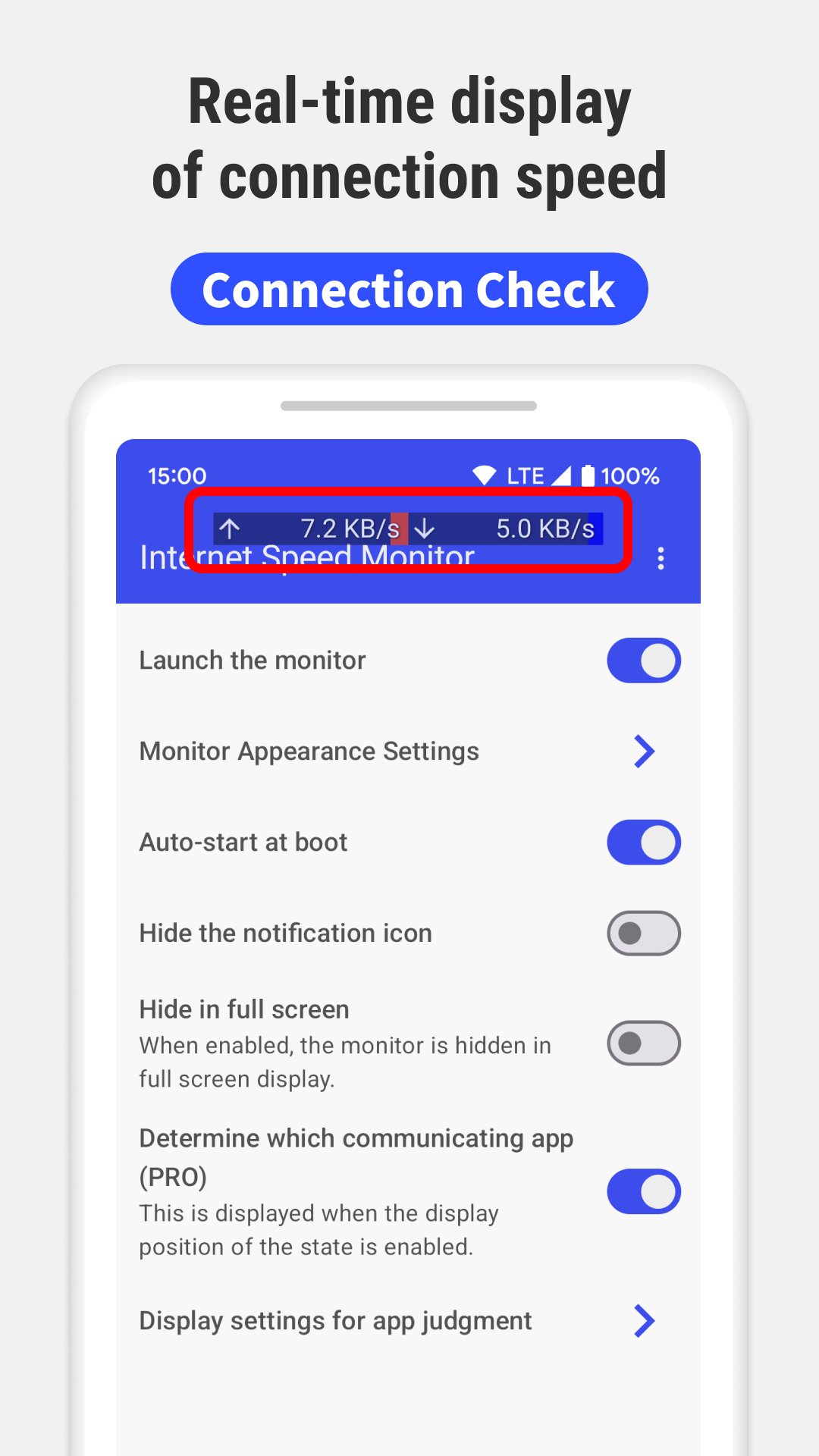
Monitor your internet speed in real time with our lightweight Android app. Internet Speed Meter Live provides continuous monitoring with an overlay display that works while you use other apps.
Key Features
• Real-time speed measurement with overlay display
• Battery-efficient lightweight design
• Monitor upload and download speeds separately
• WiFi and mobile data (4G/5G) network detection
• VPN compatible speed test results
Always-Visible Speed Monitoring
The overlay display lets you monitor internet speed while using any other app. Perfect for video calls, streaming, or file downloads. No need to constantly switch between apps for speed tests.
Customization Options
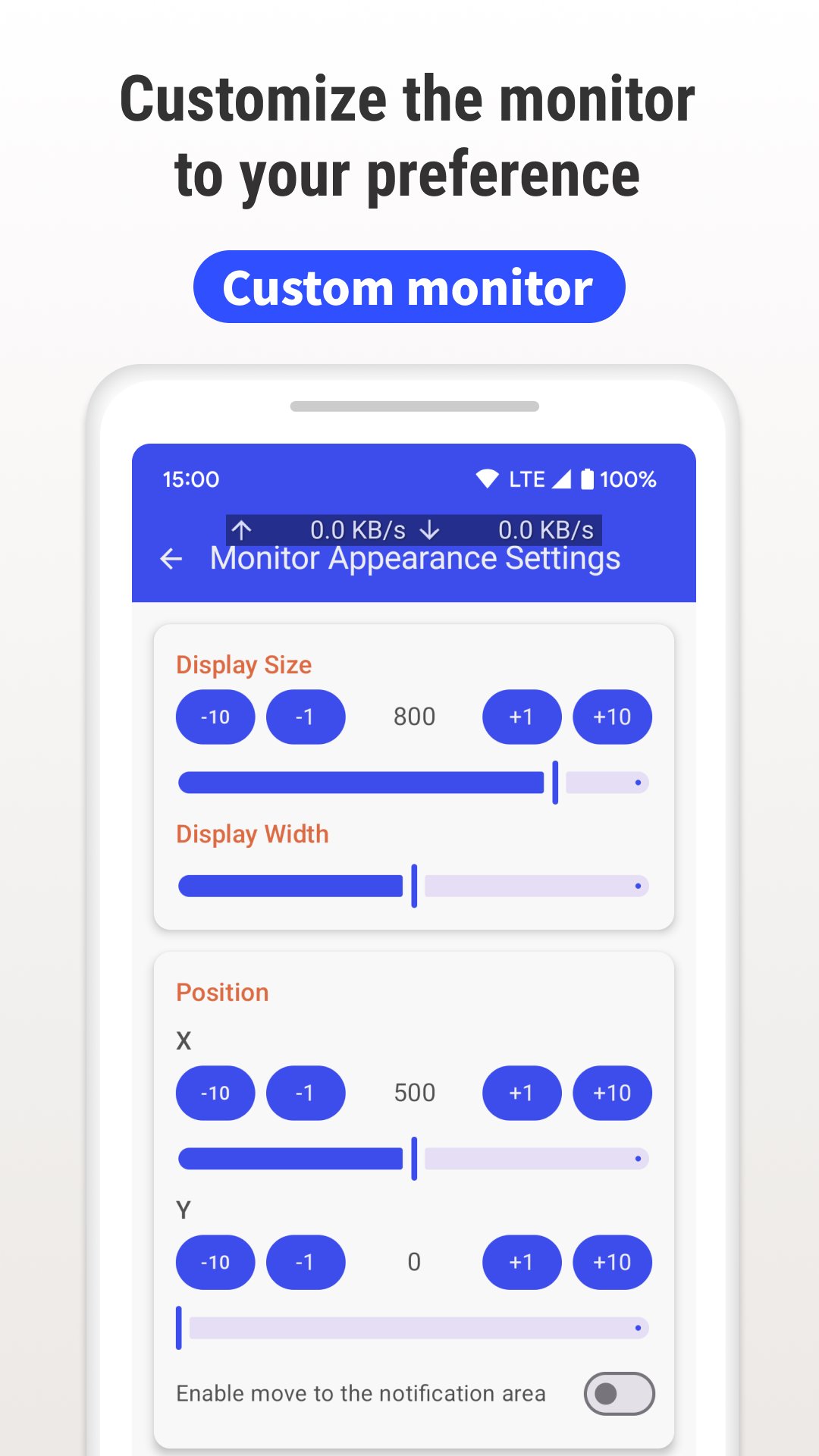
• Adjust display position, size, color, and transparency
• Choose display format and update intervals
• Measurement units and notification settings
• Auto-start on device boot
• Pause function for flexible control
Free Version Features
• Real-time internet speed monitoring and display
• Upload and download speed measurements
• WiFi and mobile data detection
• Notification panel controls
• Minimal battery usage
• Customizable overlay display
PRO Version Features
• Identify which apps use your network
• Complete ad removal
Real-World Use Cases
Remote Work Monitor speed during video calls to ensure stable connection
Streaming Keep an eye on bandwidth during movies or gaming to avoid buffering
Mobile Hotspot Monitor data usage when sharing your connection
Troubleshooting Track speed variations to identify patterns and resolve issues
Technical Requirements
• Android 5.0 and above
• VPN environment support (Ver 1.0.4+)
• Works with all major carriers and WiFi networks
Required Permissions
Display over other apps Required for overlay display functionality
Network access Essential for measuring internet speed and analytics
Device ID Used by PRO version to identify network usage by apps
WiFi connection info Needed to distinguish between WiFi and mobile data
Run at startup Enables automatic monitoring when device boots
Privacy & Security
We prioritize your privacy. The app only processes speed measurement data and does not access your internet communications. Your personal information remains completely private.
Important Note
When overlay display is active, you may need to temporarily disable it to enter passwords in browsers. You can easily pause through the notification panel.
Why Choose Our Speed Monitor?
Unlike basic speed test apps that only work when actively run, our monitor provides continuous, real-time monitoring that integrates seamlessly with daily device usage.
معاينة
العلامات
أدواتمعلومة
مطور
Lufesu Inc.
احدث اصدار
1.0.8.5
آخر تحديث
2025-11-21
فئة
أدوات
متاح على
Google Play
أظهر المزيد
كيف تلعب Internet Speed Monitor مع GameLoop على جهاز الكمبيوتر
1. قم بتنزيل GameLoop من الموقع الرسمي ، ثم قم بتشغيل ملف exe لتثبيت GameLoop.
2. افتح GameLoop وابحث عن "Internet Speed Monitor" ، وابحث عن Internet Speed Monitor في نتائج البحث وانقر على "تثبيت".
3. استمتع بلعب Internet Speed Monitor على GameLoop.
Minimum requirements
OS
Windows 8.1 64-bit or Windows 10 64-bit
GPU
GTX 1050
CPU
i3-8300
Memory
8GB RAM
Storage
1GB available space
Recommended requirements
OS
Windows 8.1 64-bit or Windows 10 64-bit
GPU
GTX 1050
CPU
i3-9320
Memory
16GB RAM
Storage
1GB available space