
DynamicG Popup Launcher PC
DynamicG
قم بتنزيل DynamicG Popup Launcher على جهاز الكمبيوتر باستخدام GameLoop Emulator
DynamicG Popup Launcher على الكمبيوتر الشخصي
DynamicG Popup Launcher ، القادم من المطور DynamicG ، يعمل على نظام Android في الماضي.
الآن ، يمكنك لعب DynamicG Popup Launcher على جهاز الكمبيوتر باستخدام GameLoop بسلاسة.
قم بتنزيله في مكتبة GameLoop أو في نتائج البحث. لا مزيد من الانتباه إلى البطارية أو المكالمات المحبطة في الوقت الخطأ بعد الآن.
ما عليك سوى الاستمتاع بجهاز DynamicG Popup Launcher على الشاشة الكبيرة مجانًا!
DynamicG Popup Launcher مقدمة
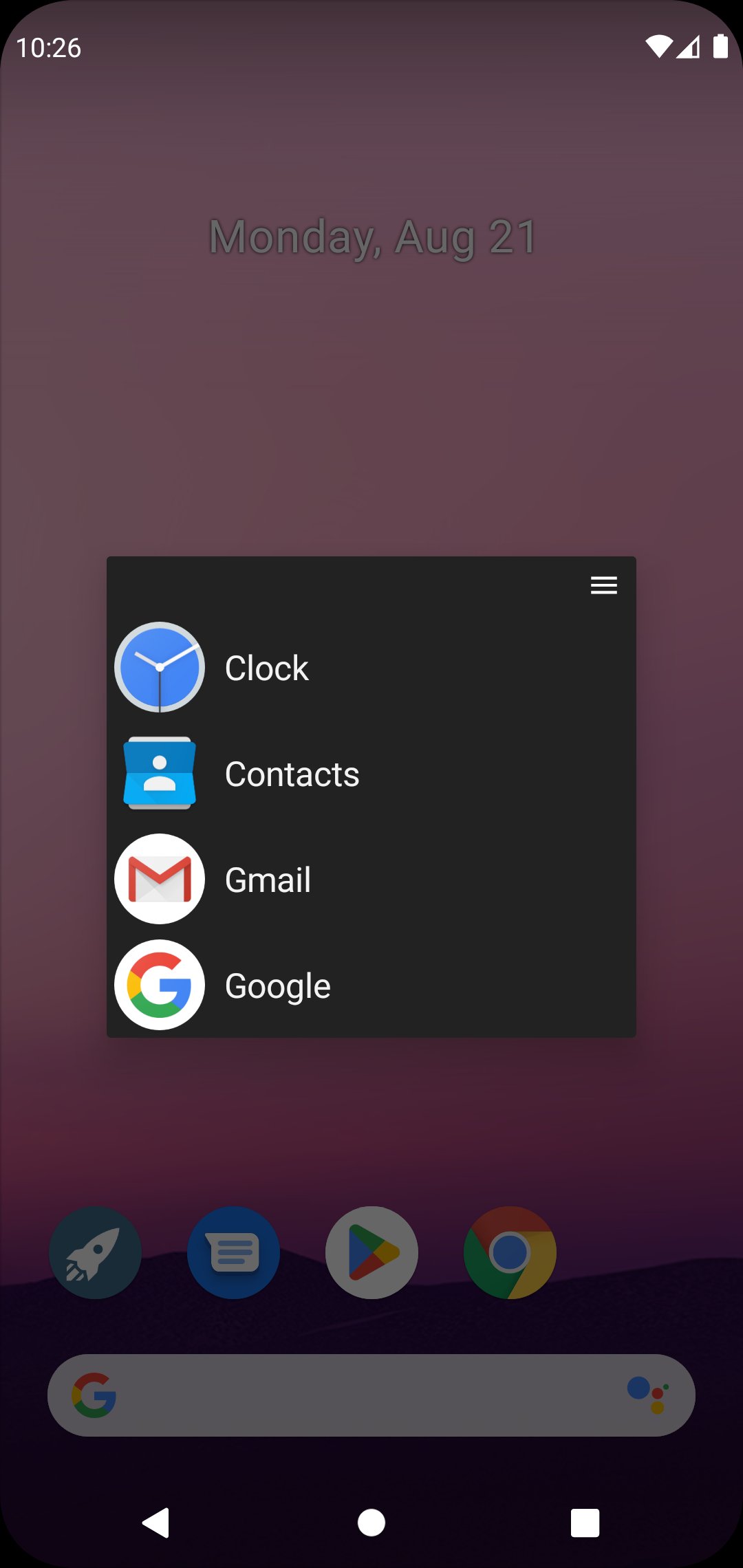
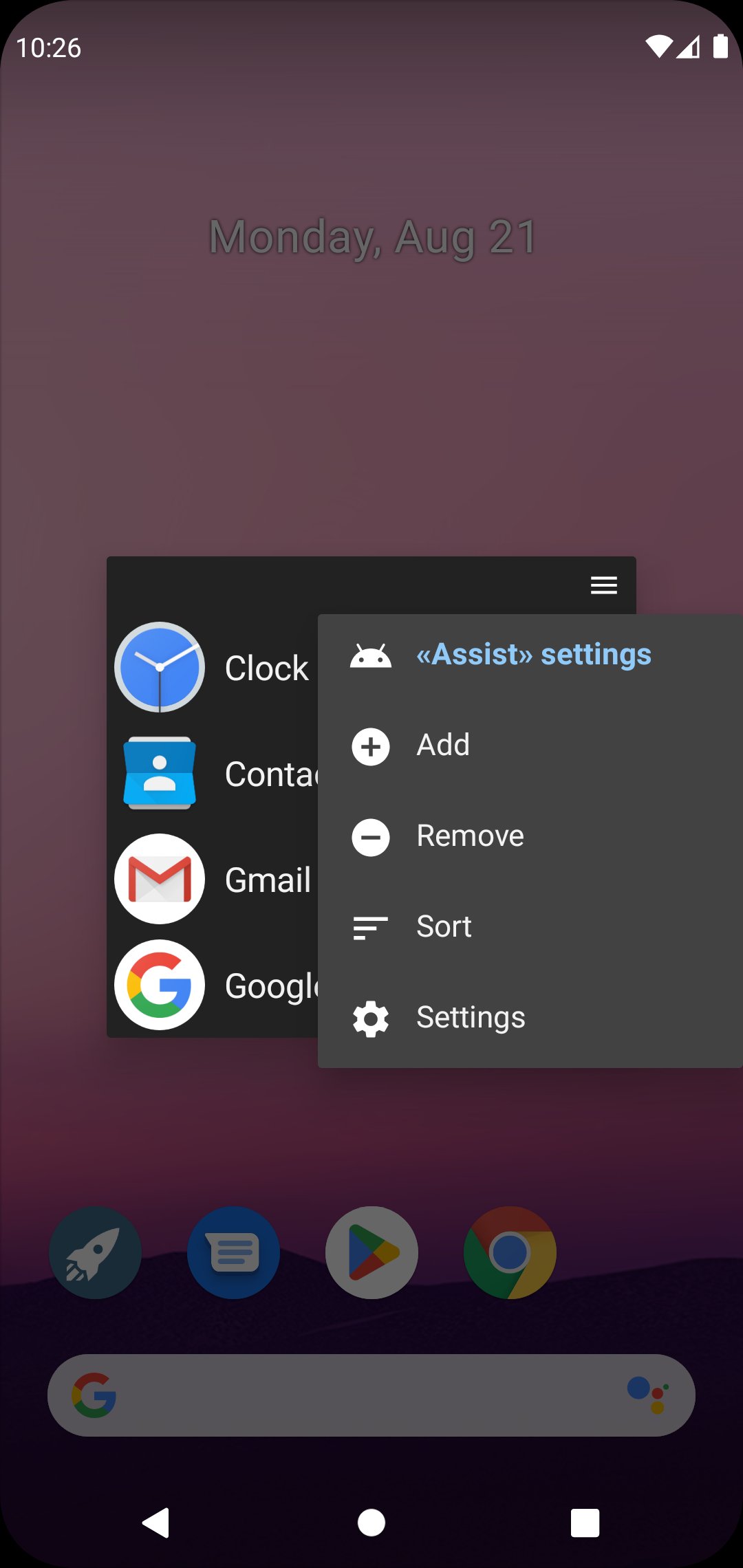
«DynamicG Popup Launcher» (previously called «Home Button Launcher») lets you bookmark your favorite apps, app shortcuts and web pages.
How to launch:
• On Pixel phones with gesture navigation, the app can be configured as “Digital assistant” and launched with “diagonal swipe from bottom corner”, more details see here: https://dynamicg.ch/help/098
• Alternatively, you can use the “Quick Settings” tile to open the app from your phone's notification bar.
• Or you just open the app from your home screen.
• Since One UI 7.0, Samsung uses “Power button long press” to launch the “Digital assistant”, which we think is a bad idea and makes that feature useless. Our app cannot override this behavior.
Features:
★ No advertisement
★ Optional tabs
★ Icon pack and custom icons support
★ Partial “App shortcut” support (many apps don't allow other apps to open their shortcuts, so the list of shortcuts is limited)
★ Minimal set of permissions:
- “QUERY_ALL_PACKAGES” to access the list of installed apps.
- “INTERNET” so the app can download its icons zip file.
- on-demand “CALL_PHONE” for those users who create a "Direct dial" contact shortcut.
معاينة
العلامات
أدواتمعلومة
مطور
DynamicG
احدث اصدار
9.12
آخر تحديث
2025-11-23
فئة
أدوات
متاح على
Google Play
أظهر المزيد
كيف تلعب DynamicG Popup Launcher مع GameLoop على جهاز الكمبيوتر
1. قم بتنزيل GameLoop من الموقع الرسمي ، ثم قم بتشغيل ملف exe لتثبيت GameLoop.
2. افتح GameLoop وابحث عن "DynamicG Popup Launcher" ، وابحث عن DynamicG Popup Launcher في نتائج البحث وانقر على "تثبيت".
3. استمتع بلعب DynamicG Popup Launcher على GameLoop.
Minimum requirements
OS
Windows 8.1 64-bit or Windows 10 64-bit
GPU
GTX 1050
CPU
i3-8300
Memory
8GB RAM
Storage
1GB available space
Recommended requirements
OS
Windows 8.1 64-bit or Windows 10 64-bit
GPU
GTX 1050
CPU
i3-9320
Memory
16GB RAM
Storage
1GB available space