
Forward and Sync SMS PC
DimonVideo
قم بتنزيل Forward and Sync SMS على جهاز الكمبيوتر باستخدام GameLoop Emulator
Forward and Sync SMS على الكمبيوتر الشخصي
Forward and Sync SMS ، القادم من المطور DimonVideo ، يعمل على نظام Android في الماضي.
الآن ، يمكنك لعب Forward and Sync SMS على جهاز الكمبيوتر باستخدام GameLoop بسلاسة.
قم بتنزيله في مكتبة GameLoop أو في نتائج البحث. لا مزيد من الانتباه إلى البطارية أو المكالمات المحبطة في الوقت الخطأ بعد الآن.
ما عليك سوى الاستمتاع بجهاز Forward and Sync SMS على الشاشة الكبيرة مجانًا!
Forward and Sync SMS مقدمة
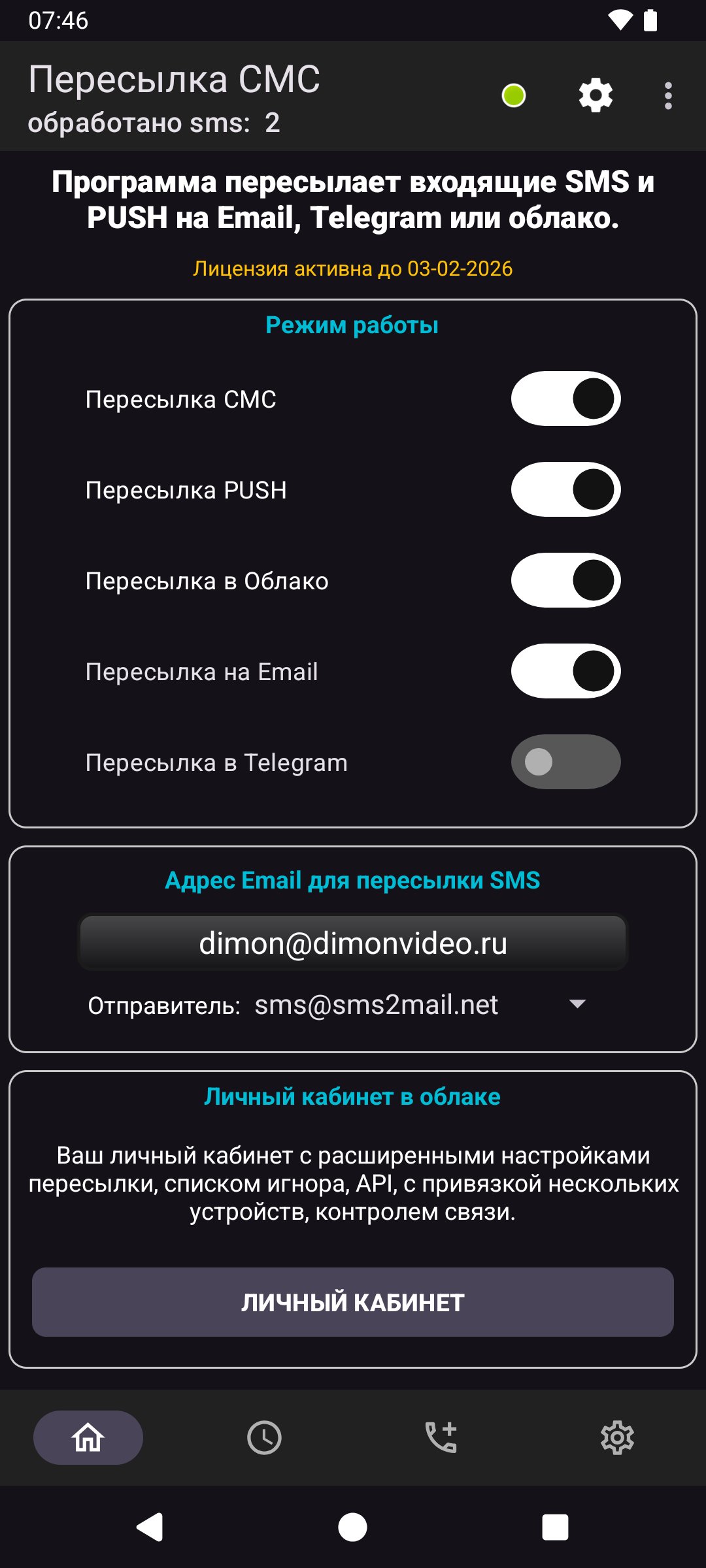
Forward and Backup SMS automatically forwards incoming SMS messages to Email, Telegram, or your secure cloud account for real-time access across all your devices.
The app uses a foreground service to ensure reliable, instant SMS forwarding. This foreground service runs only when SMS forwarding is enabled by the user and displays a persistent notification indicating that SMS forwarding is active.
Why foreground service is required:
The foreground service ensures that incoming SMS messages are processed and forwarded immediately, even when the app is not open. Without the foreground service, Android may stop or delay message processing, causing missed or delayed forwarding.
The foreground service:
Is started only after the user enables SMS forwarding in app settings
Shows a visible notification while active
Can be stopped anytime by the user from the app or notification
Runs only while forwarding is enabled
Is essential to provide reliable real-time SMS forwarding
Required permissions:
RECEIVE_SMS — Detect incoming SMS messages for forwarding
FOREGROUND_SERVICE_REMOTE_MESSAGING — Enables real-time SMS forwarding using a foreground service
POST_NOTIFICATIONS — Displays status notifications so the user knows forwarding is active
RECEIVE_BOOT_COMPLETED — Restores forwarding after device restart, if enabled by user
Data usage and privacy:
SMS messages are used only for forwarding to destinations configured by the user
Messages are transmitted securely to https://sms2mail.net
only to enable delivery to Email or Telegram
No messages are shared, sold, or used for advertising
The app does not collect contacts or unrelated personal data
User control and transparency:
SMS forwarding must be explicitly enabled by the user
A persistent notification clearly indicates when forwarding is active
Users can stop forwarding at any time
The foreground service runs only when necessary
Privacy Policy:
https://sms2mail.net/private_policy_sms2web.htm
معاينة

العلامات
أدواتمعلومة
مطور
DimonVideo
احدث اصدار
10.3-google
آخر تحديث
2026-06-16
فئة
أدوات
متاح على
Google Play
أظهر المزيد
كيف تلعب Forward and Sync SMS مع GameLoop على جهاز الكمبيوتر
1. قم بتنزيل GameLoop من الموقع الرسمي ، ثم قم بتشغيل ملف exe لتثبيت GameLoop.
2. افتح GameLoop وابحث عن "Forward and Sync SMS" ، وابحث عن Forward and Sync SMS في نتائج البحث وانقر على "تثبيت".
3. استمتع بلعب Forward and Sync SMS على GameLoop.
Minimum requirements
OS
Windows 8.1 64-bit or Windows 10 64-bit
GPU
GTX 1050
CPU
i3-8300
Memory
8GB RAM
Storage
1GB available space
Recommended requirements
OS
Windows 8.1 64-bit or Windows 10 64-bit
GPU
GTX 1050
CPU
i3-9320
Memory
16GB RAM
Storage
1GB available space