
EDS Lite PC
sovworks
قم بتنزيل EDS Lite على جهاز الكمبيوتر باستخدام GameLoop Emulator
EDS Lite على الكمبيوتر الشخصي
EDS Lite ، القادم من المطور sovworks ، يعمل على نظام Android في الماضي.
الآن ، يمكنك لعب EDS Lite على جهاز الكمبيوتر باستخدام GameLoop بسلاسة.
قم بتنزيله في مكتبة GameLoop أو في نتائج البحث. لا مزيد من الانتباه إلى البطارية أو المكالمات المحبطة في الوقت الخطأ بعد الآن.
ما عليك سوى الاستمتاع بجهاز EDS Lite على الشاشة الكبيرة مجانًا!
EDS Lite مقدمة
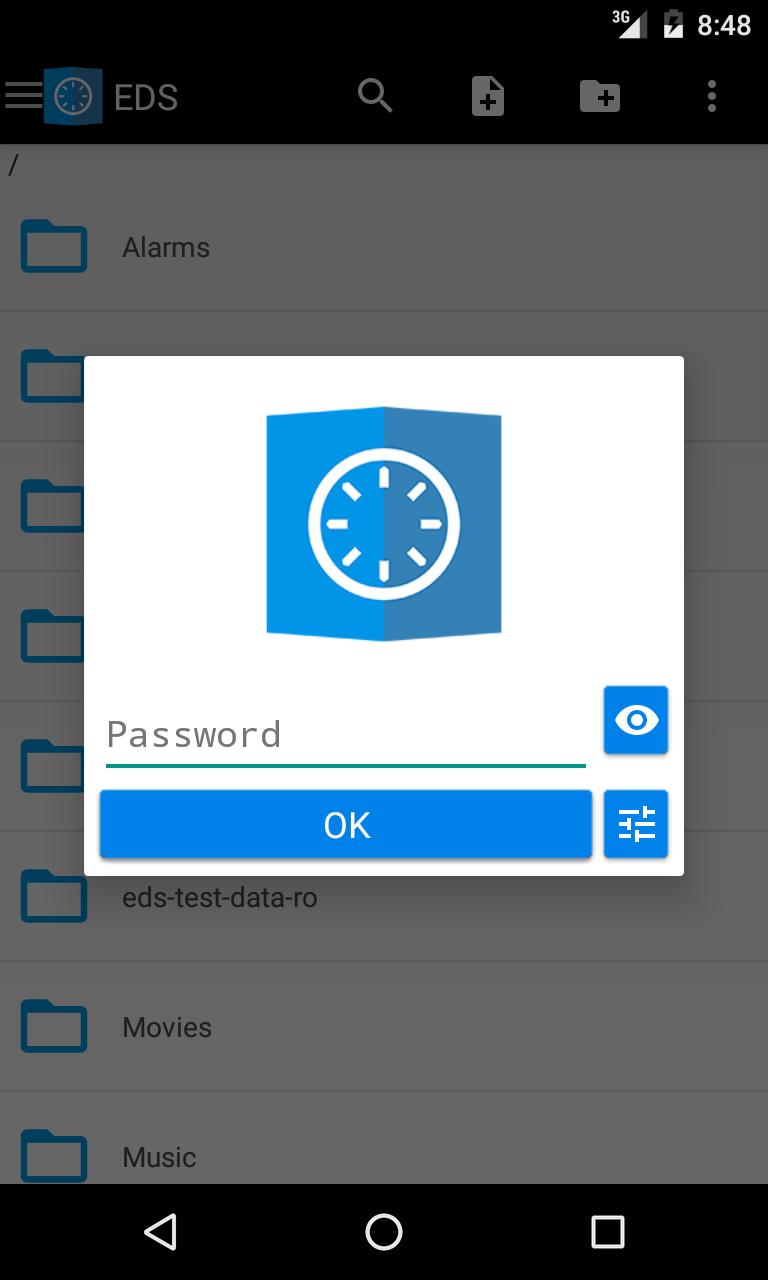
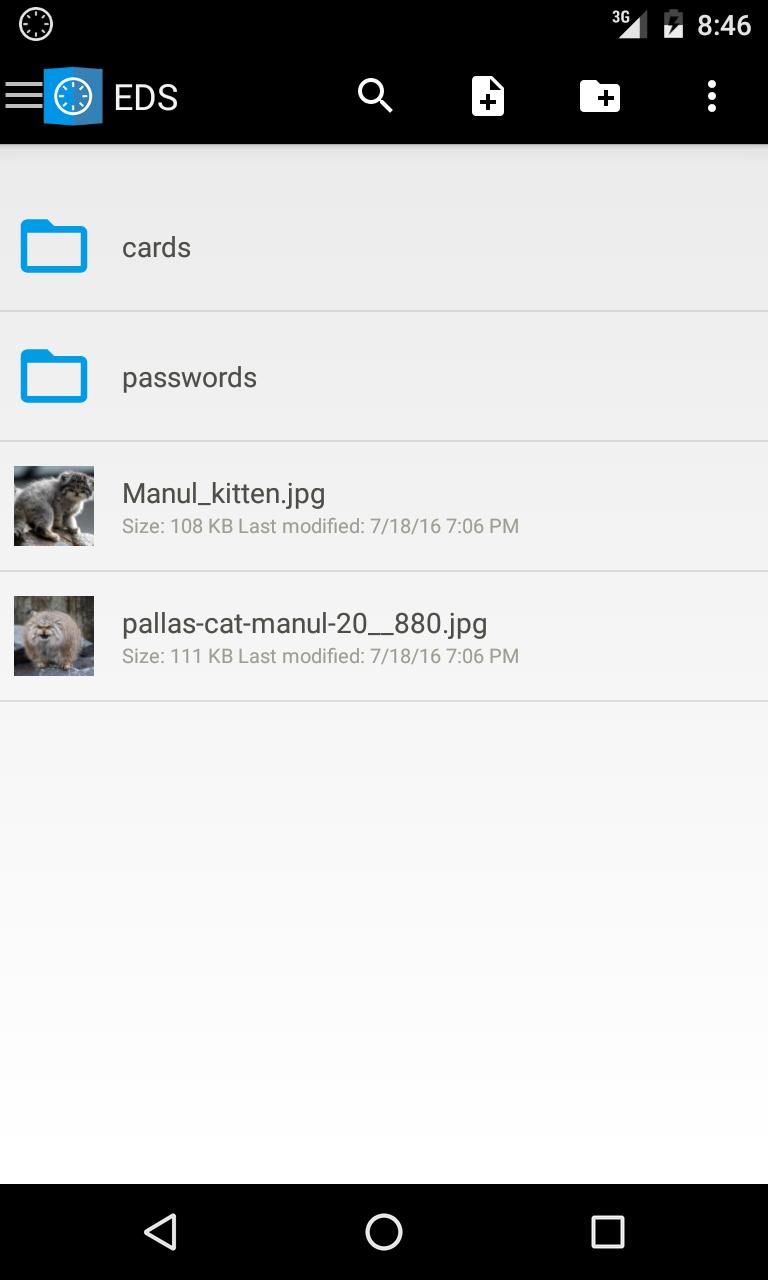
EDS (Encrypted Data Store) is a virtual disk encryption software for Android which allows you to store your files in an encrypted container. VeraCrypt(R), TrueCrypt(R), LUKS, EncFs container types are supported.
EDS Lite is a free and open source edition of EDS.
Main program features:
* Supports VeraCrypt(R), TrueCrypt(R), LUKS, EncFs container formats.
* Choose among different secure ciphers.
* Encrypt/decrypt any kind of file.
* All the standard file operations supported.
* You can quickly open a folder (or file) inside a container from the Home screen using the shortcut widget.
* The source code is available on GitHub: https://github.com/sovworks/edslite .
You can get more information on our website: https://sovworks.com/eds/ .
Please read the FAQ: https://sovworks.com/eds/faq.php .
Required permissions:
"Modify or delete the contents of your SD card"
This permission is required to work with a file or a container that is located in the shared storage of your device.
"Prevent phone from sleeping"
This permissions is used to prevent device from sleeping when a file operation is active.
Please send your error reports, comments and suggestions to eds@sovworks.com .
معاينة
العلامات
أدواتمعلومة
مطور
sovworks
احدث اصدار
2.0.0.237
آخر تحديث
2020-04-21
فئة
أدوات
متاح على
Google Play
أظهر المزيد
كيف تلعب EDS Lite مع GameLoop على جهاز الكمبيوتر
1. قم بتنزيل GameLoop من الموقع الرسمي ، ثم قم بتشغيل ملف exe لتثبيت GameLoop.
2. افتح GameLoop وابحث عن "EDS Lite" ، وابحث عن EDS Lite في نتائج البحث وانقر على "تثبيت".
3. استمتع بلعب EDS Lite على GameLoop.
Minimum requirements
OS
Windows 8.1 64-bit or Windows 10 64-bit
GPU
GTX 1050
CPU
i3-8300
Memory
8GB RAM
Storage
1GB available space
Recommended requirements
OS
Windows 8.1 64-bit or Windows 10 64-bit
GPU
GTX 1050
CPU
i3-9320
Memory
16GB RAM
Storage
1GB available space