
DPI Changer Change Resolution PC
Learn Pain Less
قم بتنزيل DPI Changer Change Resolution على جهاز الكمبيوتر باستخدام GameLoop Emulator
DPI Changer Change Resolution على الكمبيوتر الشخصي
DPI Changer Change Resolution ، القادم من المطور Learn Pain Less ، يعمل على نظام Android في الماضي.
الآن ، يمكنك لعب DPI Changer Change Resolution على جهاز الكمبيوتر باستخدام GameLoop بسلاسة.
قم بتنزيله في مكتبة GameLoop أو في نتائج البحث. لا مزيد من الانتباه إلى البطارية أو المكالمات المحبطة في الوقت الخطأ بعد الآن.
ما عليك سوى الاستمتاع بجهاز DPI Changer Change Resolution على الشاشة الكبيرة مجانًا!
DPI Changer Change Resolution مقدمة
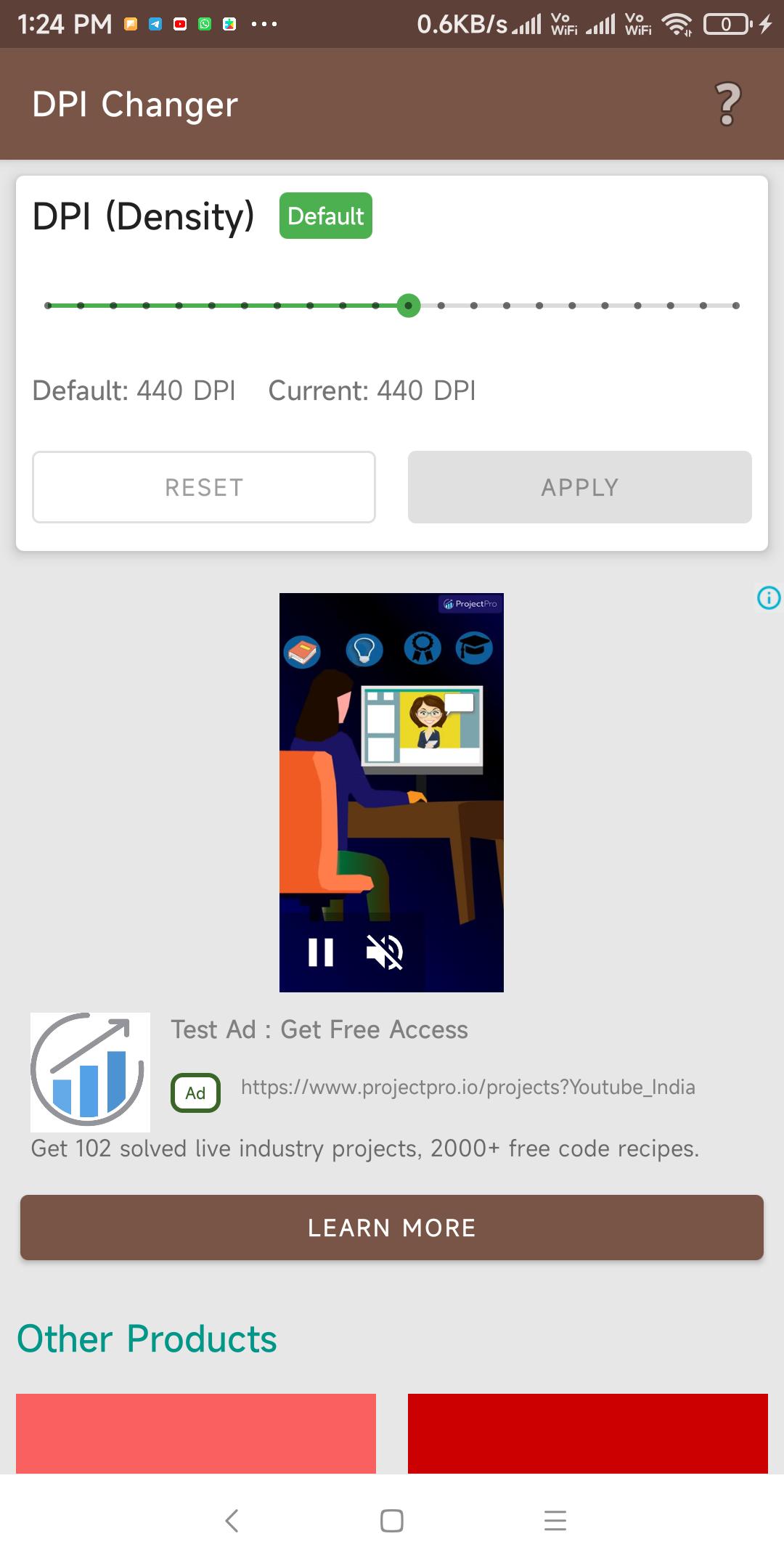
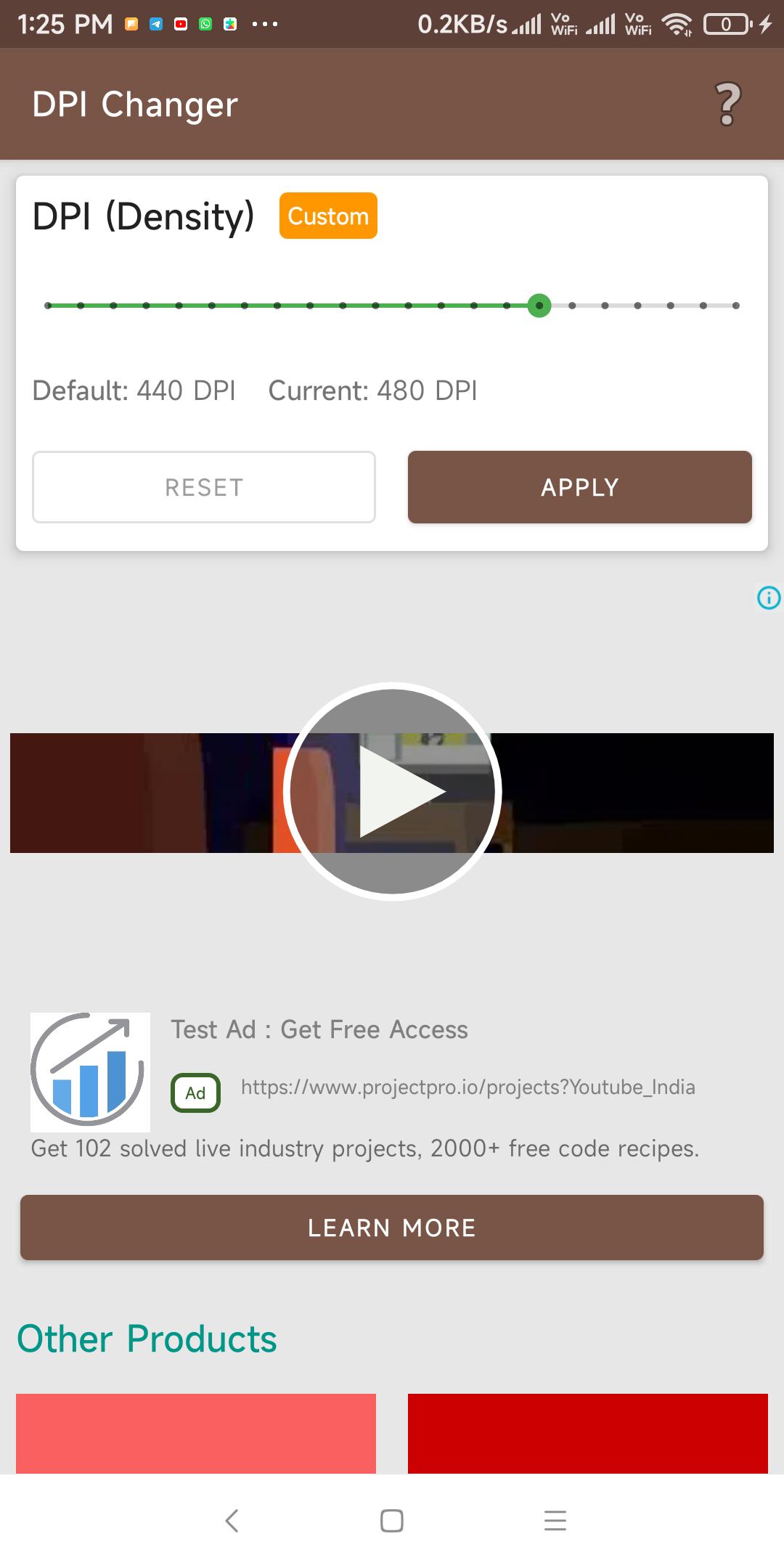
Display Screen resolution and DPI changer, simple to use.
DPI Changer will help you to increase and decrease DPI of any android device. You can easily change the resolution of your device to fit content better on your device.
You just need to drag the slider to adjust DPI of your screen using the DPI Changer app, this will also work with volume buttons. This will help you to improve performance, boost and speed up games on your device by adjusting screen resolution.
But to use this app your device must be Rooted.
DPI is kind of Resolution device, this means if you increase or decrease DPI of device then it increases or decrease Resolution of device as well, that’s why it called as display dpi changer. And one more thing to say that dpi changer app no root will not work because Root is needed to perform this.
If you don’t have a rooted device then you can follow any online tutorial to root your device. This is custom dpi changer so you can customize anytime. This will also help you to change resolution for games like free fire (dpi changer free fire), PubG and other games so you can get extra space for buttons and other things on your device. I have tested dpi changer miui mobiles as well, and you can use in any mobile.
معاينة
العلامات
أدواتمعلومة
مطور
Learn Pain Less
احدث اصدار
1.0.5
آخر تحديث
2024-03-07
فئة
أدوات
متاح على
Google Play
أظهر المزيد
كيف تلعب DPI Changer Change Resolution مع GameLoop على جهاز الكمبيوتر
1. قم بتنزيل GameLoop من الموقع الرسمي ، ثم قم بتشغيل ملف exe لتثبيت GameLoop.
2. افتح GameLoop وابحث عن "DPI Changer Change Resolution" ، وابحث عن DPI Changer Change Resolution في نتائج البحث وانقر على "تثبيت".
3. استمتع بلعب DPI Changer Change Resolution على GameLoop.
Minimum requirements
OS
Windows 8.1 64-bit or Windows 10 64-bit
GPU
GTX 1050
CPU
i3-8300
Memory
8GB RAM
Storage
1GB available space
Recommended requirements
OS
Windows 8.1 64-bit or Windows 10 64-bit
GPU
GTX 1050
CPU
i3-9320
Memory
16GB RAM
Storage
1GB available space