
Digifort Mobile Client PC
Digifort IP Surveillance System
قم بتنزيل Digifort Mobile Client على جهاز الكمبيوتر باستخدام GameLoop Emulator
Digifort Mobile Client على الكمبيوتر الشخصي
Digifort Mobile Client ، القادم من المطور Digifort IP Surveillance System ، يعمل على نظام Android في الماضي.
الآن ، يمكنك لعب Digifort Mobile Client على جهاز الكمبيوتر باستخدام GameLoop بسلاسة.
قم بتنزيله في مكتبة GameLoop أو في نتائج البحث. لا مزيد من الانتباه إلى البطارية أو المكالمات المحبطة في الوقت الخطأ بعد الآن.
ما عليك سوى الاستمتاع بجهاز Digifort Mobile Client على الشاشة الكبيرة مجانًا!
Digifort Mobile Client مقدمة
The Digifort Mobile Client is compatible with version 6.7.0.0 of the Digifort system or higher, with the use of version 6.7.1.1 or higher being recommended.
Application features:
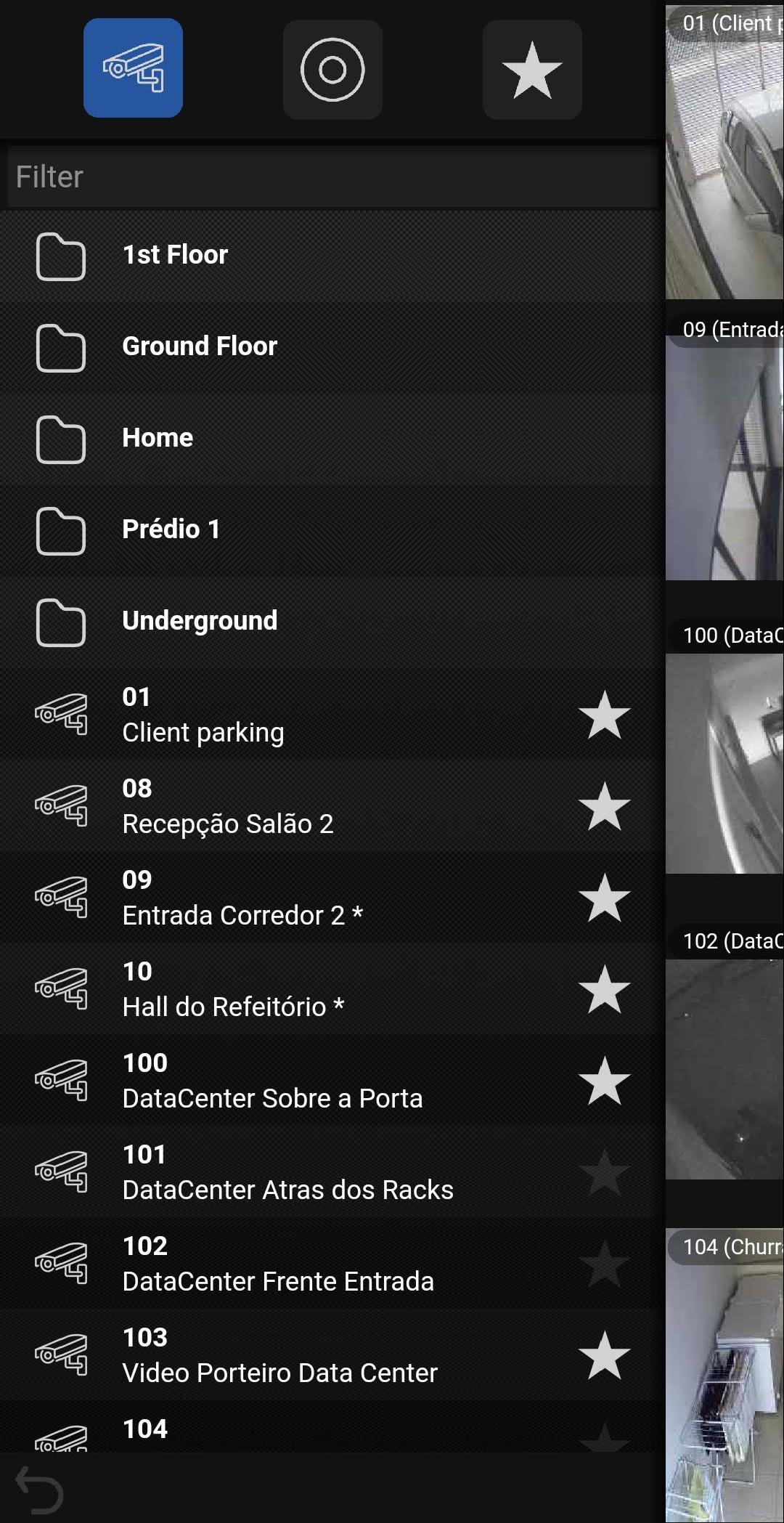
- Remote viewing of images
- Video playback
- Support for audio in version 7.3.0.2
- Metadata rendering support
- Support for app lock with biometrics
- Push notification support
- Camera group support
- Allows configuration of resolution, frame rate and image quality
- Allows connection to several Digifort servers simultaneously
- Allows video playback from server or edge
- Visualization of multiple cameras simultaneously
- Allows you to trigger alarms and events remotely
- Allows you to control mobile PTZ cameras with two different control types: Standard and Joystick
- Allows you to send the camera being viewed to any monitor in Digifort's virtual matrix
- Allows you to send video playback to any monitor in the virtual matrix
- Allows you to share the camera image being viewed
- It has a list of favorites for quick access to the most used objects (Cameras and alarms)
To download the Digifort system, please visit http://www.digifort.com
Please note: This app will not work on all Android mobile devices. Minimum OS version is Android 8.1 and device must have ARM v7 processor with NEON support (Basically devices released from 2012 onwards). This app is not compatible with Intel processors
معاينة
العلامات
أدواتمعلومة
مطور
Digifort IP Surveillance System
احدث اصدار
2.2.0
آخر تحديث
2025-09-19
فئة
أدوات
متاح على
Google Play
أظهر المزيد
كيف تلعب Digifort Mobile Client مع GameLoop على جهاز الكمبيوتر
1. قم بتنزيل GameLoop من الموقع الرسمي ، ثم قم بتشغيل ملف exe لتثبيت GameLoop.
2. افتح GameLoop وابحث عن "Digifort Mobile Client" ، وابحث عن Digifort Mobile Client في نتائج البحث وانقر على "تثبيت".
3. استمتع بلعب Digifort Mobile Client على GameLoop.
Minimum requirements
OS
Windows 8.1 64-bit or Windows 10 64-bit
GPU
GTX 1050
CPU
i3-8300
Memory
8GB RAM
Storage
1GB available space
Recommended requirements
OS
Windows 8.1 64-bit or Windows 10 64-bit
GPU
GTX 1050
CPU
i3-9320
Memory
16GB RAM
Storage
1GB available space