Smart Alarm Clock PC
Smart Mobile Tools
قم بتنزيل Smart Alarm Clock على جهاز الكمبيوتر باستخدام GameLoop Emulator
Smart Alarm Clock على الكمبيوتر الشخصي
Smart Alarm Clock ، القادم من المطور Smart Mobile Tools ، يعمل على نظام Android في الماضي.
الآن ، يمكنك لعب Smart Alarm Clock على جهاز الكمبيوتر باستخدام GameLoop بسلاسة.
قم بتنزيله في مكتبة GameLoop أو في نتائج البحث. لا مزيد من الانتباه إلى البطارية أو المكالمات المحبطة في الوقت الخطأ بعد الآن.
ما عليك سوى الاستمتاع بجهاز Smart Alarm Clock على الشاشة الكبيرة مجانًا!
Smart Alarm Clock مقدمة
With smart alarm, you can sleep as much as you can, it will awake you up until you get up and leave your bed. Every morning, you dont have to worry about get up late, go to work or go to school late anymore.
How to set up alarm? We have 9 ways for you:
• Normal: similar to other default alarm of Android, and you just have to press a button to turn off the alarm
• Do a maths test: you have to do a maths test, if your answer is correct, the alarm will be turned off. There are 5 levels of maths to choose from easy to difficult.
• Shake your phone: you have to shake your phone about 10-50 times to turn off the alarm.
• Scan QR code or bar code: you have to find a random QR code or bar code and adjust your camera to it’s side to scan.
• Draw a pattern: you have to draw a pattern follows the pattern in sample. If you draw correct, the alarm will be turned off.
• Input a text: you have to input exactly a random word including 8 symbols.
• Button holding: hold the button for 2 seconds to turn off the alarm.
• Puzzle: select numbers in ascending or descending order.
• Random: turn off the alarm randomly between the above types.
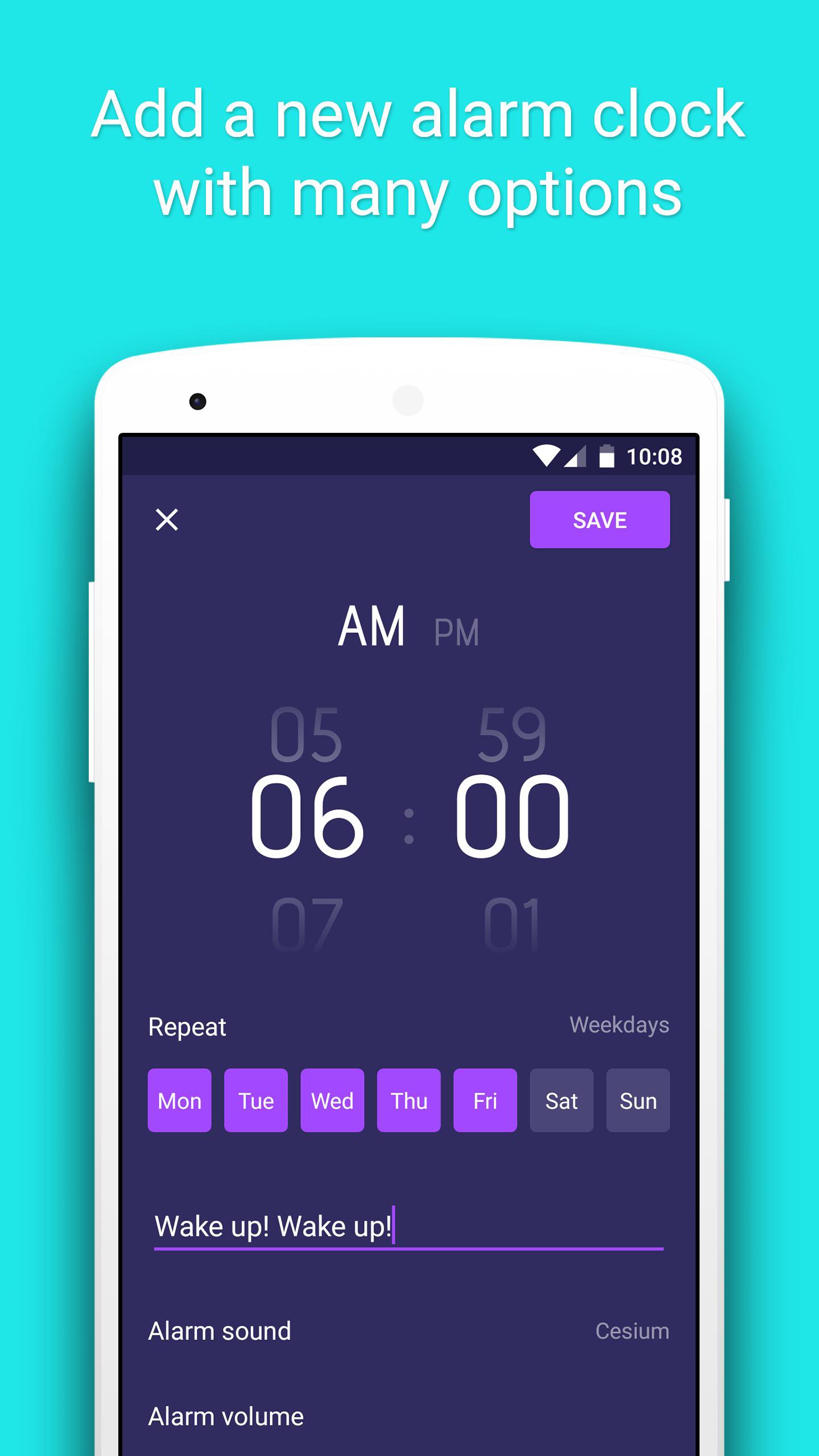
You can create a alarm with advanced functions:
• Set up exact time to alarm.
• Choose days in week to repeat alarm.
• Set up name for alarm.
• Customize clock display.
• Choose sounds for alarm from your ringtone list, or a song you like.
• Adjust volume of the alarm.
• Gradually increase the alarm volume.
• Choose vibration types for the alarm.
• Set up time for alarming again.
• Select the app to open after the alarm is turned off.
• Choose ways to turn off the alarm.
• See the alarm in advance.
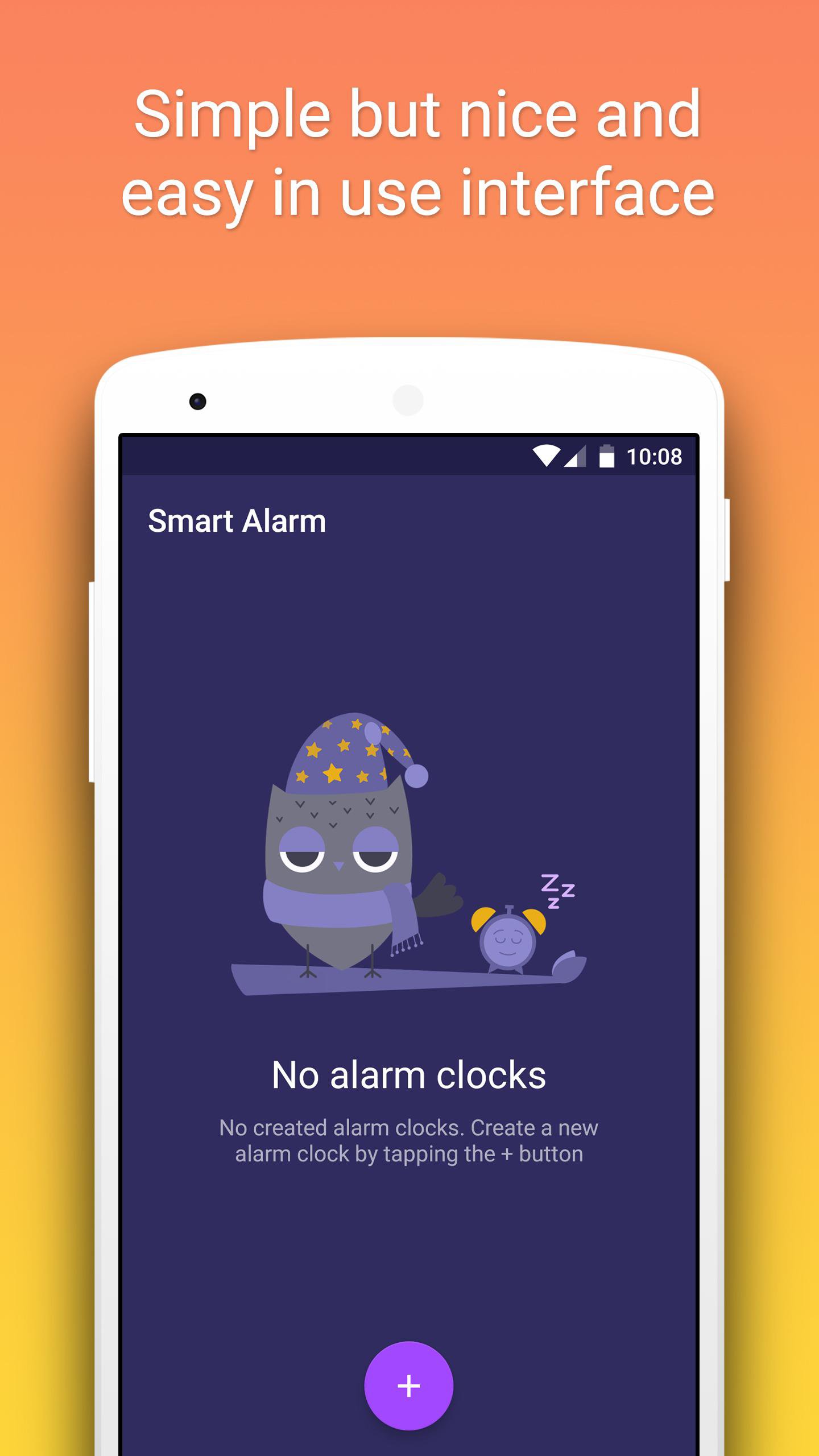
The smart alarm application is the combination of all funtions you are looking for which are simple, beautiful interface and eassy in use.
If you have any questions of recommendations, please send me an email, I will help you.
Your 5-stars rating will support us to create and develop more and more best free applications in the future.
معاينة
العلامات
أدواتمعلومة
مطور
Smart Mobile Tools
احدث اصدار
3.6
آخر تحديث
2025-11-28
فئة
أدوات
متاح على
Google Play
أظهر المزيد
كيف تلعب Smart Alarm Clock مع GameLoop على جهاز الكمبيوتر
1. قم بتنزيل GameLoop من الموقع الرسمي ، ثم قم بتشغيل ملف exe لتثبيت GameLoop.
2. افتح GameLoop وابحث عن "Smart Alarm Clock" ، وابحث عن Smart Alarm Clock في نتائج البحث وانقر على "تثبيت".
3. استمتع بلعب Smart Alarm Clock على GameLoop.
Minimum requirements
OS
Windows 8.1 64-bit or Windows 10 64-bit
GPU
GTX 1050
CPU
i3-8300
Memory
8GB RAM
Storage
1GB available space
Recommended requirements
OS
Windows 8.1 64-bit or Windows 10 64-bit
GPU
GTX 1050
CPU
i3-9320
Memory
16GB RAM
Storage
1GB available space