
ColDonAgro - Fields Navigation PC
Nikolas Konstantinov
قم بتنزيل ColDonAgro - Fields Navigation على جهاز الكمبيوتر باستخدام GameLoop Emulator
ColDonAgro - Fields Navigation على الكمبيوتر الشخصي
ColDonAgro - Fields Navigation ، القادم من المطور Nikolas Konstantinov ، يعمل على نظام Android في الماضي.
الآن ، يمكنك لعب ColDonAgro - Fields Navigation على جهاز الكمبيوتر باستخدام GameLoop بسلاسة.
قم بتنزيله في مكتبة GameLoop أو في نتائج البحث. لا مزيد من الانتباه إلى البطارية أو المكالمات المحبطة في الوقت الخطأ بعد الآن.
ما عليك سوى الاستمتاع بجهاز ColDonAgro - Fields Navigation على الشاشة الكبيرة مجانًا!
ColDonAgro - Fields Navigation مقدمة
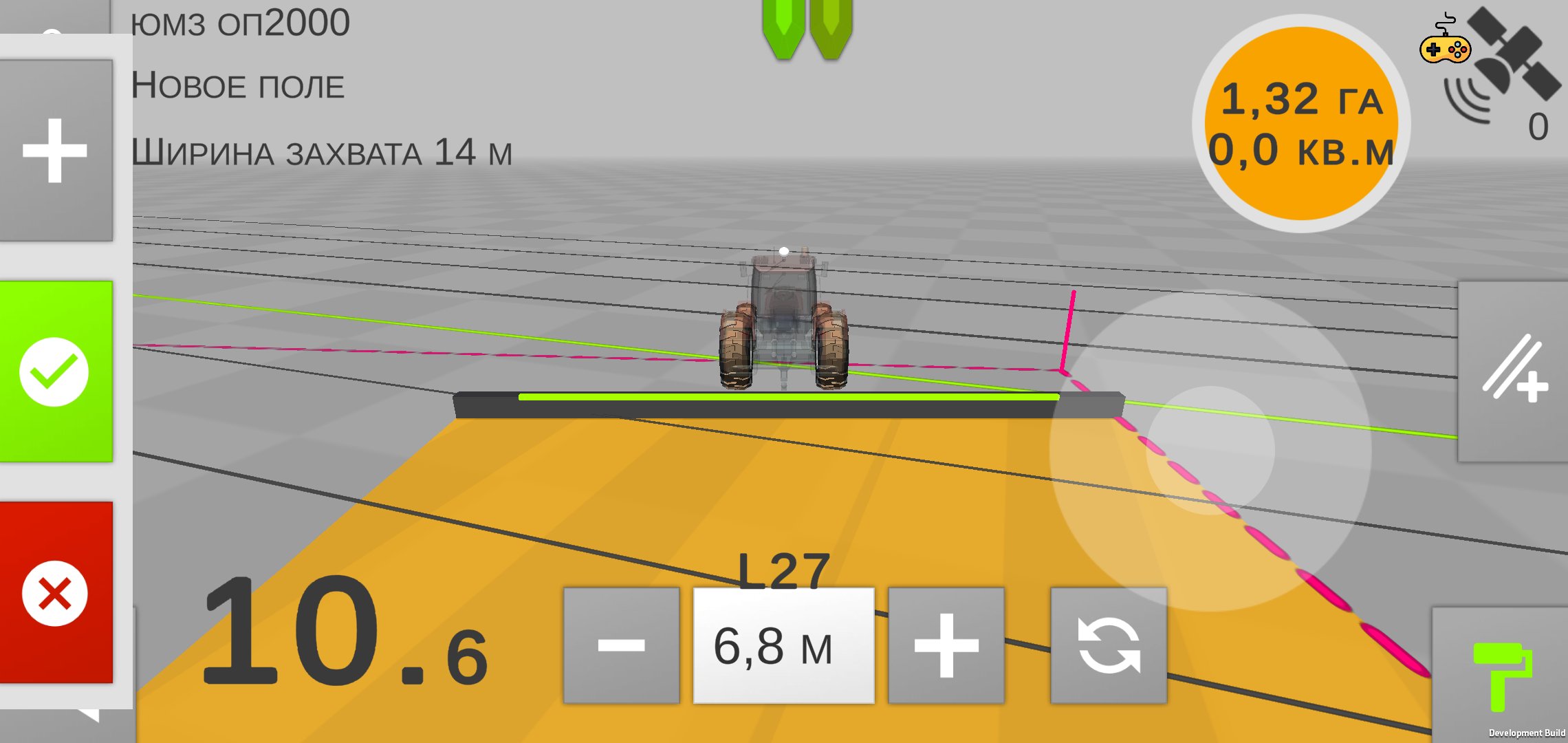
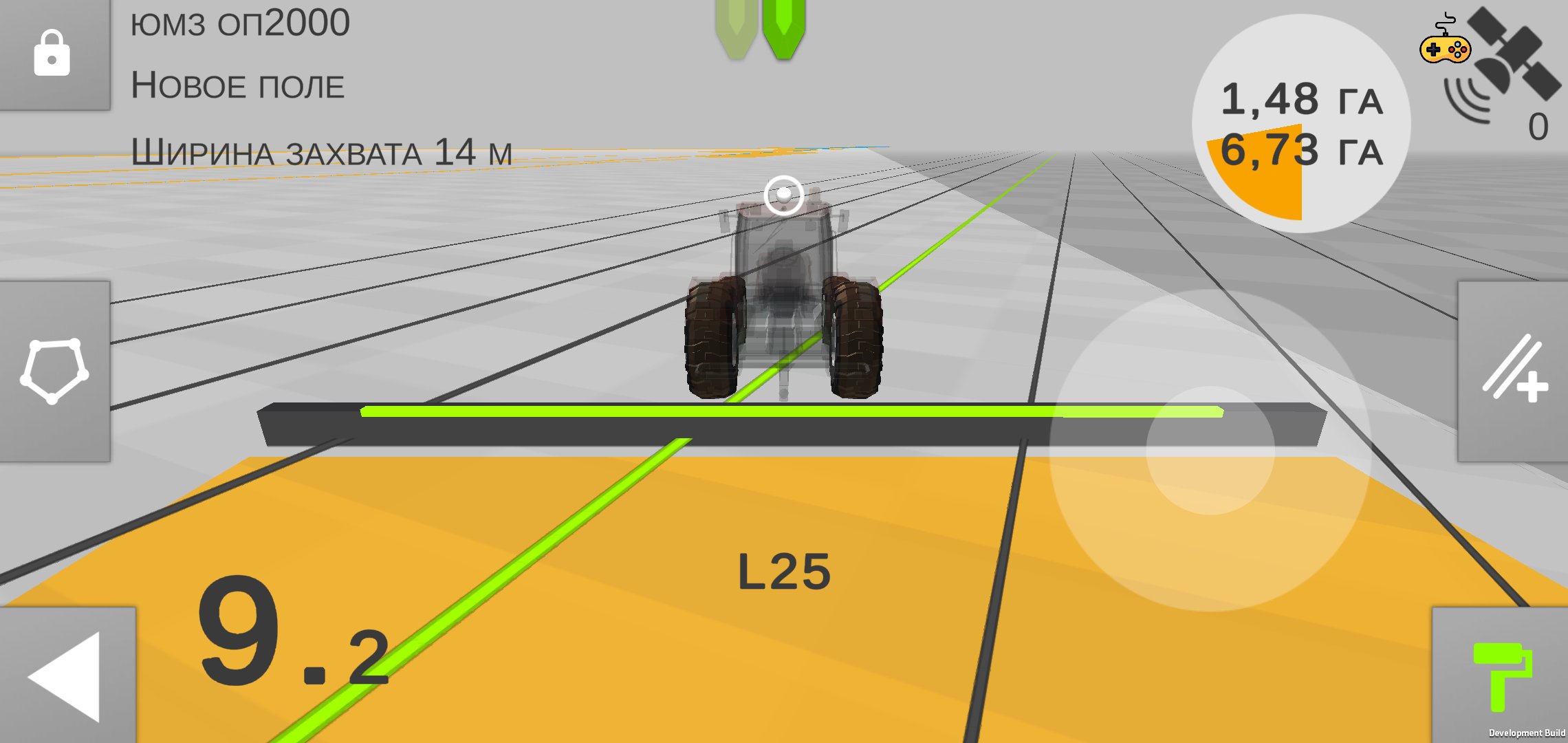
СolDonAgro is the most powerful GPS/GNSS navigation app for tractors. From AB Lines to Section Control, Yield Monitoring and Autopilot
Measure the size of your farm, field or pasture easily and hassle-free. Create field borders, movement lines once and use them in all field operations.
Save field data, borders and guide lines, mark obstacles and create a database according to your requirements.
With СolDonAgro driving to parallel tracks is much easier, reducing the workload, size of untreated areas and avoiding overlaps.
ColDonAgro includes the use of Straight AB parallel lines and AB Curve while navigating in the field.
This application is ideal for owners of large and small farms. ColDonAgro gives wide access to precision farming technologies.
* RECOMMENDATIONS
If built-in GPS receiver is not accurate enough, the connection of external
UDP or Bluetooth GPS receiver is advised, specifically our gps antenna Novator, Novator Sensor or Novator Pro RTK, which gives the accuracy from 0.5 m to 1cm– tried and tested by ourselves.
* The app perfectly works with all external Bluetooth GPS antennas.
* FEATURES
➜ Navigate in parallel lines while driving in the field
➜ AB Line
➜ AB Curve
➜ Obstacle positions
➜ Navigate and create tracks in satellite view
➜ Driving assistance in 3D mode without maps
➜ Create fields database
➜ Measure field area and perimeter by using GPS
➜ Import Rates data in *.shp formats
➜ Export field data in *.kml format
➜ Export Yield data in *.shp format
➜ Share field data
➜ Farming activities database
➜ Night mode for farming at night time
➜ Section Control
➜ Variable Rate
➜ Yield Monitoring
➜ Autopilot
معاينة
العلامات
أدواتمعلومة
مطور
Nikolas Konstantinov
احدث اصدار
5.2.5
آخر تحديث
2026-03-04
فئة
أدوات
متاح على
Google Play
أظهر المزيد
كيف تلعب ColDonAgro - Fields Navigation مع GameLoop على جهاز الكمبيوتر
1. قم بتنزيل GameLoop من الموقع الرسمي ، ثم قم بتشغيل ملف exe لتثبيت GameLoop.
2. افتح GameLoop وابحث عن "ColDonAgro - Fields Navigation" ، وابحث عن ColDonAgro - Fields Navigation في نتائج البحث وانقر على "تثبيت".
3. استمتع بلعب ColDonAgro - Fields Navigation على GameLoop.
Minimum requirements
OS
Windows 8.1 64-bit or Windows 10 64-bit
GPU
GTX 1050
CPU
i3-8300
Memory
8GB RAM
Storage
1GB available space
Recommended requirements
OS
Windows 8.1 64-bit or Windows 10 64-bit
GPU
GTX 1050
CPU
i3-9320
Memory
16GB RAM
Storage
1GB available space