Junk Cleaner - Cache Scanner PC
Bazinga!
قم بتنزيل Junk Cleaner - Cache Scanner على جهاز الكمبيوتر باستخدام GameLoop Emulator
Junk Cleaner - Cache Scanner على الكمبيوتر الشخصي
Junk Cleaner - Cache Scanner ، القادم من المطور Bazinga! ، يعمل على نظام Android في الماضي.
الآن ، يمكنك لعب Junk Cleaner - Cache Scanner على جهاز الكمبيوتر باستخدام GameLoop بسلاسة.
قم بتنزيله في مكتبة GameLoop أو في نتائج البحث. لا مزيد من الانتباه إلى البطارية أو المكالمات المحبطة في الوقت الخطأ بعد الآن.
ما عليك سوى الاستمتاع بجهاز Junk Cleaner - Cache Scanner على الشاشة الكبيرة مجانًا!
Junk Cleaner - Cache Scanner مقدمة
🧰 Core Features:
🗑️ Cache Scanner
✔ Scan cache of all apps , help you finding biggest cache
[Important Notice]
This app contains only scan cache function , it can’t clear cache directly because third party app does not have access to other app's cache files , you need clear cache in app's settings
[How to clear cache]
Click on an app in scan result list will open its setting page , then click [Storage] -> [Clear Cache]
♻️ Junk Cleaner
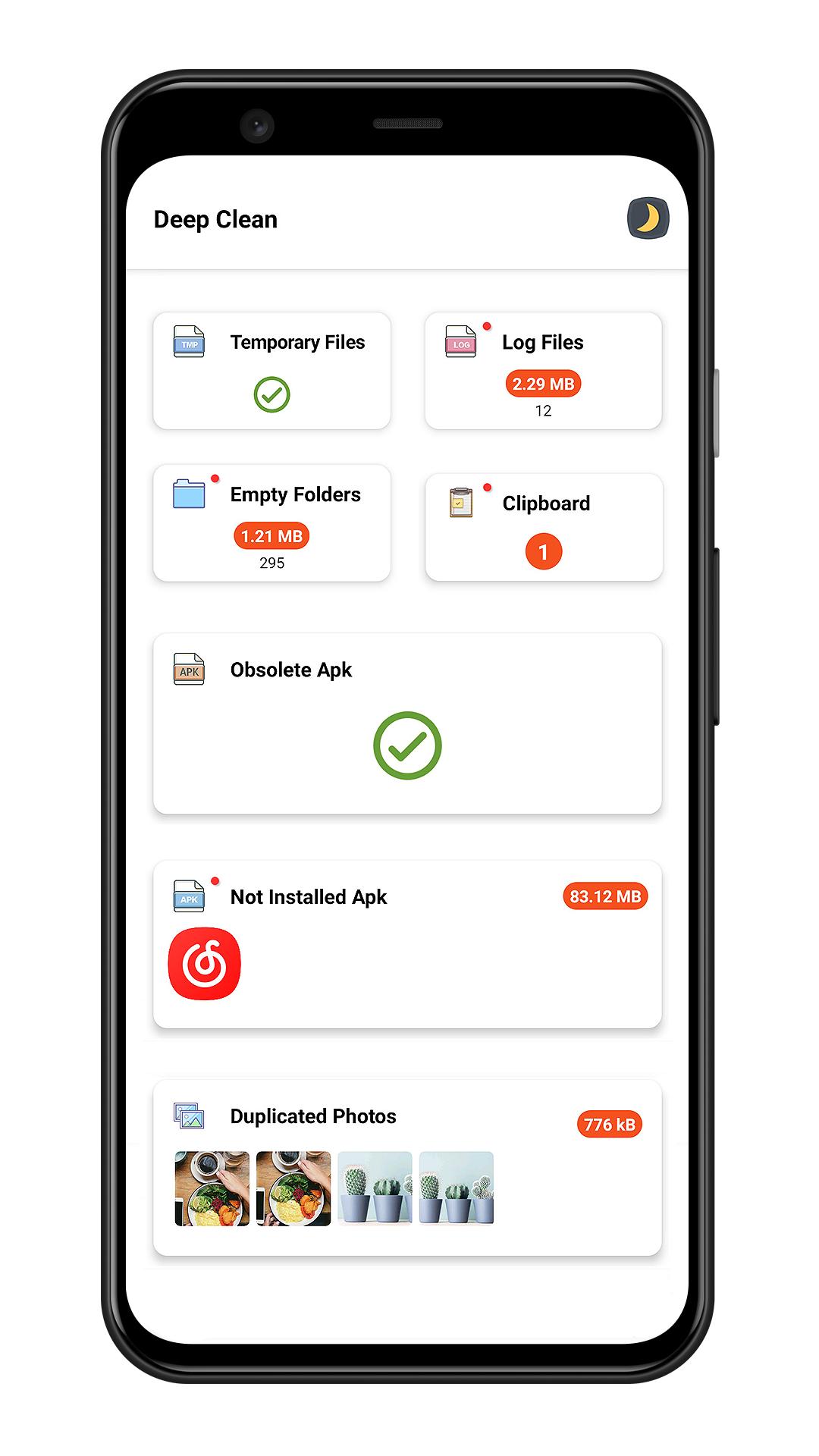
✔ Smart junk cleaner engine help you clear junk files including temporary files , log files , empty folders , obsolete apk
📑 Large File Cleaner
✔ Scan large file which size larger than 10 MB
✔ Sort large files by file type / directory / file extension
✔ Mark of new large file
🖼️ Photo Cleaner
✔ Intelligent photo analyzer help you find similar photos
✔ Auto select better quality photo in a group of similar photos
✔ Scan bad quality photos(blurred or dark photo)
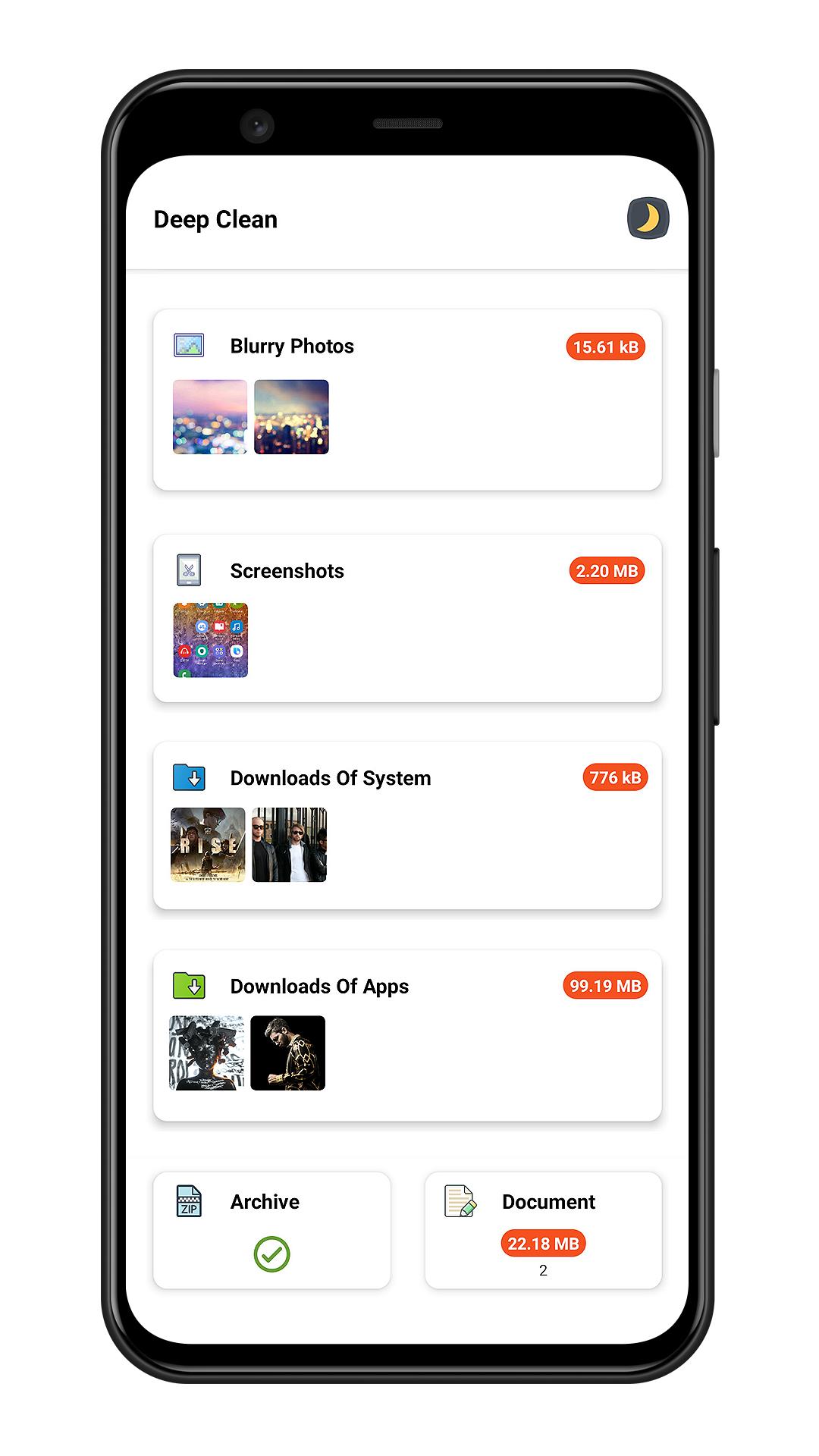
✔ Screenshots cleaner
📽️ Media Manager
✔ Manager audio files
✔ Manager video files
✔ Manager archive files
✔ Manager documents
⬇️ Downloads Cleaner
✔ Clean system downloads
✔ Clean files downloaded by third party apps
📱 App Uninstaller
✔ Batch Uninstall apps to release storage
✔ Sort apps by app size to find big size app
✔ Quick search to find app
✔ Plugin uninstaller help you uninstall hidden app
[What is plugin uninstaller]
Some app does not contains user interface and does not show in launcher , Junk Cleaner can help you finding this kind app.
🎨 Day Mode & Night Mode
✔ This app has two theme(day/night) for your choose
معاينة
العلامات
أدواتإنتاجيةمعلومة
مطور
Bazinga!
احدث اصدار
3.8
آخر تحديث
2023-06-29
فئة
أدوات
متاح على
Google Play
أظهر المزيد
كيف تلعب Junk Cleaner - Cache Scanner مع GameLoop على جهاز الكمبيوتر
1. قم بتنزيل GameLoop من الموقع الرسمي ، ثم قم بتشغيل ملف exe لتثبيت GameLoop.
2. افتح GameLoop وابحث عن "Junk Cleaner - Cache Scanner" ، وابحث عن Junk Cleaner - Cache Scanner في نتائج البحث وانقر على "تثبيت".
3. استمتع بلعب Junk Cleaner - Cache Scanner على GameLoop.
Minimum requirements
OS
Windows 8.1 64-bit or Windows 10 64-bit
GPU
GTX 1050
CPU
i3-8300
Memory
8GB RAM
Storage
1GB available space
Recommended requirements
OS
Windows 8.1 64-bit or Windows 10 64-bit
GPU
GTX 1050
CPU
i3-9320
Memory
16GB RAM
Storage
1GB available space