Brooog VPN PC
Brooog LTD
قم بتنزيل Brooog VPN على جهاز الكمبيوتر باستخدام GameLoop Emulator
Brooog VPN على الكمبيوتر الشخصي
Brooog VPN ، القادم من المطور Brooog LTD ، يعمل على نظام Android في الماضي.
الآن ، يمكنك لعب Brooog VPN على جهاز الكمبيوتر باستخدام GameLoop بسلاسة.
قم بتنزيله في مكتبة GameLoop أو في نتائج البحث. لا مزيد من الانتباه إلى البطارية أو المكالمات المحبطة في الوقت الخطأ بعد الآن.
ما عليك سوى الاستمتاع بجهاز Brooog VPN على الشاشة الكبيرة مجانًا!
Brooog VPN مقدمة
Looking for a way to attend your School session and stay private online? Here it is! With Brooog VPN, one tap is all you need to hide your IP address, encrypt your traffic, and enjoy the internet without limits and continue studying from anywhere.
IDEAL FOR PRIVACY
We don’t track and store your activity online. Therefore, we can’t give your data away – even if someone asks.
POWERFUL ONLINE SECURITY
Brooog VPN secures your iPhone data with next-generation encryption complemented with top-notch VPN protocols – based IKEv2/IPsec.
AS EASY AS 1-2-3
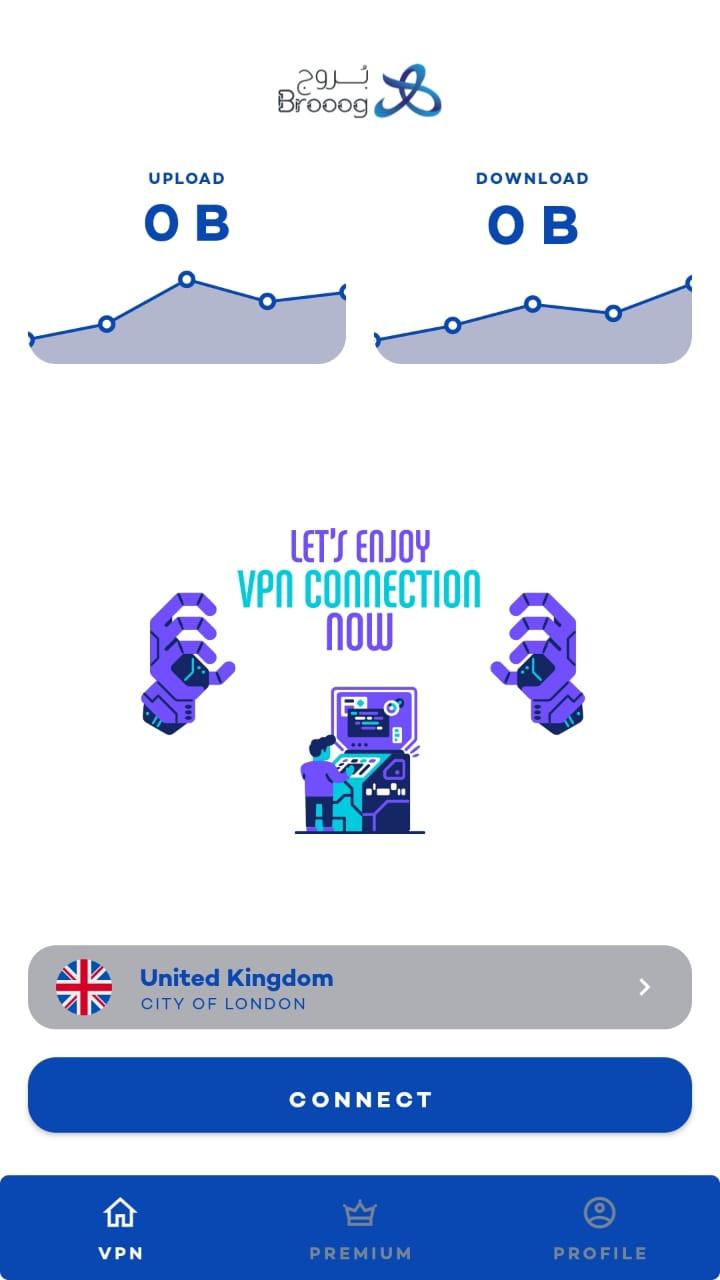
Download, subscribe, and connect – that’s it! With Brooog VPN, one tap is enough to encrypt your whole traffic. You can also set the app to connect automatically and enjoy full peace of mind.
GET HELP 24/7
Our award-winning customer support team is ready to assist you all day, every day. Browse the Help Center, write an email, or visit our website for a live chat or contact us on Whatapp.
STAY SAFE ON PUBLIC WI-FI
Found a cozy cafe with a Wi-Fi hotspot, but it’s unsecured? Don’t give up just yet! Use Brooog VPN and hide your online activities from snoopers and hackers.
PROTECT SIX DEVICES WITH ONE ACCOUNT
Your iPhone is probably not the only connected device you have. Use Brooog VPN to protect your laptop, tablet, and smart TV, or share your account with your family.
GET A NEW IP
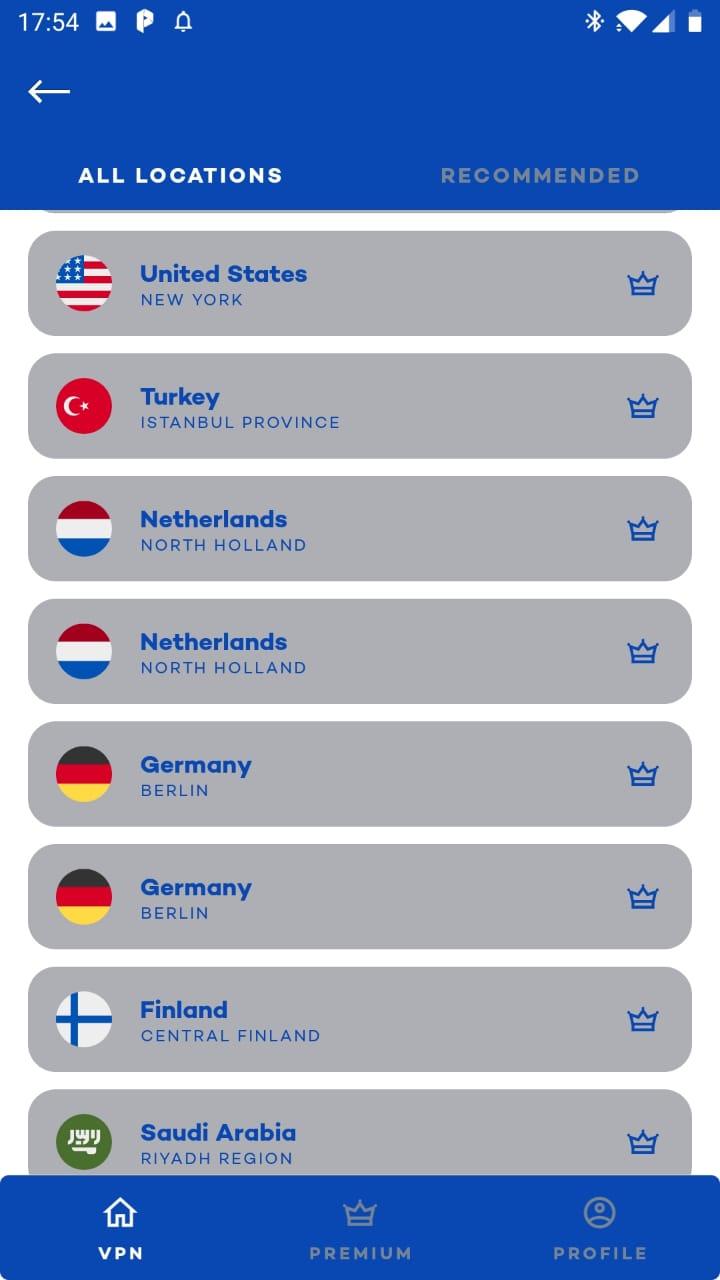
Hide your real IP and surf the web with a new online identity. With almost 60 countries to choose from, you’re sure to find the perfect one.
RELIABLE SERVICE
Unlike a proxy server or the Tor browser, Brooog Pro will not only hide your IP. It will also encrypt your traffic and maintain a stable connection with speeds that are hard to match.
Features our users love:
• Strong encryption for top-grade security.
• Unlimited data for internet freedom.
• VPN protocols: IKEv2/IPsec.
• server locations in every corner of the world.
• Protection of 6 devices with a single account.
• VPN auto-connect for effortless online protection.
• 24/7 customer support from our award-winning team.
Hide your IP address and location. Stay safe when hopping on public Wi-Fi or any other network. Browse the internet without the fear of being watched and tracked. It’s easy.
Online security is just a tap away – wind down, connect to Brooog Pro, and enjoy safe and private internet access wherever you go.
We optimized our network for all Student to access Saudi Arabia schools from any where in the worlds
# Additional Subscription Information: Monthly or Yearly
# subscription is required to get access to VPN connection.
# After the free trial period, if offered, the subscription automatically renews with the price and duration given above unless it is canceled at least 24 hours before the end of the current period.
# Payment will be charged to your Apple ID account at the confirmation of purchase.
# Your account will be charged for renewal within 24 hours prior to the end of the current period.
# You can manage and cancel your subscriptions by going to your account settings on the App Store after purchase. Any unused portion of a free trial period, if offered, will be forfeited when the user purchases a subscription to that publication, where applicable. Removing the app doesn’t automatically cancel the subscription.
* Privacy policy: https://www.brooog.com/privacy.php
* Terms of service: https://www.brooog.com/eua.php
For any support contact us via Whatsapp
https://wa.me/447766777161
معاينة
العلامات
أدواتمعلومة
مطور
Brooog LTD
احدث اصدار
1.3.1
آخر تحديث
2023-03-03
فئة
أدوات
متاح على
Google Play
أظهر المزيد
كيف تلعب Brooog VPN مع GameLoop على جهاز الكمبيوتر
1. قم بتنزيل GameLoop من الموقع الرسمي ، ثم قم بتشغيل ملف exe لتثبيت GameLoop.
2. افتح GameLoop وابحث عن "Brooog VPN" ، وابحث عن Brooog VPN في نتائج البحث وانقر على "تثبيت".
3. استمتع بلعب Brooog VPN على GameLoop.
Minimum requirements
OS
Windows 8.1 64-bit or Windows 10 64-bit
GPU
GTX 1050
CPU
i3-8300
Memory
8GB RAM
Storage
1GB available space
Recommended requirements
OS
Windows 8.1 64-bit or Windows 10 64-bit
GPU
GTX 1050
CPU
i3-9320
Memory
16GB RAM
Storage
1GB available space