
Bluetooth Volume Manager PC
darken
قم بتنزيل Bluetooth Volume Manager على جهاز الكمبيوتر باستخدام GameLoop Emulator
Bluetooth Volume Manager على الكمبيوتر الشخصي
Bluetooth Volume Manager ، القادم من المطور darken ، يعمل على نظام Android في الماضي.
الآن ، يمكنك لعب Bluetooth Volume Manager على جهاز الكمبيوتر باستخدام GameLoop بسلاسة.
قم بتنزيله في مكتبة GameLoop أو في نتائج البحث. لا مزيد من الانتباه إلى البطارية أو المكالمات المحبطة في الوقت الخطأ بعد الآن.
ما عليك سوى الاستمتاع بجهاز Bluetooth Volume Manager على الشاشة الكبيرة مجانًا!
Bluetooth Volume Manager مقدمة
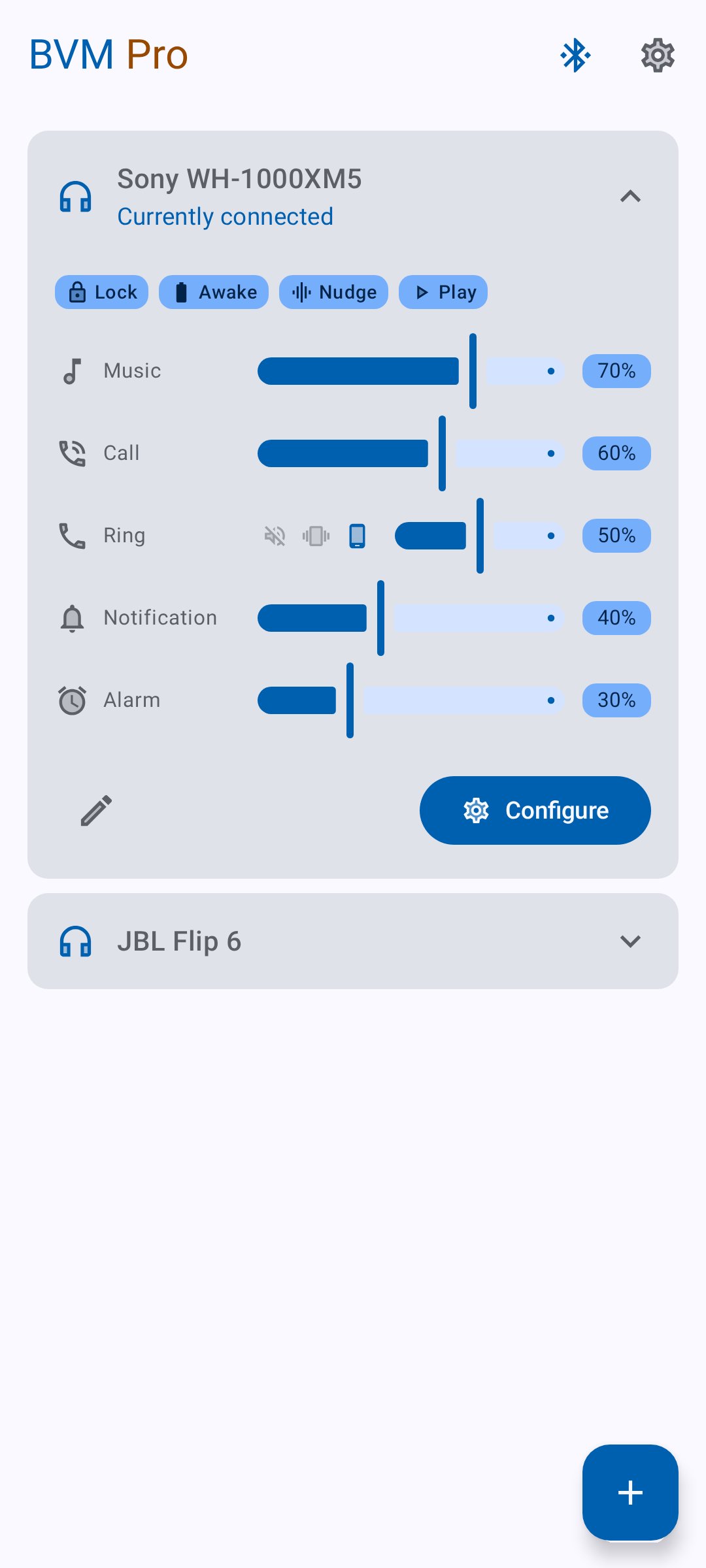
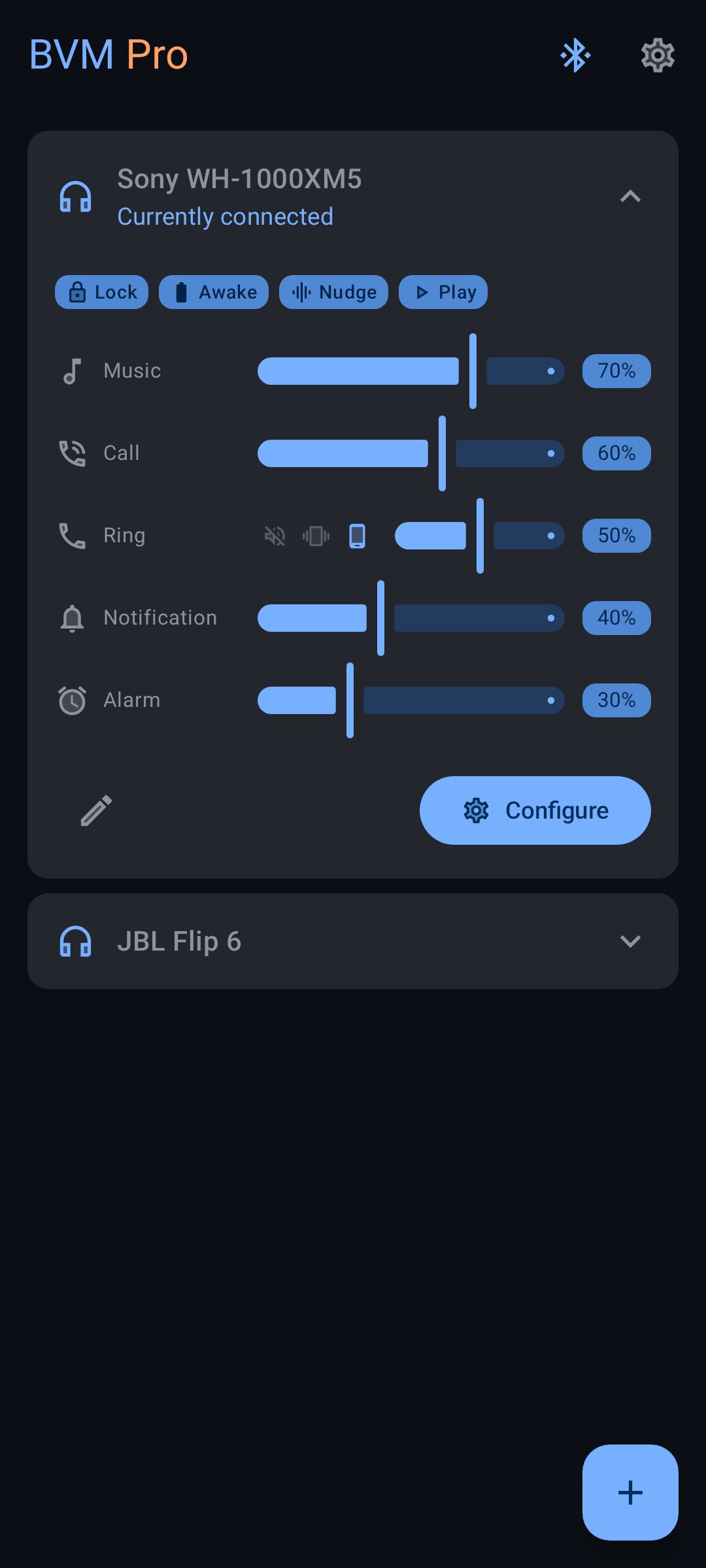
**Bluetooth Volume Manager** remembers volume levels for each of your Bluetooth devices and reacts when they connect or disconnect.
**Features:**
* Set music, call, ringtone, and notification volumes per device
* Per-device equalizer with presets and a volume boost
* Auto-send media commands like Play or Next
* Launch apps on connect
* Keep screen awake
* Lock volume levels
* Restore volume after disconnect
No ads, no tracking. Open-source.
Some extras require a paid upgrade to support development.
**Permissions:**
* **Internet** – for optional bug reports
* **Bluetooth** – to detect device connections
* **Audio settings** – to change volume
* **Boot** – to restore settings after reboot
* **Wake lock** – to keep screen awake or fix Samsung bugs
* **System alert window** – to auto-launch apps (Android 10 only)
معاينة
العلامات
أدواتمعلومة
مطور
darken
احدث اصدار
3.6.0-rc0
آخر تحديث
2026-09-10
فئة
أدوات
متاح على
Google Play
أظهر المزيد
كيف تلعب Bluetooth Volume Manager مع GameLoop على جهاز الكمبيوتر
1. قم بتنزيل GameLoop من الموقع الرسمي ، ثم قم بتشغيل ملف exe لتثبيت GameLoop.
2. افتح GameLoop وابحث عن "Bluetooth Volume Manager" ، وابحث عن Bluetooth Volume Manager في نتائج البحث وانقر على "تثبيت".
3. استمتع بلعب Bluetooth Volume Manager على GameLoop.
Minimum requirements
OS
Windows 8.1 64-bit or Windows 10 64-bit
GPU
GTX 1050
CPU
i3-8300
Memory
8GB RAM
Storage
1GB available space
Recommended requirements
OS
Windows 8.1 64-bit or Windows 10 64-bit
GPU
GTX 1050
CPU
i3-9320
Memory
16GB RAM
Storage
1GB available space