
Bingo Proxy: Fast & Stable VPN PC
ZHANG MENGMENG
قم بتنزيل Bingo Proxy: Fast & Stable VPN على جهاز الكمبيوتر باستخدام GameLoop Emulator
Bingo Proxy: Fast & Stable VPN على الكمبيوتر الشخصي
Bingo Proxy: Fast & Stable VPN ، القادم من المطور ZHANG MENGMENG ، يعمل على نظام Android في الماضي.
الآن ، يمكنك لعب Bingo Proxy: Fast & Stable VPN على جهاز الكمبيوتر باستخدام GameLoop بسلاسة.
قم بتنزيله في مكتبة GameLoop أو في نتائج البحث. لا مزيد من الانتباه إلى البطارية أو المكالمات المحبطة في الوقت الخطأ بعد الآن.
ما عليك سوى الاستمتاع بجهاز Bingo Proxy: Fast & Stable VPN على الشاشة الكبيرة مجانًا!
Bingo Proxy: Fast & Stable VPN مقدمة
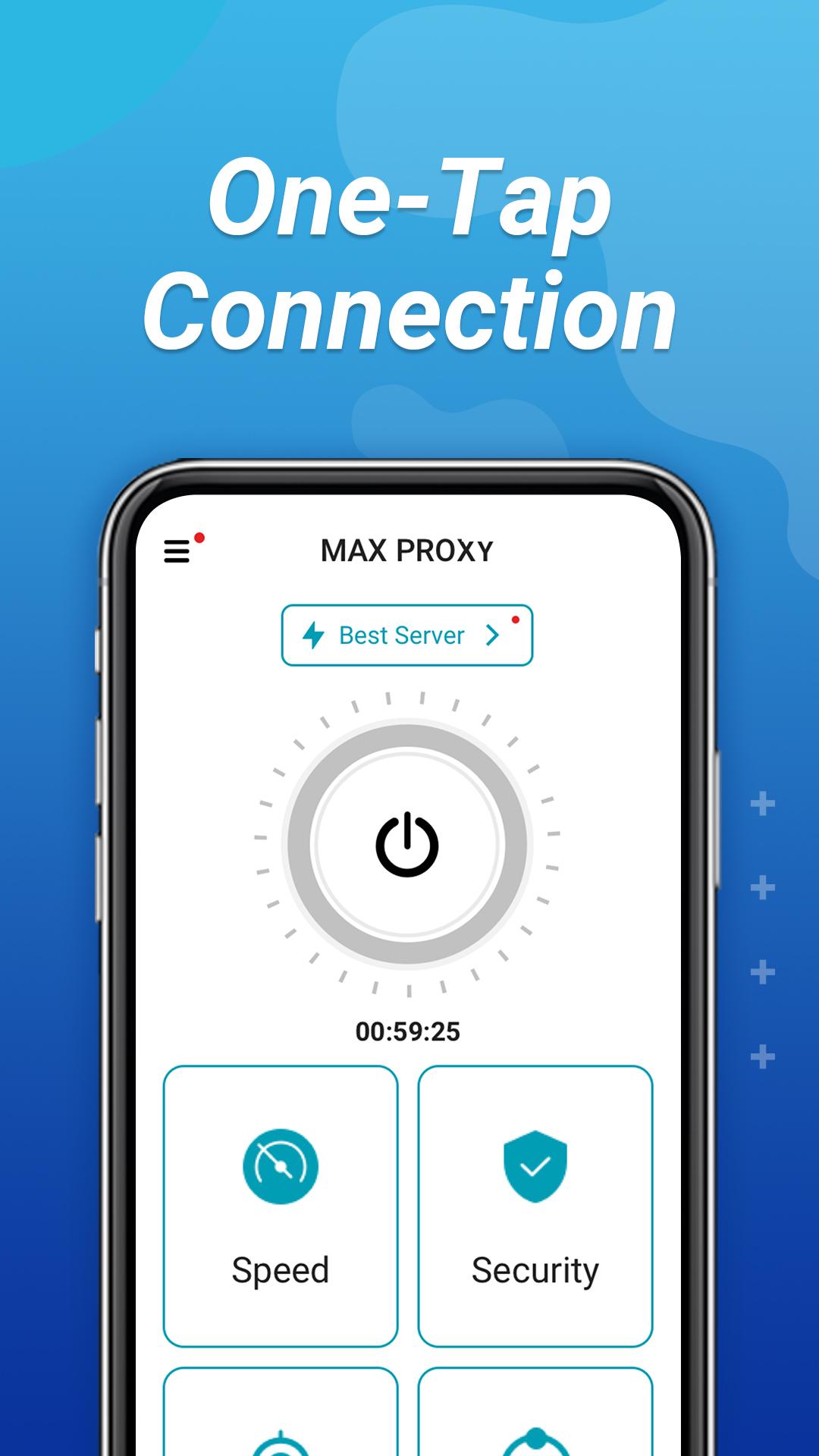
Bingo Proxy is a fast, stable, secure and free VPN app for all Android users to ensure your online security and privacy protection.
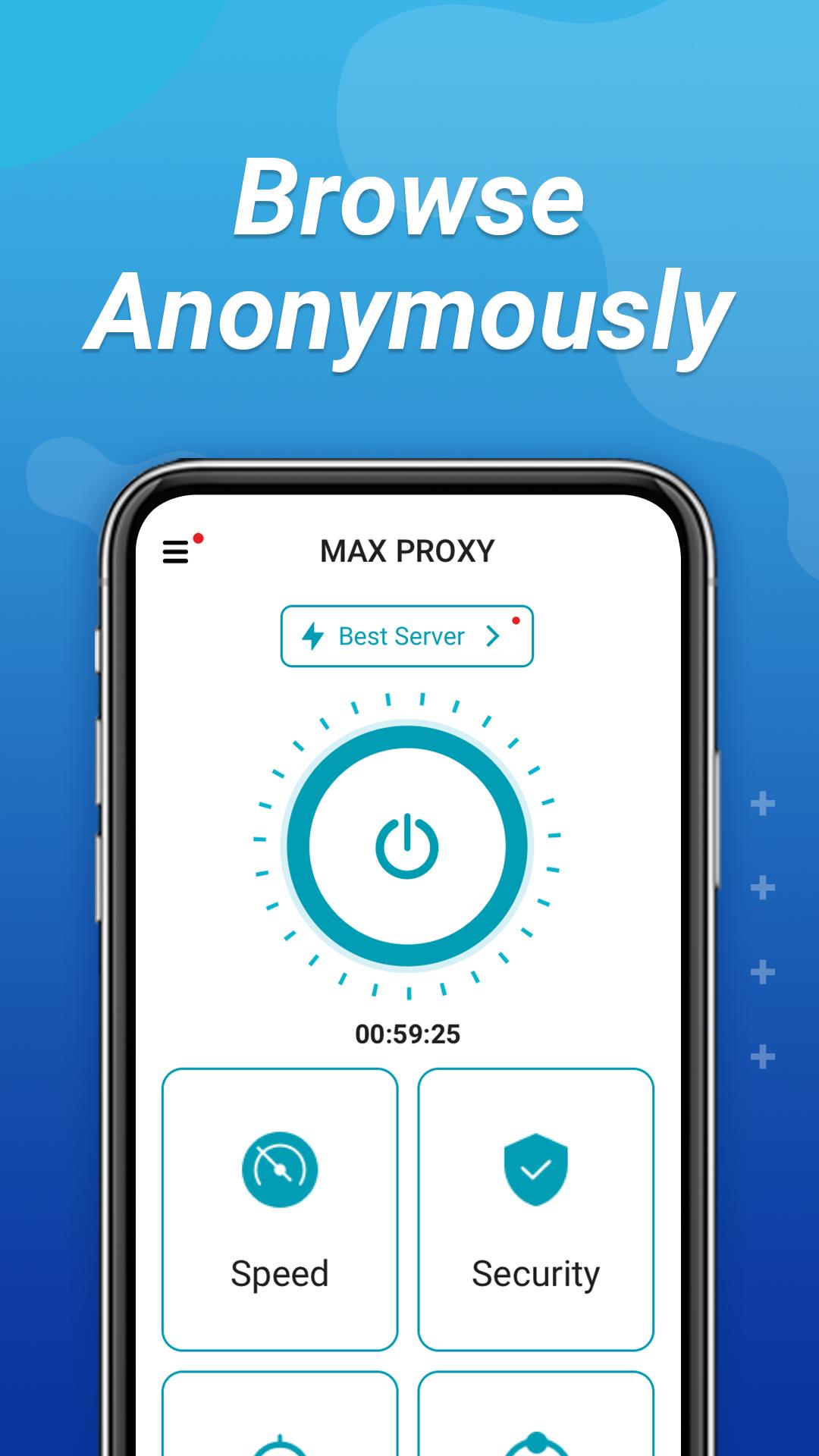
With Bingo Proxy, your data will be encrypted and your online activities will remain completely anonymous. It hides your IP address and protects your online privacy. As a result, no third party can track your online activity, making it more secure than typical proxies, especially if you’re using public free Wi-Fi.
Download Bingo Proxy now!
معاينة
العلامات
أدواتمعلومة
مطور
ZHANG MENGMENG
احدث اصدار
1.1.4
آخر تحديث
2023-08-18
فئة
أدوات
متاح على
Google Play
أظهر المزيد
كيف تلعب Bingo Proxy: Fast & Stable VPN مع GameLoop على جهاز الكمبيوتر
1. قم بتنزيل GameLoop من الموقع الرسمي ، ثم قم بتشغيل ملف exe لتثبيت GameLoop.
2. افتح GameLoop وابحث عن "Bingo Proxy: Fast & Stable VPN" ، وابحث عن Bingo Proxy: Fast & Stable VPN في نتائج البحث وانقر على "تثبيت".
3. استمتع بلعب Bingo Proxy: Fast & Stable VPN على GameLoop.
Minimum requirements
OS
Windows 8.1 64-bit or Windows 10 64-bit
GPU
GTX 1050
CPU
i3-8300
Memory
8GB RAM
Storage
1GB available space
Recommended requirements
OS
Windows 8.1 64-bit or Windows 10 64-bit
GPU
GTX 1050
CPU
i3-9320
Memory
16GB RAM
Storage
1GB available space