Always On Display - Always On PC
Unitech App Developers
قم بتنزيل Always On Display - Always On على جهاز الكمبيوتر باستخدام GameLoop Emulator
Always On Display - Always On على الكمبيوتر الشخصي
Always On Display - Always On ، القادم من المطور Unitech App Developers ، يعمل على نظام Android في الماضي.
الآن ، يمكنك لعب Always On Display - Always On على جهاز الكمبيوتر باستخدام GameLoop بسلاسة.
قم بتنزيله في مكتبة GameLoop أو في نتائج البحث. لا مزيد من الانتباه إلى البطارية أو المكالمات المحبطة في الوقت الخطأ بعد الآن.
ما عليك سوى الاستمتاع بجهاز Always On Display - Always On على الشاشة الكبيرة مجانًا!
Always On Display - Always On مقدمة
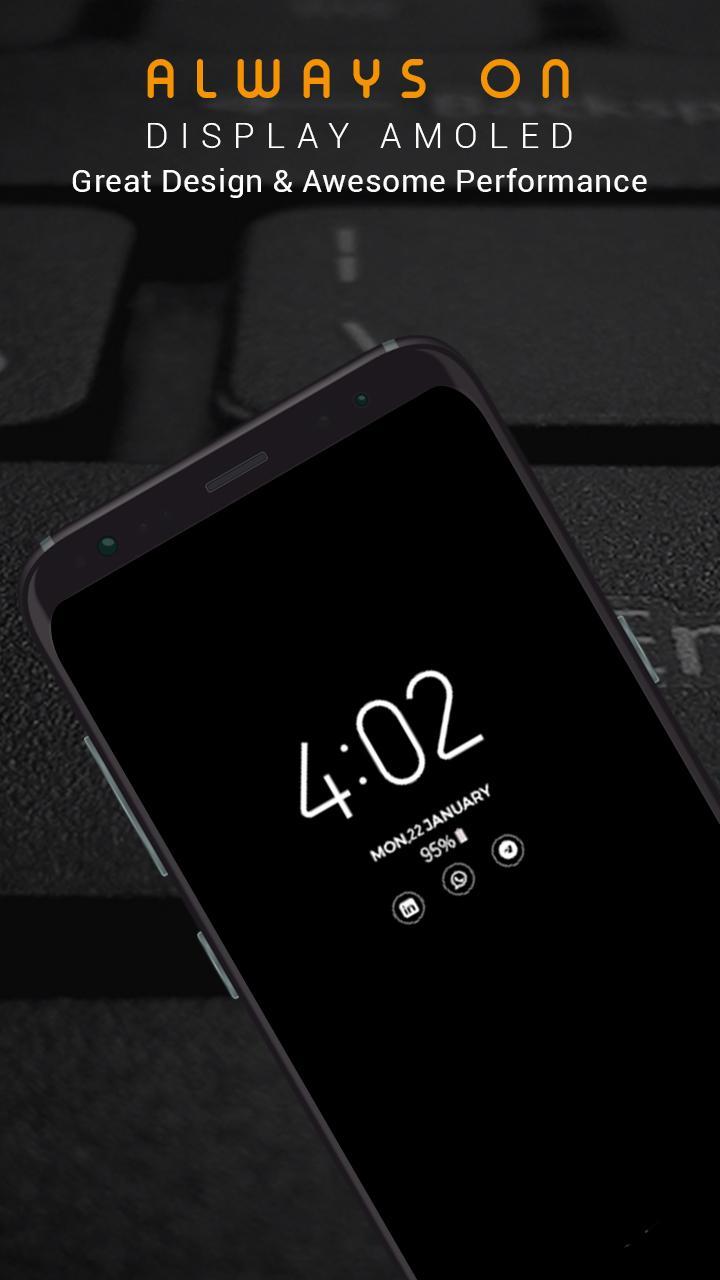
Super-amoled keep your mobile screen on all the time so that it can display digital clock , analog clock, picture clock, emoji clock notification, date and more without having touch the phone screen.
An always on display for every device! and Always on display photo clock is a super-amoled application that show all information like time, date and notification in a black screen wallpapers without having to touch the phone.
Always On Display keep your screen on all the time to show you time in a digital and analog clock
All you have to do is look on the mobile screen and leave the rest to AMOLED displays.
This app shows Time , Date and notification and also music controls on Always on display screen .
Using this Always clock on display- super amoled your phone will permanently show time,
date battery percentage , calendar edge clock , sticker Clock ,Custom picture clock.
With Always clock on display- super amoled say goodbye to smart watches . Always on display super amoled have calendar clock , Picture Clock , Emoji clock ,
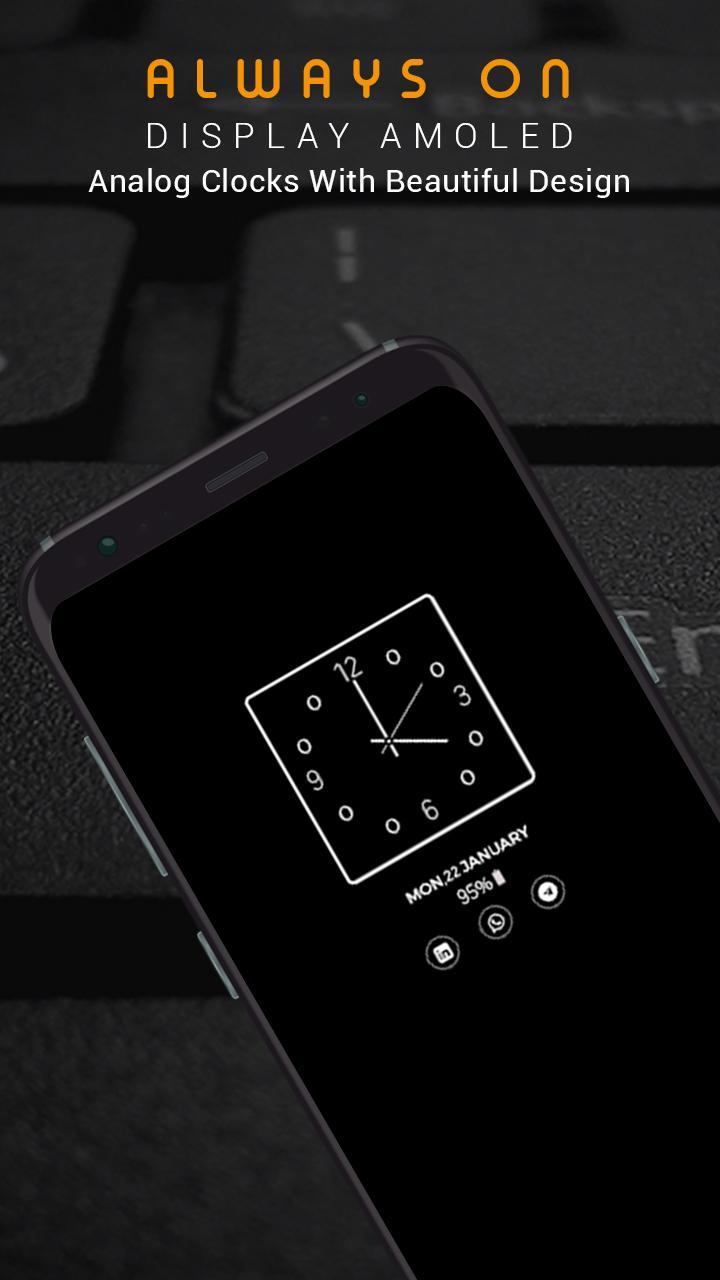
Edge clock , Digital clock and Analog Clock with various styles. This is a real time clock with Always clock on display .
How to use this App (Always on Screen):
1. Open Always on Display-AMOLED, start service
3. To weak up your phone, double tap on screen
4. To turn off screen just press power button
5. The user can on or off service.
Features:
► Night clock on display
► Display Calendar clock , Picture Clock , Emoji clock ,
Edge clock , Digital clock and Analog Clock on Amoled display .
► Change Amoled clock colors and Styles .
► Automatically handles Display on new incoming call
► You can adjust amoled screen wallpaper brightness
► Multiple Digital clocks to choose from .
► You can click on Notifications shown on Always on display screen .
► Unlock with double tap and also with Finger print -- Finger print supported .
► Use very little resources . its very light weighted .
► Sensor based lock : turn off display of device when you leave it in your pocket to save battery.
► Show notification information with clock.
► Always on Amoled has Edge Clock .
► Always on Display photo clock is very easy to use .
► Multiple Analog clocks to choose from
► Digital night clock
► Analog night clock
► AOD is specially designed to use low batter power.
► Double Tap on screen to unlock device or use Finger Print.
Contact us:
We always work for quality apps and provide quality apps to our users. We respect our users and always listen for your feedback, suggestions, recommendations & features updates. Thank you!
Email:
unitechdeveloeprs@gmail.com
معاينة
العلامات
أدواتمعلومة
مطور
Unitech App Developers
احدث اصدار
1.2
آخر تحديث
2020-10-26
فئة
أدوات
متاح على
Google Play
أظهر المزيد
كيف تلعب Always On Display - Always On مع GameLoop على جهاز الكمبيوتر
1. قم بتنزيل GameLoop من الموقع الرسمي ، ثم قم بتشغيل ملف exe لتثبيت GameLoop.
2. افتح GameLoop وابحث عن "Always On Display - Always On " ، وابحث عن Always On Display - Always On في نتائج البحث وانقر على "تثبيت".
3. استمتع بلعب Always On Display - Always On على GameLoop.
Minimum requirements
OS
Windows 8.1 64-bit or Windows 10 64-bit
GPU
GTX 1050
CPU
i3-8300
Memory
8GB RAM
Storage
1GB available space
Recommended requirements
OS
Windows 8.1 64-bit or Windows 10 64-bit
GPU
GTX 1050
CPU
i3-9320
Memory
16GB RAM
Storage
1GB available space