Picart: AI Photo Generator PC
Now Tech
قم بتنزيل Picart: AI Photo Generator على جهاز الكمبيوتر باستخدام GameLoop Emulator
Picart: AI Photo Generator على الكمبيوتر الشخصي
Picart: AI Photo Generator ، القادم من المطور Now Tech ، يعمل على نظام Android في الماضي.
الآن ، يمكنك لعب Picart: AI Photo Generator على جهاز الكمبيوتر باستخدام GameLoop بسلاسة.
قم بتنزيله في مكتبة GameLoop أو في نتائج البحث. لا مزيد من الانتباه إلى البطارية أو المكالمات المحبطة في الوقت الخطأ بعد الآن.
ما عليك سوى الاستمتاع بجهاز Picart: AI Photo Generator على الشاشة الكبيرة مجانًا!
Picart: AI Photo Generator مقدمة
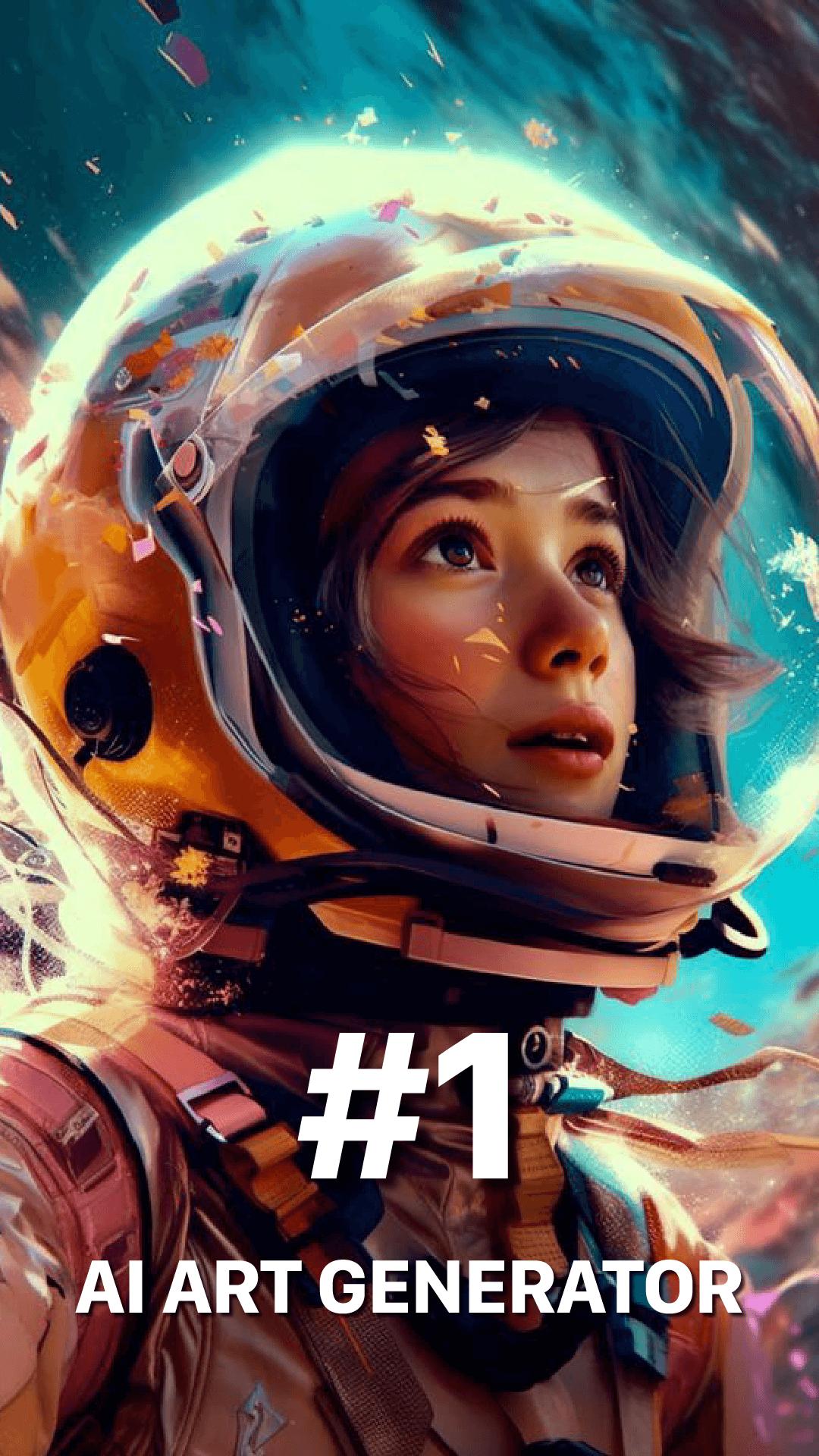
Have an idea for a stunning artwork or anime-style photo but limited drawing skills? AI art generator helps you transform your creative thoughts into beautiful digital art. Just enter your idea in text, choose an art style, and let our AI art generator create a visual masterpiece for you.
✨✨✨ Main Features: ✨✨✨
🖍️ Turn Text into Art
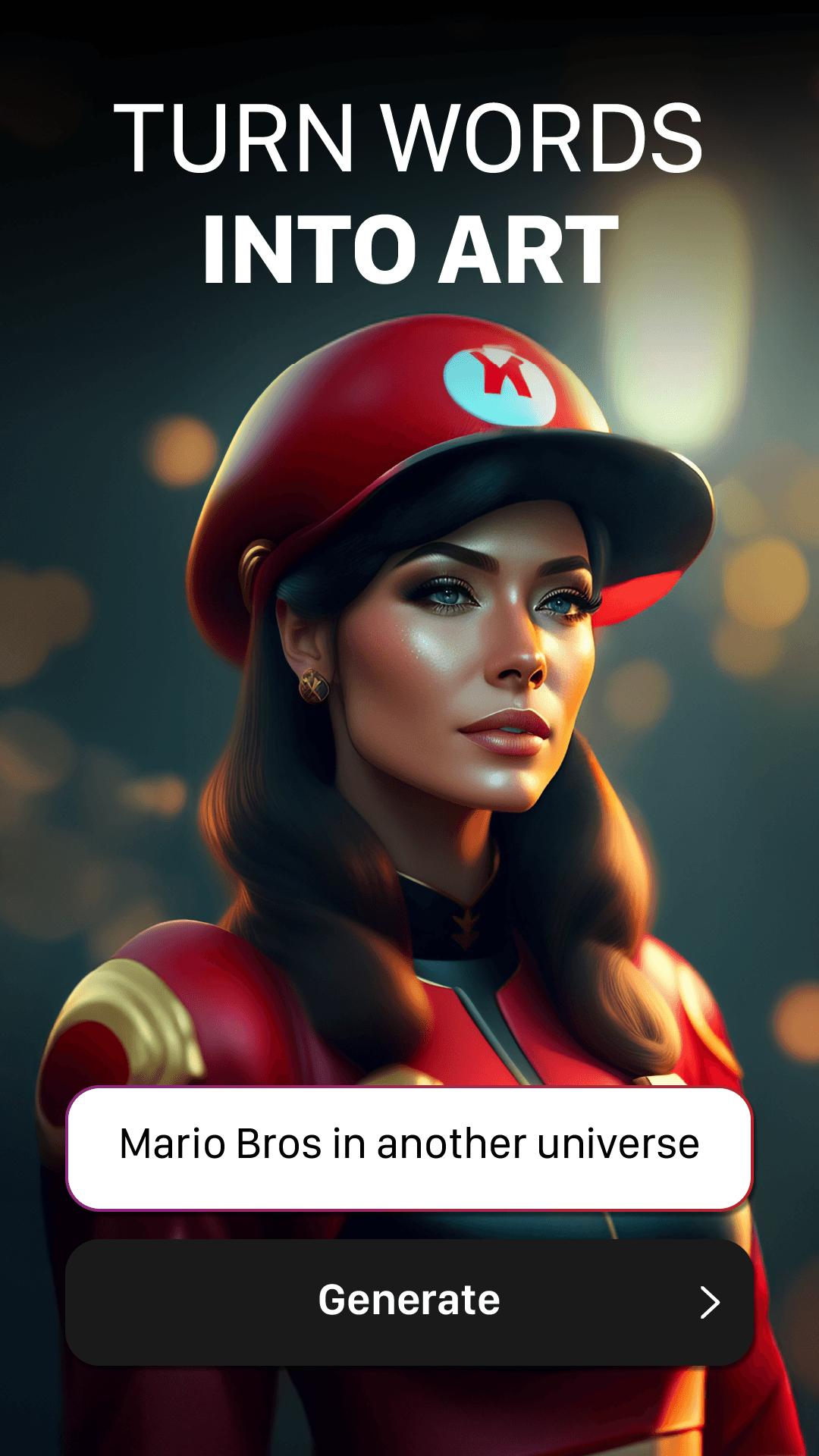
Convert simple prompts into artistic images. Whether it’s “Life Under the Sea” or “Mystical Forest,” choose a style like Fantasy or Anime—or go with no style at all. Our advanced AI will generate an image that reflects your vision.
🤖 Create Unique AI Avatars from Photos
Upload a photo and generate custom avatars in a variety of artistic styles. From anime characters to realistic portraits, explore how AI can reimagine your appearance—or your pet’s—with just one tap.
🎨 Transform Photos into Artwork
Turn your favorite images—portraits, pet pictures, or sketches—into artwork using AI. Whether you're creating anime-style photos or digital paintings, the app brings artistic expression to your fingertips.
🔐 All personal data is protected according to our policies:
► Terms of Use: https://nowtechpro.github.io/ai_art/terms_of_service.html
► Privacy Policy: https://nowtechpro.github.io/Privacy/Privacy.html
معاينة
العلامات
أدواتArt-&معلومة
مطور
Now Tech
احدث اصدار
1.9.4
آخر تحديث
2025-08-07
فئة
أدوات
متاح على
Google Play
أظهر المزيد
كيف تلعب Picart: AI Photo Generator مع GameLoop على جهاز الكمبيوتر
1. قم بتنزيل GameLoop من الموقع الرسمي ، ثم قم بتشغيل ملف exe لتثبيت GameLoop.
2. افتح GameLoop وابحث عن "Picart: AI Photo Generator" ، وابحث عن Picart: AI Photo Generator في نتائج البحث وانقر على "تثبيت".
3. استمتع بلعب Picart: AI Photo Generator على GameLoop.
Minimum requirements
OS
Windows 8.1 64-bit or Windows 10 64-bit
GPU
GTX 1050
CPU
i3-8300
Memory
8GB RAM
Storage
1GB available space
Recommended requirements
OS
Windows 8.1 64-bit or Windows 10 64-bit
GPU
GTX 1050
CPU
i3-9320
Memory
16GB RAM
Storage
1GB available space