
Screen Mirroring - 1001 TVs PC
Nero AG
قم بتنزيل Screen Mirroring - 1001 TVs على جهاز الكمبيوتر باستخدام GameLoop Emulator
Screen Mirroring - 1001 TVs على الكمبيوتر الشخصي
Screen Mirroring - 1001 TVs ، القادم من المطور Nero AG ، يعمل على نظام Android في الماضي.
الآن ، يمكنك لعب Screen Mirroring - 1001 TVs على جهاز الكمبيوتر باستخدام GameLoop بسلاسة.
قم بتنزيله في مكتبة GameLoop أو في نتائج البحث. لا مزيد من الانتباه إلى البطارية أو المكالمات المحبطة في الوقت الخطأ بعد الآن.
ما عليك سوى الاستمتاع بجهاز Screen Mirroring - 1001 TVs على الشاشة الكبيرة مجانًا!
Screen Mirroring - 1001 TVs مقدمة
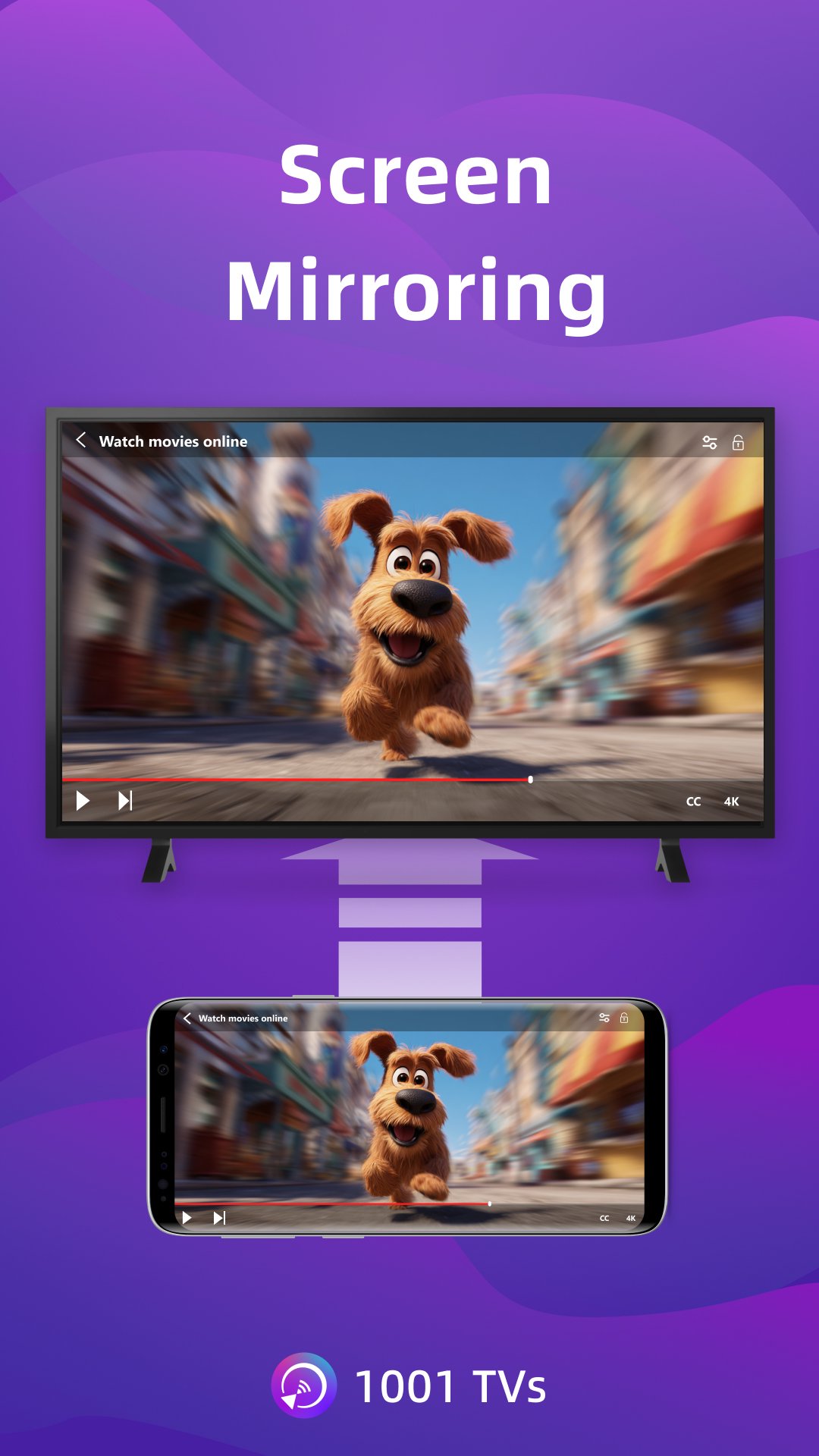
1001 TVs is a screen mirroring app that mirrors to Windows PC, Mac, Android TV and Apple TV. You can also receive screen mirroring from other phones, tablets, Windows PCs and Macs.
* Why You'll Love It?
1. Smooth & Clear Display – Original Image Quality
High frame rate, high definition, flicker-free, and easy on the eyes. Subtitles stay crystal clear with flexible configuration options. Perfect for watching videos with captions and comments.
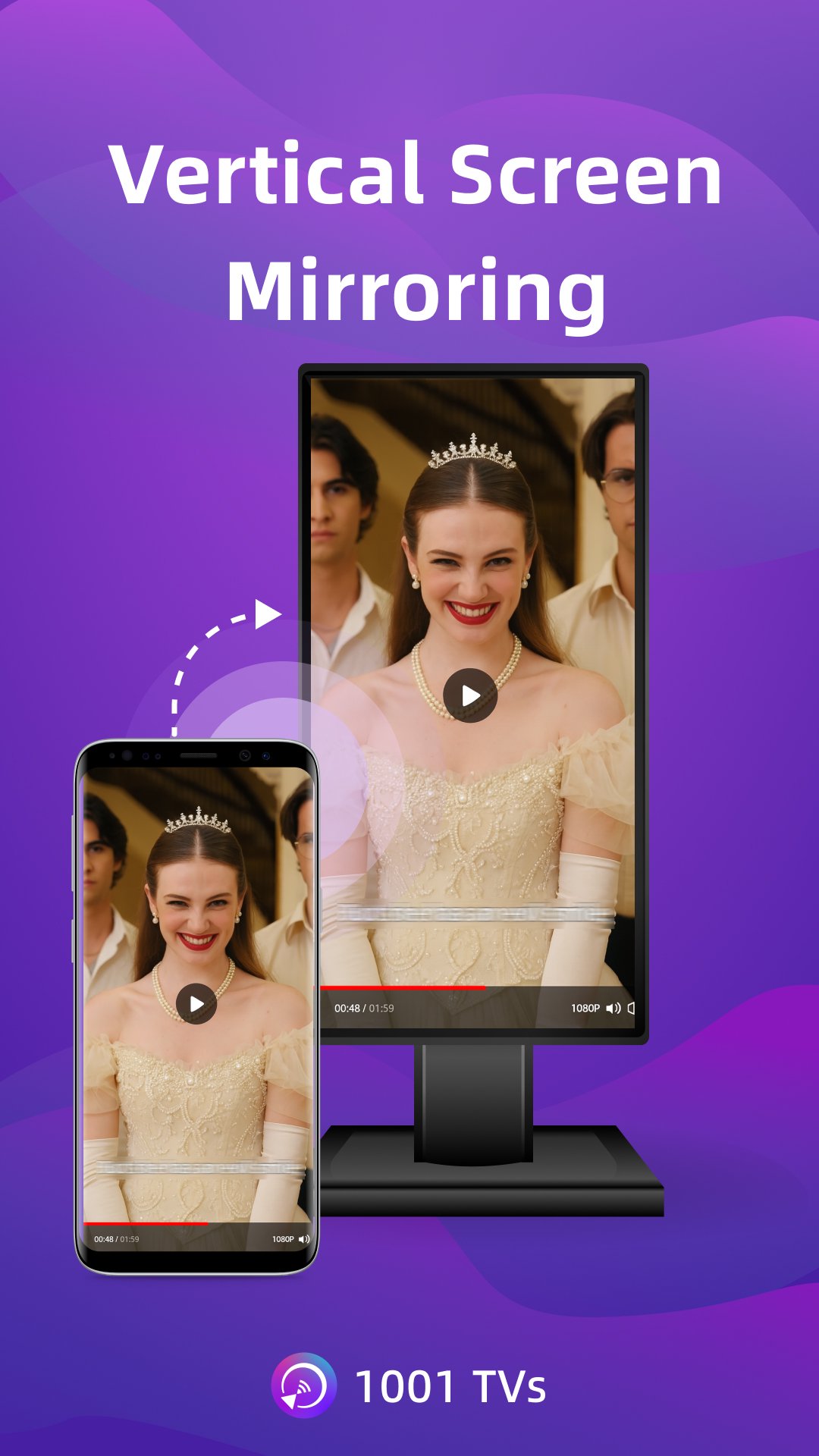
2. Perfect for TikTok, YouTube and Vertical Videos
Auto rotation automatically follows your phone's rotation, perfectly maintaining the original aspect ratio. Enjoy TikTok on a big screen, just like using a large smartphone. Vertical screen mode lets you manually set any angle on your PC, Mac or TV.
3. Ultra-Low Latency Performance
Real-time low-latency mirroring with optimal balance between image quality and smoothness. Synchronized audio and video—no lag. Perfect for gaming and streaming.
4. Multi-phone Mirroring
Mirror multiple iPhones, Android phones, or tablets to one PC or Mac at the same time. Ideal for presentations and team meetings.
5. Single App Screen Mirroring
For Android 15 and above. Mirror only one app while keeping the rest of your phone private, or mirror the whole screen for full display.
6. Smart Display Modes
Three modes (Fit/Fill/Scale) smartly adapt to your screen, eliminating black bars when you cast to TV.
7. 100% Private & Secure
All screen mirroring data stays within your local network, never uploaded to the internet, ensuring 100% privacy protection.
8. Easy to Use
No complicated setup — just one tap to connect. Press OK to pause or resume anytime with your TV remote.
* Additional Features
1. File Transfer & Management – Quickly and safely send files between your phone, tablet, PC, and Mac — plus from phone to TV. No cables needed for wireless file transfer.
2. Web Streaming — Stream videos, music, and images to Smart TVs.
3. TV Remote Controller – Use your phone to auto-detect smart TVs on the same Wi-Fi. Control volume, home, direction pad, and select/confirm and so on.
4. TV Albums – Upload photos, videos, and music to your TV for anytime viewing.
* How to Use?
1. Install 1001 TVs screen mirroring app on this phone and the device you want to mirror to (PC, Mac, TV, phone or tablet).
2. Ensure both devices are connected to the same Wi-Fi network for wireless display.
3. Open the app, select the device or scan the QR code to start.
* The following features are available for free trial, paid membership required on sender side after trial.
1. Screen mirroring between Phone, PC, Mac and TV
2. File Transferring between Phone, PC, Mac and TV
Email: 1001tvs@nero.com
Website: https://www.1001tvs.com
Terms: https://www.1001tvs.com/license/en/terms.html
Privacy: https://www.1001tvs.com/license/en/privacy.html
[Subscription Plan]
- Service Title: Auto-renew Weekly, Auto-renew Monthly, Auto-renew Yearly and Lifetime;
- Your payment will be charged to your store account once you confirm the purchase;
- Your subscription will automatically renew unless canceled at least 24 hours before the end of the current period;
- You can always cancel the subscription through your store account;
معاينة
العلامات
أدواتمعلومة
مطور
Nero AG
احدث اصدار
6.2.11.16
آخر تحديث
2026-09-09
فئة
أدوات
متاح على
Google Play
أظهر المزيد
كيف تلعب Screen Mirroring - 1001 TVs مع GameLoop على جهاز الكمبيوتر
1. قم بتنزيل GameLoop من الموقع الرسمي ، ثم قم بتشغيل ملف exe لتثبيت GameLoop.
2. افتح GameLoop وابحث عن "Screen Mirroring - 1001 TVs" ، وابحث عن Screen Mirroring - 1001 TVs في نتائج البحث وانقر على "تثبيت".
3. استمتع بلعب Screen Mirroring - 1001 TVs على GameLoop.
Minimum requirements
OS
Windows 8.1 64-bit or Windows 10 64-bit
GPU
GTX 1050
CPU
i3-8300
Memory
8GB RAM
Storage
1GB available space
Recommended requirements
OS
Windows 8.1 64-bit or Windows 10 64-bit
GPU
GTX 1050
CPU
i3-9320
Memory
16GB RAM
Storage
1GB available space