
Hugin Messenger PC
Harry Eriksson
قم بتنزيل Hugin Messenger على جهاز الكمبيوتر باستخدام GameLoop Emulator
Hugin Messenger على الكمبيوتر الشخصي
Hugin Messenger ، القادم من المطور Harry Eriksson ، يعمل على نظام Android في الماضي.
الآن ، يمكنك لعب Hugin Messenger على جهاز الكمبيوتر باستخدام GameLoop بسلاسة.
قم بتنزيله في مكتبة GameLoop أو في نتائج البحث. لا مزيد من الانتباه إلى البطارية أو المكالمات المحبطة في الوقت الخطأ بعد الآن.
ما عليك سوى الاستمتاع بجهاز Hugin Messenger على الشاشة الكبيرة مجانًا!
Hugin Messenger مقدمة
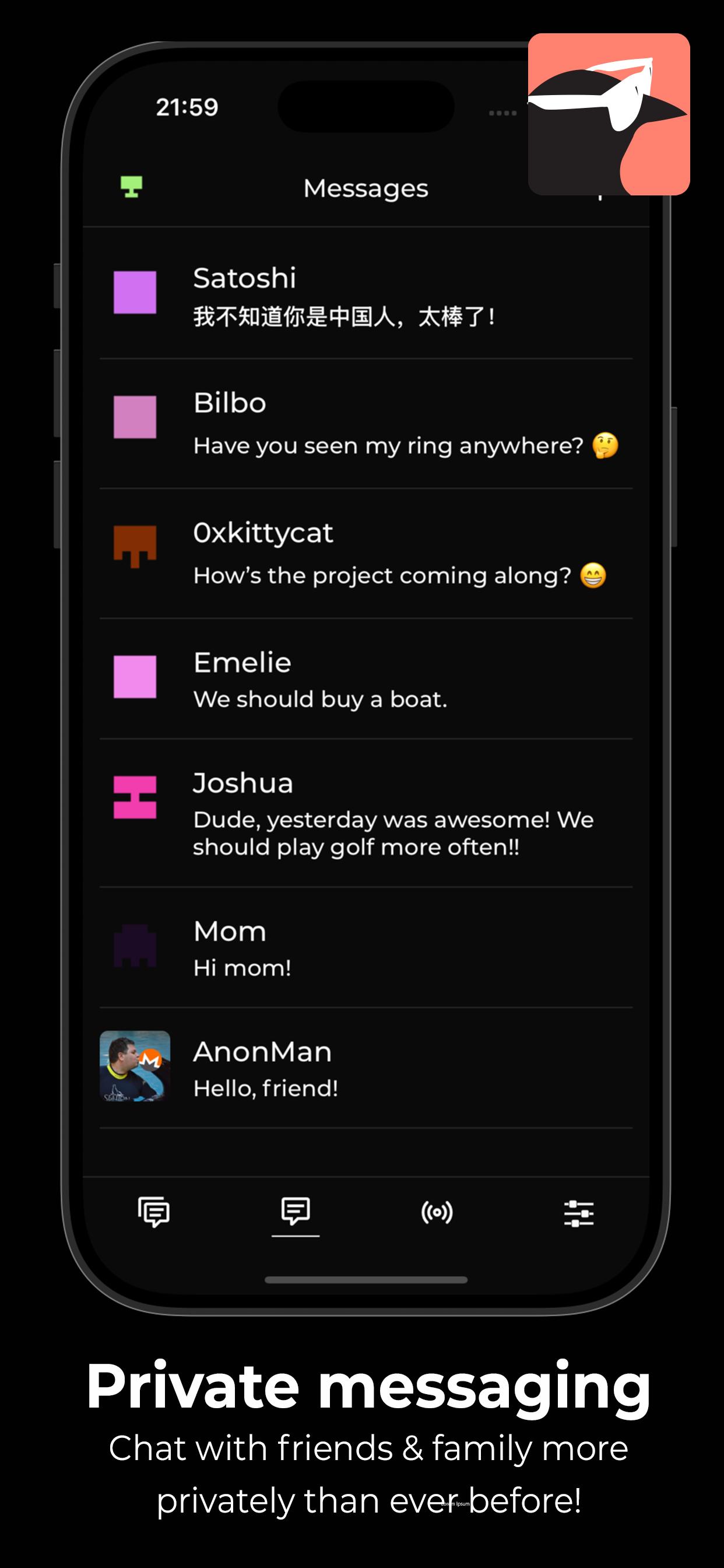
Hugin Messenger is a privacy-focused, peer-to-peer chat service built for secure, decentralized communication with crypto payments.
Connect with your friends and communities in group chats and direct messages — all without relying on central servers.
*** Why Hugin? ***
True Peer-to-Peer Communication
- No servers. No middlemen. Your data never touches a third party.
End-to-End Encryption by Default
- Messages and calls are secured using modern encryption technologies.
Easily Make Payments
- Together with a XKR wallet, you can send crypto payments to your friends, and tip strangers for good content!
Crystal Clear Voice & Video Calls
- Enjoy high-quality, low-latency calls with no compromise on privacy.
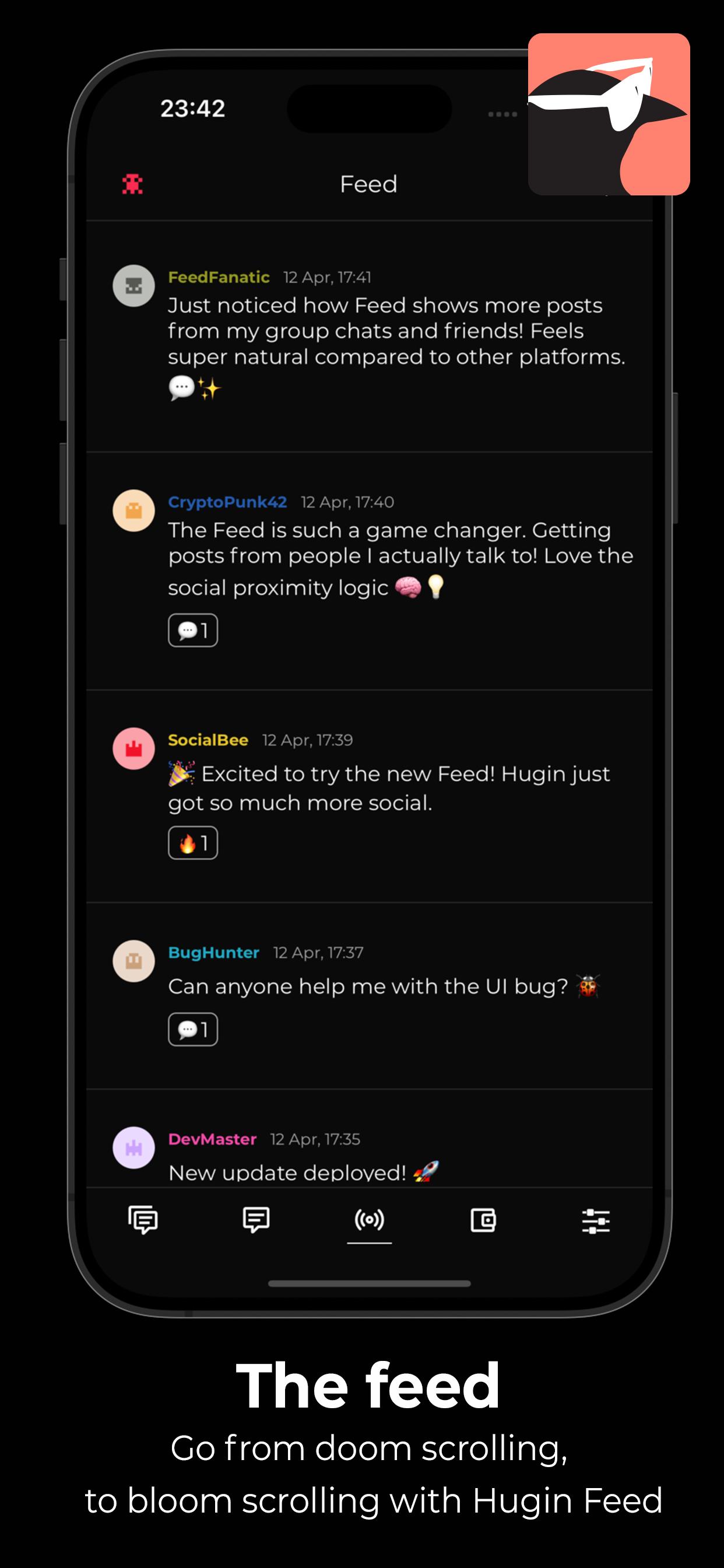
Decentralized Social Feed
- Discover new discussions and connect with others using the Hugin Feed — no algorithms, no tracking.
Zero Sign-Up, Zero Tracking
- No phone number. No email. No identity required. We don’t collect or store any personal data.
Powered by a Global P2P Network
- Built on top of a resilient, decentralized infrastructure — your messages flow directly between devices.
Take back control of your conversations.
- Download Hugin Messenger and experience private communication without compromise.
معاينة
العلامات
اجتماعيمعلومة
مطور
Harry Eriksson
احدث اصدار
1.0.8
آخر تحديث
2025-06-14
فئة
اجتماعي
متاح على
Google Play
أظهر المزيد
كيف تلعب Hugin Messenger مع GameLoop على جهاز الكمبيوتر
1. قم بتنزيل GameLoop من الموقع الرسمي ، ثم قم بتشغيل ملف exe لتثبيت GameLoop.
2. افتح GameLoop وابحث عن "Hugin Messenger" ، وابحث عن Hugin Messenger في نتائج البحث وانقر على "تثبيت".
3. استمتع بلعب Hugin Messenger على GameLoop.
Minimum requirements
OS
Windows 8.1 64-bit or Windows 10 64-bit
GPU
GTX 1050
CPU
i3-8300
Memory
8GB RAM
Storage
1GB available space
Recommended requirements
OS
Windows 8.1 64-bit or Windows 10 64-bit
GPU
GTX 1050
CPU
i3-9320
Memory
16GB RAM
Storage
1GB available space